6 Software for Newsletter Designing Worth Shortlisting in 2026
Compare 6 picks for the best software for newsletter designing, with prices, free plans and who each fits. Strengths and gaps are listed per tool. No filler.

- Editor's choiceBEE
Email design for teams and apps
Starts at$400 a monthVisit beefree.ioFull review - Great alternative
 ActiveCampaign
Automation-driven multi-channel newsletters
Starts atSee websiteVisit activecampaign.comFull review - Also considerUnlayer
Embedding visual builders in products
Starts at$250 a monthVisit unlayer.comFull review
Direct answer
If you need email design for teams and apps, BEE is the first tool to look at here. Listed starting prices: BEE from $400 a month, Unlayer from $250 a month and Mailchimp from $13 per month. ActiveCampaign is the stronger choice for automation-driven multi-channel newsletters, while Unlayer suits embedding visual builders in products. All 6 tools are compared below on price, free plan and limits.
TL;DR:
- The list opens with BEE, aimed at email design for teams and apps.
- Starting prices begin at $9 per month with Brevo.
- Check the limits for ActiveCampaign before you commit: automation focus can feel complicated for straightforward sends.
- 5 of 6 tools offer a free plan: BEE, Unlayer, Mailchimp, Brevo, Stripo.
- Stripo fits drag-and-drop template building.
Last checked November 2026. Prices and plan details were read from the vendors' own pages in November 2026; vendors change plans often, so confirm the current price on the vendor site before you buy.
Quick comparison
| Tool | Best for | Starts at | Free plan? | |
|---|---|---|---|---|
| BEE | Email design for teams and apps | $400 a month | Yes | Visit |
| ActiveCampaign | Automation-driven multi-channel newsletters | See website | Free trial | Visit |
| Unlayer | Embedding visual builders in products | $250 a month | Yes | Visit |
 Mailchimp | All-in-one newsletter design and sending | $13 per month | Yes | Visit |
 Brevo | All-in-one engagement with CRM | $9 per month | Yes | Visit |
 Stripo | Drag-and-drop template building | $20 per month | Yes | Visit |
Software for Newsletter Designing compared in detail
Choosing software for newsletter designing usually comes down to price, fit and limits. This LinkVetted guide sets 6 tools side by side on those three points, with the facts kept short and checkable.
BEE
Best for: Email design for teams and apps
BEE is built with email design for teams and apps in mind. Choose BEE when design quality and embeddable creation are the priorities.
In daily use, Beefree, often called BEE, powers email creation with its technology behind RGE Studio for marketing teams and Beefree SDK for developers building email into their products. Beyond that, since BEE separates design tooling from sending and audience management, it is typically part of a larger stack instead of a complete marketing suite. On cost, BEE starts like this: $400 per month. A free plan is available with BEE.
What to check first: Developer offering needs integration work.
- Serves marketing teams and developers
- Design-focused creation workflow
- Not positioned as a full marketing suite
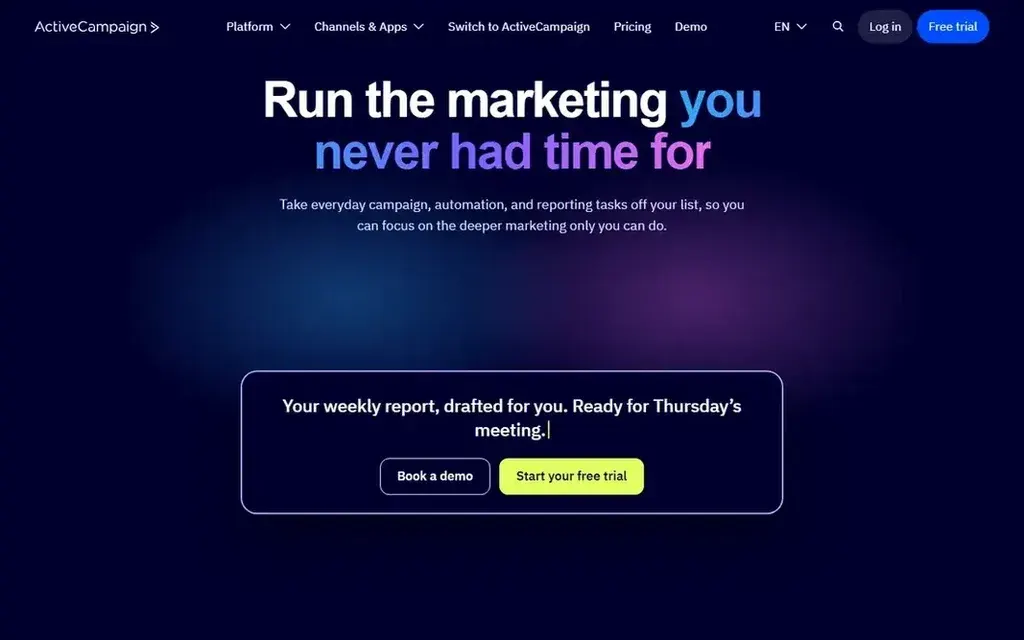
ActiveCampaign is aimed squarely at automation-driven multi-channel newsletters. ActiveCampaign presents itself as marketing automation for any business, going beyond automation with an autonomous marketing platform where AI agents deal with email, SMS, WhatsApp and more.
Limits to weigh: Design may be secondary to workflow.
Where it shines: Autonomous marketing product positioning.
Teams focused purely on visual template building should look at Stripo or BEE. For everyday use, the automation-first framing means the design experience is one part of a broader system, which can feel heavy if you only want to lay out a newsletter. No starting price is listed for ActiveCampaign here; confirm pricing on the vendor site. Free plan details: Free trial.
- AI agents manage email
- Backed by large data sets
- Automation focus can feel complicated for straightforward sends
Unlayer
Best for: Embedding visual builders in products
Unlayer is a good fit for embedding visual builders in products. Unlayer is a developer system for embedding visual builders, AI workflows, templates, code-first elements and export APIs into your product. It is made for software teams that want newsletter and email design capabilities inside their own applications instead of a standalone marketing tool, making it a solid fit for SaaS products and internal tools.
The main drawbacks: Targeted at developers, not end marketers.
Its value appears when design must live inside your own product. More specifically, pick Unlayer when embedding and API-driven export are central to your plans. Price to start with Unlayer: $250 per month. You can start on Unlayer without paying.
- Embeddable visual builders and templates
- AI workflows and code-first elements
- Needs engineering to adopt
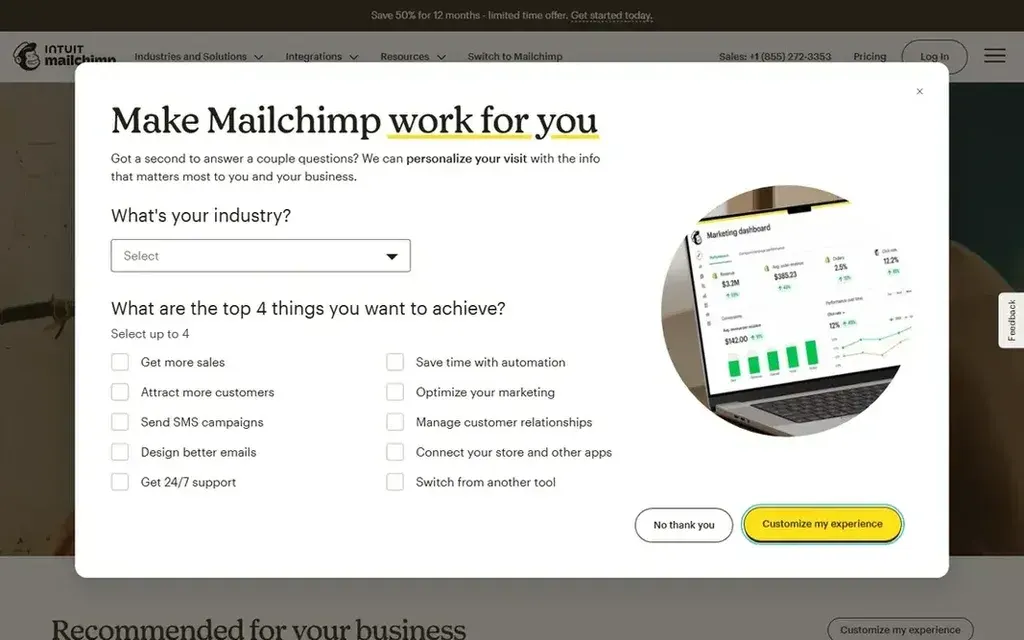
Mailchimp serves all-in-one newsletter design and sending. Since Mailchimp is a full marketing system, teams that only need a template builder may find more focused design controls elsewhere. Its strength is the combined workflow instead of a specialized editor.
The main drawbacks: Design depth may trail dedicated builders.
From a buyer's view, consider Stripo or BEE if your priority is template production and reuse, or Unlayer if you need an embeddable builder inside another product. Mailchimp is an email and SMS marketing system that merges newsletter design with audience management and sending. Its homepage flags live user behavior data and artificial intelligence to help convert customers. It positions itself as straightforward to use for getting started. What you pay to start with Mailchimp: $13 per month. Mailchimp offers a free plan.
- Uses live behavior data and AI
- Design and sending in one system
- Advanced needs may push you elsewhere
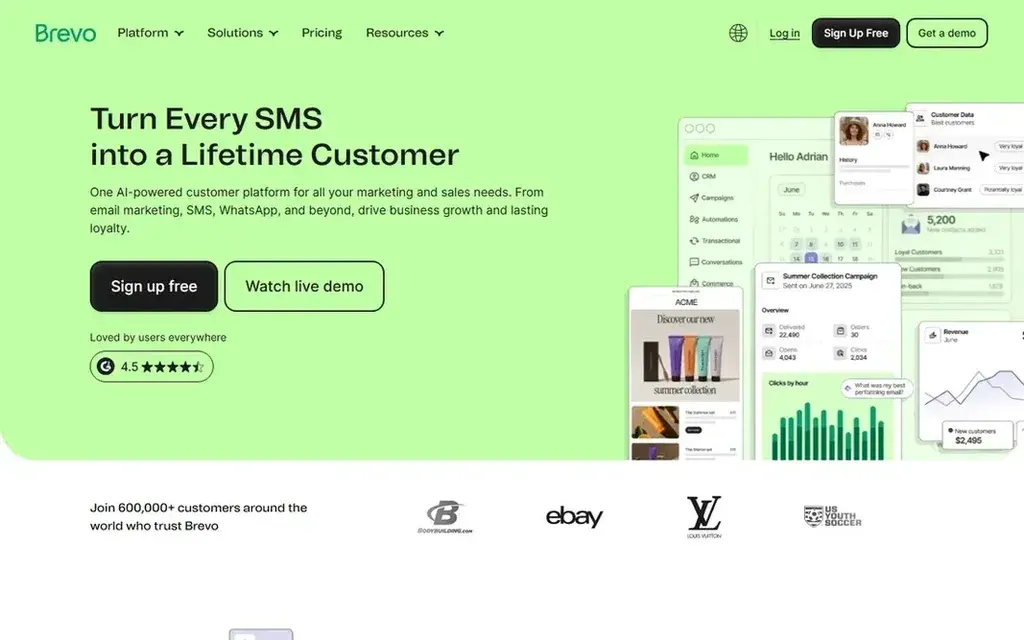
Brevo is a good fit for all-in-one engagement with CRM. Choose Brevo when consolidating marketing, CRM and messaging matters more than design depth. From a buyer's view, if your priority is template production, Stripo or BEE are more focused.
Brevo describes itself as an easy-to-learn all-in-one customer engagement product including email and SMS marketing, automation, CRM, live chat and transactional email. That breadth makes it a fit for firms that want newsletter design and sending alongside customer records and conversations in a single place, instead of juggling separate marketing and CRM tools. Brevo pricing: $9 per month. Brevo offers a free plan.
Honest limits: Wide scope can dilute design focus.
- Email and SMS marketing plus CRM
- Live chat and transactional email included
- Feature breadth may overwhelm new users
Stripo makes the most sense for drag-and-drop template building. Stripo is a free email template builder with a drag-and-drop HTML editor that lets you build professional, responsive emails rapidly without HTML skills, and it supports automating email production.
On top of that, choose Stripo when template quality, reuse and production speed are the central goals. For everyday use, if you need design and sending in one place, Mailchimp or Brevo include both. Stripo starts at: $20 per month. You can start on Stripo without paying.
Trade-offs to know: Focused scope may need pairing with a sender.
- Drag-and-drop HTML email editor
- Responsive templates without HTML skills
- Not a full sending product on its own
How the list was put together
For each of the 6 tools we noted price, free plan or trial, fit for software for newsletter designing and the main limit, using vendor pages and documentation. Treat prices as a snapshot: vendors change plans often, so check the vendor site for the figure that applies today. The order reflects how well each tool fits the most common buying scenario for software for newsletter designing, then price clarity, then free plan access. It is a starting point, not a verdict.
A buyer's checklist
- Confirm the entry price on the vendor page. For ActiveCampaign that means a quote rather than a fixed price.
- Look at free plan limits closely: BEE, Unlayer, Mailchimp and others have one, and the caps decide whether it is usable for real work.
- Take the trial from ActiveCampaign and push a live task through it before you pay.
- Before choosing BEE, weigh its main limit: developer offering needs integration work.
- Find out what support BEE includes on your plan, and whether onboarding help costs extra.
- Look at the renewal terms for Mailchimp: auto-renewal, notice periods and price changes can matter more than the first-year price.
FAQ
What is the cheapest option for software for newsletter designing in this list?
On published monthly entry prices, Brevo is the lowest here at $9 per month. Entry price is only part of the cost, because seats, add-ons and billing terms can change the total. All 6 picks in this software for Newsletter designing comparison list a starting price, free plan details and the main limits on their cards above.
How are the tools for software for newsletter designing ordered?
The order follows typical fit for software for newsletter designing, with BEE first and Stripo last, then price clarity and free access. It is editorial judgement, not a score, so another team could rank the tools differently.
Do these tools publish their prices?
Not all of them. ActiveCampaign publishes no starting price, so expect a quote request for it. The rest, BEE included, show a starting price, though seats and billing terms still change the final cost.
Is BEE the right pick for everyone comparing software for newsletter designing?
No single tool suits every team. BEE comes first because it fits email design for teams and apps, while ActiveCampaign suits automation-driven multi-channel newsletters and Unlayer suits embedding visual builders in products. Match the tool to your own size, budget and workflow before deciding.
Do I need HTML skills to design a newsletter?
Not necessarily. Code-first choices exist for teams that want finer control, for example Unlayer's code-first elements.
Which tool fits developers who want to embed a newsletter builder?
Unlayer is designed for embedding visual builders, templates and export APIs into your own product. Both need engineering work instead of being standalone marketing tools.
Sources
- https://beefree.io
- https://www.activecampaign.com
- https://unlayer.com
- https://mailchimp.com
- https://www.brevo.com
- https://stripo.email