8 Best Internal Newsletter Software in 2026
Compare the best internal newsletter software for employee updates, with email analytics, segmentation, templates, pricing and frontline reach options.
- Editor's choice
 ContactMonkey
Comms teams whose main channel is employee email
Starts atSee websiteVisit contactmonkey.comFull review - Great alternative
 Staffbase
Enterprises that need email, app, intranet and signage together
Starts atSee websiteVisit staffbase.comFull review - Also consider
 Poppulo
Enterprises that need deep analytics and global reporting
Starts atSee websiteVisit poppulo.comFull review
TL;DR:
- Internal newsletters work best when they live where employees already are, whether that is email, a mobile app or an intranet.
- Analytics matter, since opens, clicks and read time show whether safety, policy and leadership updates actually reach staff.
- Segmentation prevents overload, so different teams, locations and roles should get relevant news, not every company update.
- Pricing models differ sharply, from per-organization to per-user to per-sender, so compare the same workforce size before judging cost.
Quick comparison
| Tool | Best for | Starts at | Free plan? | |
|---|---|---|---|---|
| ContactMonkey | Comms teams whose main channel is employee email | See website | No, free trial | Visit |
| Staffbase | Enterprises that need email, app, intranet and signage together | See website | No | Visit |
| Poppulo | Enterprises that need deep analytics and global reporting | See website | No | Visit |
 Axios HQ | Leaders who want short, clear updates employees actually finish | See website | No, free trial | Visit |
 Workshop | Smaller teams that want easy, branded internal newsletters | $250 per month | No, free trial | Visit |
 Cerkl Broadcast | Large teams that want AI-personalized digests for each employee | $799 per month | No | Visit |
 Firstup | Large firms that need to reach desk and frontline workers together | See website | No | Visit |
 PoliteMail | Outlook-only teams that want simple, measured internal email | $639 per month | No | Visit |
The best internal newsletter software
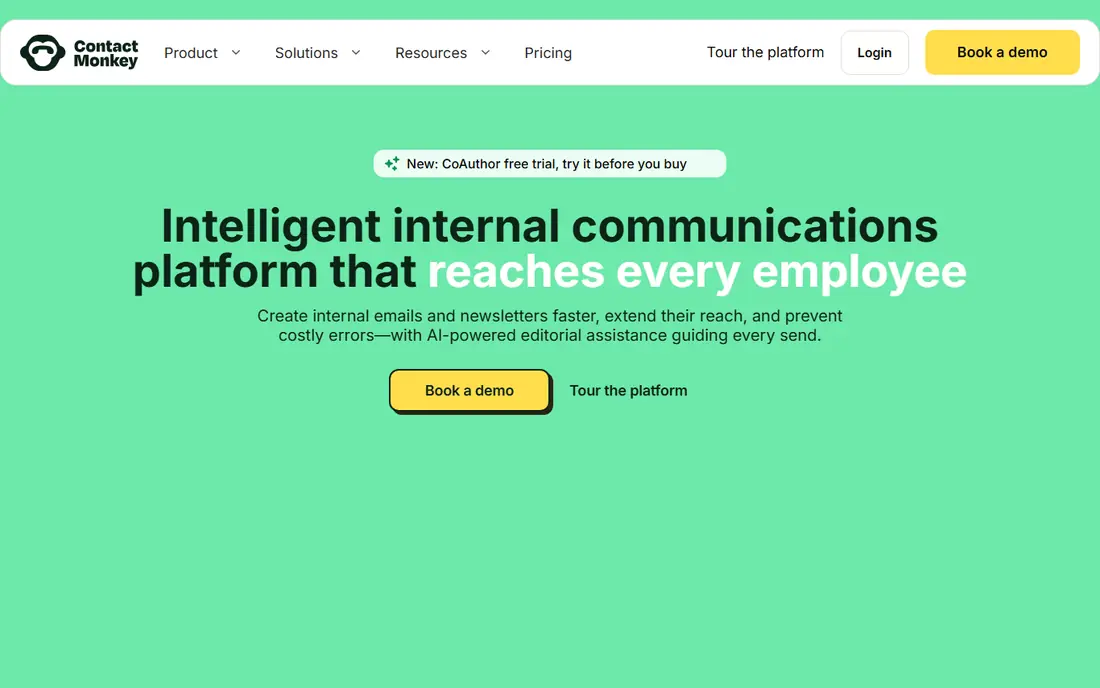
ContactMonkey is built around a simple insight: employees live in their inbox, so newsletters should live there too. Teams build emails in Outlook or Gmail, target lists by department, location or role, and track opens, clicks and read time per employee. That measurement helps comms teams prove whether a CEO update or safety notice was actually read. The limit is channel breadth. If frontline staff rarely check email, an app or SMS channel will still be needed. Pricing is also quote-based and scales with workforce size. For email-first internal comms, ContactMonkey remains the benchmark for measurement and ease.
- Works inside Outlook and Gmail, strong email analytics, segmentation and templates
- Email-centric, so multi-channel reach needs other tools, and pricing is quote-based
Staffbase
Best for: Enterprises that need email, app, intranet and signage together
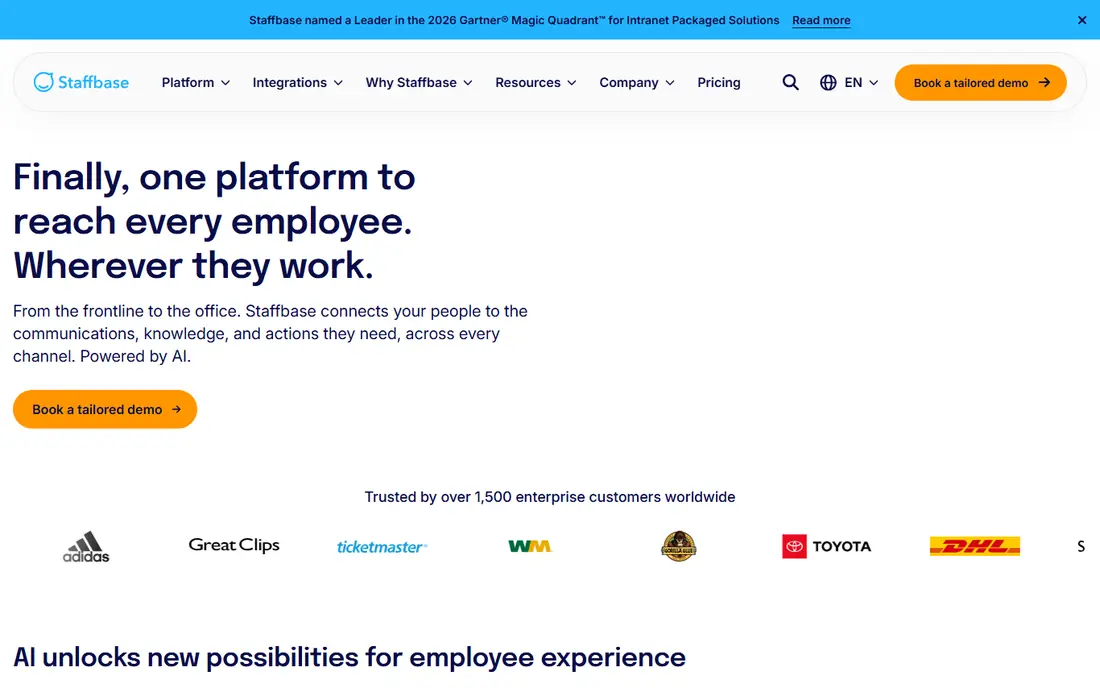
Staffbase treats newsletters as one channel inside a full employee experience platform. Email, a mobile app, intranet and digital signage can share the same content, so desk and frontline workers get consistent news. That breadth matters when a workforce spans offices, stores, warehouses and field teams. Implementation is heavier than a simple email tool, and pricing is enterprise. Small teams may find a point tool faster and cheaper. For large, mixed workforces, Staffbase prevents the fragmentation that happens when each channel runs on a different system.
- Full suite, strong mobile app for frontline staff, intranet and signage options
- Enterprise pricing and longer implementation than a point newsletter tool
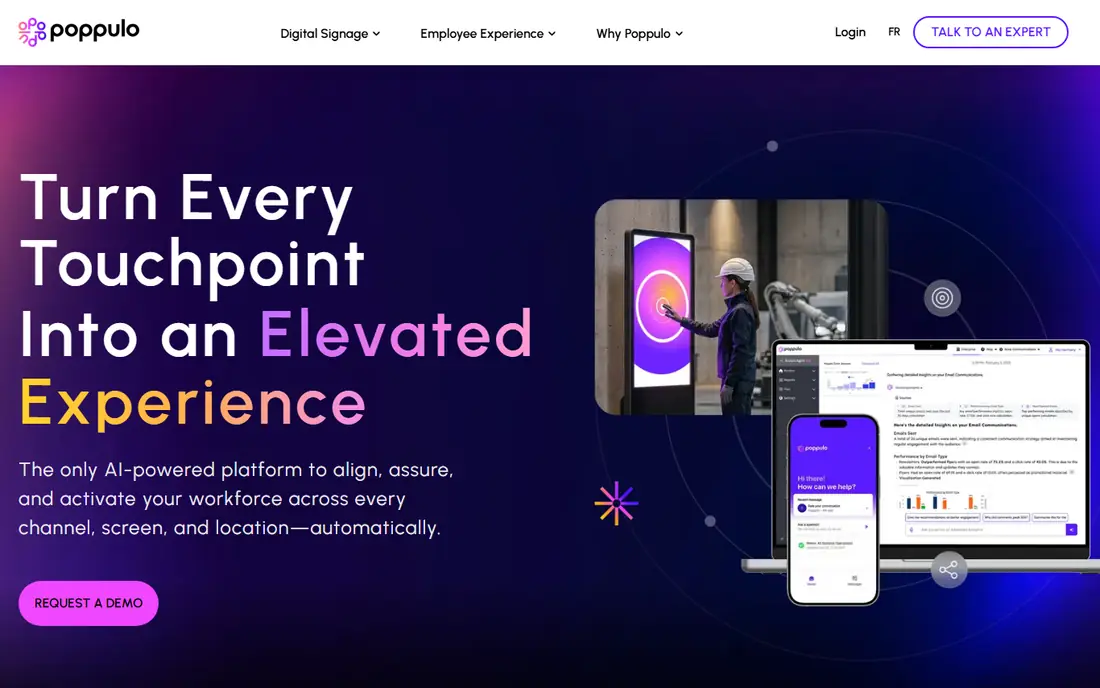
Poppulo combines email newsletters with app and signage channels, plus detailed targeting and analytics for global teams. Comms leaders can segment by region, role and language, then report engagement across sites and business units. That depth suits companies with complex, multi-country workforces. Pricing is quote-based, and setup takes planning. Smaller teams may not need its full reporting depth. For enterprises that must prove internal reach across many locations, Poppulo offers a level of measurement that simpler tools cannot match.
- Strong targeting, analytics and reporting, email plus app and signage options
- Quote-based enterprise pricing and a fuller setup process
Axios HQ
Best for: Leaders who want short, clear updates employees actually finish
Axios HQ applies a short-form writing style to internal updates, with clear headlines, key points and next steps. That format suits busy employees who skim long emails and miss the action. Pricing by organization, rather than per seat, also helps teams share access without license friction. It is less of a full multi-channel suite than Staffbase or Poppulo, so app and signage needs may require other tools. Design is also more guided than fully custom. For leadership updates, policy changes and weekly digests, Axios HQ keeps messages short and readable.
- Smart Brevity style, clear templates, analytics, priced by organization not per seat
- Less multi-channel depth than full suites, and design control is more guided
Workshop is a friendly starting point for teams that find enterprise suites too heavy. You can build branded newsletters, send to segments, track engagement and manage distribution without a long implementation. Entry pricing for 250 users makes budgeting clearer than quote-only rivals. Scale is the limit. Very large or frontline-heavy workforces may need broader channels and deeper reporting. For small and mid-size teams that want a polished newsletter fast, Workshop balances ease, branding and cost well.
- Simple editor, branded templates, analytics, clear entry pricing for small teams
- Fewer enterprise channels than Staffbase or Poppulo, and pricing rises with users
Cerkl Broadcast
Best for: Large teams that want AI-personalized digests for each employee
Cerkl Broadcast uses AI to build personalized digests, so each employee sees news relevant to their role, location and interests, rather than the same long newsletter. That personalization can raise read rates and reduce overload, especially in large companies with many updates. Entry pricing is higher than Workshop, and results depend on clean content tagging and audience data. Teams with messy content or tiny audiences may not see the full benefit. For large firms drowning in internal email, Cerkl offers a smarter way to sort it.
- AI-curated digests, personalization by interest and role, email and mobile options
- Higher entry price, and personalization needs good content tagging
Firstup
Best for: Large firms that need to reach desk and frontline workers together
Firstup focuses on reach, delivering updates across email, mobile app and SMS so frontline workers are not left out of company news. Segmentation and orchestration help comms teams send the right message to the right group, at the right time, without spamming everyone. Pricing is quote-based and per user, so costs grow with workforce size. Implementation also takes planning. For companies where email alone misses a large share of staff, Firstup closes a reach gap that email-only tools cannot.
- Multi-channel delivery across email, app and SMS, strong segmentation
- Quote-based pricing and enterprise implementation
PoliteMail
Best for: Outlook-only teams that want simple, measured internal email
PoliteMail works inside Outlook, which suits companies standardized on Microsoft tools. Teams can build, send and measure internal emails without leaving Outlook, with templates and merge fields for personalization. That native fit reduces training and IT friction. The clear limit is Outlook only. Gmail-first companies and frontline app users will need another channel. Entry pricing reported for 1,000 users also places it above Workshop for small teams. For Outlook-centric firms that value simplicity, PoliteMail is a focused, proven choice.
- Native Outlook integration, simple templates, measurement for 1,000 users at entry pricing reported
- Outlook only, so Gmail and app-based teams need another tool
How we picked these
We chose software that is live today, with an official homepage and a clear internal newsletter use case, not general email marketing tools. Each pick had to support employee audiences, segmentation and measurement, since those features separate internal tools from external campaigns. We mixed email-first tools, full suites and AI-personalized platforms, so small teams and enterprises both find a fit. Where pricing was quote-based, we used See website. We also favored tools that make it easy to reuse one update across email and app channels, since consistent wording reduces confusion when staff see the same news in two places. A pilot with one department also helps, since feedback on length, timing and relevance is easier to act on before a company-wide rollout.
What to check before you choose
Start with where employees actually read news. Desk staff may live in email, while frontline staff need an app or SMS, and office-plus-field firms need both. Next, check segmentation and analytics, since a newsletter that goes to everyone, with no read data, teaches you nothing. Ask for a demo with your own audience segments and a real past update. Also compare pricing on the same workforce size, since per-organization, per-sender and per-user models produce very different totals. Pilot with one team and one regular update, measure opens, clicks and feedback, then expand. A good internal newsletter is short, relevant and regular, not long, generic and occasional.
FAQ
What is internal newsletter software?
Internal newsletter software helps companies create, send and measure employee updates, such as leadership news, policy changes, safety notices and team stories. Unlike external email marketing tools, it supports employee audiences, segmentation and read analytics. It can deliver by email, app, intranet or SMS.
How is internal newsletter software different from Mailchimp?
External tools are built for customers and campaigns, while internal tools are built for employees, with audience sync from HR systems, internal segmentation and workplace analytics. External tools can send an email, but they lack the employee reach, privacy and measurement features internal teams need.
How much does internal newsletter software cost?
Pricing varies from $250 per month for small-team tools to $799 per month and above for AI-personalized platforms, with many enterprise tools priced by quote. The pricing unit matters, since per-user, per-sender and per-organization models scale differently. Always compare quotes for your exact workforce size.
Should frontline workers get a different newsletter?
Yes, frontline staff often need shorter, mobile-friendly updates, while desk staff can handle longer email digests. Segmentation by role, location and shift helps each group get relevant news. A single long email to everyone usually gets ignored by the people who need it most.
How often should we send an internal newsletter?
Most companies do well with a weekly digest plus short urgent updates when needed. Daily long emails cause fatigue, while monthly updates leave staff out of date. Test frequency with one team, watch opens and feedback, and adjust to what employees actually read.
Sources
https://www.contactmonkey.com https://staffbase.com https://www.poppulo.com https://axioshq.com https://useworkshop.com https://cerkl.com https://firstup.io https://politemail.com