Best Software for Geotechnical Engineering in 2026: Prices, Free Plans and 5 Picks
Weighing the best software for geotechnical engineering? We lined up 5 products by cost, free access and fit. Each entry gets a plain verdict. Prices checked.
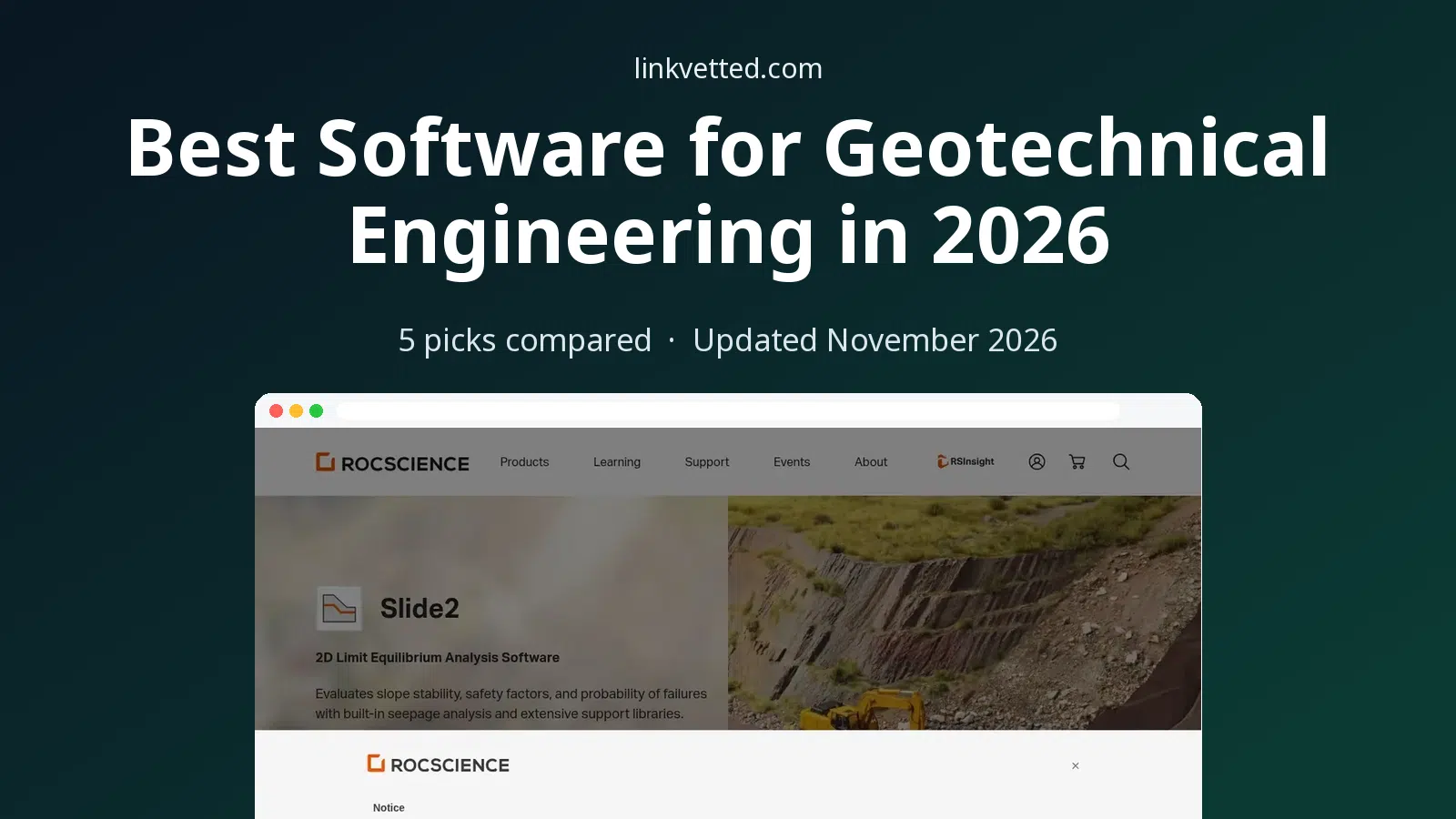
- Editor's choiceSettle3
Settlement and consolidation analysis
Starts atPricing on requestVisit rocscience.comFull review - Great alternativeRocscience Slide2
2D slope stability analysis
Starts atPricing on requestVisit rocscience.comFull review - Also considerPLAXIS
Advanced 2D finite element analysis
Starts atPricing on requestVisit bentley.comFull review
Direct answer
Our first pick is Settle3, best for settlement and consolidation analysis. Alternatives: Rocscience Slide2 for 2D slope stability analysis, and PLAXIS for advanced 2D finite element analysis. The full list of 5 tools follows, with free plan facts. None of these vendors publish plan prices, so pricing is on request for every option.
TL;DR:
- Top of the list is Settle3, which targets settlement and consolidation analysis.
- Bentley OpenGround suits Geotechnical data management.
- Every tool from Settle3 to Bentley OpenGround works by quote, with no list price shown.
- One limit worth knowing about Rocscience Slide2: restricted to 2D analysis.
- A permanent free plan is missing from all 5 tools, Settle3 and Bentley OpenGround included; plan for a trial or a premium start.
Last checked November 2026. Pricing on request: vendors did not publish plan prices when this guide was last checked (November 2026), so ask each vendor for a written quote.
Quick comparison
| Tool | Best for | Starts at | Free plan? | |
|---|---|---|---|---|
| Settle3 | Settlement and consolidation analysis | Pricing on request | Free trial | Visit |
| Rocscience Slide2 | 2D slope stability analysis | Pricing on request | Free trial | Visit |
| PLAXIS | Advanced 2D finite element analysis | Pricing on request | Not stated | Visit |
| Rocscience RS2 | 2D finite element analysis of soil and rock | Pricing on request | Free trial | Visit |
| Bentley OpenGround | Geotechnical data management | Pricing on request | Not stated | Visit |
Software for Geotechnical Engineering, one by one
LinkVetted put together this guide to software for geotechnical engineering for readers who want a clear shortlist without reading every vendor page. It compares 5 tools on starting price, free plans, who each one suits and where each one falls short.
Settle3
Best for: Settlement and consolidation analysis
Think of Settle3 for settlement and consolidation analysis. Settle3 is specialized for settlement and may not handle broader geotechnical examines like slope stability or excavation.
Honest limits: May not manage complicated soil-structure interaction.
From a buyer's view, the tool is especially handy for projects on soft soils where settlement is a major concern. Settle3 does not show a starting price in this comparison, so check the vendor site for current pricing. Free options: Free trial.
- Specialized in settlement and consolidation
- 3D capabilities
- Narrow focus on settlement
Rocscience Slide2
Best for: 2D slope stability analysis
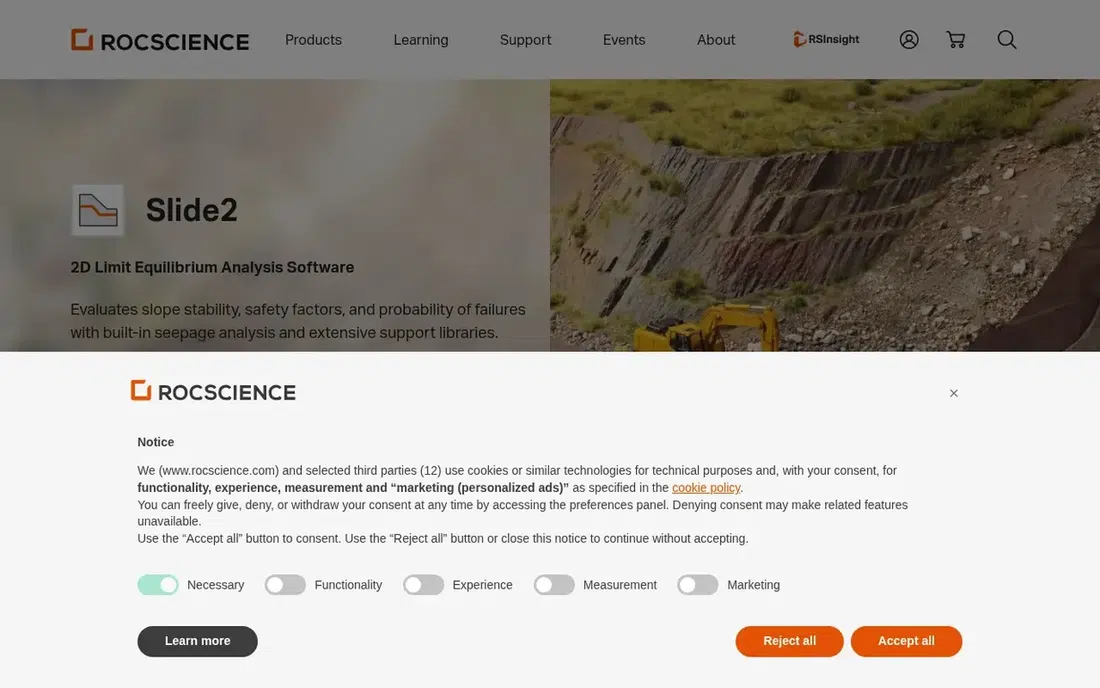
Where Rocscience Slide2 fits: 2D slope stability analysis. For finite element analysis, consider RS2 or PLAXIS. Worth adding: Slide2 concentrates on 2D analysis, so it may not be right for problems requiring 3D effects.
Points against: Restricted to 2D analysis.
For everyday use, Rocscience Slide2 is 2D slope stability software built for all types of soil and rock slopes. It gives you a full set of tools for analyzing slope failure, making it a go-to choice for plenty of geotechnical engineers. For everyday use, the software is especially handy for fast assessments and in-depth design of slopes. Rocscience Slide2 shows no starting price here, so confirm the cost on the vendor site. Trial and free access: Free trial. What Rocscience Slide2 does well: Thorough slope stability features.
- Widely used in practice
- Manages soil and rock slopes
- May not integrate seepage as smoothly
PLAXIS
Best for: Advanced 2D finite element analysis
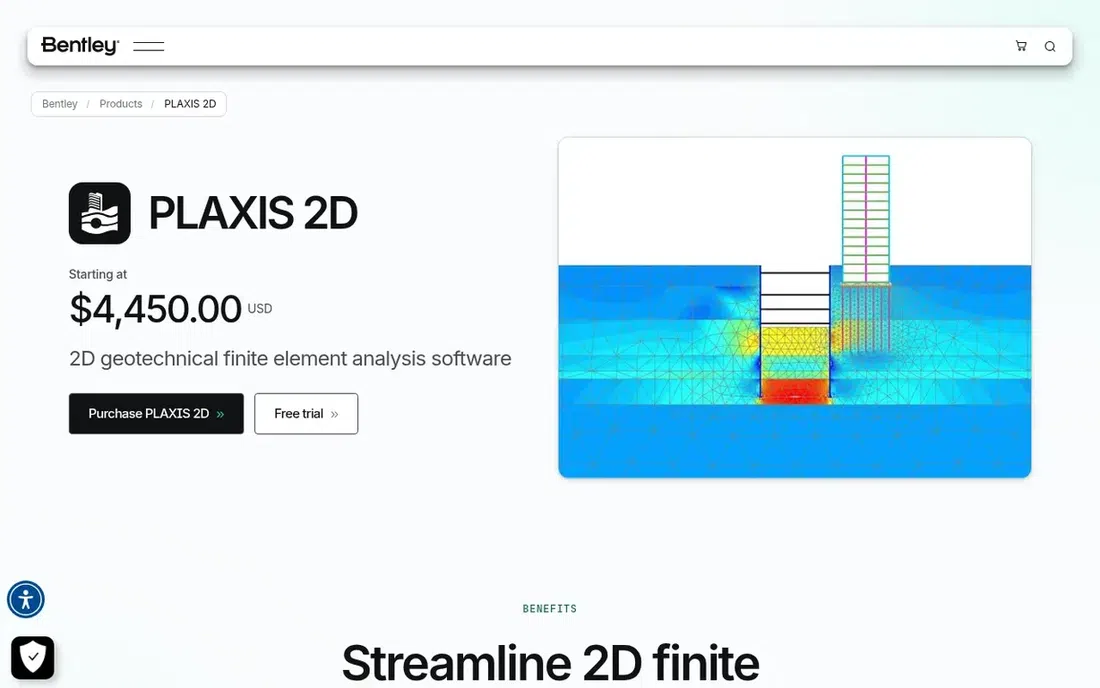
PLAXIS is built with advanced 2D finite element analysis in mind. PLAXIS 2D is a finite element analysis tool for geotechnical stress-strain, deformation, stability, and soil-structure interaction problems. In daily use, the tool demands a solid understanding of finite element methods, which can be challenging for beginners.
Points against: Steep ramp-up time for new users.
It may be overkill for straightforward slope checks. The software is frequently used for excavations, foundations, and embankments where accurate stress distribution matters. Pricing for PLAXIS is not stated here, so ask the vendor for current figures. Free access: Not stated.
- Well-established in geotechnical engineering
- Deals with complicated soil-structure interaction
- Needs solid finite element background
Rocscience RS2
Best for: 2D finite element analysis of soil and rock
Rocscience RS2 serves 2D finite element analysis of soil and rock. For straightforward slope stability, Slide2 supplies a more focused approach.
Also, as a 2D tool, RS2 cannot capture full 3D effects, which may be critical for some projects. This comparison lists no price for Rocscience RS2; ask the vendor. Trial and free access: Free trial.
Honest limits: Restricted to 2D problems.
- Supports anchored wall and sheet wall analysis
- Complete 2D finite element package
- Requires familiarity with finite element modeling
Bentley OpenGround
Best for: Geotechnical data management
Bentley OpenGround is built with Geotechnical data management in mind. For everyday use, the tool helps boost collaboration among all contributors by supplying a centralized database.
OpenGround is not an analysis tool; it concentrates on data management. No starting price is listed for Bentley OpenGround here; confirm pricing on the vendor site. On free options: Not stated.
Watch-outs: Not an analysis tool.
- Centralizes geotechnical information
- Secure enterprise system
- Needs integration with other software
Our selection method
The comparison looks at four things: starting price, free access, how well the feature set matches software for geotechnical engineering, and the main limit of each tool. Figures are shown as the vendors publish them. Billing terms, seat minimums and add-ons can change the real cost. The order reflects how well each tool fits the most common buying scenario for software for geotechnical engineering, then price clarity, then free plan access. It is a starting point, not a verdict.
Things to verify first
- Request quotes from Settle3, Bentley OpenGround and the others; the list shows no fixed prices.
- Use real work to test the free trial from Settle3, Rocscience Slide2 and Rocscience RS2, rather than a demo project.
- Before choosing Settle3, weigh its main limit: narrow focus on settlement.
- Ask PLAXIS about contract length, onboarding fees and user minimums before you sign.
- Test the integrations you rely on with Rocscience RS2 before committing; some connectors sit on upper tiers.
FAQ
Can I use PLAXIS for straightforward foundation design?
PLAXIS is capable of foundation analysis, but it is a full finite element package that may be more complicated than needed for straightforward designs. For routine settlement analysis, Settle3 is more specialized.
Do these tools publish their prices?
No. None of the tools, from Settle3 to Bentley OpenGround, shows a fixed starting price here, so budget time for quotes.
Is Settle3 the right pick for everyone comparing software for geotechnical engineering?
No single tool suits every team. Settle3 comes first because it fits settlement and consolidation analysis, while Rocscience Slide2 suits 2D slope stability analysis and PLAXIS suits advanced 2D finite element analysis. Match the tool to your own size, budget and workflow before deciding.
Can I try these tools before paying?
Often, yes. Settle3, Rocscience Slide2 and Rocscience RS2 offer a free trial. Use your own data and a real task during the test, and check what the free tier or trial limits before you rely on it.
Do I need OpenGround if I already use analysis software?
OpenGround is for geotechnical information management, not analysis. If you have to centralize data and boost collaboration, it can complement analysis tools. If your primary need is analysis, you may not need OpenGround.
How are the tools for software for geotechnical engineering ordered?
The order follows typical fit for software for geotechnical engineering, with Settle3 first and Bentley OpenGround last, then price clarity and free access. It is editorial judgement, not a score, so another team could rank the tools differently.
Sources
- https://www.rocscience.com/software/settle3
- https://www.rocscience.com/software/slide2
- https://www.bentley.com/software/plaxis-2d
- https://www.rocscience.com/software/rs2
- https://www.bentley.com/software/openground