6 Software for Creating Professional Surveys Worth Shortlisting in 2026
Weighing the best software for creating professional surveys? We lined up 6 products by cost, free access and fit. Real limits included. Jump to the table.
- Editor's choice
 Zoho Survey
Configurable surveys within Zoho ecosystem
Starts atSee websiteVisit zoho.comFull review - Great alternative
 Formstack
Secure forms with workflow automation
Starts at$83 a monthVisit formstack.comFull review - Also consider
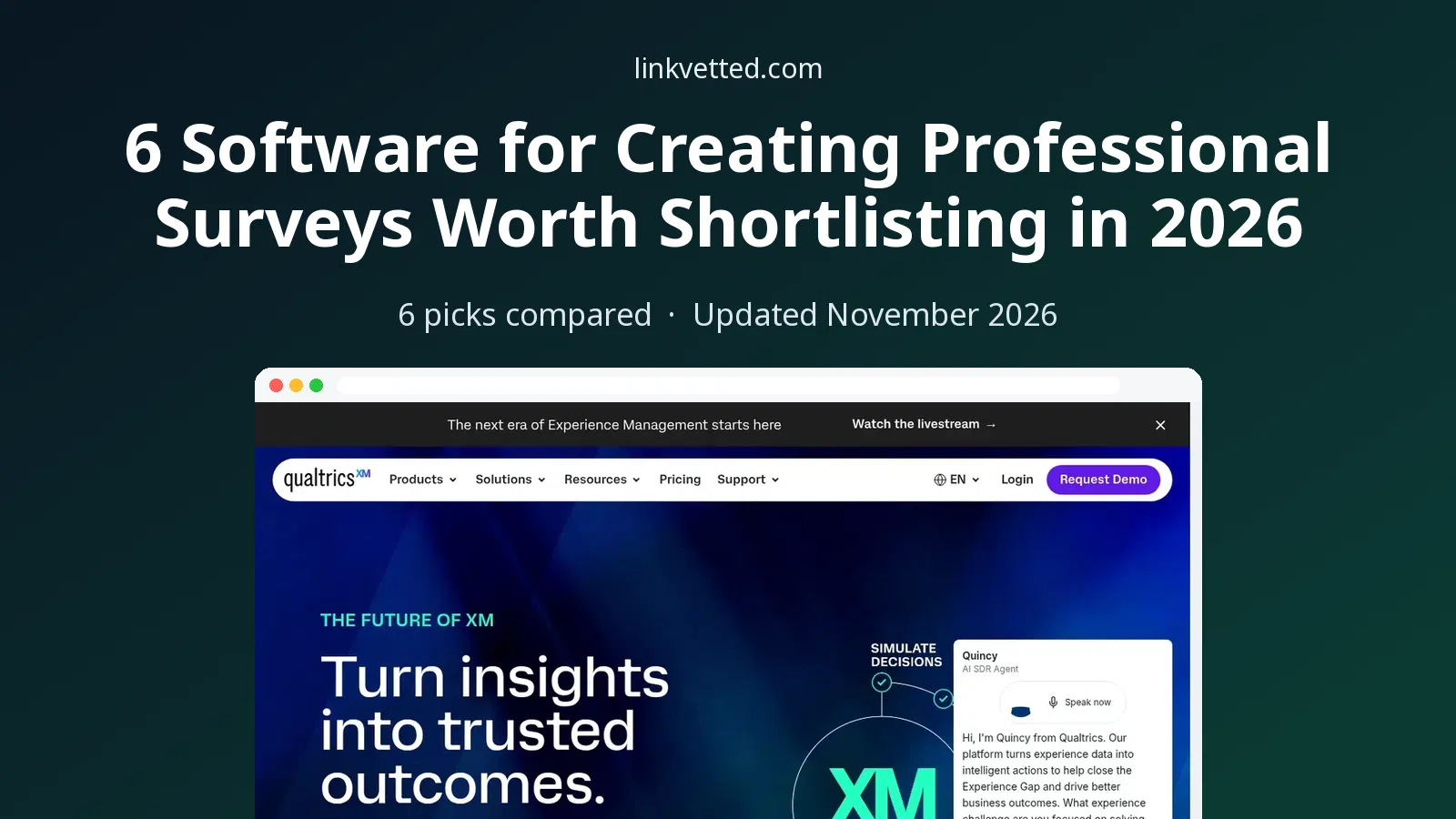
 Qualtrics XM
Advanced experience management programs
Starts atSee websiteVisit qualtrics.comFull review
Direct answer
Our first pick is Zoho Survey, best for configurable surveys within Zoho ecosystem. Listed starting prices: Formstack from $83 a month, SurveyMonkey from $25 per user per month and Jotform from $34 per month. Formstack is the stronger choice for secure forms with workflow automation, while Qualtrics XM suits advanced experience management programs. The full list of 6 tools follows, with prices and free plan facts.
TL;DR:
- Zoho Survey sits first on this list: configurable surveys within Zoho ecosystem.
- Starting prices begin at $25 per user per month with SurveyMonkey.
- For wide question types and templates, QuestionPro is worth a look.
- The main caution on SurveyMonkey: advanced logic may need a higher level.
- Only 2 of the 6 tools have a free plan (SurveyMonkey, Jotform), so check the caps.
Last checked November 2026. Prices and plan details were read from the vendors' own pages in November 2026; vendors change plans often, so confirm the current price on the vendor site before you buy.
Quick comparison
| Tool | Best for | Starts at | Free plan? | |
|---|---|---|---|---|
| Zoho Survey | Configurable surveys within Zoho ecosystem | See website | Not stated | Visit |
| Formstack | Secure forms with workflow automation | $83 a month | Free trial | Visit |
| Qualtrics XM | Advanced experience management programs | See website | Not stated | Visit |
 SurveyMonkey | Quick, template-driven survey deployment | $25 per user per month | Yes | Visit |
 Jotform | Fast form and survey creation | $34 per month | Yes | Visit |
 QuestionPro | Wide question types and templates | $83 per user a month | Free trial | Visit |
Every option for software for creating professional surveys explained
This LinkVetted guide covers 6 software for creating professional surveys. Each profile lists a starting price, free plan details, strengths and drawbacks, so you can drop poor fits quickly.
Zoho Survey targets configurable surveys within Zoho ecosystem. Zoho Survey is an online survey maker for market research, feedback questionnaires, and customer satisfaction measurement.
Where it is weaker: Best value within Zoho stack.
Its homepage flags configurable survey forms. Beyond that, if you need deep research capabilities without ecosystem ties, compare with dedicated research systems. This comparison lists no price for Zoho Survey; ask the vendor. Free options: Not stated.
- Supports market research
- Suits Zoho ecosystem workflows
- Advanced features may need configuration
Formstack targets secure forms with workflow automation. Its homepage emphasizes secure and easy-to-use forms for organizations.
The main drawbacks: May be overkill for straightforward polls.
If your priority is advanced questionnaire logic or research-grade reporting, a specialized survey tool is likely a better fit. Worth adding: Survey design and analysis features are less central than in dedicated survey products. The starting price for Formstack: $83 per month. On free options: Free trial.
- E-signature support
- Workflow simplifying focus
- Survey-specific features are secondary
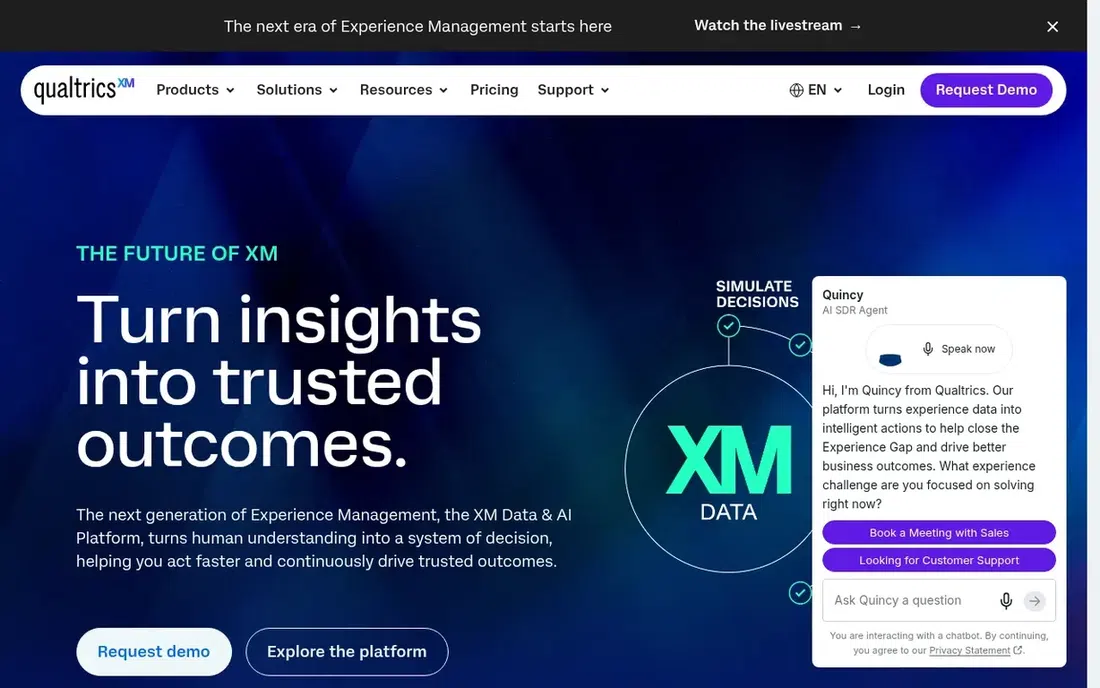
Pick Qualtrics XM if this describes you: advanced experience management programs. The system's breadth means a steeper ramp-up time and more configuration than more straightforward survey builders. Qualtrics XM is an experience management system that goes beyond entry-level survey creation.
What to check first: Feature depth may overwhelm new users.
Its homepage flags simulating customer and employee experiences, predicting outcomes, and taking intelligent action. This makes it a fit for organizations running structured research and feedback programs that require to link survey data to broader experience strategy and decision-making. More specifically, consider a lighter tool when speed and simplicity matter more than deep experience analytics. Qualtrics XM does not show a starting price in this comparison, so check the vendor site for current pricing. On free options: Not stated.
- Wide experience management scope
- AI-assisted action recommendations
- Setup needs planning
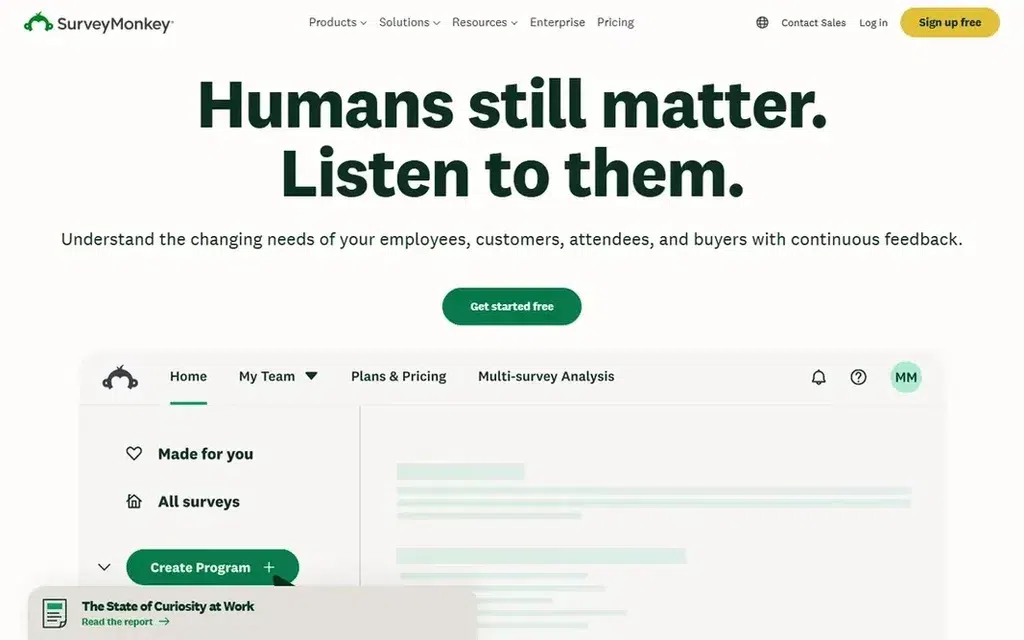
Think of SurveyMonkey for quick, template-driven survey deployment. SurveyMonkey is a widely used survey and forms system for employee and customer feedback, market research, event registrations, and more. Its homepage emphasizes AI and templates that help teams build surveys rapidly.
Limits to weigh: Branding choices vary by plan.
Worth adding: if you need highly specialized survey logic or deep integration work, compare against systems aimed at advanced research programs before committing. As for the details, some advanced question logic and deeper customization choices are limited on entry-level plans, so complicated research may need an upgrade. On cost, SurveyMonkey starts like this: $25 per user per month. SurveyMonkey offers a free plan.
- Deals with event registrations and market research
- AI and template-based creation
- Advanced logic may need a higher level
Think of Jotform for fast form and survey creation. It suits professionals who require to collect structured information rapidly without a steep ramp-up time.
Trade-offs to know: Reporting may be entry-level.
In daily use, consider a more specialized survey tool when your project needs sophisticated sampling or in-depth reporting. Entry price for Jotform: $34 per month. Free access exists with Jotform.
- Straightforward survey creation
- Accessible for beginners
- Less depth for advanced research
QuestionPro is aimed squarely at wide question types and templates. The breadth of choices can make the interface feel dense for new users, and some advanced capabilities rely on the plan selected.
The starting price for QuestionPro: $83 per user per month. Free plan details: Free trial.
What to check first: Advanced features vary by plan.
- Fast survey creation
- Ready-made templates
- Interface can feel dense
How we built this list
For each of the 6 tools we noted price, free plan or trial, fit for software for creating professional surveys and the main limit, using vendor pages and documentation. Where a vendor does not publish a price, the entry says quote. Where a price depends on seats or billing term, the entry says so. We ordered the tools by general fit, then by how clearly pricing is shown, then by free access. A buyer with unusual needs may reorder them.
Before you commit
- Get a written quote from Zoho Survey and Qualtrics XM; the list shows no starting price for them.
- Read the fine print on the free plans from SurveyMonkey and Jotform; seat, project and feature caps differ.
- Use real work to test the free trial from Formstack and QuestionPro, rather than a demo project.
- Read the limits listed for Zoho Survey first: best value within Zoho stack.
- Map your must-have features to a specific QuestionPro plan before you compare prices.
- Price Jotform for your actual team size; headline prices rarely include add-ons or overage.
FAQ
Can I use a form builder rather than a dedicated survey product?
Form builders for example Jotform and Formstack can deal with entry-level surveys and feedback collection. Choose a dedicated survey product when research depth matters.
What is the cheapest option for software for creating professional surveys in this list?
On published monthly entry prices, SurveyMonkey is the lowest here at $25 per user per month. Entry price is only part of the cost, because seats, add-ons and billing terms can change the total. All 6 picks in this software for creating professional surveys comparison list a starting price, free plan details and the main limits on their cards above.
Can I try these tools before paying?
Often, yes. SurveyMonkey and Jotform have a free plan and Formstack and QuestionPro offer a free trial. Use your own data and a real task during the test, and check what the free tier or trial limits before you rely on it.
Do these tools publish their prices?
Not all of them. Zoho Survey and Qualtrics XM publish no starting price, so expect a quote request for those. The rest, Formstack included, show a starting price, though seats and billing terms still change the final cost.
Is Zoho Survey the right pick for everyone comparing software for creating professional surveys?
No single tool suits every team. Zoho Survey comes first because it fits customizable surveys within Zoho ecosystem, while Formstack suits secure forms with workflow automation and Qualtrics XM suits advanced experience management programs. Match the tool to your own size, budget and workflow before deciding.
Sources
- https://www.zoho.com/survey
- https://www.formstack.com
- https://www.qualtrics.com
- https://www.surveymonkey.com
- https://www.jotform.com
- https://www.questionpro.com