The 5 Best Shipping Label Software for Small Ecommerce Teams in 2026, Ranked
Best shipping label software for small ecommerce teams: 5 tools compared on price, free plans and fit. Prices and drawbacks included. Pick with confidence.
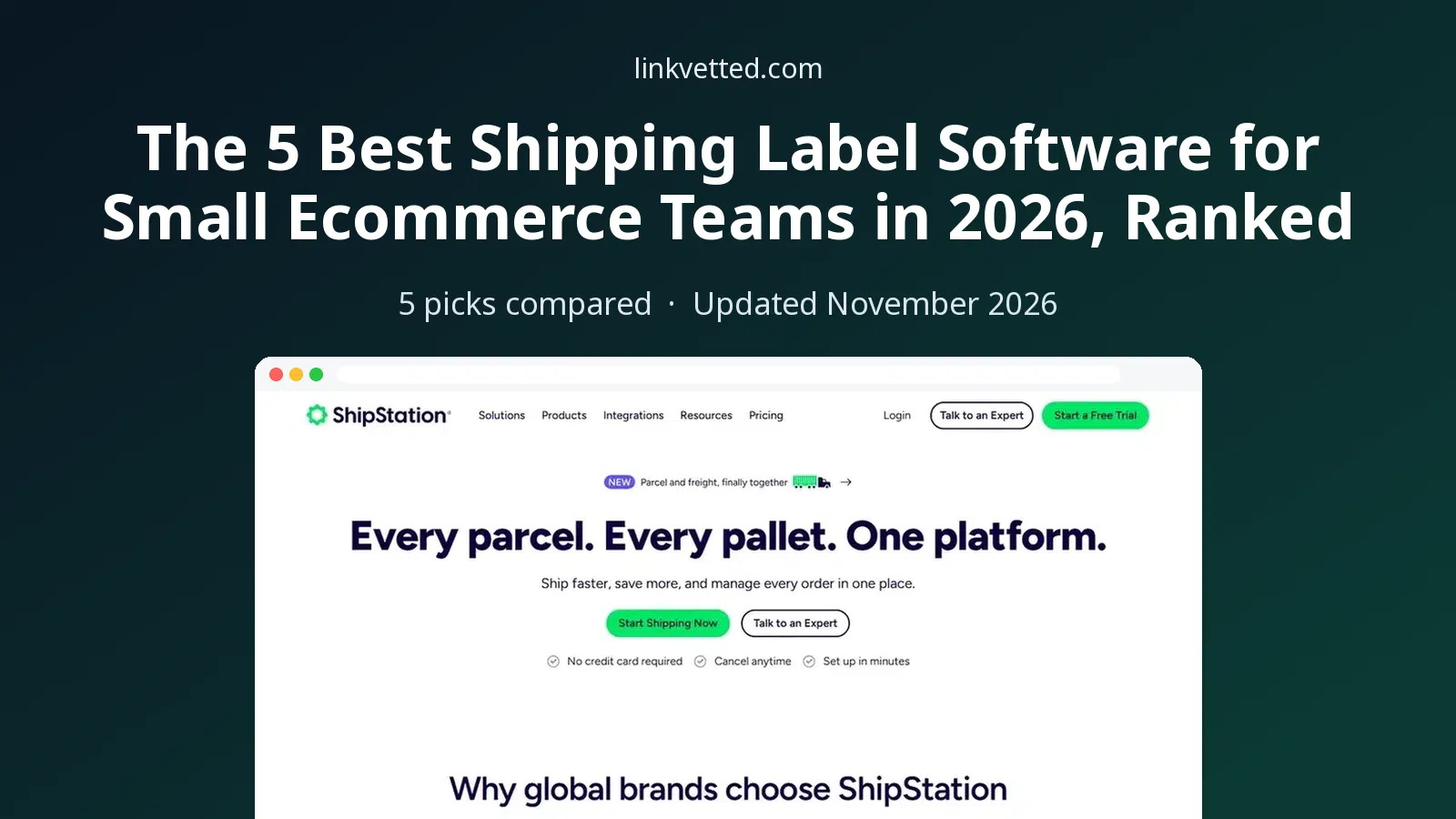
- Editor's choice
 ShipBob
Outsourced fulfillment and shipping
Starts atSee websiteVisit shipbob.comFull review - Great alternativePirate Ship
USPS and UPS shipping
Starts atSee websiteVisit pirateship.comFull review - Also consider
 ShipStation
Order import and label workflow
Starts at$14.99 a monthVisit shipstation.comFull review
Direct answer
If you need Outsourced fulfillment and shipping, ShipBob is the first tool to look at here. Listed starting prices: ShipStation from $14.99 a month, Shippo from $17 a month and Stamps.com from $14.99 per month. If your case is different, Pirate Ship suits USPS and UPS shipping and ShipStation suits order import and label workflow. The remaining 2 options are covered below with prices and limits.
TL;DR:
- Top of the list is ShipBob, which targets Outsourced fulfillment and shipping.
- 2 of 5 tools offer a free plan: ShipBob, Shippo.
- The cheapest monthly starting price in the list is $14.99 per month, offered by ShipStation.
- Stamps.com suits USPS postage and labels.
- Before buying ShipBob, weigh this: fulfillment service, not just label software.
Last checked November 2026. Prices and plan details were read from the vendors' own pages in November 2026; vendors change plans often, so confirm the current price on the vendor site before you buy.
Quick comparison
| Tool | Best for | Starts at | Free plan? | |
|---|---|---|---|---|
| ShipBob | Outsourced fulfillment and shipping | See website | Yes | Visit |
| Pirate Ship | USPS and UPS shipping | See website | Not stated | Visit |
| ShipStation | Order import and label workflow | $14.99 a month | Free trial | Visit |
 Shippo | Multi-carrier label printing | $17 a month | Yes | Visit |
| Stamps.com | USPS postage and labels | $14.99 per month | Free trial | Visit |
Tool-by-tool breakdown
LinkVetted put together this guide to shipping label software for small ecommerce teams for readers who want a clear shortlist without reading every vendor page. It compares 5 tools on starting price, free plans, who each one suits and where each one falls short.
ShipBob makes the most sense for Outsourced fulfillment and shipping. ShipBob describes itself as a global ecommerce fulfillment option including fulfillment across channels, inventory and shipment management. Support for scaling and quicker delivery choices.
It is a fulfillment service instead of a standalone label printer. So teams that only want to print their own labels may prefer a lighter tool. ShipBob shows no starting price here, so confirm the cost on the vendor site. ShipBob offers a free plan.
Drawbacks to consider: May be more than a label-only team needs.
- Supports scaling operations
- Inventory and shipment management
- Not just label software
Pirate Ship
Best for: USPS and UPS shipping
Pick Pirate Ship if this describes you: USPS and UPS shipping. Pirate Ship gives you UPS and USPS-certified shipping software, and its homepage flags pre-negotiated discounts for less expensive rates.
Downsides: Less of a full order management suite.
Since the carrier lineup centers on USPS and UPS, sellers with broader carrier needs may want a multi-carrier alternative. It is also less of a full order management suite, so teams needing deeper workflow should compare other choices. No starting price is listed for Pirate Ship here; confirm pricing on the vendor site. Free plan details: Not stated.
- USPS and UPS certified software
- Pre-negotiated shipping rates
- Carrier lineup is narrower
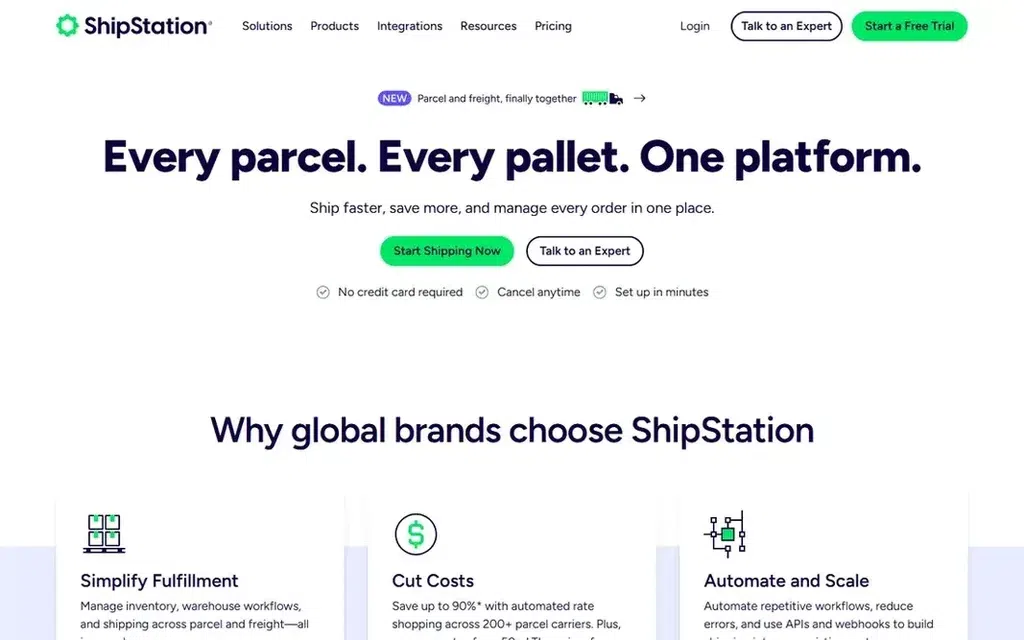
In short, ShipStation is for order import and label workflow. ShipStation is shipping software aimed at ecommerce fulfillment. Its homepage describes importing, managing and shipping orders in one place, which fits small teams that want order data and label printing handled together instead of stitched across separate tools.
If you ship only occasionally or want a minimal label tool, a more straightforward choice may suit you better. The full workflow can be more than a very light seller needs, and exact carrier and system support relies on your setup, so check the vendor site. What you pay to start with ShipStation: $14.99 per month. Free plan details: Free trial.
The main drawbacks: Feature depth may exceed very small sellers.
- Prints labels within one fulfillment workflow
- Built around saving time on shipping
- Carrier and system support varies by setup
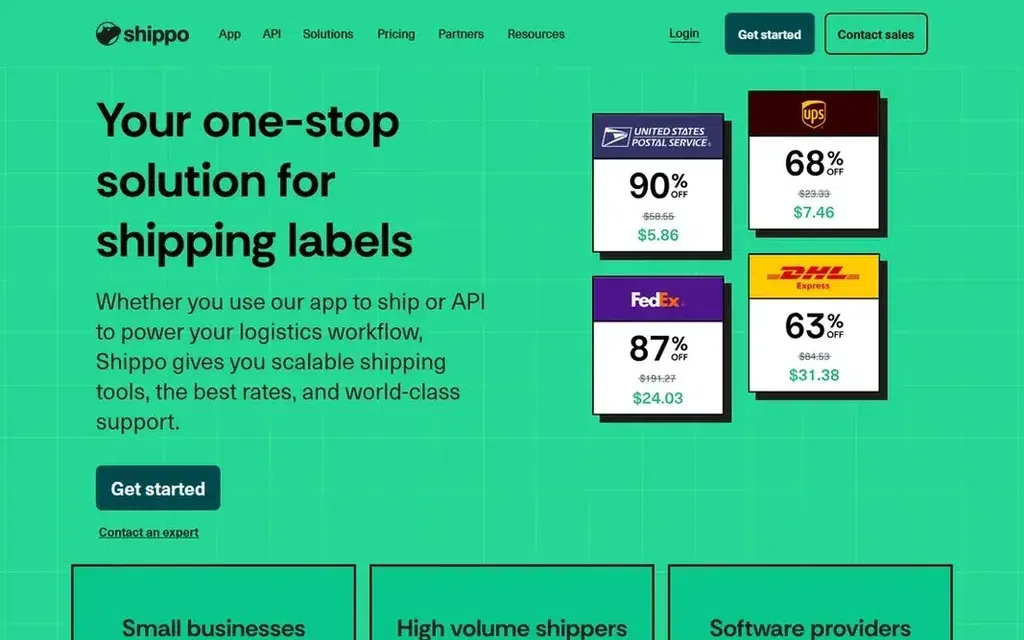
Shippo is a good fit for multi-carrier label printing. Shippo presents itself as multi-carrier shipping software for ecommerce firms, handling rate comparison, label printing, package tracking and address verification on its homepage.
Worth adding: what you can access relies on your account and carrier setup, so confirm supported carriers on the vendor site. Shippo starts at: $17 per month. Shippo includes a free tier.
Where it falls short: Rate and carrier choices rely on account setup.
- Multi-carrier shipping focus
- Prints labels and tracks packages
- Full feature set may be wide for tiny shops
Stamps.com
Best for: USPS postage and labels
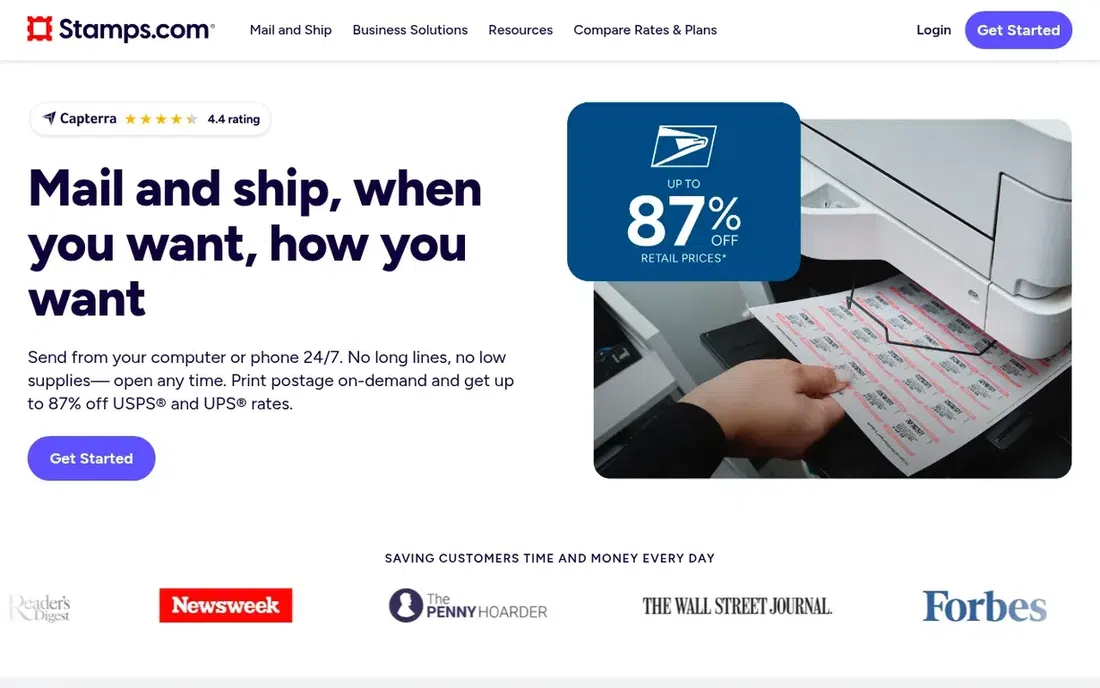
Stamps.com serves USPS postage and labels. Stamps.com lets users buy USPS postage online from a computer and print postage stamps and shipping labels for USPS mail classes, according to its homepage.
Points against: USPS-centric instead of multi-carrier.
From a buyer's view, the focus is USPS, so sellers shipping heavily with other carriers may find a multi-carrier tool more convenient. On top of that, confirm current mail class and label support on the vendor site before committing your workflow. What you pay to start with Stamps.com: $14.99 per month. On free options: Free trial.
- Includes USPS mail classes
- Prints stamps and shipping labels
- Less suited to mixed-carrier operations
Our selection method
The comparison looks at four things: starting price, free access, how well the feature set matches shipping label software for small ecommerce teams, and the main limit of each tool. Prices and plan limits come from vendor pages and can change, so confirm them on the vendor site before you buy. The ranking is editorial: typical fit first, then clear pricing, then free access. If your needs are unusual, read the profiles rather than relying on position.
What to check before you buy
- Ask ShipBob and Pirate Ship for a written quote, since no starting price is shown.
- Look at free plan limits closely: ShipBob and Shippo have one, and the caps decide whether it is usable for real work.
- Use real work to test the free trial from ShipStation and Stamps.com, rather than a demo project.
- Before choosing ShipBob, weigh its main limit: fulfillment service, not just label software.
- Look at which plan of Stamps.com unlocks the features you need; entry tiers are often cut down.
- Before rolling out Shippo, verify the integrations your workflow depends on.
FAQ
Is a multi-carrier tool better than an USPS-focused one?
It relies on your shipping mix. A multi-carrier tool for example Shippo helps when you spread shipments across carriers, whereas an USPS-focused service like Stamps.com can be more straightforward if USPS includes most of your volume.
What should a small ecommerce team look for in label software?
Start with how orders reach the tool, which carriers you use and whether you want a dashboard or an API. Then confirm printer and label format compatibility and how tracking is handled before committing.
Is ShipBob the right pick for everyone comparing shipping label software for small ecommerce teams?
No single tool suits every team. ShipBob comes first because it fits Outsourced fulfillment and shipping, while Pirate Ship suits USPS and UPS shipping and ShipStation suits order import and label workflow. Match the tool to your own size, budget and workflow before deciding.
What is the cheapest option for shipping label software for small ecommerce teams in this list?
On published monthly entry prices, ShipStation is the lowest here at $14.99 per month. Entry price is only part of the cost, because seats, add-ons and billing terms can change the total. All 5 picks in this shipping label software for small ecommerce teams comparison list a starting price, free plan details and the main limits on their cards above.
How are the tools for shipping label software for small ecommerce teams ordered?
The order follows typical fit for shipping label software for small ecommerce teams, with ShipBob first and Stamps.com last, then price clarity and free access. It is editorial judgement, not a score, so another team could rank the tools differently.
Can fulfillment services replace label software?
A fulfillment partner like ShipBob can take over storage, packing and shipping, which cuts in-house label printing. Teams that prefer to keep fulfillment in house should compare label-focused tools instead.
Sources
- https://www.shipbob.com
- https://www.pirateship.com
- https://www.shipstation.com
- https://goshippo.com
- https://www.stamps.com