Top 6 Security Awareness Training Software for Nonprofits for 2026 (Prices and Free Plans)
6 best security awareness training software for nonprofits, with entry costs, free tiers and the buyer each one serves. The catches are listed up front.
- Editor's choiceLiving Security
Signal-driven human risk visibility
Starts atSee websiteVisit livingsecurity.comFull review - Great alternative
 Hoxhunt
Adaptive phishing training at scale
Starts atSee websiteVisit hoxhunt.comFull review - Also considerProofpoint Security Awareness Training
Risk-based automatic phishing education
Starts atSee websiteVisit proofpoint.comFull review
Direct answer
This list puts Living Security first for signal-driven human risk visibility. Listed starting prices: KnowBe4 from $5.30 per seat per month. Alternatives: Hoxhunt for adaptive phishing training at scale, and Proofpoint Security Awareness Training for risk-based automatic phishing education. Details, prices and limits for the rest of the 6 tools are below.
TL;DR:
- This list starts with Living Security, which is built for signal-driven human risk visibility.
- Check the limits for Proofpoint Security Awareness Training before you commit: best value likely within Proofpoint ecosystem.
- Cofense PhishMe is the one to check for Phishing-focused defense and response.
- For the cheapest start, look at KnowBe4: $5.30 per seat per month.
- Neither Living Security nor Cofense PhishMe, nor any of the other 4 tools, has a permanent free plan; trials and quotes are the norm.
Last checked November 2026. Prices and plan details were read from the vendors' own pages in November 2026; vendors change plans often, so confirm the current price on the vendor site before you buy.
Quick comparison
| Tool | Best for | Starts at | Free plan? | |
|---|---|---|---|---|
| Living Security | Signal-driven human risk visibility | See website | Not stated | Visit |
| Hoxhunt | Adaptive phishing training at scale | See website | Not stated | Visit |
| Proofpoint Security Awareness Training | Risk-based automatic phishing education | See website | Not stated | Visit |
| Mimecast Awareness Training | Teams already on Mimecast security | See website | Not stated | Visit |
 KnowBe4 | All-in-one awareness and phishing simulation | $5.30 per seat per month | Not stated | Visit |
| Cofense PhishMe | Phishing-focused defense and response | See website | Not stated | Visit |
Tool-by-tool breakdown
This LinkVetted guide covers 6 security awareness training software for nonprofits. Each profile lists a starting price, free plan details, strengths and drawbacks, so you can drop poor fits quickly.
Living Security
Best for: Signal-driven human risk visibility
Living Security serves signal-driven human risk visibility. Living Security positions itself as AI-native human risk management, reading signals from security tools an organization already runs to reveal human and agent risk and guide response.
In daily use, the analytics orientation can be more than a small nonprofit needs for entry-level awareness. From a buyer's view, nonprofits with multiple existing security products can use those signals to target training where risk concentrates. Living Security shows no starting price here, so confirm the cost on the vendor site. As for free access: Not stated.
Trade-offs to know: Risk analytics may be more than small teams need.
- Guides response actions
- Reads signals from existing security tools
- Relies on data from other tools
Hoxhunt is a good fit for adaptive phishing training at scale. Hoxhunt describes itself as a human risk management system that automates adaptive phishing training, security awareness training and email incident response to cut employee cyber risk.
Watch-outs: Automation needs continuing review.
Automation still benefits from periodic human review of results and content. As for the details, the adaptive model adjusts difficulty and content as employees boost, which can keep engagement higher than static courses. This comparison lists no price for Hoxhunt; ask the vendor. Free access: Not stated.
- Comes with email incident response
- Frames training around measurable risk reduction
- Enterprise orientation may suit bigger teams
Proofpoint Security Awareness Training
Best for: Risk-based automatic phishing education
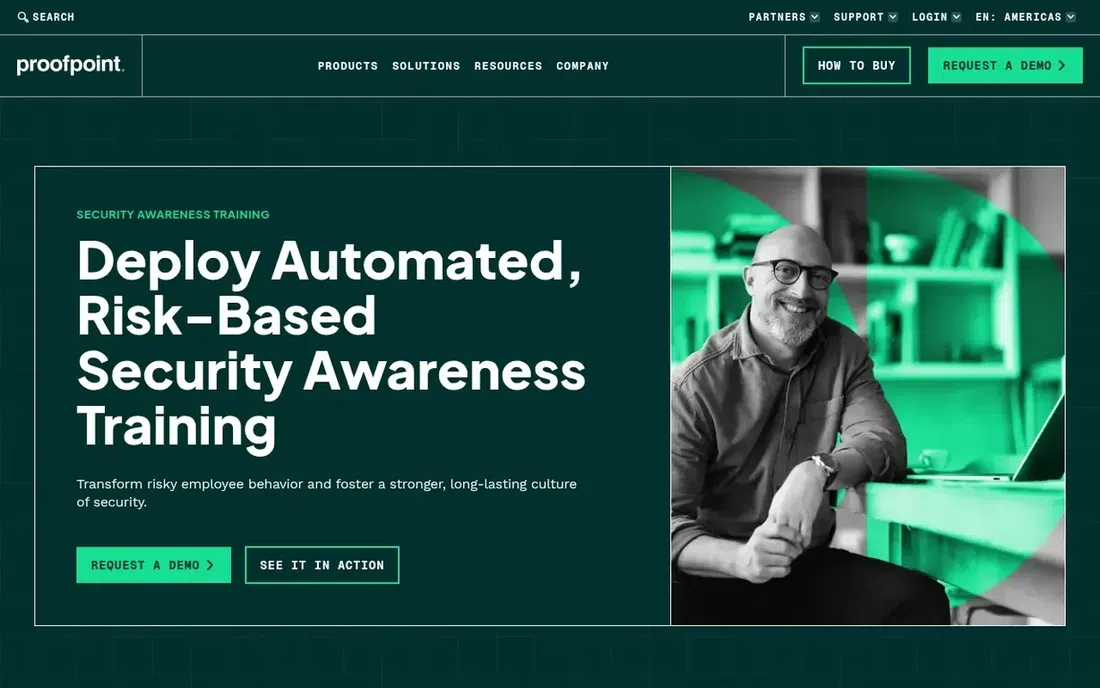
Proofpoint Security Awareness Training targets risk-based automatic phishing education. The risk-based automation relies on decent configuration and clean data, so expect some tuning before results feel targeted.
Security teams already familiar with email threat data will find the risk-based framing natural. As for the details, choose it when adaptive, attack-driven education is the priority over a wide content marketplace. No starting price is listed for Proofpoint Security Awareness Training here; confirm pricing on the vendor site. Trial and free access: Not stated.
Where it is weaker: Best value likely within Proofpoint ecosystem.
- Turns real phishing attacks into lessons
- Personalized education approach
- Risk-based automation needs tuning
Mimecast Awareness Training
Best for: Teams already on Mimecast security
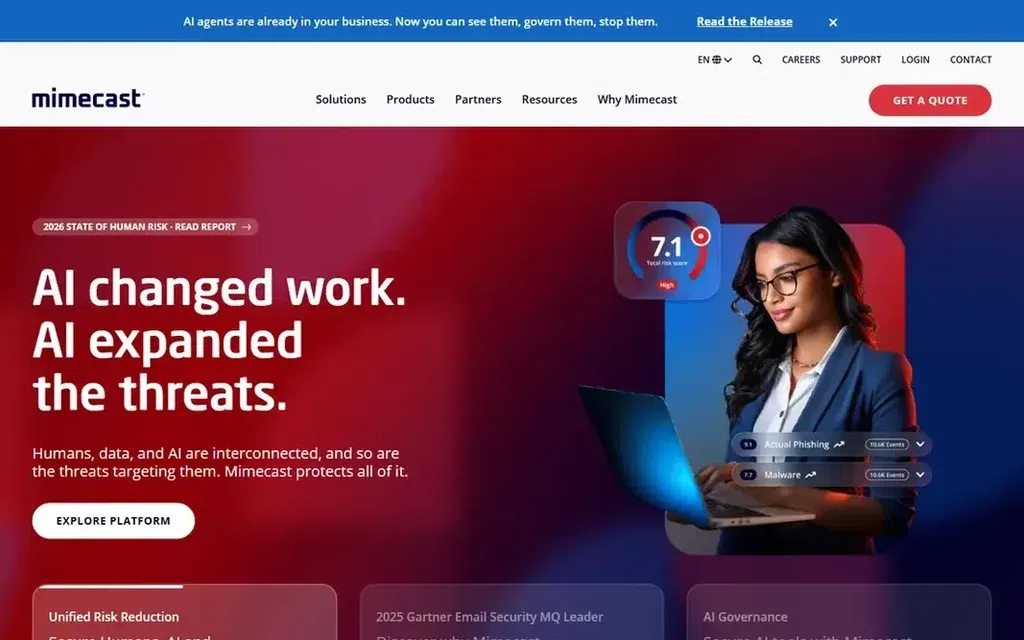
Where Mimecast Awareness Training fits: teams already on Mimecast security. Mimecast Awareness Training is part of a system spanning email and collaboration security, data protection, AI security, behavior management and data governance.
Drawbacks to consider: Training is one piece of a bigger product.
In daily use, nonprofits that already depend on Mimecast for email security can add awareness training without introducing another vendor, keeping administration and policy in one place. Pick it when email security and awareness training should live together. This comparison lists no price for Mimecast Awareness Training; ask the vendor. Trial and free access: Not stated.
- Handles behavior management alongside email security
- Consistent administration across options
- Less handy if you do not use Mimecast otherwise
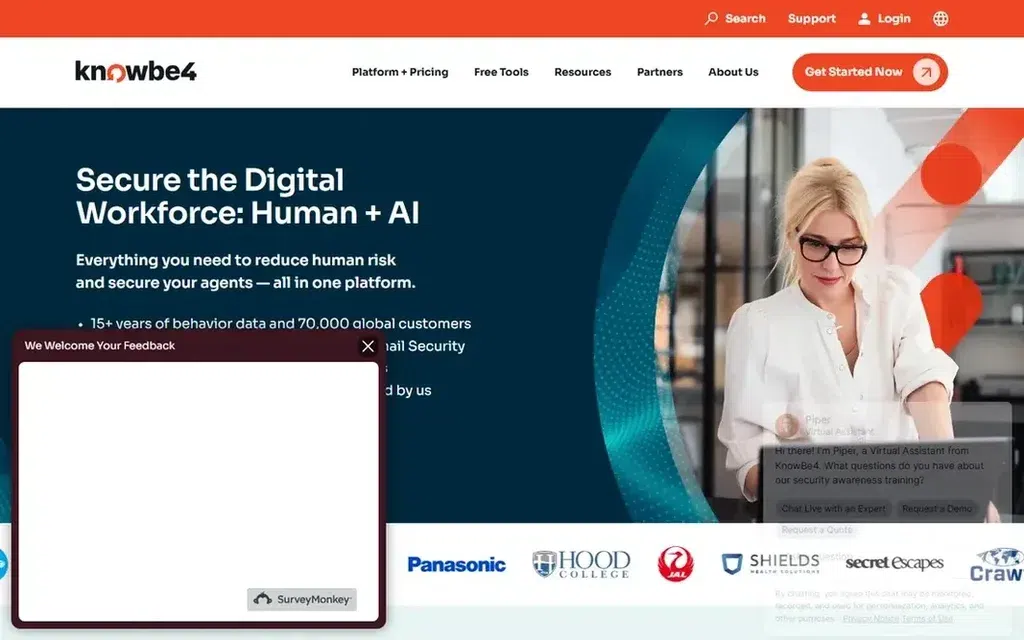
KnowBe4 serves all-in-one awareness and phishing simulation. For nonprofits that want one place to run awareness campaigns and simulated phishing, that consolidation is appealing, particularly where a small IT group cannot run multiple separate consoles.
KnowBe4 pricing: $5.30 per seat per month. On free options: Not stated.
What users get: email security and agent security.
The main drawbacks: Full system can be more than training alone.
- Solid simulated phishing workflow
- Broad library of awareness content
- Breadth may overwhelm very small teams
Cofense PhishMe
Best for: Phishing-focused defense and response
Cofense PhishMe is a good fit for Phishing-focused defense and response. For nonprofits whose central concern is employees clicking malicious links, this threat-focused approach keeps training close to the attacks staff actually face.
Also, the phishing emphasis means general security awareness topics may receive less attention than in broader catalogs. Beyond that, if you already run capable email filtering, some detection overlap is possible. Cofense PhishMe shows no starting price here, so confirm the cost on the vendor site. Free plan details: Not stated.
Where it is weaker: May overlap with existing email filtering.
- Merges AI detection with human insight
- Real-time training tied to threats
- Emphasis is phishing instead of wide awareness
How we chose
Pricing pages, product documentation and feature lists were the main sources, and every entry carries at least one honest drawback. Where a price is missing, the vendor does not list one publicly or ties it to a quote. Always confirm before budgeting. Tools are placed by general fit for security awareness training software for nonprofits, with price clarity and free access as tie-breakers. A different team can reasonably rank them differently.
Things to verify first
- Confirm the entry price on the vendor page. For Living Security, Hoxhunt, Proofpoint Security Awareness Training and others that means a quote rather than a fixed price.
- Before choosing Living Security, weigh its main limit: relies on data from other tools.
- Check whether the features you need in Cofense PhishMe sit on the entry plan or only on higher tiers.
- Look at the help docs and support options for Mimecast Awareness Training before you commit.
- Check the integration list for KnowBe4 against the tools you run today, and note which ones need a higher plan.
FAQ
Do these tools publish their prices?
Not all of them. Living Security, Hoxhunt, Proofpoint Security Awareness Training and others publish no starting price, so expect a quote request for those. The rest, KnowBe4 included, show a starting price, though seats and billing terms still change the final cost.
How are the tools for security awareness training software for nonprofits ordered?
Living Security sits first and Cofense PhishMe last because the order follows typical fit for security awareness training software for nonprofits, then price clarity and free access. It is a judgement call, so read each profile for fit and limits.
What is the cheapest option for security awareness training software for nonprofits in this list?
On published monthly entry prices, KnowBe4 is the lowest here at $5.30 per seat per month. Entry price is only part of the cost, because seats, add-ons and billing terms can change the total. Prices, free plan details and limits for all 6 tools in this security awareness training software for nonprofits roundup sit on the individual cards above.
Does any tool for security awareness training software for nonprofits here have a free plan?
A permanent free plan is not offered by Living Security, Cofense PhishMe or the other tools here. Plan a short evaluation period instead.
What should a nonprofit prioritize in awareness training software?
Start with ease of administration, since lean teams cannot spend hours managing campaigns. Then look for simulated phishing, short engaging content and reporting that displays progress to leadership.
How do risk-based products differ from content libraries?
Risk-based platforms like Proofpoint and Living Security use signals from real attacks or connected tools to target training where risk is highest. Content libraries focus on delivering a wide catalog of lessons.
Sources
- https://www.livingsecurity.com
- https://hoxhunt.com
- https://www.proofpoint.com/us/products/security-awareness-training
- https://www.mimecast.com
- https://www.knowbe4.com
- https://cofense.com