6 Best Security Awareness Training Software for Enterprise for 2026, Vetted and Compared
Best security awareness training software for enterprise in 2026: 6 tools with starting prices, free plans and limits. Each pick comes with its main catch.
- Editor's choiceLiving Security
AI-native human risk management
Starts atSee websiteVisit livingsecurity.comFull review - Great alternativeCofense PhishMe
Phishing defense with live training
Starts atSee websiteVisit cofense.comFull review - Also consider
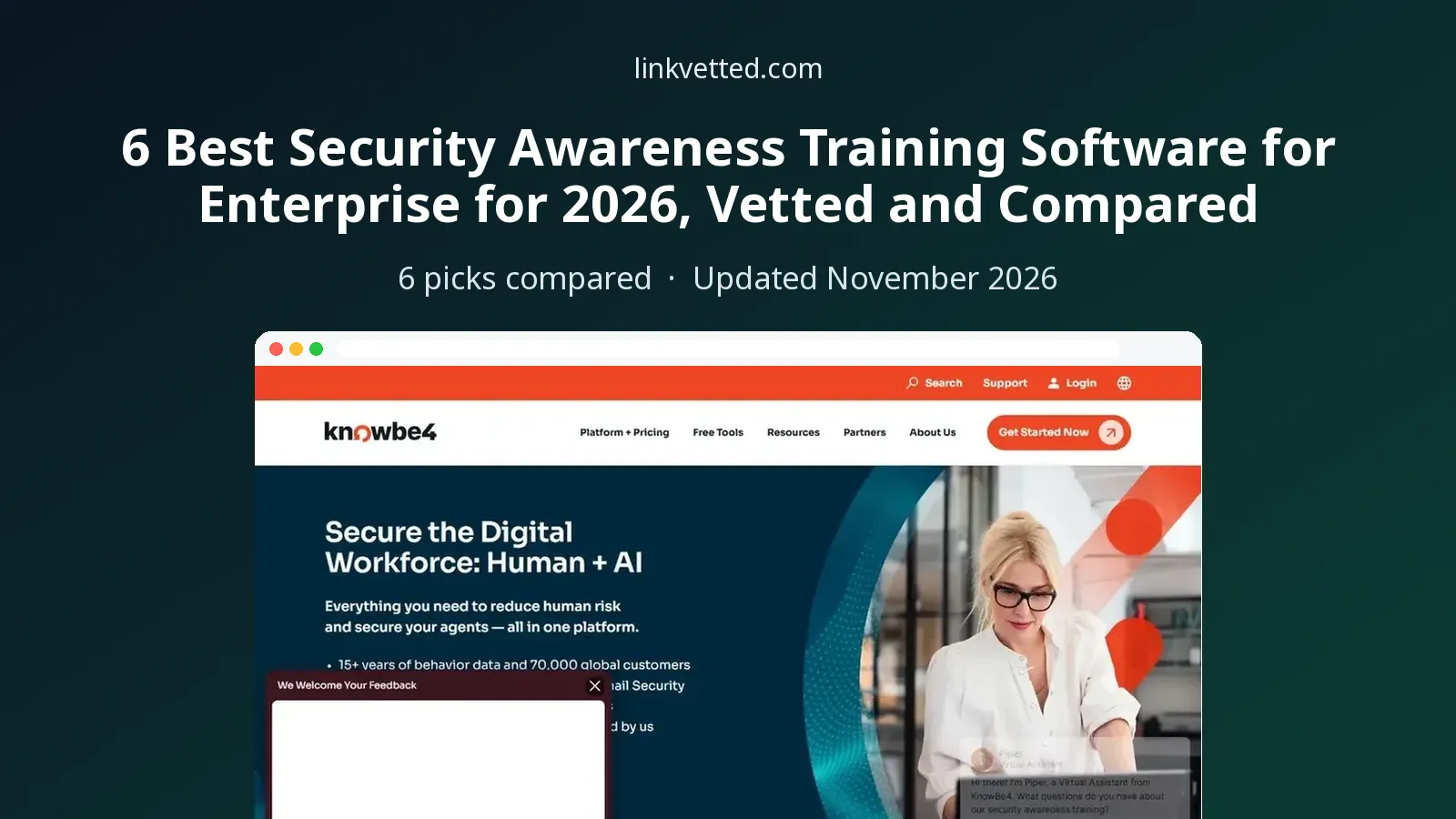
 KnowBe4
All-in-one human risk and security product
Starts at$5.30 per seat a monthVisit knowbe4.comFull review
Direct answer
Living Security leads the list, best for AI-native human risk management. Listed starting prices: KnowBe4 from $5.30 per seat a month and SoSafe from €625 a month. For a different need, Cofense PhishMe covers phishing defense with real-time training and KnowBe4 covers all-in-one human risk and security system. Prices, free plans and limits for all 6 tools follow.
TL;DR:
- The list opens with Living Security, aimed at AI-native human risk management.
- Neither Living Security nor SoSafe, nor any of the other 4 tools, has a permanent free plan; trials and quotes are the norm.
- For the cheapest start, look at KnowBe4: $5.30 per seat per month.
- SoSafe is the one to check for behavioral science-based awareness training.
- The main caution on Mimecast Awareness Training: Training is one piece of a bigger system.
Last checked November 2026. Prices and plan details were read from the vendors' own pages in November 2026; vendors change plans often, so confirm the current price on the vendor site before you buy.
Quick comparison
| Tool | Best for | Starts at | Free plan? | |
|---|---|---|---|---|
| Living Security | AI-native human risk management | See website | Not stated | Visit |
| Cofense PhishMe | Phishing defense with live training | See website | Not stated | Visit |
| KnowBe4 | All-in-one human risk and security product | $5.30 per seat a month | Not stated | Visit |
| Mimecast Awareness Training | Integrated email and collaboration security | See website | Not stated | Visit |
| Proofpoint Security Awareness Training | Risk-based training from real phishing attacks | See website | Not stated | Visit |
| SoSafe | Behavioral science-based awareness training | €625 a month | Not stated | Visit |
Tool-by-tool breakdown
LinkVetted put together this guide to security awareness training software for enterprise for readers who want a clear shortlist without reading every vendor page. It compares 6 tools on starting price, free plans, who each one suits and where each one falls short.
Living Security
Best for: AI-native human risk management
Choose Living Security for AI-native human risk management. Since it relies on signals from existing tools, the value scales with the integrations in place.
Limits to weigh: Depends on integrations with other tools.
Living Security is an AI-native human risk management system that reads signals from the security tools an organization already runs to reveal human and agent risk and guide response. From a buyer's view, the focus is on risk visibility and targeted action. This comparison lists no price for Living Security; ask the vendor. Free access: Not stated.
- Reveals human and agent risk
- Guides response actions
- May need security stack maturity
Cofense PhishMe
Best for: Phishing defense with live training
In short, Cofense PhishMe is for phishing defense with real-time training. Cofense PhishMe is part of Cofense's phishing defense system, which merges AI detection, real-time training, and expert response to stop attacks that bypass traditional filters.
The human insight element helps employees become part of the defense. Pricing for Cofense PhishMe is not stated here, so ask the vendor for current figures. Free plan details: Not stated.
Honest limits: May need extra tools for broader awareness.
- Spans several attack channels
- Merges AI detection with human insight
- Phishing-centric focus
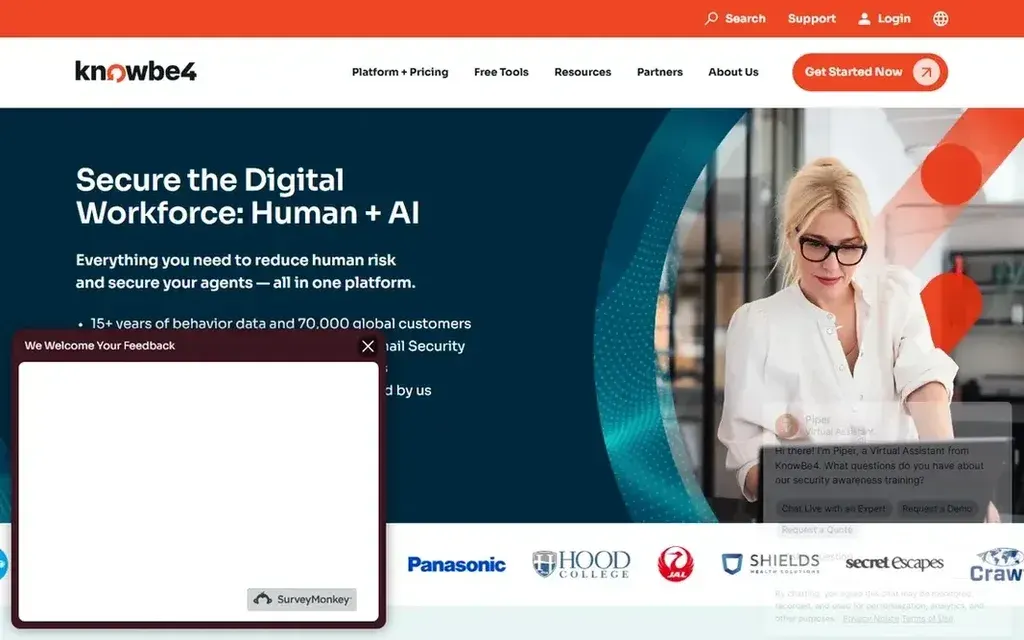
In short, KnowBe4 is for all-in-one human risk and security system. KnowBe4 is a security awareness training platform that also handles email security and agent security, aiming to cut human risk in one place. In daily use, organizations that only want entry-level training may find it heavy, and those with an established email security stack should check for overlap before committing.
In practice, the breadth of the product can mean a steeper setup and more modules than some teams need. The system is built to secure a digital workforce against both human and AI-driven threats. KnowBe4 starts at: $5.30 per seat per month. Trial and free access: Not stated.
Where KnowBe4 stands out: Merges training with email and agent security. Honest limits: Can be complicated to configure.
- Wide awareness and simulation content
- Scalable for large enterprises
- May overlap with existing email security tools
Mimecast Awareness Training
Best for: Integrated email and collaboration security
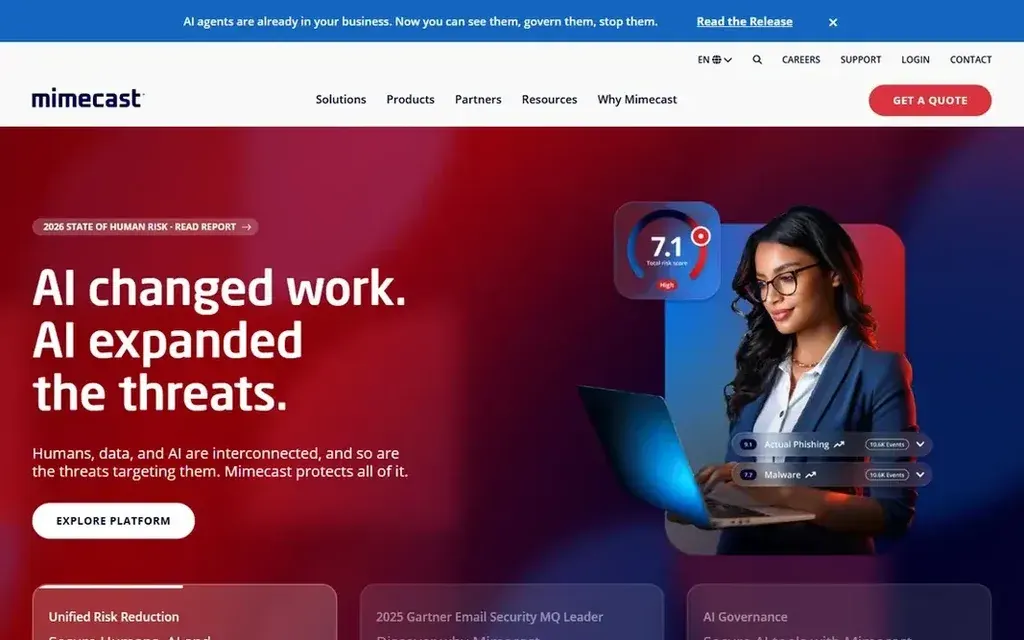
Mimecast Awareness Training is a good fit for integrated email and collaboration security. It suits enterprises that want awareness training tightly integrated with email security and data protection.
Watch-outs: Training is one piece of a bigger system.
This comparison lists no price for Mimecast Awareness Training; ask the vendor. On free options: Not stated.
- Part of a unified email security product
- Spans data protection and AI security
- Full benefits need broader Mimecast adoption
Proofpoint Security Awareness Training
Best for: Risk-based training from real phishing attacks
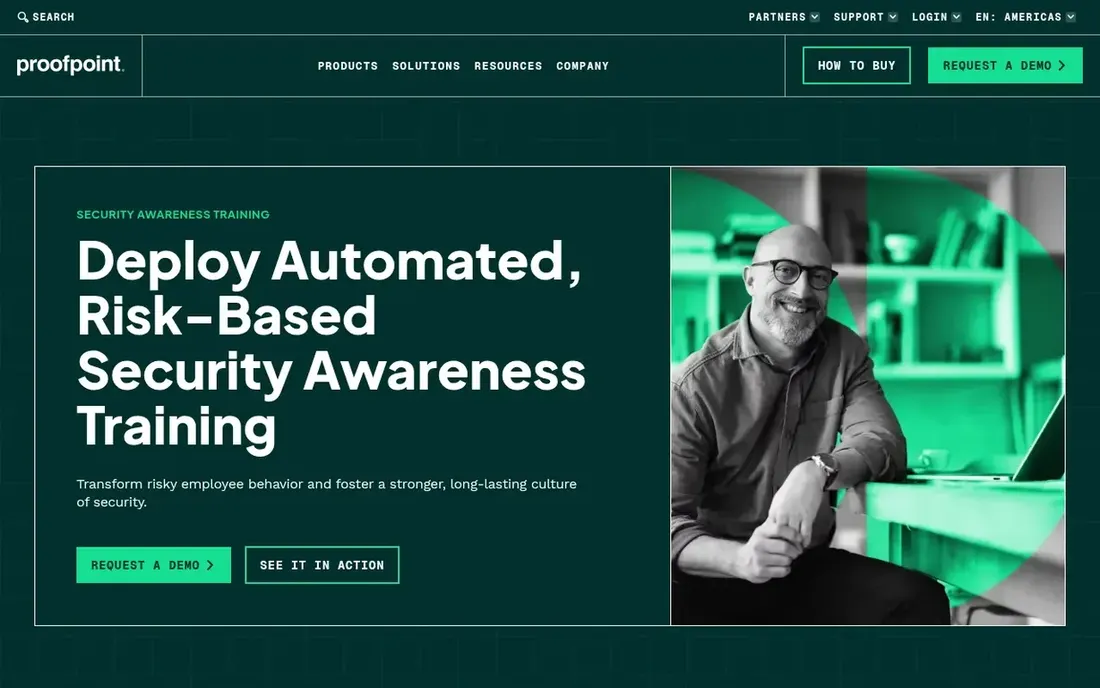
Proofpoint Security Awareness Training is aimed squarely at risk-based training from real phishing attacks. Proofpoint Security Awareness Training, including ZenGuide, automates risk-based security awareness training and turns real phishing attacks into personalized education. It is a solid fit for enterprises already using Proofpoint or those wanting training that adapts to actual threats employees face.
Where it falls short: May need add-on modules for full coverage.
Teams seeking a light, purely training-focused tool might find the ecosystem approach more than they need. For everyday use, the focus is on changing behavior through relevant, timely lessons. This comparison lists no price for Proofpoint Security Awareness Training; ask the vendor. Free plan details: Not stated.
- Automates risk-based training
- Suits within Proofpoint security ecosystem
- Best value within Proofpoint stack
SoSafe
Best for: Behavioral science-based awareness training
SoSafe targets behavioral science-based awareness training. SoSafe gives you a security awareness and human risk management system built on behavioral science, designed to continuously enable employees to protect the organization.
Teams looking for deep integration with email security or a heavily technical simulation suite may have to combine SoSafe with other tools. As for the details, the behavioral science approach fits best with organizational buy-in and sustained effort. SoSafe starts at: €625 per month. Free options: Not stated.
Watch-outs: May be less integrated with email security.
- Behavioral science-based product
- Focus on human risk management
- Behavioral focus may need cultural buy-in
How we built this list
Pricing pages, product documentation and feature lists were the main sources, and every entry carries at least one honest drawback. Plan names, prices and limits change often. Treat the figures here as a starting point and verify them with the vendor. The ranking is editorial: typical fit first, then clear pricing, then free access. If your needs are unusual, read the profiles rather than relying on position.
A buyer's checklist
- Get a written quote from Living Security, Cofense PhishMe, Mimecast Awareness Training and Proofpoint Security Awareness Training; the list shows no starting price for them.
- Before choosing Living Security, weigh its main limit: relies on integrations with other tools.
- Ask SoSafe about contract length, onboarding fees and user minimums before you sign.
- Map your must-have features to a specific Mimecast Awareness Training plan before you compare prices.
- Pick one real project and run it in Proofpoint Security Awareness Training first; a small pilot shows fit faster than a checklist.
FAQ
What should an enterprise look for in security awareness training software?
Enterprises should prioritize phishing simulation realism, behavior change methodologies, integration with existing security tools, and measurable risk reduction. Scalability and administrative controls are also important for large workforces.
How are the tools for security awareness training software for enterprise ordered?
Living Security sits first and SoSafe last because the order follows typical fit for security awareness training software for enterprise, then price clarity and free access. It is a judgement call, so read each profile for fit and limits.
Can I try these tools before paying?
Not by default. None of the tools, from Living Security to SoSafe, lists a free plan or a free trial here, so ask each vendor for a demo before committing.
Is Living Security the right pick for everyone comparing security awareness training software for enterprise?
No single tool suits every team. Living Security comes first because it fits AI-native human risk management, while Cofense PhishMe suits phishing defense with real-time training and KnowBe4 suits all-in-one human risk and security platform. Match the tool to your own size, budget and workflow before deciding.
Does any tool for security awareness training software for enterprise here have a free plan?
No tool in this list, Living Security and SoSafe included, has a permanent free plan. Trials and quotes are the usual route, so plan a short evaluation period.
Sources
- https://www.livingsecurity.com
- https://cofense.com
- https://www.knowbe4.com
- https://www.mimecast.com
- https://www.proofpoint.com/us/products/security-awareness-training
- https://sosafe-awareness.com