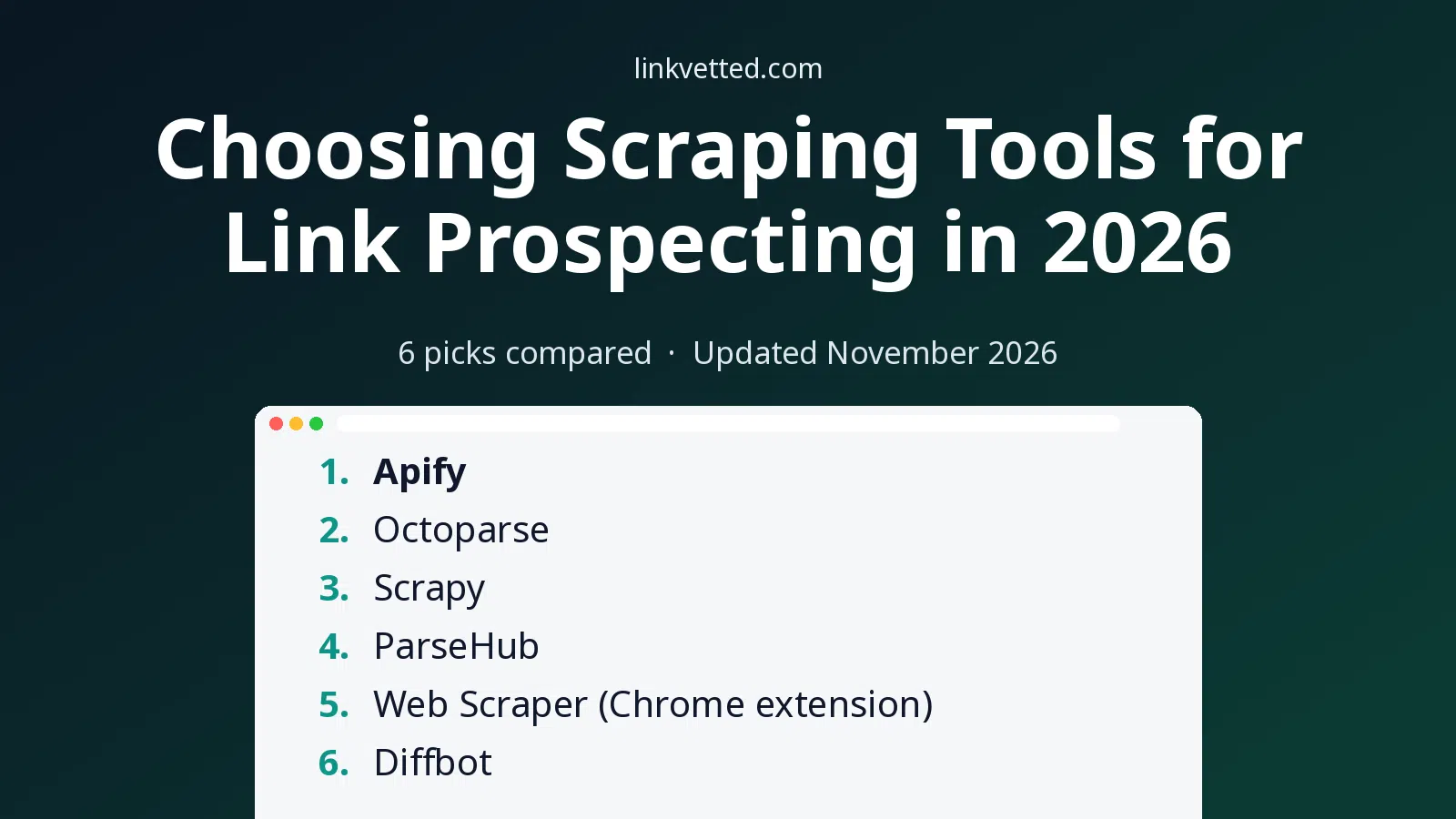
Choosing Scraping Tools for Link Prospecting in 2026: 6 Options Compared
A practical guide to the best scraping tools for link prospecting in 2026, compared from vendor documentation and public sources for SEO and outreach work.
- Editor's choice
 Apify
Scheduled scraping with ready-made actors
Starts atSee websiteVisit apify.comFull review - Great alternative
 Octoparse
Visual no-code scraping for non-developers
Starts atSee websiteVisit octoparse.comFull review - Also consider
 Scrapy
Developers building custom crawlers
Starts atSee websiteVisit scrapy.orgFull review
Direct answer
My top pick is Apify, because it combines a hosted scraping platform with ready-made actors and scheduling, which suits recurring prospect list building. For teams that want a no-code point-and-click scraper, I suggest Octoparse. For developers who prefer writing their own extraction logic in Python, Scrapy is the better fit. Each one covers a different skill level and workflow, so the right choice depends on who will actually run the scraping.
TL;DR:
- Link prospecting needs structured lists of pages, domains and contact details, so a scraper that exports clean CSV or JSON saves manual cleanup.
- Hosted platforms like Apify reduce setup work but you still need to check that each actor matches the site you are targeting.
- Desktop tools such as Octoparse suit people who want to build a scraper visually without writing code.
- Developer frameworks like Scrapy give the most control but require Python knowledge and ongoing maintenance.
- Whatever tool you pick, respect robots.txt, site terms and data protection rules when collecting prospect data.
Last checked November 2026. Plan prices are not quoted in this guide because they change often; see each vendor's own pricing page for current figures before you buy.
Quick comparison
| Tool | Best for | Starts at | Free plan? | |
|---|---|---|---|---|
| Apify | Scheduled scraping with ready-made actors | See website | Free plan | Visit |
| Octoparse | Visual no-code scraping for non-developers | See website | Free plan | Visit |
| Scrapy | Developers building custom crawlers | See website | Free plan | Visit |
 ParseHub | Point-and-click scraping with pagination | See website | Free plan | Visit |
| Web Scraper (Chrome extension) | Quick extraction from single pages | See website | Free plan | Visit |
 Diffbot | Structured extraction through an API | See website | Free trial | Visit |
The best scraping tools for link prospecting compared
I put this comparison together from vendor documentation, public product pages and community write-ups. I did not run hands-on tests of each tool, and I have not measured speed or accuracy myself. The notes below describe what each product says it does and where it tends to fit in a link prospecting workflow, so treat them as a starting point for your own trial.
Apify is a cloud platform where you run small programs called actors that extract data from websites. Many actors are published for common tasks such as scraping search results, directories or social profiles. It fits agencies and in-house SEO teams that need to repeat the same extraction on a schedule rather than scrape a page once.
For link prospecting, the value is in repeatability. You can set an actor to collect candidate pages from a search engine or a directory, store the results in a dataset, then export them for review. Because results land in Apify's storage, you can connect the output to other tools through the API instead of copying files by hand.
The limits are practical. Each actor is maintained by its author, so results depend on how current that actor is. Heavy use adds up, and you should check what each actor collects before you rely on it. Skip Apify if you only need a single small list once.
- Large library of prebuilt actors
- cloud scheduling and storage
- API access for automation
- Actor quality varies by target site
- costs grow with usage
Octoparse is a desktop and cloud scraping tool built around a visual workflow. You point at elements on a page, tell it what to extract, and it builds a task you can rerun. It is aimed at people who do not write code but still need structured data from websites.
In a link prospecting workflow, Octoparse is useful for pulling lists from directories, blogrolls or resource pages where you need the page title, URL and maybe a contact link. You can set it to click through pagination and export the results as a spreadsheet for review and qualification.
The main limit is complexity. Sites with heavy JavaScript or unusual layouts often need manual adjustment, and the desktop app can feel slow on large jobs. If you need hundreds of thousands of rows or a fully automated pipeline, a developer-oriented tool may suit you better.
- Point-and-click workflow builder
- handles pagination and lists
- exports to common formats
- Desktop app can slow on large jobs
- complex sites need manual tuning
Scrapy is an open-source Python framework for crawling websites and extracting structured data. You write spiders that define which pages to visit and which fields to pull. It is aimed at developers or technical SEOs who are comfortable with Python and want full control over the crawl.
For link prospecting, Scrapy lets you build exactly the dataset you need, such as every page on a site that links out to a resource list, or every domain in a niche directory. You can add rules for polite crawling, deduplicate URLs and pipe results into a database or file. Because it is code, the same spider can be rerun whenever you need a fresh list.
The trade-off is effort. You need to write and maintain the code, handle site changes and manage your own infrastructure. If nobody on your team writes Python, this is not the tool to start with.
- Open source and free to use
- highly configurable
- strong community documentation
- Requires Python knowledge
- you build and maintain the logic
ParseHub is a visual scraping tool where you build a project by selecting elements on a page. It supports multi-step navigation, so you can move through pagination, open detail pages and collect fields from each one. It sits between a simple browser extension and a full developer framework.
In link prospecting, ParseHub is handy when a directory or list site spreads prospects across several pages. You can define the list page, tell it to follow each link and extract the fields you need, then export the result. That makes it easier to build a candidate list without copying rows by hand.
The limits show up on complex or heavily scripted sites, where you may need to adjust selectors and test repeatedly. Advanced features take time to learn. If your targets are simple static pages, a lighter tool may be enough.
- Visual project builder
- handles multi-step navigation
- cloud runs available
- Complex sites need manual tuning
- learning curve for advanced features
Web Scraper (Chrome extension)
Best for: Quick extraction from single pages
Web Scraper is a browser extension that lets you define a sitemap of elements on a page and extract them into a table. You click to select the data you want, set up pagination if needed, and run the scrape in the browser. It is aimed at quick, small jobs rather than large pipelines.
For link prospecting, it works well when you find a single resource page or directory and want the outbound links in a spreadsheet within minutes. You can select the link elements, run the scrape and export the result, then qualify the list in your own sheet.
The limits are size and complexity. JavaScript-heavy pages can be tricky, and the browser-based approach is not suited to large recurring jobs. Use it for quick pulls, not as your main prospecting engine.
- Runs in the browser
- simple sitemap-based setup
- good for one-off lists
- Limited on JavaScript-heavy pages
- not built for large recurring jobs
Diffbot is an API service that extracts structured data from web pages, with products for articles, products and other content types. Instead of building selectors, you send a URL and receive parsed fields such as title, author and main text. It is aimed at teams that want to plug extraction into an existing application.
For link prospecting, Diffbot is less about collecting outbound links and more about understanding candidate pages at scale. If you gather a large set of URLs, you can use Diffbot to pull titles, topics and article metadata so you can judge relevance before outreach. That helps when you are screening hundreds of prospects.
The limits are scope and setup. It is built around specific content types, and you need development work to integrate the API. If your main need is scraping raw link lists, a general scraper is a better fit.
- API-first design
- returns structured article and product data
- handles many page types
- Focused on specific content types
- requires development work to integrate
How I chose
I selected these tools by reading vendor documentation, product pages and public write-ups, then judging each one against a link prospecting workflow. The questions I asked were simple: can it collect page and domain data, can it export clean results, and who is expected to run it. I did not run hands-on tests, so I have not measured speed, accuracy or reliability myself.
I also weighed limits. Some tools are built for developers, some for non-technical users, and some for specific content types. That is why the list spans a hosted platform, a desktop app, an open-source framework, a visual tool, a browser extension and an API. The right pick depends on your team's skills and how often you need fresh prospect lists, not on a single ranking.
What to check before you buy
- Confirm the tool can export CSV or JSON, since you will want to qualify prospects in a spreadsheet or database.
- Check how it handles pagination and JavaScript-heavy pages, because many directories and list pages rely on both.
- Read the vendor's documentation on robots.txt and terms of use, and make sure your scraping respects them.
- Check whether scheduled or recurring runs are supported if you rebuild prospect lists regularly.
- Confirm what data protection rules apply to any contact details you collect, and store only what you need.
- Ask who on your team will maintain the scraper, because selectors break when target sites change.
FAQ
Do I need coding skills to scrape link prospects?
Not always. Visual tools such as Octoparse and ParseHub let you build a scraper by clicking elements on a page. A browser extension like Web Scraper covers quick one-off jobs. Coding helps when you need custom logic, large volumes or full automation, which is where Scrapy fits.
Is scraping websites for link prospecting allowed?
It depends on the site and the jurisdiction. Many sites allow some automated access through robots.txt, while others restrict it in their terms. Check both before you scrape, keep requests polite, and follow data protection rules for any personal data you collect. When in doubt, ask the site owner or use official APIs.
Can these tools find email addresses for outreach?
Some can extract contact details that are published on a page, but that is different from finding emails that are not shown. Collecting personal data brings legal duties under rules such as GDPR. It is safer to use published contact forms or addresses and to keep records of where each contact came from.
What is the difference between a scraper and a link prospecting tool?
A scraper collects data from pages you point it at. A link prospecting tool usually adds filtering, qualification and outreach features on top. Many teams combine both: scrape candidate pages, then review and qualify them in a separate spreadsheet or CRM before outreach.
Which tool is best for a small agency with no developer?
For most small agencies, a visual tool is the practical starting point. Octoparse or ParseHub let you build a project without code, and Apify's prebuilt actors cover common sources with less setup. Start with one target site, check the output quality, then expand if it works.
Sources
- https://apify.com
- https://www.octoparse.com
- https://scrapy.org
- https://www.parsehub.com
- https://webscraper.io
- https://www.diffbot.com
Related guides
- The 5 Best Companies for GTM Sales Prospecting Tools in 2026, Ranked
- 6 Best Donor Prospecting Software for Major Gifts Teams for 2026, Vetted and Compared
- Best Donor Prospecting Software for Universities in 2026: Prices, Free Plans and 5 Picks
- Best Prospecting Software for Outbound Sales Teams in 2026: Prices, Free Plans and 5 Picks