Best Roofing CRM Software for 2026: Our 5 Vetted Picks
Comparing the best roofing CRM software? 5 contenders, each with entry cost, free tier and best-fit buyer. Each tool gets a one-line verdict. No hype.
- Editor's choice
 Jobber
Quoting, scheduling, and invoicing
Starts atSee websiteVisit getjobber.comFull review - Great alternative
 ServiceTitan
Home and commercial contractor operations
Starts atSee websiteVisit servicetitan.comFull review - Also consider
 AccuLynx
Roofing-specific business management
Starts atSee websiteVisit acculynx.comFull review
Direct answer
This list puts Jobber first for quoting, scheduling, and invoicing. Listed starting prices: Roofr from $85 a month and Housecall Pro from $59 per month. Alternatives: ServiceTitan for home and commercial contractor operations, and AccuLynx for roofing-specific business management. The other 2 tools in the list cover narrower or pricier cases.
TL;DR:
- This list starts with Jobber, which is built for quoting, scheduling, and invoicing.
- What to know about AccuLynx first: narrower fit outside roofing.
- Housecall Pro fits general home service business management.
- Roofr stands alone as the one tool in this list with a free plan.
Last checked November 2026. Prices and plan details were read from the vendors' own pages in November 2026; vendors change plans often, so confirm the current price on the vendor site before you buy.
Quick comparison
| Tool | Best for | Starts at | Free plan? | |
|---|---|---|---|---|
| Jobber | Quoting, scheduling, and invoicing | See website | Not stated | Visit |
| ServiceTitan | Home and commercial contractor operations | See website | Free trial | Visit |
| AccuLynx | Roofing-specific business management | See website | Not stated | Visit |
 Roofr | All-in-one roofing with estimates and measurements | $85 a month | Yes | Visit |
 Housecall Pro | General home service business management | $59 per month | Free trial | Visit |
The 5 tools in detail
LinkVetted compared 5 tools for roofing CRM software. The goal is a practical shortlist: published prices, free plan facts, best-fit use cases and honest limits for every entry.
Jobber is a good fit for quoting, scheduling, and invoicing. Jobber describes its home and commercial service software as a way to organize a service business, quoting, scheduling, invoicing, and getting premium in one place. Its app is positioned to power sales, operations, and customer service.
Drawbacks to consider: General service scope.
Jobber is a general service system, so roofing-specific needs like in-depth measurement workflows may not be covered as deeply. More specifically, contractors with complicated roofing production processes could need extra tools. Jobber shows no starting price here, so confirm the cost on the vendor site. Trial and free access: Not stated.
- Home and commercial service fit
- Easy-to-use app focus
- Restricted roofing-specific depth
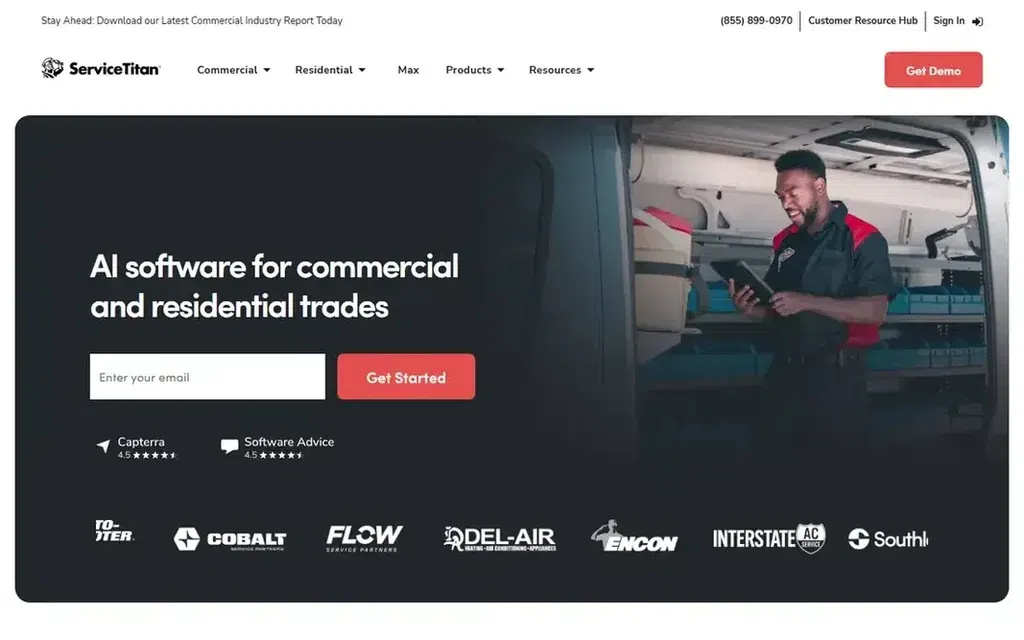
ServiceTitan works best for home and commercial contractor operations. ServiceTitan describes its all-in-one software as aimed at home and commercial contractors to keep service visits and construction projects running smoothly.
It suits contractors who want operational coverage across service and project work instead of a roofing-only CRM. Pricing for ServiceTitan is not stated here, so ask the vendor for current figures. On free options: Free trial.
Where it is weaker: Not roofing-specific.
- All-in-one operational scope
- Built for home and commercial trades
- Wide system may need configuration
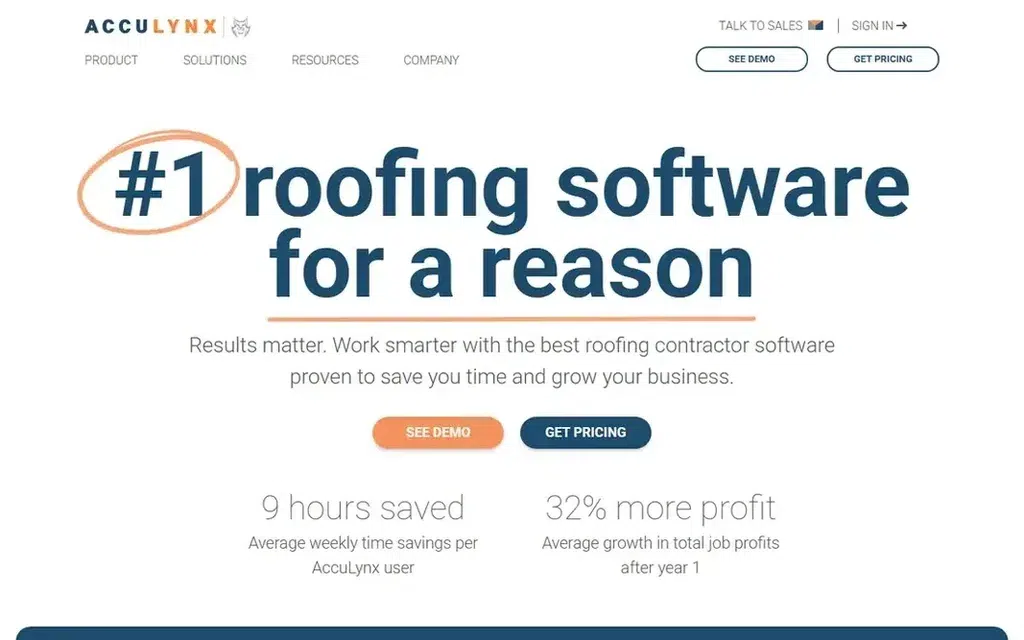
AccuLynx is aimed squarely at roofing-specific business management. Since AccuLynx is roofing-focused, firms in mixed trades or general contracting may find it less adaptable than broader products.
AccuLynx is a roofing software and CRM positioned for total business management. No starting price is listed for AccuLynx here; confirm pricing on the vendor site. Trial and free access: Not stated.
Watch-outs: May feel specialized for general contractors.
- Total business management focus
- Built around roofing workflows
- Narrower fit outside roofing
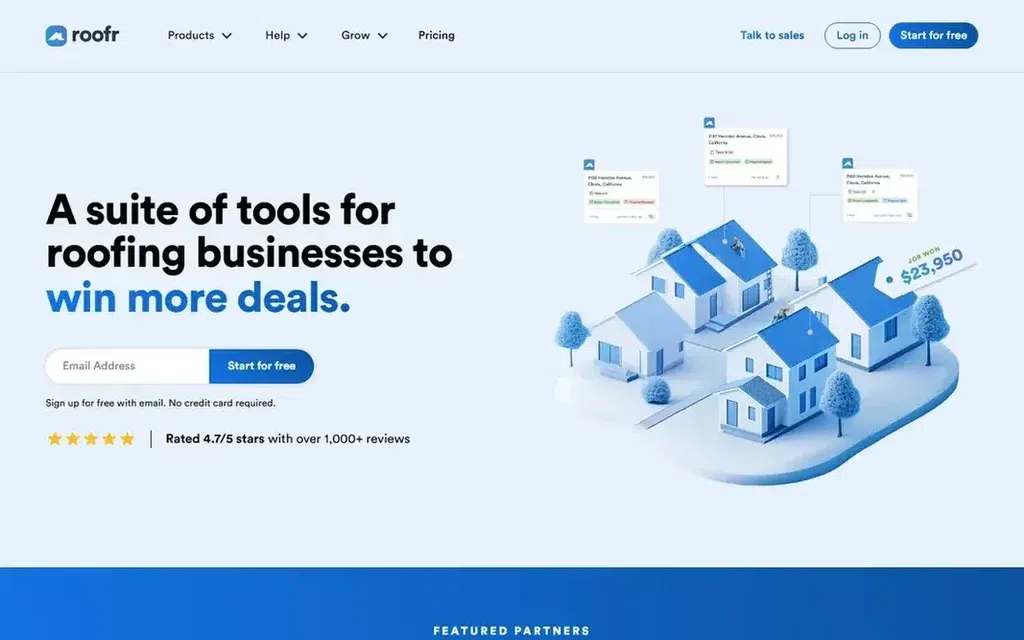
Roofr targets all-in-one roofing with estimates and measurements. That combination points to a tool made for roofing sales and project handoff, where measurement data and proposals feed straight into the customer record.
The main drawbacks: May be more than small crews need.
Roofr starts at: $85 per month. Roofr has a free plan.
- Proposals and payments included
- CRM plus instant estimates
- Roofing-centric scope
For general home service business management, Housecall Pro is a natural candidate. Housecall Pro is a software for home service companies, positioned around managing field service operations.
Roofing contractors who also offer related home services may find its general approach practical for scheduling, customer records, and office-to-field coordination. Price to start with Housecall Pro: $59 per month. Free access: Free trial.
Honest limits: May lack deep roofing estimating.
- Suited to field service teams
- Wide business management scope
- Not roofing-specific
Selection criteria
The comparison looks at four things: starting price, free access, how well the feature set matches roofing CRM software, and the main limit of each tool. Where a price is missing, the vendor does not list one publicly or ties it to a quote. Always confirm before budgeting. Position on the page reflects fit for a typical buyer first, with price clarity and free access breaking ties. Treat it as a guide, not a ruling.
Questions to settle before buying
- Ask Jobber, ServiceTitan and AccuLynx for a written quote, since no starting price is shown.
- Look at the free plan from Roofr closely: its caps decide whether it is usable for real work.
- Use real work to test the free trial from ServiceTitan and Housecall Pro, rather than a demo project.
- Read the limits listed for Jobber first: general service scope.
- Test how quickly Housecall Pro answers a pre-sales question; it hints at how support will feel later.
- Total up the real monthly cost of AccuLynx, including add-ons, extra users and usage-based fees.
FAQ
Which options for roofing CRM software have a free plan?
Roofr is the only tool in this list with a free plan. Free plans usually cap users, projects or features, so check the limits on the vendor page. Several others offer a trial instead. Prices, free plan details and limits for all 5 tools in this roofing CRM software roundup sit on the individual cards above.
What is the cheapest option for roofing CRM software in this list?
On published monthly entry prices, Housecall Pro is the lowest here at $59 per month. Entry price is only part of the cost, because seats, add-ons and billing terms can change the total. Each of the 5 options in this roofing CRM software guide has its own card above with the price, free plan and limits.
Can I use a home service system for roofing?
Yes, products like Housecall Pro, Jobber, and ServiceTitan serve home and commercial contractors, including roofing businesses. Consider them when broad service management matters more than roofing-only features.
How are the tools for roofing CRM software ordered?
Jobber sits first and Housecall Pro last because the order follows typical fit for roofing CRM software, then price clarity and free access. It is a judgement call, so read each profile for fit and limits.
What should a roofing CRM bundle?
A roofing CRM should organize leads, customer records, estimates, scheduling, and job history in one place. Roofing-specific tools commonly add measurement and proposal features.
How do I compare roofing CRM choices?
List the workflows you need most, like estimates, measurements, scheduling, and payments, then check which tools document those features. Review vendor pages for current details before deciding.
Sources
- https://www.getjobber.com
- https://www.servicetitan.com
- https://www.acculynx.com
- https://roofr.com
- https://www.housecallpro.com