Choosing Revenue Management Software for Small Business in 2026: 6 Options Compared
Compare 6 picks for the best revenue management software for small business, with prices, free plans and who each fits. Short verdicts, no fluff. Plain facts.
- Editor's choice
 Xero
Connecting bank, accountant, and business apps
Starts at$7 a monthVisit xero.comFull review - Great alternative
 Wave
Straightforward invoicing and payments for very small firms
Starts at$19 a monthVisit waveapps.comFull review - Also consider
 FreshBooks
Invoicing, time tracking, and expense management
Starts at$23.00 a monthVisit freshbooks.comFull review
Direct answer
Xero leads the list, best for connecting bank, accountant, and business apps. Listed starting prices: Xero from $7 a month, Wave from $19 a month and FreshBooks from $23.00 a month. Look at Wave for straightforward invoicing and payments for very small firms, and at FreshBooks for invoicing, time tracking, and expense management. The remaining 3 options are covered below with prices and limits.
TL;DR:
- Number one here is Xero, a fit for connecting bank, accountant, and business apps.
- QuickBooks Online is the one to check for all-around small business accounting and revenue tracking.
- Wave is the only tool of the 6 with a free plan.
- Xero has the lowest monthly starting price in this list: $7 per month.
Last checked November 2026. Prices and plan details were read from the vendors' own pages in November 2026; vendors change plans often, so confirm the current price on the vendor site before you buy.
Quick comparison
| Tool | Best for | Starts at | Free plan? | |
|---|---|---|---|---|
| Xero | Connecting bank, accountant, and business apps | $7 a month | Free trial | Visit |
| Wave | Straightforward invoicing and payments for very small firms | $19 a month | Yes | Visit |
| FreshBooks | Invoicing, time tracking, and expense management | $23.00 a month | Free trial | Visit |
 Zoho Books | Cloud accounting with invoicing and tax management | See website | Not stated | Visit |
 Stripe Billing | Recurring and usage-based subscription billing | See website | Not stated | Visit |
 QuickBooks Online | All-around small business accounting and revenue tracking | $11.40 per month | Free trial | Visit |
Tool-by-tool breakdown
LinkVetted put together this guide to revenue management software for small business for readers who want a clear shortlist without reading every vendor page. It compares 6 tools on starting price, free plans, who each one suits and where each one falls short.
Pick Xero if this describes you: connecting bank, accountant, and business apps. Xero is accounting software for small firms that links you to your bank, accountant, bookkeeper, and other business apps.
The main drawbacks: Setup and ramp-up time for new users.
New users may need time to set up bank feeds and accounts. Xero starts at: $7 per month. Free options: Free trial.
- Wide app integrations
- Cloud accounting for small firms
- May need extras for specialized billing
Wave is designed for straightforward invoicing and payments for very small firms. Wave is aimed at simplicity, so businesses with complicated subscription or usage-based billing may need a more specialized system. Wave provides small business software for creating invoices, accepting online payments, and managing accounting in one place.
Downsides: May not scale to complicated billing models.
More specifically, pick Wave when straightforward invoicing and payments are the central need. In practice, the suite handles core invoicing and payment needs. Expanding teams with deeper accounting requirements may also outgrow it. Wave cost at the entry level: $19 per month. A free plan is available with Wave.
- Straightforward for solo operators
- Simple invoicing and online payments
- Restricted advanced revenue features
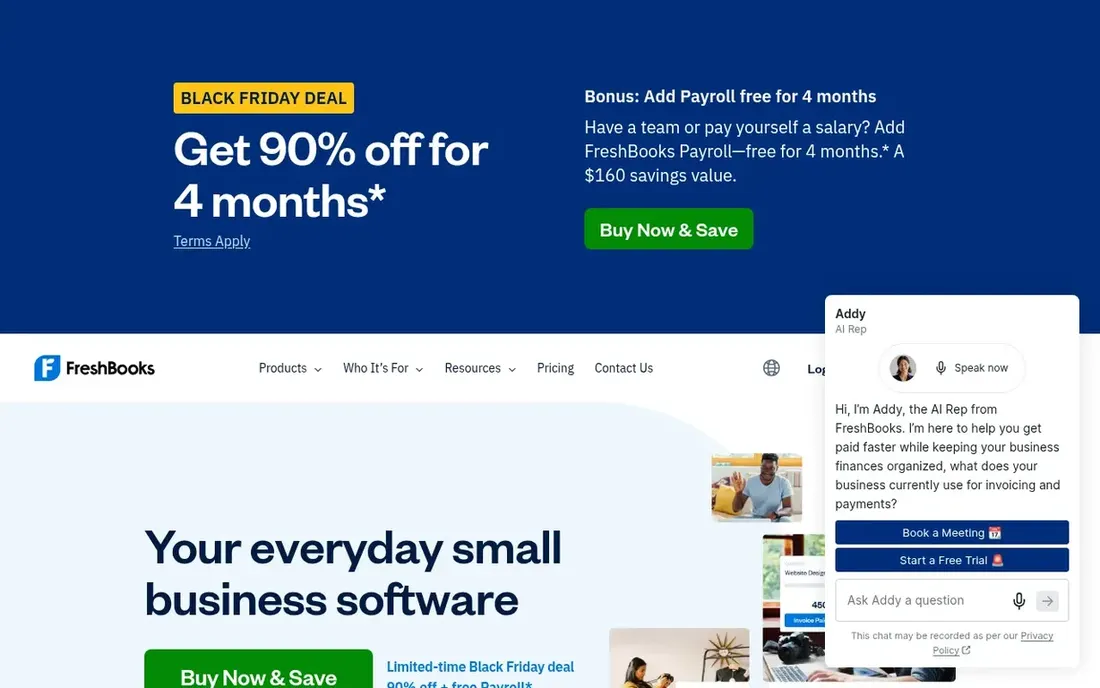
In short, FreshBooks is for invoicing, time tracking, and expense management. FreshBooks is cloud-based invoicing and accounting software for small companies, with tools to send invoices, track time, handle receipts and expenses, and accept credit cards.
Drawbacks to consider: Less suited to complicated subscription billing.
In daily use, FreshBooks centres on client invoicing and time-based billing, so firms with complicated recurring or usage-based pricing may outgrow it. Bigger teams needing deeper accounting controls may prefer a fuller accounting suite. The starting price for FreshBooks: $23.00 per month. Free options: Free trial.
- Track time and run receipts
- Send invoices and accept credit cards
- Accounting depth may be restricted for bigger teams
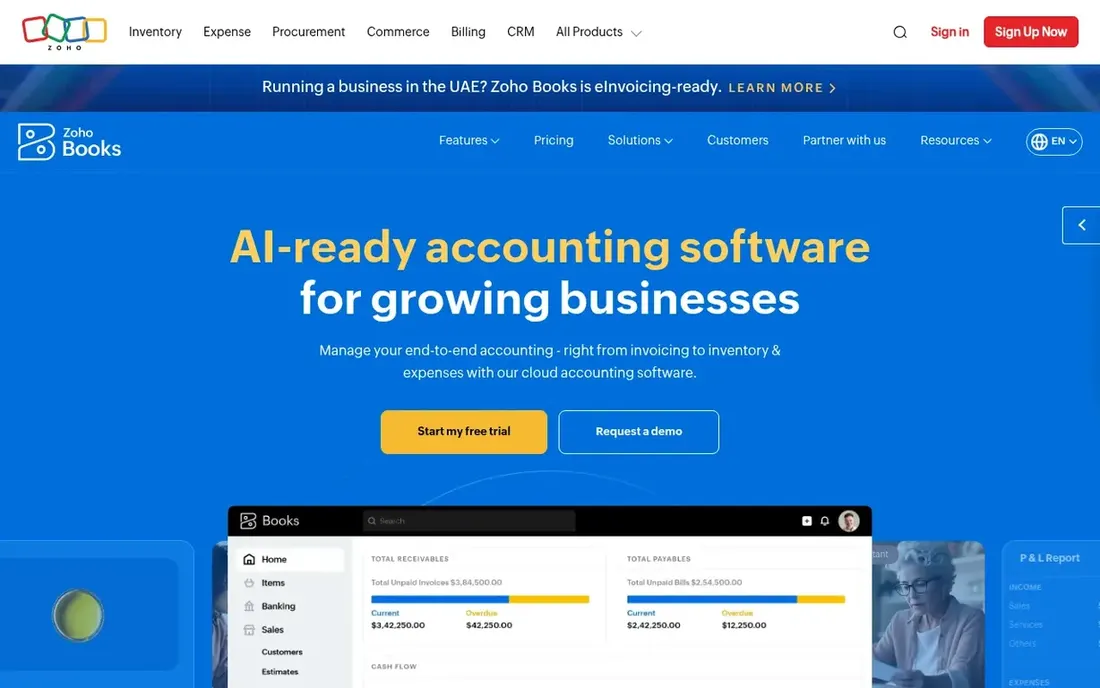
Where Zoho Books fits: cloud accounting with invoicing and tax management. Zoho Books is cloud-based accounting software that eases invoicing, expenses, tax management, bank reconciliation, and financial reporting for small companies. On top of that, setup can take time to match your chart of accounts and tax rules.
Downsides: May need setup time for full configuration.
Pick it when accounting accuracy and reporting are the priority. Zoho Books is built around accounting workflows, so businesses needing advanced subscription or usage-based billing may need a separate billing tool. Zoho Books does not show a starting price in this comparison, so check the vendor site for current pricing. As for free access: Not stated.
- Eases invoicing and expenses
- Handles tax management and bank reconciliation
- Fewer revenue operations features than billing products
Stripe Billing is aimed squarely at recurring and usage-based subscription billing. It suits subscription companies and software teams that require adaptable billing models and automatic revenue collection.
Where it falls short: Developer-oriented for advanced setup.
Stripe Billing is a billing engine instead of an accounting suite, so bookkeeping and reporting may need separate tools. Stripe Billing does not show a starting price in this comparison, so check the vendor site for current pricing. As for free access: Not stated.
- APIs and dashboard setup
- Supports recurring and usage-based pricing
- Not a full accounting system
QuickBooks Online
Best for: All-around small business accounting and revenue tracking
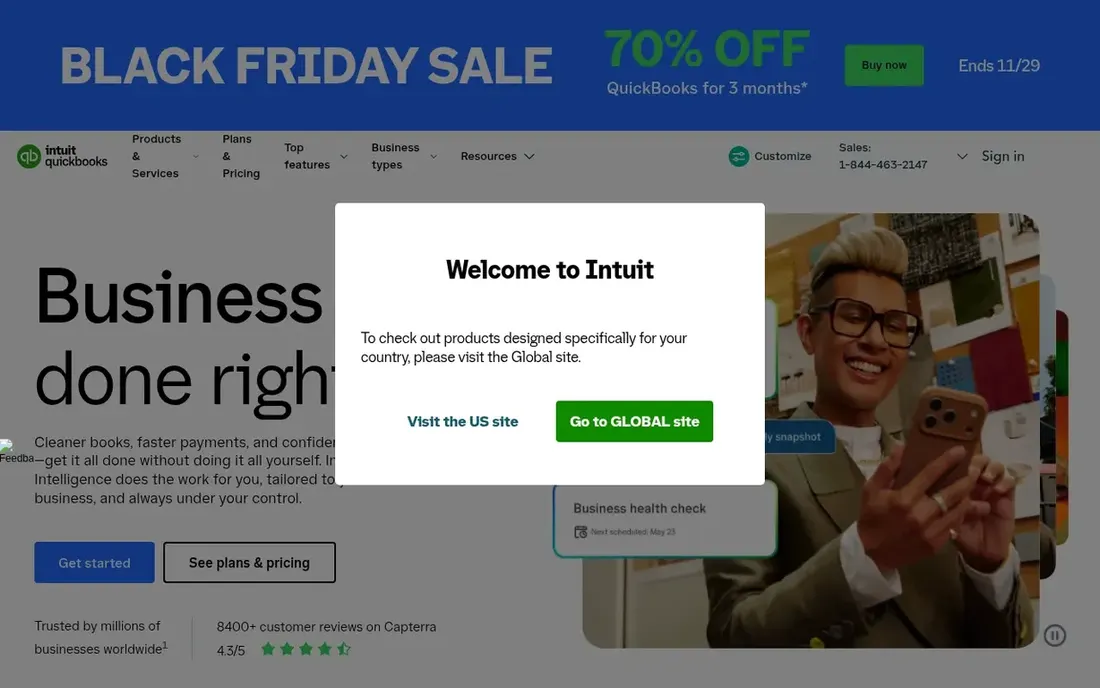
Where QuickBooks Online fits: all-around small business accounting and revenue tracking. It suits small firms that want revenue tracking connected to bookkeeping, invoicing, and reporting instead of a standalone billing tool.
More specifically, teams that expect to grow and need a central financial system commonly start here. The starting price for QuickBooks Online: $11.40 per month. Free options: Free trial.
Points against: Can feel complicated for very small teams.
- Quick setup and organized books
- Widely used by small companies
- Full feature set may exceed straightforward invoicing needs
What went into this list
For each of the 6 tools we noted price, free plan or trial, fit for revenue management software for small business and the main limit, using vendor pages and documentation. Where a vendor does not publish a price, the entry says quote. Where a price depends on seats or billing term, the entry says so. Position on the page reflects fit for a typical buyer first, with price clarity and free access breaking ties. Treat it as a guide, not a ruling.
Things to verify first
- Confirm the entry price on the vendor page. For Zoho Books and Stripe Billing that means a quote rather than a fixed price.
- Look at the free plan from Wave closely: its caps decide whether it is usable for real work.
- Use real work to test the free trial from Xero, FreshBooks and QuickBooks Online, rather than a demo project.
- Before choosing Xero, weigh its main limit: may need extras for specialized billing.
- Look at the renewal terms for Xero: auto-renewal, notice periods and price changes can matter more than the first-year price.
- See whether Wave offers onboarding or training, and whether it is included in the price.
FAQ
What should a small business look for in revenue management software?
Then check accounting integration, reporting, and setup effort. A tool that matches your revenue model will be simpler to run day to day.
Which options for revenue management software for small business have a free plan?
Wave is the only tool in this list with a free plan. Free plans usually cap users, projects or features, so check the limits on the vendor page. Several others offer a trial instead. All 6 picks in this revenue management software for small business comparison list a starting price, free plan details and the main limits on their cards above.
What is the cheapest option for revenue management software for small business in this list?
On published monthly entry prices, Xero is the lowest here at $7 per month. Entry price is only part of the cost, because seats, add-ons and billing terms can change the total. For the full picture, the cards above cover all 6 entries of this revenue management software for small business list, including price, free plan and limits.
How are the tools for revenue management software for small business ordered?
Xero sits first and QuickBooks Online last because the order follows typical fit for revenue management software for small business, then price clarity and free access. It is a judgement call, so read each profile for fit and limits.
Is Xero the right pick for everyone comparing revenue management software for small business?
No single tool suits every team. Xero comes first because it fits connecting bank, accountant, and business apps, while Wave suits simple invoicing and payments for very small businesses and FreshBooks suits invoicing, time tracking, and expense management. Match the tool to your own size, budget and workflow before deciding.
Sources
- https://www.xero.com
- https://www.waveapps.com
- https://www.freshbooks.com
- https://www.zoho.com/books
- https://stripe.com/billing
- https://quickbooks.intuit.com