Best Reporting Software for Small Teams in 2026: Prices, Free Plans and 5 Picks
Best reporting software for small teams in 2026: 5 contenders with entry costs and free tiers. Plain-spoken summaries throughout. Full profiles inside.
- Editor's choice
 Qlik Sense
Data integration plus analytics
Starts atSee websiteVisit qlik.comFull review - Great alternative
 Domo
Governed data and AI workflows
Starts atSee websiteVisit domo.comFull review - Also consider
 Tableau
Adaptable visual analytics and dashboards
Starts at$15 per user per monthVisit tableau.comFull review
Direct answer
Qlik Sense is the first pick on this list for data integration plus analytics. Listed starting prices: Tableau from $15 per user per month and Databox from $79 per month. Domo is better for governed data and AI workflows, and Tableau is better for adaptable visual analytics and dashboards. All 5 tools are compared below on price, free plan and limits.
TL;DR:
- Qlik Sense sits first on this list: data integration plus analytics.
- Just one of the 5 tools, Tableau, has a free plan.
- Check the limits for Tableau before you commit: can feel complicated for beginners.
- Databox fits performance data for teams and agencies.
Last checked November 2026. Prices and plan details were read from the vendors' own pages in November 2026; vendors change plans often, so confirm the current price on the vendor site before you buy.
Quick comparison
| Tool | Best for | Starts at | Free plan? | |
|---|---|---|---|---|
| Qlik Sense | Data integration plus analytics | See website | Not stated | Visit |
| Domo | Governed data and AI workflows | See website | Free trial | Visit |
| Tableau | Adaptable visual analytics and dashboards | $15 per user per month | Yes | Visit |
 Zoho Analytics | Connecting business apps into dashboards | See website | Not stated | Visit |
 Databox | Performance data for teams and agencies | $79 per month | Free trial | Visit |
The best reporting software for small teams
LinkVetted compared 5 reporting software for small teams. The goal is a practical shortlist: published prices, free plan facts, best-fit use cases and honest limits for every entry.
Qlik Sense serves data integration plus analytics. Qlik Sense sits within Qlik's broader offering, which now comes with Talend and emphasizes a data fabric with data integration, data quality, and analytics together.
Downsides: Wide scope may overwhelm small teams.
This comparison lists no price for Qlik Sense; ask the vendor. Free access: Not stated.
- End-to-end data integration
- Data quality capabilities
- Ramp-up time for new users
Domo works best for governed data and AI workflows. Its homepage stresses accelerating business-critical insights.
Consider Domo when data governance and AI-assisted workflows are part of the reporting goal, not just charts and dashboards. The product's breadth can feel heavy for a small team whose primary need is straightforward recurring reports, and getting full value takes planning. Domo does not show a starting price in this comparison, so check the vendor site for current pricing. Free access: Free trial.
Honest limits: Needs planning to adopt completely.
- Links data from numerous sources
- AI and data products combined
- Wide product can feel heavy
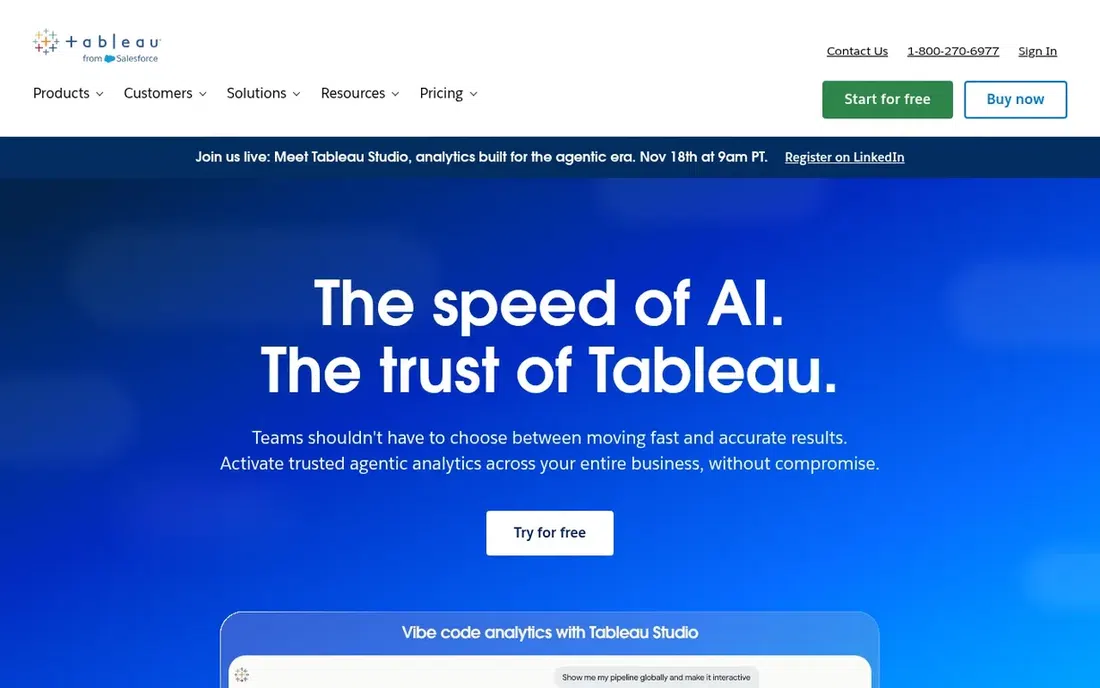
Tableau targets adaptable visual analytics and dashboards. Tableau is a business intelligence and analytics system built around visual exploration.
Teams that primarily need light, prebuilt metric dashboards may prefer a more straightforward tool. As for the details, choose Tableau when visual adaptability and broad data connectivity matter more than quick, minimal setup. The starting price for Tableau: $15 per user per month. Tableau has a free plan.
Downsides: Setup may need dedicated effort.
- Share reports with a click
- Drag-and-drop visualization building
- Can feel complicated for beginners
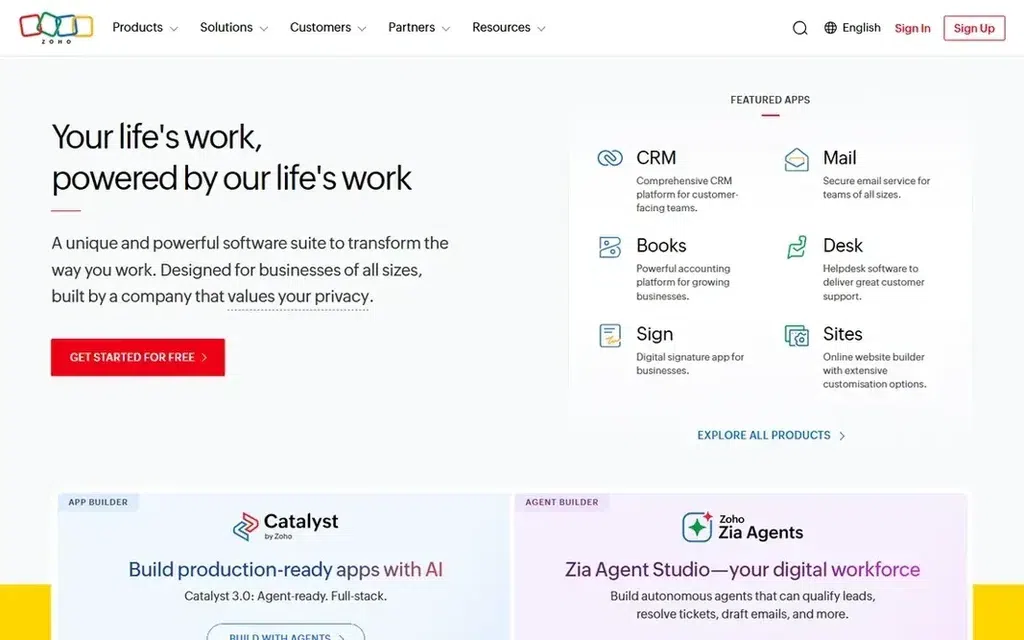
Zoho Analytics targets connecting business apps into dashboards. Its homepage highlights app connectivity and AI-powered analytics. If you need highly specialized embedded analytics instead, look at a system built around that purpose.
Drawbacks to consider: Feature depth varies by setup.
For everyday use, teams outside the Zoho ecosystem may find some integration and workflow advantages less relevant. The range of choices can take time to configure well. It performs best when the goal is consolidated reporting across connected apps. Zoho Analytics does not show a starting price in this comparison, so check the vendor site for current pricing. Free options: Not stated.
- Links numerous business apps
- Dashboard building included
- Ecosystem leans toward Zoho users
For performance data for teams and agencies, Databox is a natural candidate. Databox describes itself as an agentic analytics product that merges performance data, business context, and AI workflows so teams act quicker. More specifically, for small teams and agencies that track recurring performance metrics and want those numbers organized around decisions, this orientation can reduce the work of assembling routine reports and keeping everyone aligned on the same measures.
Points against: Less suited to deep custom modeling.
Since Databox is oriented around performance tracking and workflows, teams needing deep custom data modeling may find it less adaptable than full BI systems. Worth adding: pick it for operational reporting and metric visibility, and look to a broader analytics suite when exploratory analysis is the priority. Starting cost for Databox: $79 per month. Free access: Free trial.
What works well: AI workflows for quicker action.
- Business context included
- Brings performance data together
- Best when metrics are well defined
How we built this list
What to check before you buy
- Confirm the entry price on the vendor page. For Qlik Sense, Domo and Zoho Analytics that means a quote rather than a fixed price.
- Test the free plan from Tableau against your real workload before relying on it.
- Use real work to test the free trial from Domo and Databox, rather than a demo project.
- Read the limits listed for Qlik Sense first: wide scope may overwhelm small teams.
- Make sure Domo lets you export your data in a format another tool can read.
- Confirm the exact Qlik Sense plan that includes your must-have features.
FAQ
Which options for reporting software for small teams have a free plan?
Tableau is the only tool in this list with a free plan. Free plans usually cap users, projects or features, so check the limits on the vendor page. Several others offer a trial instead. For the full picture, the cards above cover all 5 entries of this reporting software for small teams list, including price, free plan and limits.
Can I try these tools before paying?
Often, yes. Tableau has a free plan and Domo and Databox offer a free trial. Use your own data and a real task during the test, and check what the free tier or trial limits before you rely on it. Prices, free plan details and limits for all 5 tools in this reporting software for small teams roundup sit on the individual cards above.
What is the cheapest option for reporting software for small teams in this list?
On published monthly entry prices, Tableau is the lowest here at $15 per user per month. Entry price is only part of the cost, because seats, add-ons and billing terms can change the total. Each of the 5 options in this reporting software for small teams guide has its own card above with the price, free plan and limits.
Is Qlik Sense the right pick for everyone comparing reporting software for small teams?
No single tool suits every team. Qlik Sense comes first because it fits data integration plus analytics, while Domo suits governed data and AI workflows and Tableau suits flexible visual analytics and dashboards. Match the tool to your own size, budget and workflow before deciding.
How should a small team evaluate reporting software?
Start with your data sources, the reports you share on a regular basis, and who will maintain them. Then confirm supported connections, sharing choices, and setup effort on each vendor site before committing to a product.
Sources
- https://www.qlik.com
- https://www.domo.com
- https://www.tableau.com
- https://www.zoho.com/analytics
- https://databox.com