Reporting Software for Restaurants in 2026: The 5 Best Options Side by Side
Best reporting software for restaurants, compared. 5 tools with published prices, free plans and limits. Read the caveats before you buy. Refreshed for 2026.
- Editor's choice
 Clover
Restaurants seeking POS with reporting basics
Starts atSee websiteVisit clover.comFull review - Great alternative
 MarginEdge
Restaurants focusing on food cost and invoice reporting
Starts at$350 per location a monthVisit marginedge.comFull review - Also consider
 Lightspeed Restaurant
Restaurants needing adaptable POS with capable insights
Starts atSee websiteVisit lightspeedhq.comFull review
Direct answer
Start with Clover if you need Restaurants seeking POS with reporting basics. Listed starting prices: MarginEdge from $350 per location a month and TouchBistro from $69 a month. For a different need, MarginEdge covers Restaurants focusing on food cost and invoice reporting and Lightspeed Restaurant covers Restaurants needing adaptable POS with solid insights. The other 2 tools in the list cover narrower or pricier cases.
TL;DR:
- The list opens with Clover, aimed at Restaurants seeking POS with reporting basics.
- What to know about MarginEdge first: restricted to back-office functions.
- TouchBistro fits Restaurants seeking all-in-one POS and management.
- TouchBistro is the lowest-priced starter here at $69 per month.
Last checked November 2026. Prices and plan details were read from the vendors' own pages in November 2026; vendors change plans often, so confirm the current price on the vendor site before you buy.
Quick comparison
| Tool | Best for | Starts at | Free plan? | |
|---|---|---|---|---|
| Clover | Restaurants seeking POS with reporting basics | See website | Not stated | Visit |
| MarginEdge | Restaurants focusing on food cost and invoice reporting | $350 per location a month | Not stated | Visit |
| Lightspeed Restaurant | Restaurants needing adaptable POS with capable insights | See website | Not stated | Visit |
 Square for Restaurants | Restaurants wanting integrated payments and reporting | See website | Not stated | Visit |
 TouchBistro | Restaurants seeking all-in-one POS and management | $69 a month | Not stated | Visit |
Reporting Software for Restaurants profiles
If you are comparing reporting software for restaurants, this page covers 5 tools in one place: what each is best for, what it costs to start, whether it has a free plan, and the main limit to know about.
Where Clover fits: Restaurants seeking POS with reporting basics. It provides adaptable hardware and integrated payments.
Where it is weaker: May need extras for advanced analytics.
Worth adding: Clover's reporting may not be as advanced as dedicated back-office options, and companies with complicated needs might outgrow it. Clover shows no starting price here, so confirm the cost on the vendor site. Free access: Not stated.
- Adaptable hardware choices
- Reporting features included
- Reporting may be entry-level
MarginEdge is designed for Restaurants focusing on food cost and invoice reporting. This tool is well suited to restaurants that require in-depth cost reporting and invoice automation, notably those with complicated inventory.
Points against: Restricted to back-office functions.
On cost, MarginEdge starts like this: $350 per location per month. Free access: Not stated.
- Tracks food costs in live
- AI-powered back office
- May not replace full POS reporting
Lightspeed Restaurant
Best for: Restaurants needing adaptable POS with capable insights
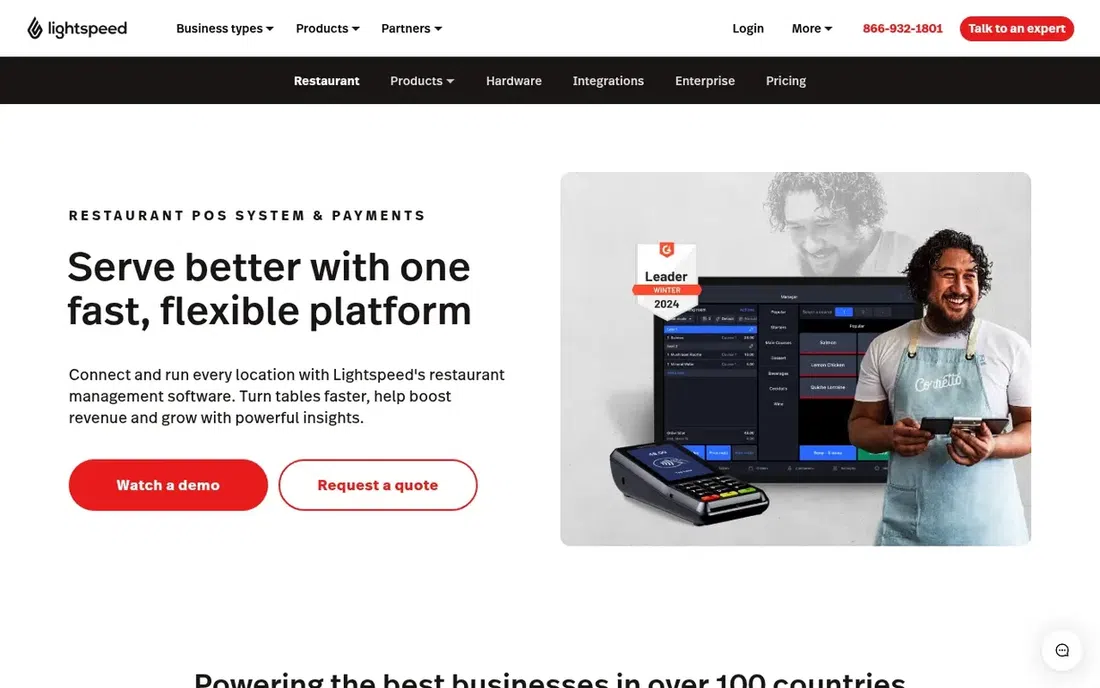
Lightspeed Restaurant serves Restaurants needing adaptable POS with capable insights. Lightspeed Restaurant is a point of sale, payments, and management platform built for restaurants.
Where it is weaker: Pricing not disclosed on homepage.
That said, for those prioritizing deep insights and customization, Lightspeed is a capable contender. Lightspeed Restaurant does not show a starting price in this comparison, so check the vendor site for current pricing. Free options: Not stated.
- Integrated payments and management
- Industry-leading reporting insights
- May need training to use advanced features
Square for Restaurants
Best for: Restaurants wanting integrated payments and reporting
Square for Restaurants is designed for Restaurants wanting integrated payments and reporting. Square for Restaurants is a POS option that helps handle orders, take payments, organize teams, and attract diners.
Where it falls short: Reporting depth may be restricted for complicated operations.
It contains reporting tools that provide insights into sales and operations. Check the vendor site for Square for Restaurants pricing; none is listed in this comparison. Free options: Not stated.
- Team organization tools
- Designed specifically for restaurants
- May lack advanced accounting features
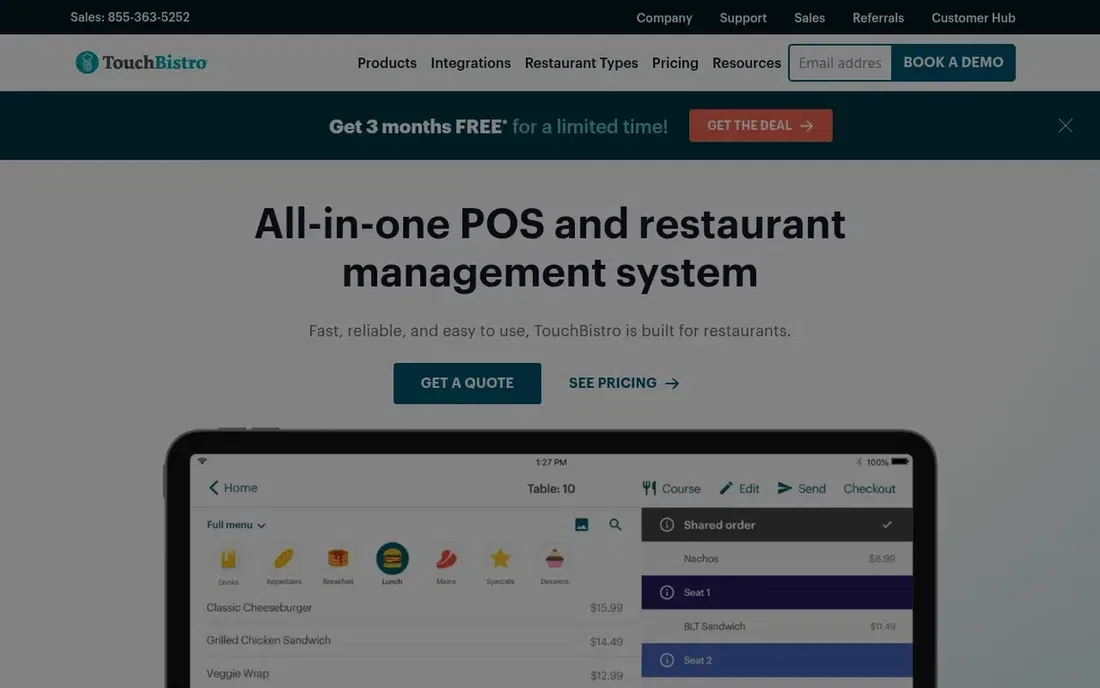
TouchBistro is designed for Restaurants seeking all-in-one POS and management. It includes reporting features that help operators track performance and make informed decisions.
TouchBistro is well suited to restaurants wanting a single system for POS and management. Beyond that, Whereas TouchBistro provides solid management features, its reporting capabilities may not be as specialized as dedicated accounting or back-office tools. TouchBistro pricing: $69 per month. Free access: Not stated.
Trade-offs to know: May lack specialized reporting for large chains.
- Focus on increasing sales and saving time
- Built for restaurant operations
- Extras might be needed for full functionality
How we built this list
Selection started from tools commonly considered for reporting software for restaurants, then narrowed to 5 that have clear pricing information or a clear quote process. Prices and plan limits come from vendor pages and can change, so confirm them on the vendor site before you buy. Tools are placed by general fit for reporting software for restaurants, with price clarity and free access as tie-breakers. A different team can reasonably rank them differently.
A buyer's checklist
- Confirm the entry price on the vendor page. For Clover, Lightspeed Restaurant and Square for Restaurants that means a quote rather than a fixed price.
- Before choosing Clover, weigh its main limit: reporting may be basic.
- Test how quickly MarginEdge answers a pre-sales question; it hints at how support will feel later.
- The entry price of Lightspeed Restaurant is only the starting point; model the full cost with seats and extras.
- Make sure TouchBistro lets you export your data in a format another tool can read.
FAQ
Do these tools publish their prices?
Not all of them. Clover, Lightspeed Restaurant and Square for Restaurants publish no starting price, so expect a quote request for those. The rest, MarginEdge included, show a starting price, though seats and billing terms still change the final cost.
Is Clover the right pick for everyone comparing reporting software for restaurants?
No single tool suits every team. Clover comes first because it fits Restaurants seeking POS with reporting basics, while MarginEdge suits Restaurants focusing on food cost and invoice reporting and Lightspeed Restaurant suits Restaurants needing flexible POS with strong insights. Match the tool to your own size, budget and workflow before deciding.
Does any tool for reporting software for restaurants here have a free plan?
No tool in this list, Clover and TouchBistro included, has a permanent free plan. Trials and quotes are the usual route, so plan a short evaluation period.
What is the best reporting software for restaurants?
Clover comes first here and is built for Restaurants seeking POS with reporting basics. Buyers with other needs may prefer MarginEdge (for Restaurants focusing on food cost and invoice reporting) or Lightspeed Restaurant (for Restaurants needing adaptable POS with solid insights). Compare costs and limits first.
Can I try these tools before paying?
Not by default. None of the tools, from Clover to TouchBistro, lists a free plan or a free trial here, so ask each vendor for a demo before committing.
Sources
- https://www.clover.com
- https://www.marginedge.com
- https://www.lightspeedhq.com/pos/restaurant
- https://squareup.com/us/en/restaurants
- https://www.touchbistro.com