5 Reporting Software for Consultants Worth Shortlisting in 2026
Best reporting software for consultants: 5 contenders ranked by fit, with entry costs and free tiers. Plus the drawbacks of each tool. Checked this month.
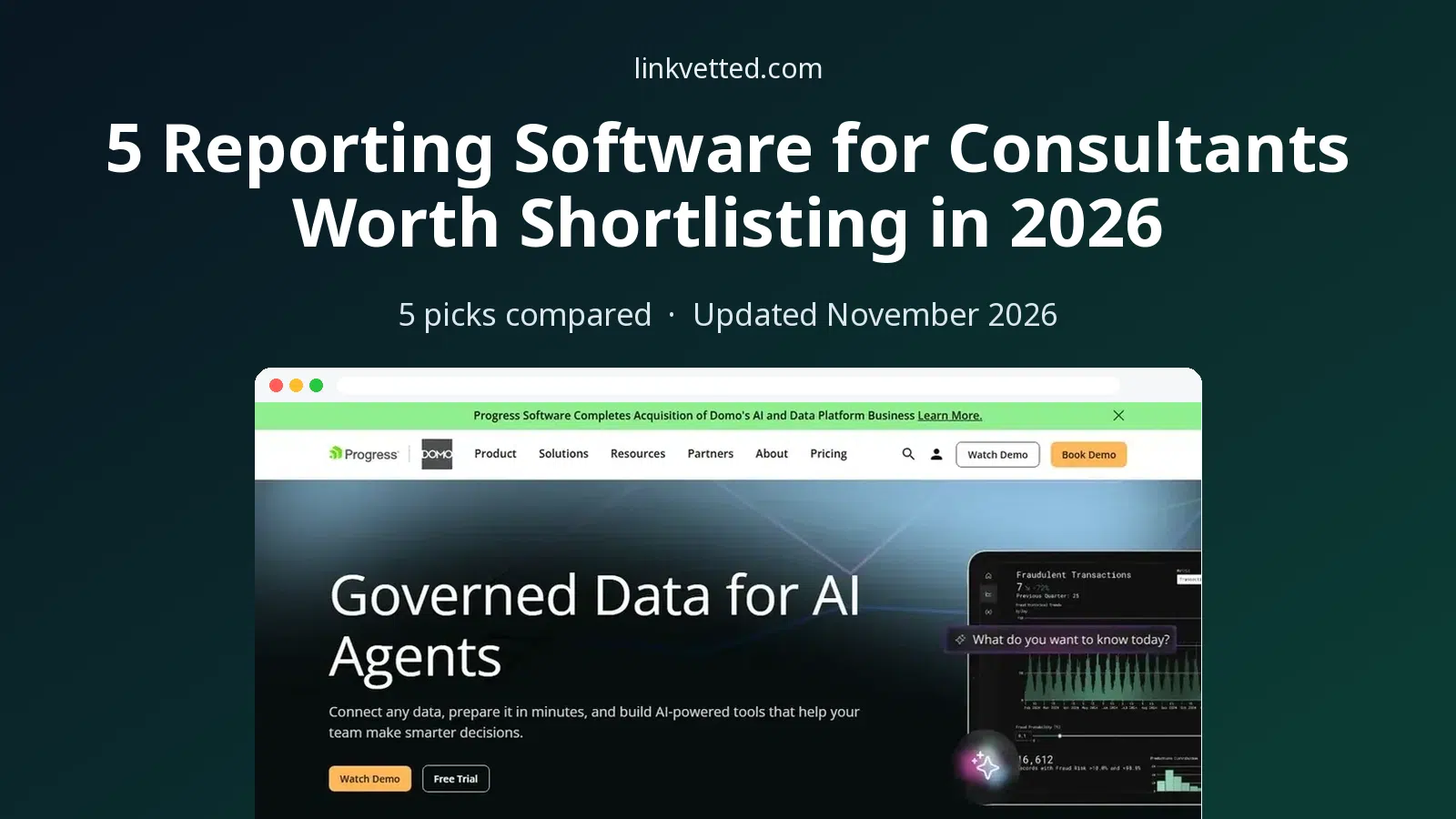
- Editor's choice
 Sisense
Embedded analytics for client products
Starts atSee websiteVisit sisense.comFull review - Great alternative
 Zoho Analytics
Connecting apps and building dashboards
Starts atSee websiteVisit zoho.comFull review - Also consider
 Domo
Governed data and AI-driven insights
Starts atSee websiteVisit domo.comFull review
Direct answer
Start with Sisense if you need embedded analytics for client products. Listed starting prices: Tableau from $15 per user per month and Databox from $79 a month. Zoho Analytics is better for connecting apps and building dashboards, and Domo is better for governed data and AI-driven insights. The other 2 tools in the list cover narrower or pricier cases.
TL;DR:
- Sisense takes the first slot, best suited to embedded analytics for client products.
- Tableau is the lowest-priced starter here at $15 per user per month.
- Domo comes with a trade-off: wide system can take time to learn.
- Tableau stands alone as the one tool in this list with a free plan.
- Databox is the one to check for client performance reporting for agencies.
Last checked November 2026. Prices and plan details were read from the vendors' own pages in November 2026; vendors change plans often, so confirm the current price on the vendor site before you buy.
Quick comparison
| Tool | Best for | Starts at | Free plan? | |
|---|---|---|---|---|
| Sisense | Embedded analytics for client products | See website | Free trial | Visit |
| Zoho Analytics | Connecting apps and building dashboards | See website | Not stated | Visit |
| Domo | Governed data and AI-driven insights | See website | Free trial | Visit |
 Tableau | Deep visual analytics and data exploration | $15 per user per month | Yes | Visit |
 Databox | Client performance reporting for agencies | $79 a month | Free trial | Visit |
The full reporting software for consultants list
This LinkVetted guide covers 5 reporting software for consultants. Each profile lists a starting price, free plan details, strengths and drawbacks, so you can drop poor fits quickly.
Sisense was built for embedded analytics for client products. Embedding work also calls for development resources. Consultants building analytical experiences for clients, instead of only internal reports, will find the embedding focus relevant.
Downsides: Embedded focus may not fit internal reporting.
It gives you pro-code, low-code and no-code adaptability to match different technical skill levels. Since it centers on embedded analytics, it may be more than a consultant needs for straightforward client reporting. No starting price is listed for Sisense here; confirm pricing on the vendor site. Trial and free access: Free trial.
- Pro-code
- Meant to embed insights in products
- Needs development resources
Zoho Analytics was built for connecting apps and building dashboards. Choose Zoho Analytics when app connectivity and approachable dashboards are the priority. Zoho Analytics is a business intelligence and data analytics system that links to a broad set of apps and builds dashboards for actionable insights.
Beyond that, consultants with highly customized reporting needs should confirm fit first. Consultants who already use Zoho products, or who require to pull data from numerous business apps, will find it a practical reporting choice. It supports fast dashboard creation for client reporting. Practices outside the Zoho ecosystem may get less benefit from its integrations, and complicated data models can need extra preparation. Check the vendor site for Zoho Analytics pricing; none is listed in this comparison. Free access: Not stated.
Watch-outs: Best value within the Zoho ecosystem.
- Dashboard building
- Links to numerous apps
- Complicated data models may need additional work
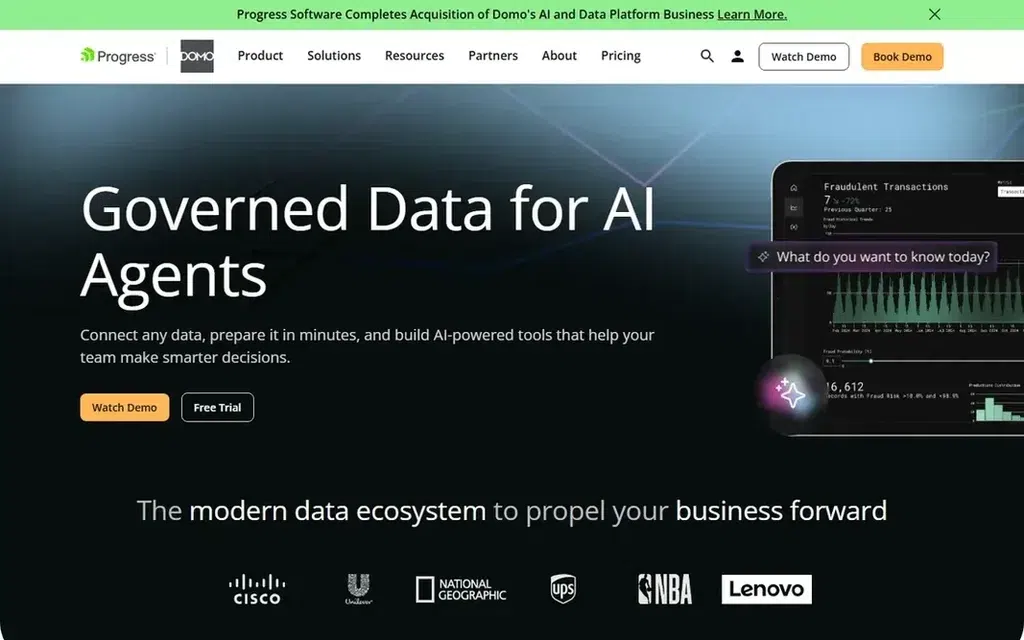
Domo is built with governed data and AI-driven insights in mind. Choose Domo when data movement, governance and AI-supported insight are part of the engagement scope.
The breadth of the product means a ramp-up time, and smaller consulting practices may not need all of it. Domo presents itself as a governed data product with AI and data products that support the full data journey. No starting price is listed for Domo here; confirm pricing on the vendor site. As for free access: Free trial.
Downsides: Wide product can take time to learn.
- Links and moves data from numerous sources
- Prepares and expands data access
- May exceed needs of small engagements
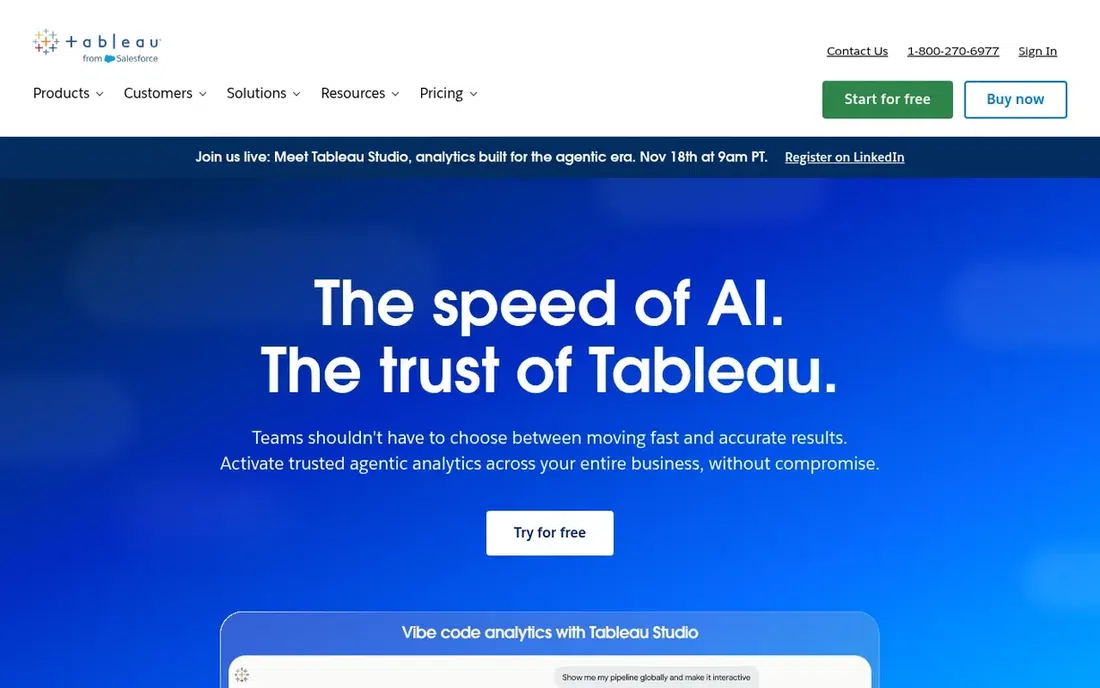
Choose Tableau for deep visual analytics and data exploration. Consultants who require to link to a wide range of databases and build visualizations by dragging and dropping will find it a good fit. Reports can be shared with a click, which helps when delivering findings to clients across engagements.
Upsides: Drag-and-drop visualization building.
Tableau is a business intelligence and analytics system aimed at seeing and understanding data. More specifically, the product is oriented toward visual analysis instead of straightforward tabular reporting, so lighter reporting needs may feel overbuilt. As for the details, consultants who mainly assemble scheduled client summaries may prefer a simpler reporting tool. Choose Tableau when visual exploration and database connectivity are central to the work. The starting price for Tableau: $15 per user per month. Free access exists with Tableau.
- Links to almost any database
- Share visuals with a click
- Needs setup and data prep
Databox is a good fit for client performance reporting for agencies. Practices needing deep modeling should look at a full BI system. Databox describes itself as an agentic analytics system for agencies and teams, bringing performance data, business context and AI workflows together.
Where it falls short: Agency orientation may limit other uses.
It aims to help teams and agents act quicker on the metrics that matter. Its agency and team focus may not suit consultants with broader analytical needs, and results rely on the connected data sources. Price to start with Databox: $79 per month. On free options: Free trial.
- Brings performance data together
- Business context alongside metrics
- Depends on connected data sources
How we built this list
Selection started from tools commonly considered for reporting software for consultants, then narrowed to 5 that have clear pricing information or a clear quote process. Treat prices as a snapshot: vendors change plans often, so check the vendor site for the figure that applies today. The sequence is a judgement call: typical use case first, then pricing transparency, then free access. Use the profiles to check fit.
Questions to settle before buying
- Confirm the entry price on the vendor page. For Sisense, Zoho Analytics and Domo that means a quote rather than a fixed price.
- Test the free plan from Tableau against your real workload before relying on it.
- Take the trial from Sisense, Domo and Databox and push a live task through it before you pay.
- Read the limits listed for Sisense first: embedded focus may not fit internal reporting.
- Ask Databox whether prices are locked for the first term and what happens at renewal.
- Look at which plan of Zoho Analytics unlocks the features you need; entry tiers are often cut down.
FAQ
Can reporting software be embedded in client products?
Some tools, for example Sisense, are made for embedded analytics so insights can live inside a client product. Confirm embedding choices and the development effort required before committing to that approach.
How are the tools for reporting software for consultants ordered?
Sisense sits first and Databox last because the order follows typical fit for reporting software for consultants, then price clarity and free access. It is a judgement call, so read each profile for fit and limits.
Can I try these tools before paying?
Often, yes. Tableau has a free plan and Sisense, Domo and Databox offer a free trial. Use your own data and a real task during the test, and check what the free tier or trial limits before you rely on it.
Which options for reporting software for consultants have a free plan?
Tableau is the only tool in this list with a free plan. Free plans usually cap users, projects or features, so check the limits on the vendor page. Several others offer a trial instead. Each of the 5 options in this reporting software for consultants guide has its own card above with the price, free plan and limits.
Do these tools publish their prices?
Not all of them. Sisense, Zoho Analytics and Domo publish no starting price, so expect a quote request for those. The rest, Tableau included, show a starting price, though seats and billing terms still change the final cost.
Sources
- https://www.sisense.com
- https://www.zoho.com/analytics
- https://www.domo.com
- https://www.tableau.com
- https://databox.com