Top 5 Quality Management Software for Churches for 2026 (Prices and Free Plans)
5 products for the best quality management software for churches, ranked by fit, with starting costs and free tiers. Short verdicts, no fluff. Prices included.
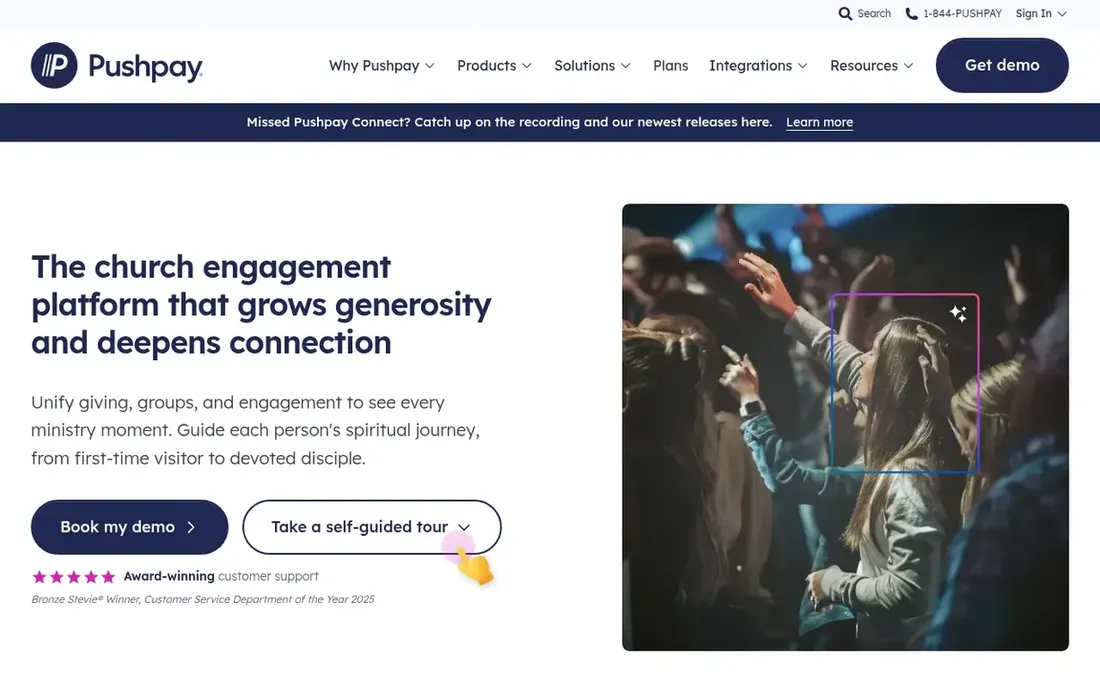
- Editor's choicePushpay
Engagement system with giving and streaming
Starts atSee websiteVisit pushpay.comFull review - Great alternativeBreeze ChMS
Straightforward church data and event management
Starts at$72 a monthVisit breezechms.comFull review - Also considerTithe.ly
Giving, management, and engagement in one
Starts at$19 a monthVisit get.tithe.lyFull review
Direct answer
Pushpay comes first here, mainly for engagement system with giving and streaming. Listed starting prices: Breeze ChMS from $72 a month, Tithe.ly from $19 a month and Planning Center from $5 per month. Breeze ChMS is better for straightforward church data and event management, and Tithe.ly is better for giving, management, and engagement in one. The full list of 5 tools follows, with prices and free plan facts.
TL;DR:
- The list opens with Pushpay, aimed at engagement system with giving and streaming.
- Planning Center suits integrated service planning and ministry coordination.
- One limit worth knowing about Breeze ChMS: limited depth for complicated needs.
- Free plans exist at 2 of 5 tools (Tithe.ly, Planning Center).
Last checked November 2026. Prices and plan details were read from the vendors' own pages in November 2026; vendors change plans often, so confirm the current price on the vendor site before you buy.
Quick comparison
| Tool | Best for | Starts at | Free plan? | |
|---|---|---|---|---|
| Pushpay | Engagement system with giving and streaming | See website | Free trial | Visit |
| Breeze ChMS | Straightforward church data and event management | $72 a month | Free trial | Visit |
| Tithe.ly | Giving, management, and engagement in one | $19 a month | Yes | Visit |
| Church Community Builder | Giving and engagement with church management | See website | Free trial | Visit |
| Planning Center | Integrated service planning and ministry coordination | $5 per month | Yes | Visit |
Quality Management Software for Churches compared in detail
Choosing quality management software for churches usually comes down to price, fit and limits. This LinkVetted guide sets 5 tools side by side on those three points, with the facts kept short and checkable.
Pushpay
Best for: Engagement system with giving and streaming
In short, Pushpay is for engagement system with giving and streaming. It can serve as a front door for online giving and media alongside management systems.
In practice, confirm integration choices straight with the vendor. Check the vendor site for Pushpay pricing; none is listed in this comparison. On free options: Free trial.
Trade-offs to know: May duplicate other tools.
- Custom app support
- Live streaming included
- Engagement-first instead of admin-first
Breeze ChMS
Best for: Straightforward church data and event management
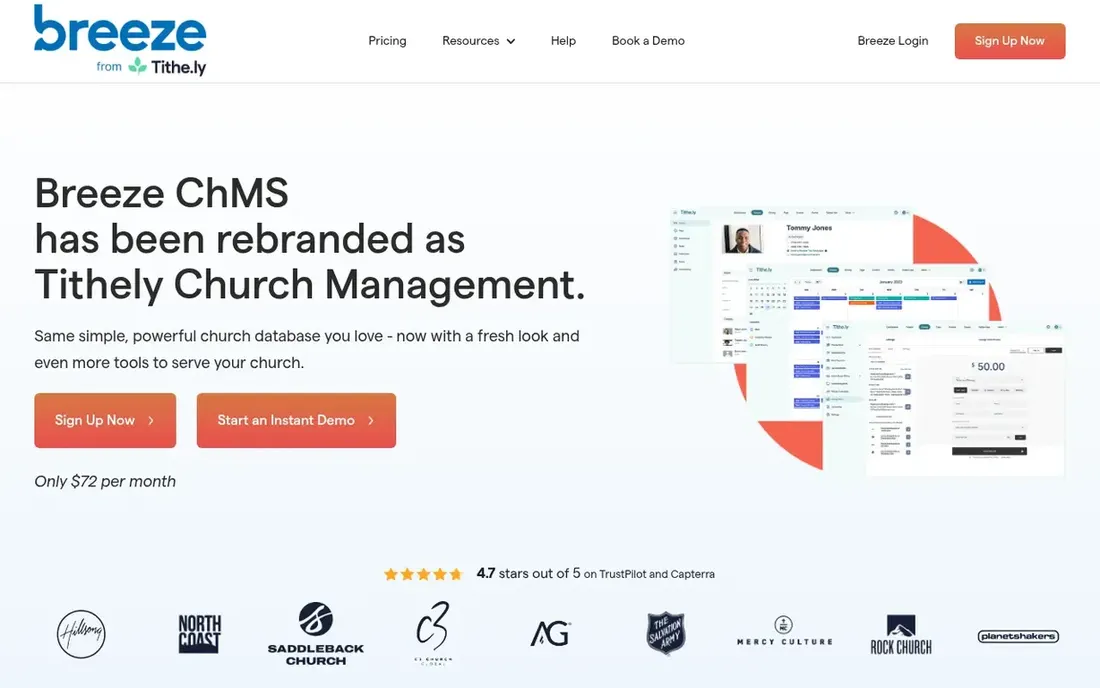
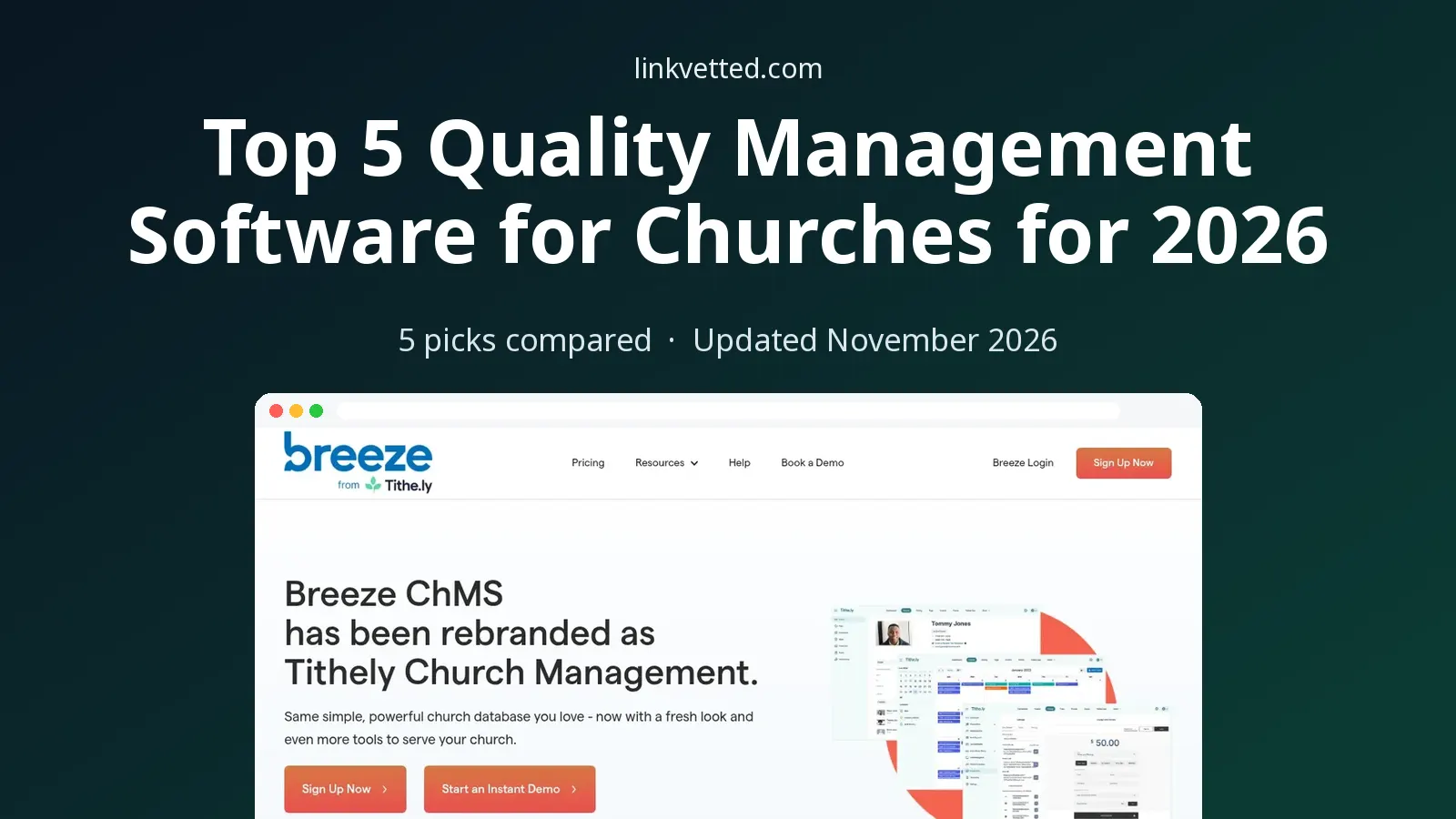
Breeze ChMS targets straightforward church data and event management. Breeze ChMS is an easy-to-use church management software that helps organize data, handle events, offer online giving, and track attendance.
It handles the everyday records most congregations maintain. Starting cost for Breeze ChMS: $72 per month. Free plan details: Free trial.
Honest limits: Restricted depth for complicated needs.
- Gives you online giving
- Easy-to-use interface
- May not fit large multi-site churches
Tithe.ly
Best for: Giving, management, and engagement in one
For giving, management, and engagement in one, Tithe.ly is a natural candidate. Evaluate whether the bundled approach matches your workflow.
Confirm feature scope and data handling with the vendor. What you pay to start with Tithe.ly: $19 per month. Tithe.ly includes a free tier.
Honest limits: Best fit relies on giving priorities.
- Engagement features bundled
- Online giving included
- Breadth may dilute depth
Church Community Builder
Best for: Giving and engagement with church management
Church Community Builder is built with giving and engagement with church management in mind. Church Community Builder is presented as part of the Pushpay church engagement system, including giving, custom apps, analytics, and live streaming alongside church management.
Where it falls short: May suit engagement focus over deep admin.
In practice, the vendor page emphasizes engagement, so confirm administrative depth and migration details directly with the vendor before committing. Churches seeking a standalone management system without an engagement product focus should compare alternatives. This comparison lists no price for Church Community Builder; ask the vendor. On free options: Free trial.
- Supports custom apps
- Merges giving and analytics
- Product identity tied to Pushpay
Planning Center
Best for: Integrated service planning and ministry coordination
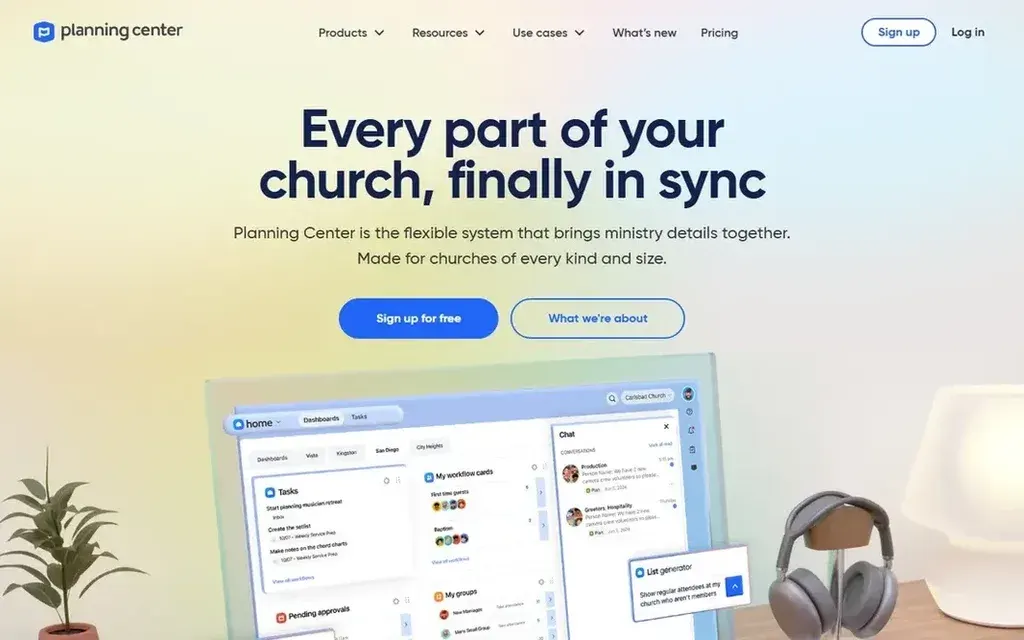
Choose Planning Center for integrated service planning and ministry coordination. It suits churches that want one place for service logistics and people records, particularly those with several teams and weekly service workflows.
Downsides: Feature depth can overwhelm small teams.
As for the details, churches wanting a giving-first engagement product may prefer a different tool. Starting cost for Planning Center: $5 per month. Planning Center offers a free plan.
- Organizes ministries and events
- Coordinates service planning
- May need setup time
Selection criteria
What to confirm before you sign up
- Ask Pushpay and Church Community Builder for a written quote, since no starting price is shown.
- Read the fine print on the free plans from Tithe.ly and Planning Center; seat, project and feature caps differ.
- Take the trial from Pushpay, Breeze ChMS and Church Community Builder and push a live task through it before you pay.
- Read the limits listed for Pushpay first: engagement-first instead of admin-first.
- Make sure Pushpay lets you export your data in a format another tool can read.
- Find out whether the entry plan of Tithe.ly covers your must-haves or only a trimmed-down version.
FAQ
Which options for quality management software for churches have a free plan?
On this list, Tithe.ly and Planning Center include a free plan. Caps on seats, usage or features are common, so test the free plan against your real workload. Several others offer a trial instead. For the full picture, the cards above cover all 5 entries of this quality management software for Churches list, including price, free plan and limits.
Do these tools publish their prices?
Not all of them. Pushpay and Church Community Builder publish no starting price, so expect a quote request for those. The rest, Breeze ChMS included, show a starting price, though seats and billing terms still change the final cost.
Can I try these tools before paying?
Often, yes. Tithe.ly and Planning Center have a free plan and Pushpay, Breeze ChMS and Church Community Builder offer a free trial. Use your own data and a real task during the test, and check what the free tier or trial limits before you rely on it. Prices, free plan details and limits for all 5 tools in this quality management software for Churches roundup sit on the individual cards above.
Can giving and management tools be combined?
Combining tools can ease vendor management but may trade off administrative depth. Confirm feature scope and data flow between giving and records before choosing.
What is the cheapest option for quality management software for churches in this list?
On published monthly entry prices, Planning Center is the lowest here at $5 per month. Entry price is only part of the cost, because seats, add-ons and billing terms can change the total. Each of the 5 options in this quality management software for Churches guide has its own card above with the price, free plan and limits.
What should a church look for in quality management software?
Prioritize a system that matches your size and workflow: people records, event and service planning, giving, and attendance. Confirm integration with tools you already use and check how data can be exported.
Sources
- https://pushpay.com
- https://www.breezechms.com
- https://get.tithe.ly
- https://www.churchcommunitybuilder.com
- https://www.planningcenter.com