The 6 Best Purchase Order Software for Online Store Owners in 2026, Ranked
Searching for the best purchase order software for online store owners? Here are 6 options with prices and free plans. Caveats come with every verdict. No hype.
- Editor's choice
 Brightpearl
Multichannel retail purchasing and finance
Starts atSee websiteVisit brightpearl.comFull review - Great alternative
 Cin7
Inventory management and small business ERP
Starts at$349 per monthVisit cin7.comFull review - Also consider
 Odoo
Open source suite with eCommerce built in
Starts atSee websiteVisit odoo.comFull review
Direct answer
Start with Brightpearl if you need multichannel retail purchasing and finance. Listed starting prices: Cin7 from $349 per month and Fishbowl from $229 per month. Cin7 is better for inventory management and small business ERP, and Odoo is better for open source suite with eCommerce built in. The other 3 tools in the list cover narrower or pricier cases.
TL;DR:
- Brightpearl sits first on this list: multichannel retail purchasing and finance.
- SAP Business One is the one to check for small and midsize businesses running full ERP.
- Before buying Fishbowl, weigh this: purchasing is tied to inventory workflows.
- Only Odoo offers a free plan among these 6 tools.
Last checked November 2026. Prices and plan details were read from the vendors' own pages in November 2026; vendors change plans often, so confirm the current price on the vendor site before you buy.
Quick comparison
| Tool | Best for | Starts at | Free plan? | |
|---|---|---|---|---|
| Brightpearl | Multichannel retail purchasing and finance | See website | Not stated | Visit |
| Cin7 | Inventory management and small business ERP | $349 per month | No | Visit |
| Odoo | Open source suite with eCommerce built in | See website | Yes | Visit |
 Fishbowl | Inventory and reordering beside QuickBooks or Xero | $229 per month | Not stated | Visit |
 NetSuite | Unified ERP with financial-grade purchasing | See website | Not stated | Visit |
 SAP Business One | Small and midsize companies running full ERP | See website | Not stated | Visit |
Tool-by-tool breakdown
LinkVetted put together this guide to purchase order software for online store owners for readers who want a clear shortlist without reading every vendor page. It compares 6 tools on starting price, free plans, who each one suits and where each one falls short.
Brightpearl works best for multichannel retail purchasing and finance. Brightpearl is worth shortlisting when multichannel order and purchasing coordination is the central pain point.
On top of that, teams wanting a general-purpose ERP with wider modules may prefer NetSuite or Odoo. Pricing for Brightpearl is not stated here, so ask the vendor for current figures. As for free access: Not stated.
Highlights: Purchasing. The main drawbacks: Retail-specific focus.
- Designed for multichannel retailers
- Aims to cut manual work
- Not pitched at non-retail companies
Cin7 is a good fit for inventory management and small business ERP. Cin7 is described as inventory management software and small business ERP that simplifies inventory management.
Points against: Purchasing depth varies by setup.
In practice, public descriptions stay high level, so the exact purchasing workflow, integrations and limits should be confirmed in a demo before committing. For online store owners, it is a candidate when purchase orders have to sit beside stock control and sales channels instead of in a spreadsheet. Cin7 starts at: $349 per month. Cin7 has no free plan.
- Aims to simplify stock operations
- Fits product-based online sellers
- Descriptions are high level, so demo needed
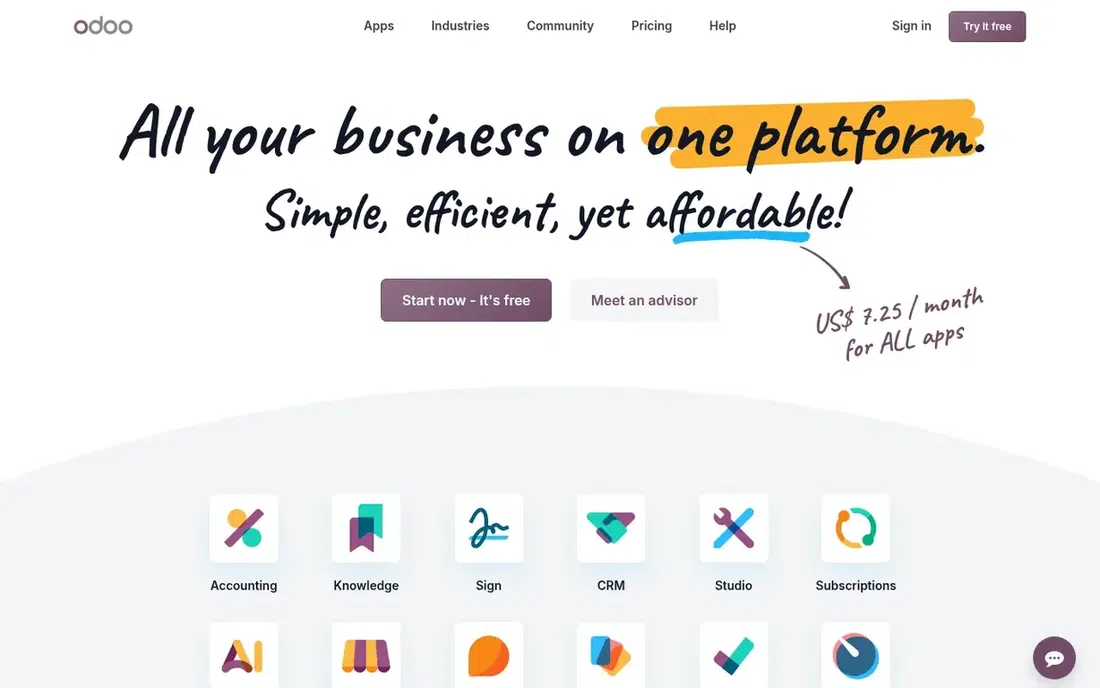
Odoo works best for open source suite with eCommerce built in. Odoo describes itself as open source ERP and CRM spanning ERP, CRM, eCommerce and CMS, with the choice to download it or run it in the cloud. It appeals to owners who want to grow into more modules over time and are comfortable planning which apps to enable.
Points against: Numerous apps mean more choices to configure.
For everyday use, the app catalog is broad, so scoping which purchasing and inventory modules you actually need takes discipline, and interconnected modules can slow a rollout. In practice, keeps that only want purchase orders plus entry-level stock tracking may prefer a narrower tool. Odoo does not show a starting price in this comparison, so check the vendor site for current pricing. You can start on Odoo without paying.
- Open source choice available
- ECommerce and CMS on the same system
- Module dependencies can complicate rollout
Fishbowl was built for inventory and reordering beside QuickBooks or Xero. Fishbowl is presented as inventory management software for QuickBooks and Xero, with stock tracking, automatic reorders and warehouse management. On top of that, Fishbowl is the practical choice when QuickBooks or Xero stays and purchasing needs to follow stock levels.
More specifically, online store owners already keeping books in either accounting system can add purchase order and reorder control without replacing their ledger. Its strengths center on inventory, so firms without stock to track gain little. Price to start with Fishbowl: $229 per month. Free plan details: Not stated.
Points against: Purchasing is tied to inventory workflows.
- Warehouse and stock tracking focus
- Automates reorder points
- Less suited to service-only firms
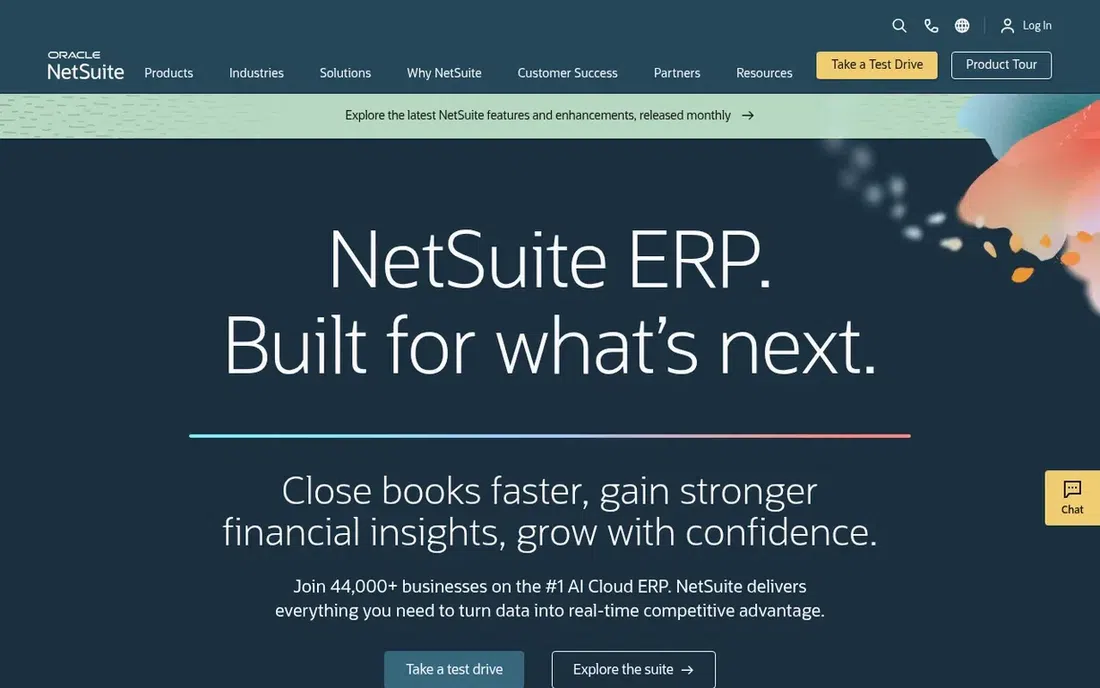
NetSuite serves unified ERP with financial-grade purchasing. The breadth of the suite is also its central caution: smaller keeps may find the scope heavier than a standalone purchasing tool.
Honest limits: Wide suite needs setup time.
No starting price is listed for NetSuite here; confirm pricing on the vendor site. Free access: Not stated.
- Links purchasing to accounting and inventory
- Includes CRM and order management too
- May exceed needs of very small keeps
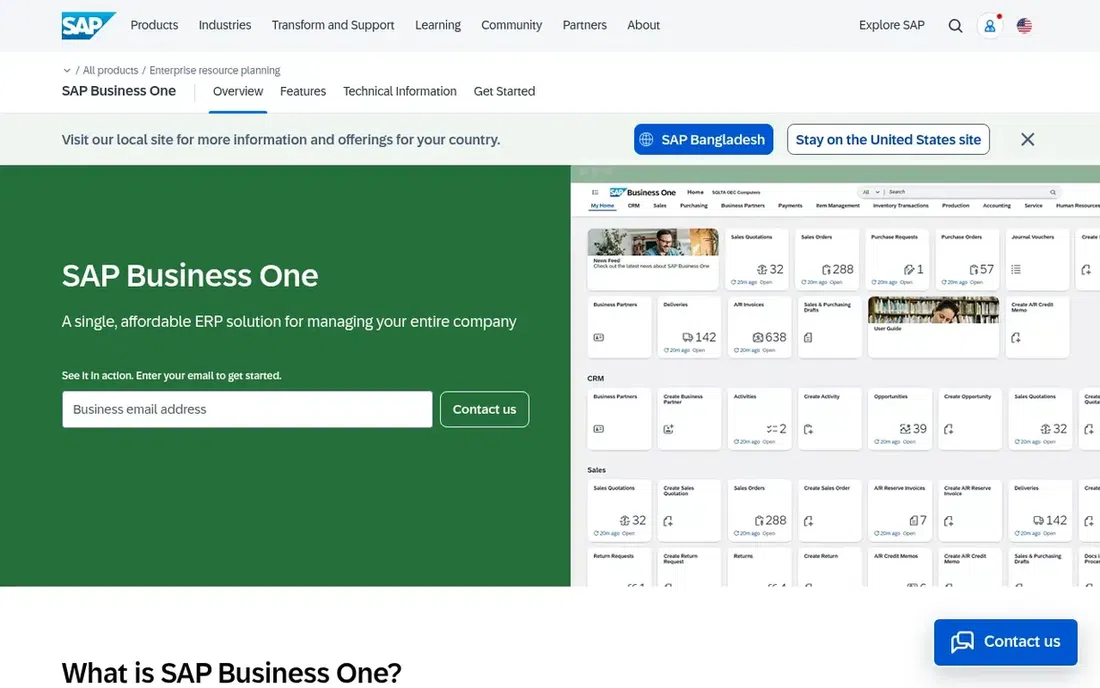
SAP Business One serves small and midsize companies running full ERP. SAP Business One is described as low-cost ERP software for small and midsize companies, managing accounting, inventory, sales and purchasing in one complete system. On top of that, the interface is designed for operational users instead of casual ones.
Where it falls short: ERP setup is a project.
As an ERP, it carries more configuration and training overhead than a focused purchasing add-on, and very small keeps may not need its depth. Online store owners who want purchase orders connected to stock and financials, without assembling separate apps, can treat it as a consolidated choice. SAP Business One does not show a starting price in this comparison, so check the vendor site for current pricing. As for free access: Not stated.
- Aimed at small and midsize businesses
- Inventory control in the same system
- Interface can feel dense for new users
How the list was put together
We compared the tools on published pricing, free plan or trial availability, feature coverage for purchase order software for online store owners, and the limits each vendor documents. Prices and plan limits come from vendor pages and can change, so confirm them on the vendor site before you buy. The order reflects how well each tool fits the most common buying scenario for purchase order software for online store owners, then price clarity, then free plan access. It is a starting point, not a verdict.
A buyer's checklist
- Ask Brightpearl, Odoo, NetSuite and SAP Business One for a written quote, since no starting price is shown.
- Test the free plan from Odoo against your real workload before relying on it.
- Before choosing Brightpearl, weigh its main limit: retail-specific focus.
- Confirm minimum seats and billing terms with SAP Business One before you commit to an annual plan.
- Before you load data into NetSuite, check what an export looks like and who can run it.
FAQ
What is the cheapest option for purchase order software for online store owners in this list?
On published monthly entry prices, Fishbowl is the lowest here at $229 per month. Entry price is only part of the cost, because seats, add-ons and billing terms can change the total. Prices, free plan details and limits for all 6 tools in this purchase order software for online store owners roundup sit on the individual cards above.
Do these tools publish their prices?
Not all of them. Brightpearl, Odoo, NetSuite and SAP Business One publish no starting price, so expect a quote request for those. The rest, Cin7 included, show a starting price, though seats and billing terms still change the final cost.
Can I try these tools before paying?
Often, yes. Odoo has a free plan. Use your own data and a real task during the test, and check what the free tier or trial limits before you rely on it. Each of the 6 options in this purchase order software for online store owners guide has its own card above with the price, free plan and limits.
How are the tools for purchase order software for online store owners ordered?
Brightpearl sits first and SAP Business One last because the order follows typical fit for purchase order software for online store owners, then price clarity and free access. It is a judgement call, so read each profile for fit and limits.
What should an online store owner look for in purchase order software?
Look for purchase orders that link to stock levels, supplier records and your accounting system, so reordering and bookkeeping stay aligned. Confirm integrations with your storefront and sales channels. Also check how much setup and training the tool needs.
Sources
- https://www.brightpearl.com
- https://www.cin7.com
- https://www.odoo.com
- https://www.fishbowlinventory.com
- https://www.netsuite.com
- https://www.sap.com/products/erp/business-one.html