5 Best Project Management Software for Dental Practices for 2026, Vetted and Compared
Shortlisting the best project management software for dental practices? 5 products compared on cost, free access and ideal buyer. Real limits included.
- Editor's choice
 ClickUp
Consolidating tasks, docs and chat
Starts at$9 per user per monthVisit clickup.comFull review - Great alternative
 Airtable
Custom databases for practice operations
Starts at$20 per user a monthVisit airtable.comFull review - Also consider
 Trello
Straightforward boards for small practices
Starts at$5 per user per monthVisit trello.comFull review
Direct answer
For consolidating tasks, docs and chat, ClickUp is where this list starts. Listed starting prices: ClickUp from $9 per user per month, Airtable from $20 per user a month and Trello from $5 per user per month. Airtable is better for custom databases for practice operations, and Trello is better for straightforward boards for small practices. The full list of 5 tools follows, with prices and free plan facts.
TL;DR:
- Top of the list is ClickUp, which targets consolidating tasks, docs and chat.
- One limit worth knowing about ClickUp: feature depth can overwhelm.
- ClickUp, Airtable, Trello, Asana, Monday.com: these are the 5 tools out of 5 that offer a free plan.
- Monday.com suits visual boards for front-office teams.
Last checked November 2026. Prices and plan details were read from the vendors' own pages in November 2026; vendors change plans often, so confirm the current price on the vendor site before you buy.
Quick comparison
| Tool | Best for | Starts at | Free plan? | |
|---|---|---|---|---|
| ClickUp | Consolidating tasks, docs and chat | $9 per user per month | Yes | Visit |
| Airtable | Custom databases for practice operations | $20 per user a month | Yes | Visit |
| Trello | Straightforward boards for small practices | $5 per user per month | Yes | Visit |
 Asana | Repeatable front-office and clinical workflows | $10.99 per user a month | Yes | Visit |
 Monday.com | Visual boards for front-office teams | $9 per seat a month | Yes | Visit |
The full project management software for dental practices list
If you are comparing project management software for dental practices, this page covers 5 tools in one place: what each is best for, what it costs to start, whether it has a free plan, and the main limit to know about.
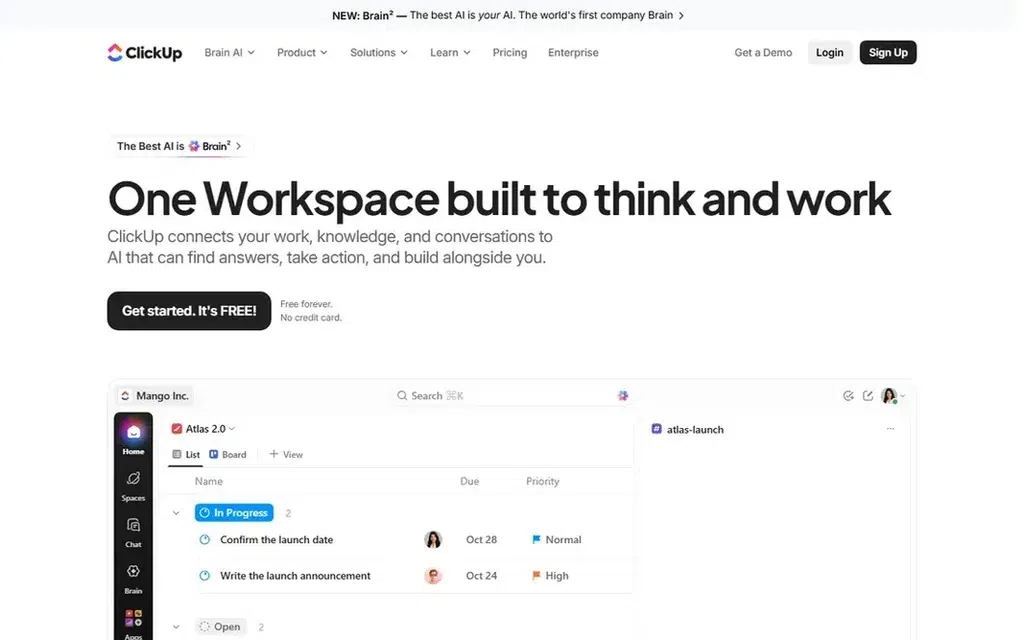
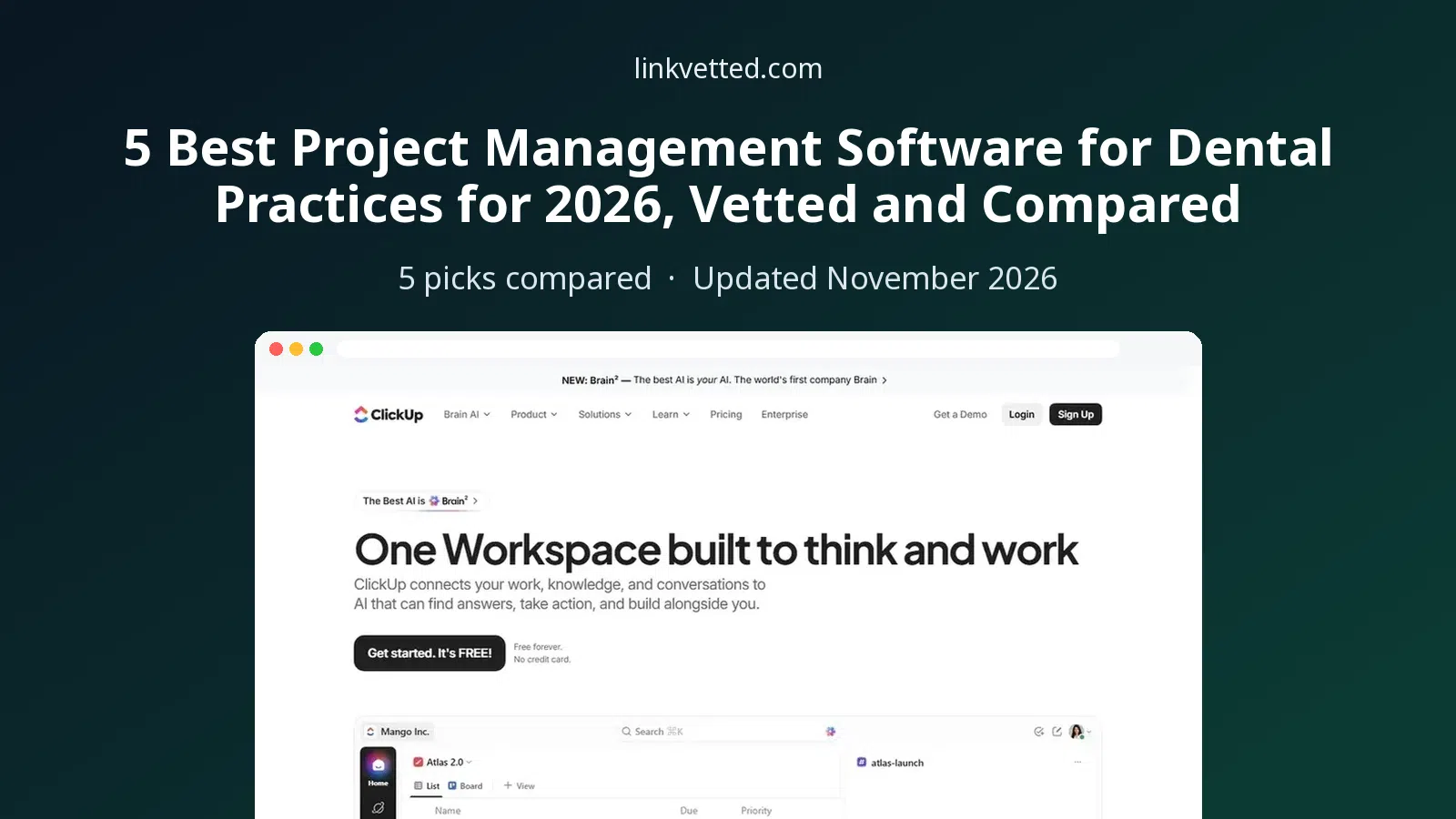
ClickUp is aimed squarely at consolidating tasks, docs and chat. ClickUp describes itself as the everything app for work, combining tasks, docs, goals and chat.
A dental practice could keep treatment follow-up tasks, office procedures and team messages in one place instead of scattering them across separate apps. The breadth is also the catch: new users can feel lost among views and settings. The starting price for ClickUp: $9 per user per month. ClickUp offers a free plan.
Trade-offs to know: Configuration takes time.
- Tasks, docs
- Goals and chat together
- Feature depth can overwhelm
Airtable works best for custom databases for practice operations. Airtable lets teams build enterprise-ready AI workflows, apps and agents. Choose Airtable when custom data tracking is the core need.
Main advantages: Automation for repetitive tasks.
On top of that, a dental office could track equipment inventories, vendor contacts or patient outreach campaigns in linked tables with automations. In practice, the adaptability demands design decisions, and non-technical staff may need guidance to keep tables clean. It is not the fastest path to a straightforward task board. The starting price for Airtable: $20 per user per month. You can start on Airtable without paying.
Downsides: Needs design thinking.
- Can build custom apps
- Adaptable database-style records
- Ramp-up time for non-technical staff
Trello serves straightforward boards for small practices. Trello organizes to-dos on boards and cards, and its simplicity fits small dental practices that want a shared view of tasks without training. Boards become hard to handle once projects grow complicated or numerous people need in-depth reporting.
A front office can build boards for recall lists, supply orders or monthly office projects and move cards as work progresses. Also, mobile access helps staff check tasks between patients. What you pay to start with Trello: $5 per user per month. Trello offers a free plan.
Where it falls short: Restricted for complicated projects.
- Quick to learn
- Clean board interface
- Fewer built-in reporting choices
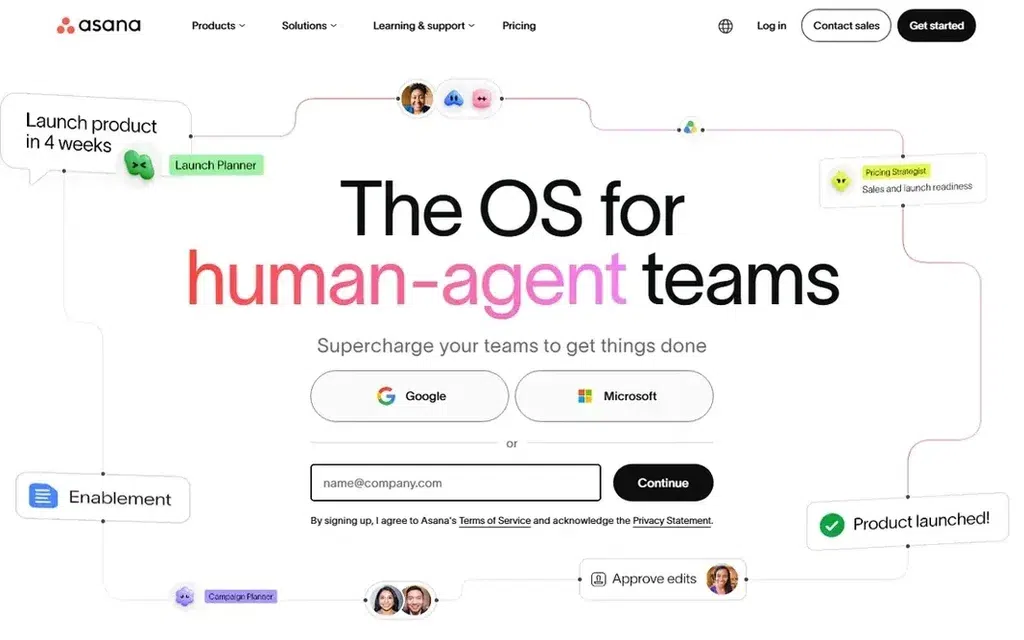
Asana is aimed squarely at repeatable front-office and clinical workflows. Recall reminders, insurance follow-ups and supply requests can each become a project with assigned owners and due dates. From a buyer's view, automation and dependencies take time to configure.
Worth adding: if you want a more straightforward board with almost no setup, Trello is the simpler place to start. For everyday use, Asana is work management software for planning, automating and executing workflows. The tool rewards planning, so a small practice without an admin owner may find it heavier than needed. Asana starts at: $10.99 per user per month. Asana offers a free plan.
Limits to weigh: Setup takes planning.
- Automation for recurring work
- Clear task and project views
- Advanced features add complexity
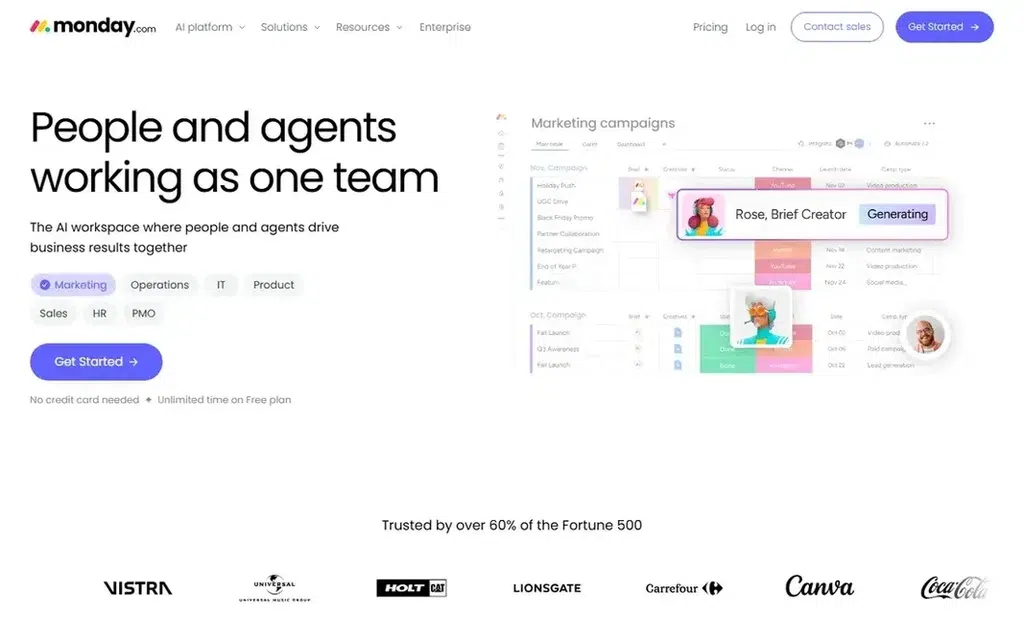
In short, Monday.com is for visual boards for front-office teams. Monday.com presents itself as an AI workspace where people and agents work together.
Its visual boards suit dental offices that track work by status. Front-desk teams frequently find the layout easy-to-learn. Entry price for Monday.com: $9 per seat per month. You can start on Monday.com without paying.
Watch-outs: Plenty of choices can overwhelm.
- Colorful
- Adaptable status columns
- Structure needs early decisions
How we built this list
The comparison looks at four things: starting price, free access, how well the feature set matches project management software for dental practices, and the main limit of each tool. Plan names, prices and limits change often. Treat the figures here as a starting point and verify them with the vendor. The sequence is a judgement call: typical use case first, then pricing transparency, then free access. Use the profiles to check fit.
What to check before you buy
- Prices are a starting point; Trello shows $5 per user per month to start, so verify what your seat count would cost.
- Read the fine print on the free plans from ClickUp, Airtable, Trello and others; seat, project and feature caps differ.
- Read the limits listed for ClickUp first: feature depth can overwhelm.
- Total up the real monthly cost of Airtable, including add-ons, extra users and usage-based fees.
- Confirm you can export your data from Asana, so leaving later does not mean losing records.
FAQ
Can I try these tools before paying?
Often, yes. ClickUp, Airtable, Trello and others have a free plan. Use your own data and a real task during the test, and check what the free tier or trial limits before you rely on it. Prices, free plan details and limits for all 5 tools in this project management software for Dental practices roundup sit on the individual cards above.
What if we want custom tracking for inventory or vendors?
It does need someone to design the setup. More straightforward boards are better if custom data tracking is not a priority.
Do these tools publish their prices?
Yes. Every tool from ClickUp to Monday.com shows a starting price, though seats, add-ons and billing terms still change the final cost. Each of the 5 options in this project management software for Dental practices guide has its own card above with the price, free plan and limits.
Which options for project management software for dental practices have a free plan?
On this list, ClickUp, Airtable, Trello, Asana and Monday.com include a free plan. Caps on seats, usage or features are common, so test the free plan against your real workload.
Can these tools replace dental practice management software?
No. These are project and work management tools, not clinical or billing systems. Keep patient records and scheduling in your dedicated practice system.
How are the tools for project management software for dental practices ordered?
The order follows typical fit for project management software for dental practices, with ClickUp first and Monday.com last, then price clarity and free access. It is editorial judgement, not a score, so another team could rank the tools differently.
Sources
- https://clickup.com
- https://www.airtable.com
- https://trello.com
- https://asana.com
- https://monday.com