The 6 Best Podcast Creation Tools for Educators in 2026, Ranked
Weighing the best podcast creation tools for educators? We lined up 6 products by cost, free access and fit. The catches are listed up front. Prices included.
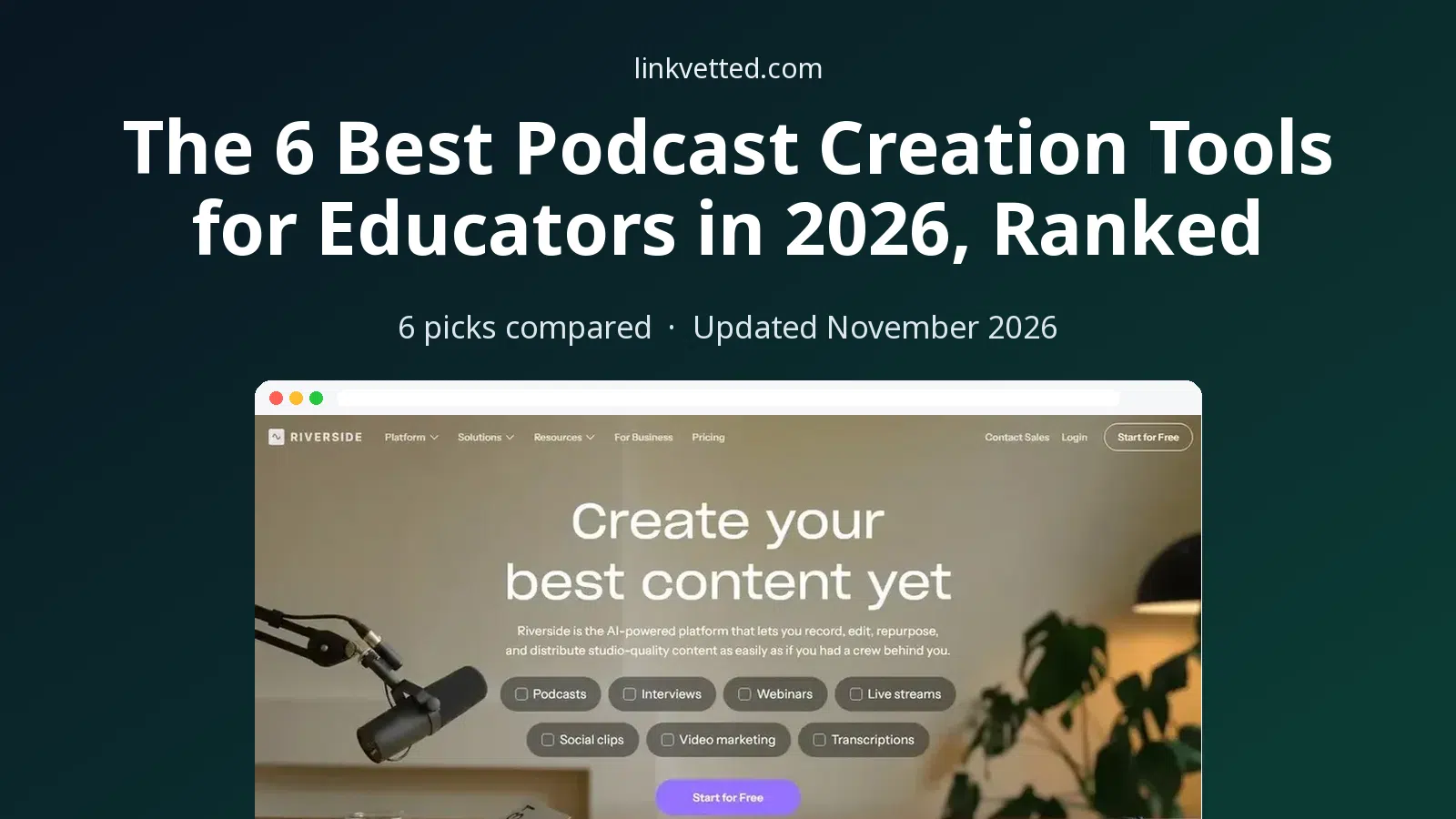
- Editor's choice
 Riverside
Remote interviews and guest recording
Starts at$24 a monthVisit riverside.fmFull review - Great alternativeAnchor
Managing and distributing a podcast
Starts atSee websiteVisit anchor.fmFull review - Also consider
 Adobe Audition
In-depth multitrack audio production
Starts atSee websiteVisit adobe.comFull review
Direct answer
Riverside is the first pick on this list for remote interviews and guest recording. Listed starting prices: Riverside from $24 a month and Descript from $16 per person per month. Look at Anchor for managing and distributing a podcast, and at Adobe Audition for in-depth multitrack audio production. Prices, free plans and limits for all 6 tools follow.
TL;DR:
- Top of the list is Riverside, which targets remote interviews and guest recording.
- For the cheapest start, look at Descript: $16 per person per month.
- The main caution on Anchor: less centred on deep audio editing.
- Descript is the one to check for text-based editing for fast lessons.
- A free plan is available from 2 of the 6 tools: Riverside, Descript.
Last checked November 2026. Prices and plan details were read from the vendors' own pages in November 2026; vendors change plans often, so confirm the current price on the vendor site before you buy.
Quick comparison
| Tool | Best for | Starts at | Free plan? | |
|---|---|---|---|---|
| Riverside | Remote interviews and guest recording | $24 a month | Yes | Visit |
| Anchor | Managing and distributing a podcast | See website | Not stated | Visit |
| Adobe Audition | In-depth multitrack audio production | See website | Not stated | Visit |
 GarageBand | Mac-based recording with music tools | See website | Not stated | Visit |
 Audacity | Open source recording and editing | See website | Not stated | Visit |
 Descript | Text-based editing for fast lessons | $16 per person per month | Yes | Visit |
Every option for podcast creation tools for educators explained
Choosing podcast creation tools for educators usually comes down to price, fit and limits. This LinkVetted guide sets 6 tools side by side on those three points, with the facts kept short and checkable.
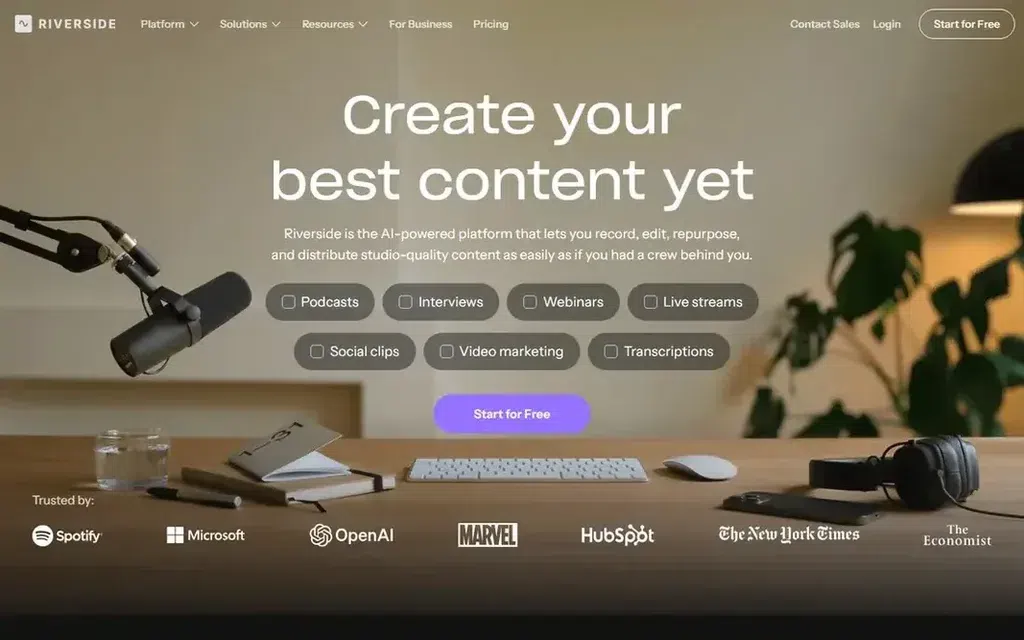
Where Riverside fits: remote interviews and guest recording. Educators who largely record solo in one room may not need the remote studio model.
Where it falls short: Remote recording relies on stable connections.
From a buyer's view, since it centers on remote recording, results can be affected by each participant's internet connection and equipment. Worth adding: Riverside is an online studio for high-quality podcast and video recording and editing, powered by AI and made for human conversations. The starting price for Riverside: $24 per month. Free access exists with Riverside.
- Designed for conversations across locations
- Online studio for podcast and video recording
- Editing features may not include advanced audio repair
Anchor
Best for: Managing and distributing a podcast
For managing and distributing a podcast, Anchor is a natural candidate. Educators can use it as the publishing home for a class or school display whereas editing episodes in another tool.
Check the vendor site for Anchor pricing; none is listed in this comparison. Free options: Not stated.
Where it is weaker: Best used alongside a separate editor.
- Backed by Spotify
- Oriented toward expanding a present
- Less concentrated on deep audio editing
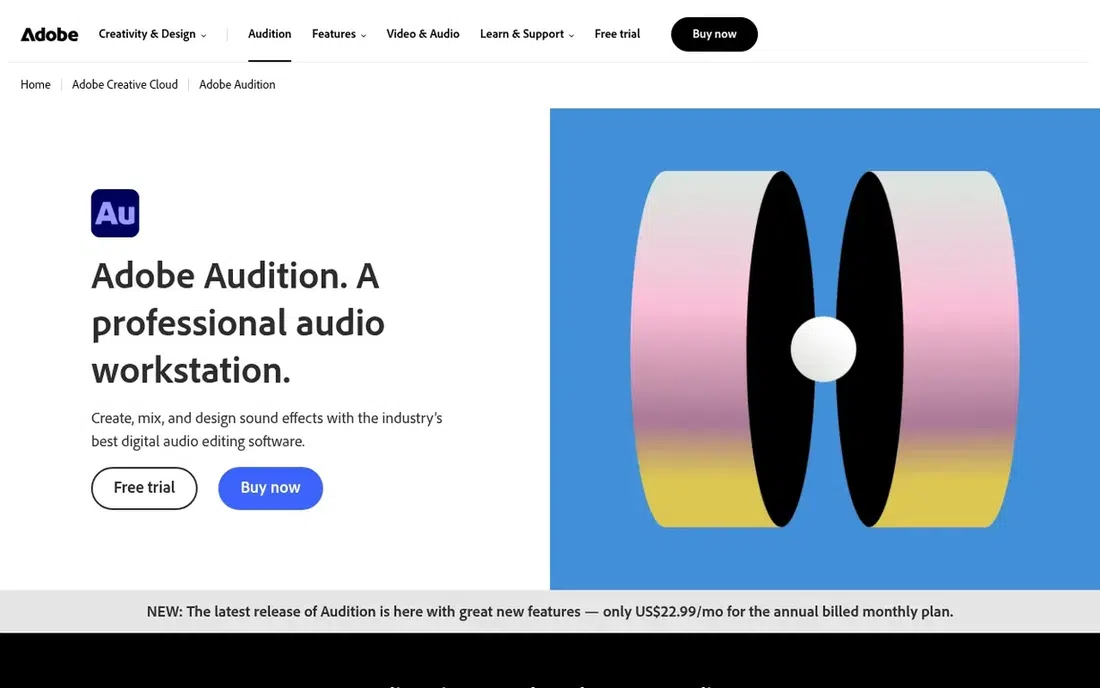
Adobe Audition is aimed squarely at in-depth multitrack audio production. Adobe Audition is audio recording and editing software with a full toolset that contains multitrack, waveform and spectral display. Worth adding: the depth that makes Audition capable also makes it slower to learn than more straightforward tools.
In daily use, the spectral view is handy for identifying and reducing specific noises. As for the details, consider Audacity for a lighter open source choice or Descript for text-based editing. Adobe Audition shows no starting price here, so confirm the cost on the vendor site. On free options: Not stated.
Limits to weigh: Professional depth means a steeper ramp-up time.
- Full audio toolset
- Multitrack
- Overkill for straightforward classroom episodes
Think of GarageBand for Mac-based recording with music tools. GarageBand for Mac has everything needed to learn, play, record, mix and share music, even for people who have never played a note. Teachers on Windows or Chromebooks should look at Audacity or Descript instead.
Drawbacks to consider: Music focus can distract from spoken-word work.
For everyday use, GarageBand is restricted to Apple's Mac system, which rules it out for mixed-device classrooms. In daily use, pick GarageBand when Macs are standard and music creation is part of the plan. GarageBand does not show a starting price in this comparison, so check the vendor site for current pricing. Free access: Not stated.
- Bundles instruments and loops
- Approachable for beginners
- Mac only
Audacity targets open source recording and editing. Audacity is a free, open source audio editor and recorder. It provides educators direct control over recording, trimming, noise reduction and mixing without licensing concerns, which makes it practical for school labs and student devices.
Where it is weaker: No built-in text-based editing.
The interface is functional instead of refined, and editing is waveform-based, so there is no transcript workflow. Also, choose Audacity when cost, openness and manual control matter more than convenience features. This comparison lists no price for Audacity; ask the vendor. Free plan details: Not stated.
- Records and edits audio
- Free and open source
- Interface feels dated to some users
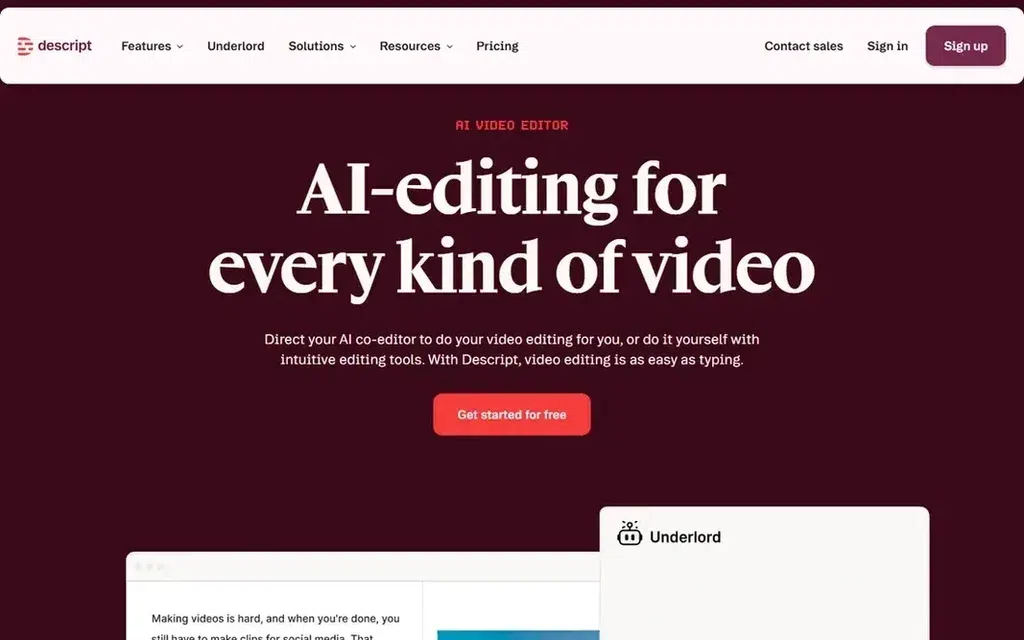
Descript works best for text-based editing for fast lessons. Transcript-based editing relies on accurate speech recognition, so technical vocabulary and student names may need manual correction. In practice, choose Descript when speed and text-first editing matter most.
What users get: edit and publish in one place.
Trade-offs to know: AI transcription can mishear names and terms.
Educators can record a lesson or interview, get a transcript, and cut words by deleting text. Educators who prefer direct waveform editing or want a completely open source workflow may prefer Audacity. Descript cost at the entry level: $16 per person per month. You can start on Descript without paying.
- Edit audio by editing a transcript
- Record, transcribe
- Large projects may need a ramp-up time
What went into this list
We compared the tools on published pricing, free plan or trial availability, feature coverage for podcast creation tools for educators, and the limits each vendor documents. Figures are shown as the vendors publish them. Billing terms, seat minimums and add-ons can change the real cost. The ranking is editorial: typical fit first, then clear pricing, then free access. If your needs are unusual, read the profiles rather than relying on position.
A buyer's checklist
- Ask Anchor, Adobe Audition, GarageBand and Audacity for a written quote, since no starting price is shown.
- Check what the free option really includes: Riverside and Descript offer a free plan, and usage caps differ.
- Read the limits listed for Riverside first: remote recording relies on stable connections.
- Look at the renewal terms for Descript: auto-renewal, notice periods and price changes can matter more than the first-year price.
- Work out what Riverside costs with your real seat count, add-ons and usage, not just the entry price.
FAQ
Do these tools publish their prices?
Not all of them. Anchor, Adobe Audition, GarageBand and Audacity publish no starting price, so expect a quote request for those. The rest, Riverside included, show a starting price, though seats and billing terms still change the final cost.
What is the cheapest option for podcast creation tools for educators in this list?
On published monthly entry prices, Descript is the lowest here at $16 per person per month. Entry price is only part of the cost, because seats, add-ons and billing terms can change the total. All 6 picks in this Podcast creation tools for Educators comparison list a starting price, free plan details and the main limits on their cards above.
Can I try these tools before paying?
Often, yes. Riverside and Descript have a free plan. Use your own data and a real task during the test, and check what the free tier or trial limits before you rely on it.
How are the tools for podcast creation tools for educators ordered?
The order follows typical fit for podcast creation tools for educators, with Riverside first and Descript last, then price clarity and free access. It is editorial judgement, not a score, so another team could rank the tools differently.
Which tool is easiest for a teacher new to podcasting?
Descript and GarageBand are both approachable for beginners. On top of that, teachers with restricted time commonly prefer editing a transcript over learning a waveform editor.
Sources
- https://riverside.fm
- https://anchor.fm
- https://www.adobe.com/products/audition.html
- https://www.apple.com/mac/garageband
- https://www.audacityteam.org
- https://www.descript.com