The 5 Best Platforms for AI Workflow Optimization in 2026, Ranked
Weighing the best platforms for AI workflow optimization? We lined up 5 products by cost, free access and fit. Plus the drawbacks of each tool. Clear verdicts.

- Editor's choice
 UiPath
Enterprise-scale secure automation
Starts at$25 per monthVisit uipath.comFull review - Great alternative
 LangChain
Building custom AI agents with control
Starts at$39 per seat a monthVisit langchain.comFull review - Also consider
 Tray.ai
AI-native iPaaS for complicated integrations
Starts at$50 a monthVisit tray.aiFull review
Direct answer
Start with UiPath if you need enterprise-scale secure automation. Listed starting prices: UiPath from $25 per month, LangChain from $39 per seat a month and Tray.ai from $50 a month. For a different need, LangChain covers building custom AI agents with control and Tray.ai covers AI-native iPaaS for complicated integrations. The full list of 5 tools follows, with prices and free plan facts.
TL;DR:
- UiPath is the opening pick, best for enterprise-scale secure automation.
- A free plan is available from 3 of the 5 tools: UiPath, LangChain, Make.
- Vellum fits personal AI assistant with memory.
- Check the limits for UiPath before you commit: may be complicated for small teams.
Last checked November 2026. Prices and plan details were read from the vendors' own pages in November 2026; vendors change plans often, so confirm the current price on the vendor site before you buy.
Quick comparison
| Tool | Best for | Starts at | Free plan? | |
|---|---|---|---|---|
| UiPath | Enterprise-scale secure automation | $25 per month | Yes | Visit |
| LangChain | Building custom AI agents with control | $39 per seat a month | Yes | Visit |
| Tray.ai | AI-native iPaaS for complicated integrations | $50 a month | Free trial | Visit |
 Make | No-code visual AI workflow automation | See website | Yes | Visit |
 Vellum | Personal AI assistant with memory | $30 per month | Free trial | Visit |
The best platforms for AI workflow optimization
If you are comparing platforms for AI workflow optimization, this page covers 5 tools in one place: what each is best for, what it costs to start, whether it has a free plan, and the main limit to know about.
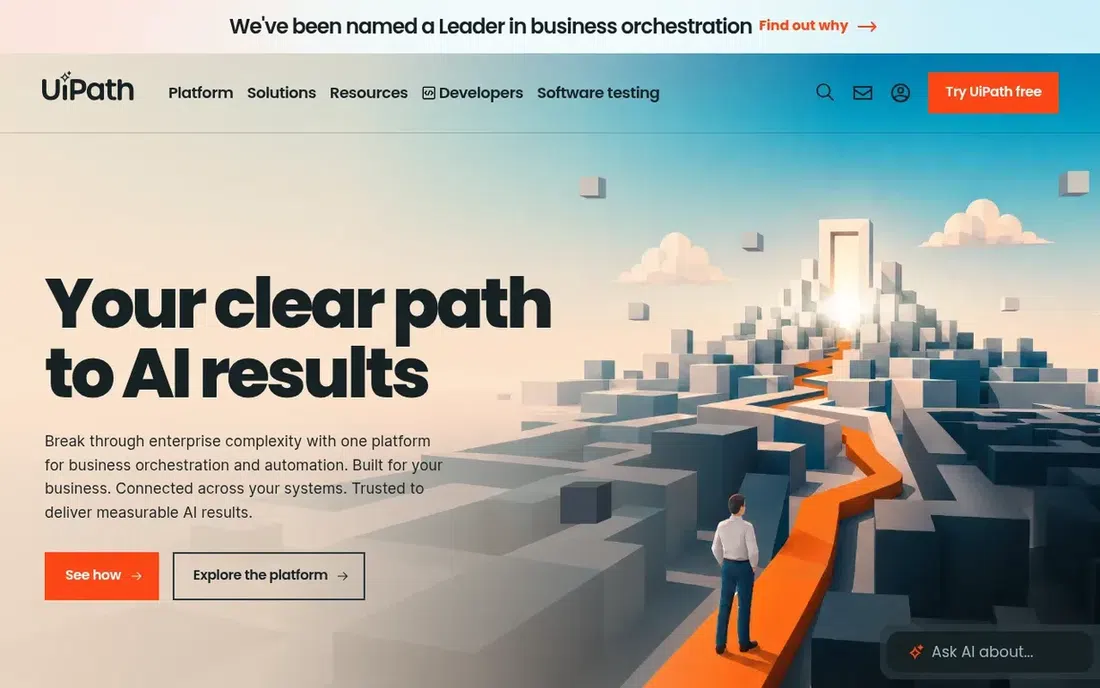
UiPath targets enterprise-scale secure automation. Choose UiPath when you have to orchestrate automation at scale with solid compliance controls.
What works well: people to work together.
Worth adding: UiPath supplies a product for business orchestration and automation, transforming enterprise operations by enabling AI agents, robots, and people to deliver secure, compliant outcomes at scale. UiPath starts at: $25 per month. UiPath offers a free plan. Honest limits: May be complicated for small teams.
- Focus on secure
- Makes it possible for AI agents, robots
- Requires setup and governance
LangChain is built with building custom AI agents with control in mind. LangChain supplies an open agent system that enables every company to own their intelligence, with tools to control, govern, and compound intelligence. It is an agent engineering system that provides developers the building blocks to produce custom AI agents and workflows.
Strengths: compound intelligence.
Points against: Needs significant development effort.
LangChain is not a no-code tool and needs substantial development effort to implement and maintain. It may be less right for business users seeking fast automation without programming. LangChain starts at: $39 per seat per month. You can start on LangChain without paying.
- Control, govern
- Open agent engineering system
- Not a turnkey no-code option
In short, Tray.ai is for AI-native iPaaS for complicated integrations. Tray.ai's power and adaptability may come with a ramp-up time, and it might be more than needed for straightforward automation tasks.
In daily use, choose Tray.ai when you need AI-native integration with broad connectivity and are prepared to manage its technical depth. Price to start with Tray.ai: $50 per month. As for free access: Free trial.
Points against: Can be complicated for entry-level needs.
- Build AI agents and govern MCP
- Links to many different apps, databases, APIs
- May need technical expertise
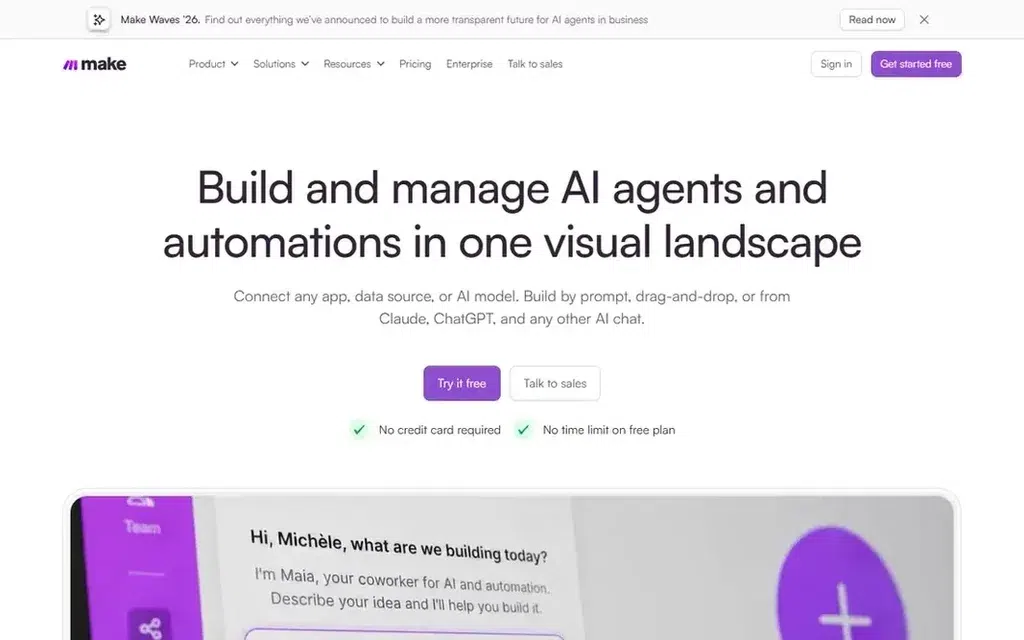
Make is aimed squarely at no-code visual AI workflow automation. Make is well suited to teams looking to automate work processes without writing code, from straightforward tasks to more complex agentic workflows.
The main drawbacks: Limited code-level customization.
On top of that, Make is most useful for users who prioritize simplicity and rapid visual development over deep customization. Pricing for Make is not stated here, so ask the vendor for current figures. A free plan is available with Make.
- Visual builder for AI and agentic workflows
- Approachable no-code interface
- May need learning for advanced scenarios
Vellum serves personal AI assistant with memory. Worth adding: Vellum provides a personal intelligence assistant that knows you deeply, evolves alongside you, and belongs to no one else, powered by memory that remembers the way you do.
Drawbacks to consider: Restricted information on workflow automation features.
It is designed as a personal AI companion instead of a traditional workflow automation product, making it right for individuals seeking a tailored AI assistant that adapts to their preferences and habits over time. Organizations looking for enterprise-grade automation should consider other tools. Entry price for Vellum: $30 per month. On free options: Free trial.
- Memory that remembers the way you do
- Personal assistant that evolves with you
- May be more personal than enterprise-focused
How these tools were picked
We compared the tools on published pricing, free plan or trial availability, feature coverage for platforms for AI workflow optimization, and the limits each vendor documents. Where a vendor does not publish a price, the entry says quote. Where a price depends on seats or billing term, the entry says so. The order reflects how well each tool fits the most common buying scenario for platforms for AI workflow optimization, then price clarity, then free plan access. It is a starting point, not a verdict.
What to check before you buy
- Get a written quote from Make; the list shows no starting price for them.
- Look at free plan limits closely: UiPath, LangChain and Make have one, and the caps decide whether it is usable for real work.
- Take the trial from Tray.ai and Vellum and push a live task through it before you pay.
- Read the limits listed for UiPath first: may be complicated for small teams.
- Ask Make about contract length, onboarding fees and user minimums before you sign.
- Confirm you can export your data from Tray.ai, so leaving later does not mean losing records.
FAQ
Can I try these tools before paying?
Often, yes. UiPath, LangChain and Make have a free plan and Tray.ai and Vellum offer a free trial. Use your own data and a real task during the test, and check what the free tier or trial limits before you rely on it.
What is the cheapest option for platforms for AI workflow optimization in this list?
On published monthly entry prices, UiPath is the lowest here at $25 per month. Entry price is only part of the cost, because seats, add-ons and billing terms can change the total. Each of the 5 options in this platforms for AI workflow optimization guide has its own card above with the price, free plan and limits.
Which options for platforms for AI workflow optimization have a free plan?
On this list, UiPath, LangChain and Make include a free plan. Caps on seats, usage or features are common, so test the free plan against your real workload. Several others offer a trial instead.
Do these tools publish their prices?
Not all of them. Make publishes no starting price, so expect a quote request for it. The rest, UiPath included, show a starting price, though seats and billing terms still change the final cost.
Sources
- https://www.uipath.com
- https://www.langchain.com
- https://tray.ai
- https://www.make.com
- https://www.vellum.ai