Best AI Workflow Automation Tools in 2026: 9 Tools Compared
Compare the best AI workflow automation tools for 2026, from Zapier, Make, and n8n to Power Automate, with pricing, billing units, and honest limits explained.
- Editor's choice
 Zapier
Largest app library
Starts at$19.99 per monthVisit zapier.comFull review - Great alternative
 Make
Visual workflows at good value
Starts at$9 per monthVisit make.comFull review - Also consider
 n8n
Technical teams and AI agents
Starts atFreeVisit n8n.ioFull review
TL;DR:
- Zapier is our pick for most teams, with the largest app library and the easiest builder, but task billing gets costly at scale.
- Make offers strong value for visual workflows, with 10,000 credits on its Core plan and a free tier for testing.
- n8n is the best choice for technical teams, since self hosting is free and cloud plans bill per workflow run, not per step.
- Power Automate is the natural pick for Microsoft shops, while Workato fits larger companies that need governance and scale.
- Always compare billing units, not just plan prices, because one workflow can cost one execution on n8n and many tasks on Zapier.
Quick comparison
| Tool | Best for | Starts at | Free plan? | |
|---|---|---|---|---|
| Zapier | Largest app library | $19.99 per month | Yes | Visit |
| Make | Visual workflows at good value | $9 per month | Yes | Visit |
| n8n | Technical teams and AI agents | Free | Yes | Visit |
 Microsoft Power Automate | Microsoft shops | $15 per month | Free trial | Visit |
 Workato | Enterprise integration | $75 per month | Yes | Visit |
 Activepieces | Open source automation | See website | Yes | Visit |
 Relay.app | AI assisted small team flows | See website | Yes | Visit |
 Gumloop | AI agents for web tasks | See website | Yes | Visit |
 Bardeen | Browser automation for repetitive work | See website | Yes | Visit |
The best AI workflow automation tools
AI workflow automation now covers two jobs: moving data between apps, and letting AI agents carry out multi step work with human review. We compared official feature pages, pricing pages, and documentation for the tools below, focusing on app coverage, AI features, billing units, ease of use, and governance. Prices change often in this category, so confirm the vendor page before you commit.
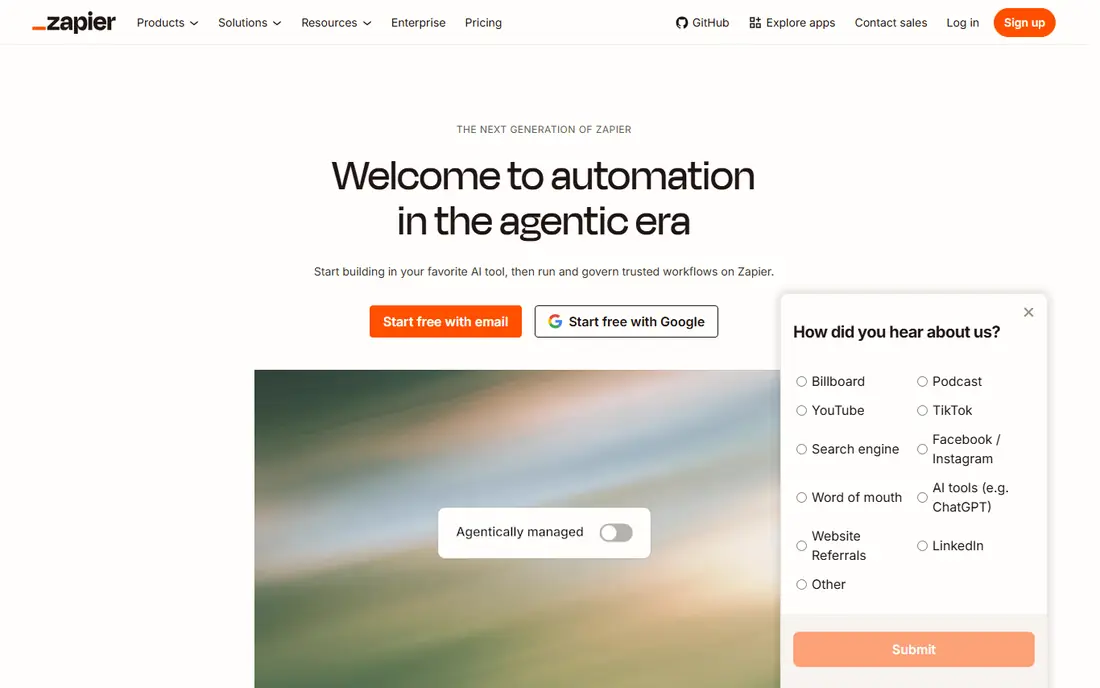
Zapier remains the default choice for most small businesses because it connects to more apps than any rival here and its builder is easy to learn. You pick a trigger, add actions, and test the flow, often in under an hour, and the library covers CRMs, email, spreadsheets, forms, and niche tools that smaller platforms miss. Zapier also offers Tables, Forms, and AI agents, which let you build small apps and agent workflows beside classic automations.
The catch is billing. Zapier bills per successful action step, called a task, so a five step workflow that runs 1,000 times can cost 5,000 tasks. The free plan covers 100 tasks per month with two step flows only, and Professional starts at $19.99 per month billed annually for 750 tasks. If your volume is low and ease matters most, Zapier is worth it. If your volume is high, compare Make or n8n before you commit.
- Largest app library, with thousands of apps
- Easiest builder for non technical users
- Tables, Forms, and AI agents as add ons
- Task billing punishes long multi step workflows
- Costs rise fast at high volume
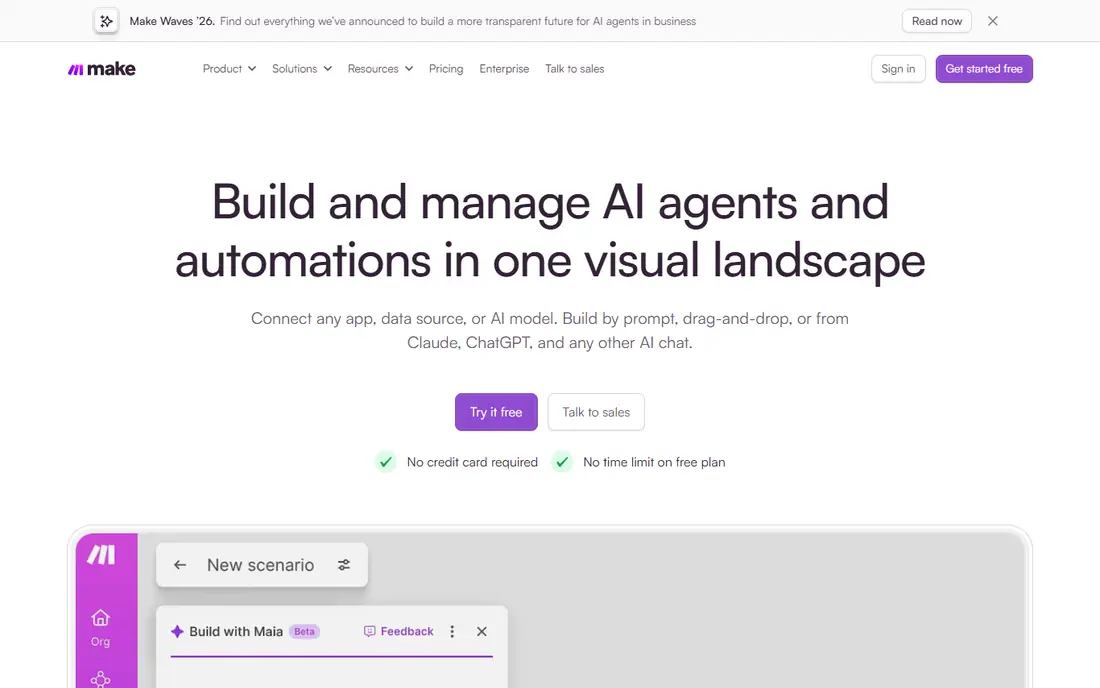
Make is the best value pick for teams that want visual workflows without paying Zapier prices. Its canvas shows a whole scenario as a flowchart, with routers for branching, iterators for lists, and tools for transforming data. That visual layout makes complex flows easier to audit than a long linear list, which matters when a workflow breaks at 2am and someone else has to fix it.
The free plan covers 1,000 credits per month, and Core starts at about $9 per month billed annually for 10,000 credits, with each module step counting as a credit. That gives you far more runs per dollar than Zapier for many workflows, though the exact math depends on how many steps each run uses. The learning curve is steeper at first, because modules, bundles, and routes take time to learn, but the payoff is a clearer, cheaper workflow.
- Visual canvas makes branching clear
- Good value with 10,000 credits on Core
- Free tier for testing
- Learning curve for modules and bundles
- Smaller app library than Zapier

n8n is our pick for technical teams and for AI agent workflows. Its canvas supports nodes for apps, code, webhooks, and AI agents, and you can write JavaScript or Python inside a workflow when a no code node is not enough. That mix of visual building and code makes it a strong fit for lead enrichment, support triage, and other multi step agent work that pure no code tools struggle with.
Pricing is where n8n stands apart. The self hosted Community Edition is free with no execution limit from n8n, though you pay for your own server and you handle updates, backups, and security. Cloud Starter starts at $20 per month billed annually for 2,500 executions, and one execution covers a whole workflow run no matter how many steps it has. If your team can run a server or pay for cloud, n8n often costs less than task based rivals at scale.
- Free self hosted Community Edition
- Bills per workflow run, not per step
- Strong AI agent nodes and code support
- Steeper learning curve
- Self hosting means you handle updates and security
Power Automate is the natural automation tool if your business already runs on Microsoft 365, SharePoint, Teams, and Dynamics 365. It connects those products deeply, supports cloud flows for app to app work, and offers desktop flows that can automate older Windows apps by clicking through their interfaces. That RPA ability is useful for systems with no modern API, such as legacy accounting or HR tools.
Premium costs $15 per user per month billed annually, with a free tier for standard connectors and a 30 day trial for Premium. The catch is that premium connectors, unattended bots, and AI Builder credits sit behind higher tiers, with Process at $150 per bot per month for unattended work. Map your connectors before you build, because a flow that works in testing can hit a licensing wall when you connect a CRM or accounting system.
- Deep Microsoft 365 and Dynamics connectors
- Desktop flows for older apps
- Included in some Microsoft 365 plans
- Premium connectors need a paid plan
- Non Microsoft connectors vary in quality
Workato is built for larger companies that need automation with governance, security, and scale, rather than a quick personal flow. It offers recipes for common business processes, connectors for major enterprise apps, and controls for access, auditing, and deployment that smaller tools lack. That makes it a good fit for IT teams that must prove who changed a workflow and why.
Self service pricing lists a free tier with a one time credit grant and a Pro plan from $75 per month, but most enterprise use is quote based and costs far more. For a small business with a handful of flows, Zapier or Make will be simpler and cheaper. For a company that needs on premise connectivity, single sign on, and strict controls across many teams, Workato earns its place.
- Strong governance and enterprise controls
- Large connector library
- Recipes for common business processes
- Enterprise pricing is quote based and costly
- Overkill for simple personal flows
Activepieces is a good open source alternative if you want visual automation without being locked into one vendor pricing model. Its builder uses a familiar trigger and action layout, with AI help for building flows, and the open source core can be self hosted. That combination appeals to small teams and developers who want control over their data and costs.
The trade-off is maturity. Its app library is smaller than Zapier or Make, so niche tools may need a generic HTTP step or a custom piece. Enterprise features such as advanced governance are also less developed. If your core apps are covered and you value open source and self hosting, Activepieces is worth testing on its free tier before you pay for a larger platform.
- Open source core you can self host
- Visual builder with AI assistance
- Growing app library
- Smaller library than Zapier or Make
- Younger platform with fewer enterprise features
Relay.app is designed for small teams that want AI help plus a human check before an action goes out. You can add approval steps, let an AI agent draft a reply or summarize a document, and then have a person approve it before it is sent. That human in the loop design fits support, sales, and operations work where a fully automatic action would be risky.
The platform is younger and smaller than Zapier or Make, so some niche apps may be missing, and deep engineering workflows fit n8n better. Check current pricing on the vendor site, since plans in this category change often. If your main need is team flows with AI drafting and human approval, Relay.app is a practical, focused choice.
- Human in the loop steps built in
- AI assistance for building and running flows
- Good for team approvals
- Smaller app library
- Less suited to heavy engineering workflows
Gumloop focuses on AI agents that do web work, such as gathering data from pages, monitoring sites, and carrying out repetitive browser tasks. Its visual builder lets you chain agent steps with app steps, which suits research, lead lists, and content gathering that would take hours by hand. For teams that spend a lot of time copying data from the web, that agent layer is the main reason to look at it.
Agent workflows need care. A web agent can misread a page, follow a wrong link, or return partial data, so build in checks, limits, and human review for anything that affects customers or money. Pricing is usage based, so check the vendor page and test with a small job before you scale. Used with review steps, Gumloop can save real time on repetitive web work.
- AI agents that can browse and act on the web
- Visual builder for agent workflows
- Useful for research and data tasks
- Agent runs can be unpredictable and need review
- Pricing is usage based and can vary
Bardeen is the best pick here for repetitive work that lives in your browser. It can scrape a page, enrich a list, prep for a meeting, or move data between web apps without you copying and pasting by hand. Its AI playbooks cover common tasks, so you can start from a template rather than building from scratch, and its browser extension keeps the automation close to where the work happens.
The limit is scope. Bardeen excels at web workflows, but it is not a general integration platform for back office systems, databases, or on premise apps. Check current pricing on the vendor site, since its plans have changed as AI features were added. If your bottleneck is browser busywork, Bardeen can remove hours a week. If your bottleneck is system to system data flow, start with Zapier, Make, or n8n.
- Automates work inside your browser
- Good for scraping, enrichment, and meeting prep
- AI playbooks for common tasks
- Browser based, so it is tied to web workflows
- Heavier automation needs a more general platform
How we picked these
We compared official feature pages, pricing pages, and documentation, and favored tools that are actively maintained, support AI steps or agents, and offer a usable free or trial tier. We included no code, visual, open source, enterprise, and browser based options so the list fits different teams and budgets. We did not claim hands on testing, and prices reflect vendor pages and recent pricing guides checked in October 2026, so confirm the checkout page before you pay.
How to compare automation prices fairly
Do not compare plan prices alone. Write down one real workflow, count how many steps it uses, and estimate how many times it runs each month. Then translate that into each tool billing unit: tasks on Zapier, credits on Make, executions on n8n, and runs or bots on Power Automate. A tool that looks costly on paper can be cheaper for your workflow, and a cheap plan can become costly if every step is billed.
Also check what is free. Triggers, filters, and some built in steps may not count on some platforms, while they do on others. Test with a small version of your workflow on a free tier, watch the usage meter for a week, and only then pick a paid plan. That week of data is worth more than any pricing table.
Build in a human check for AI steps
AI agents are useful for drafting, summarizing, and gathering data, but they should not send money, contact customers, or change records without review until you trust them. Add approval steps for sensitive actions, set limits on how many items an agent can process, and log what it did. That guardrail keeps automation helpful without turning a small error into a large problem.
FAQ
What is the best AI workflow automation tool for beginners?
Zapier is the easiest starting point, thanks to its large app library and simple builder. Make is the better value once you are comfortable with a visual canvas. Start with a free tier, build one simple flow, and move to a paid plan only when volume or features require it.
Is n8n really free?
The self hosted Community Edition is free, with no execution limit from n8n, but you pay for your own server and you handle updates, backups, and security. Cloud plans start at $20 per month billed annually for 2,500 executions. If you do not want to run a server, the cloud plan is the fair comparison.
How does Zapier billing work?
Zapier bills per successful action step, called a task, while triggers and filters are generally free. A workflow with five action steps that runs 1,000 times uses about 5,000 tasks. That is why long workflows cost more on Zapier than on n8n, which bills per full workflow run.
Do I need AI features in an automation tool?
Not always. Classic automation is enough for moving data between apps on a schedule or trigger. AI features help most for drafting replies, summarizing documents, classifying tickets, and gathering web data. If your workflows are simple data moves, pick based on app coverage and price, not AI hype.
What is the best automation tool for a Microsoft shop?
Microsoft Power Automate is the natural pick, because it connects deeply to Microsoft 365, SharePoint, Teams, and Dynamics 365, and it is included in some Microsoft 365 plans. Check premium connector licensing before you build, since some connectors need a paid plan.