Best Platform to Host Website for 2026: Our 6 Vetted Picks
Best platform to host website in 2026: 6 contenders with entry costs and free tiers. Every pick gets a straight assessment. Built for quick decisions.
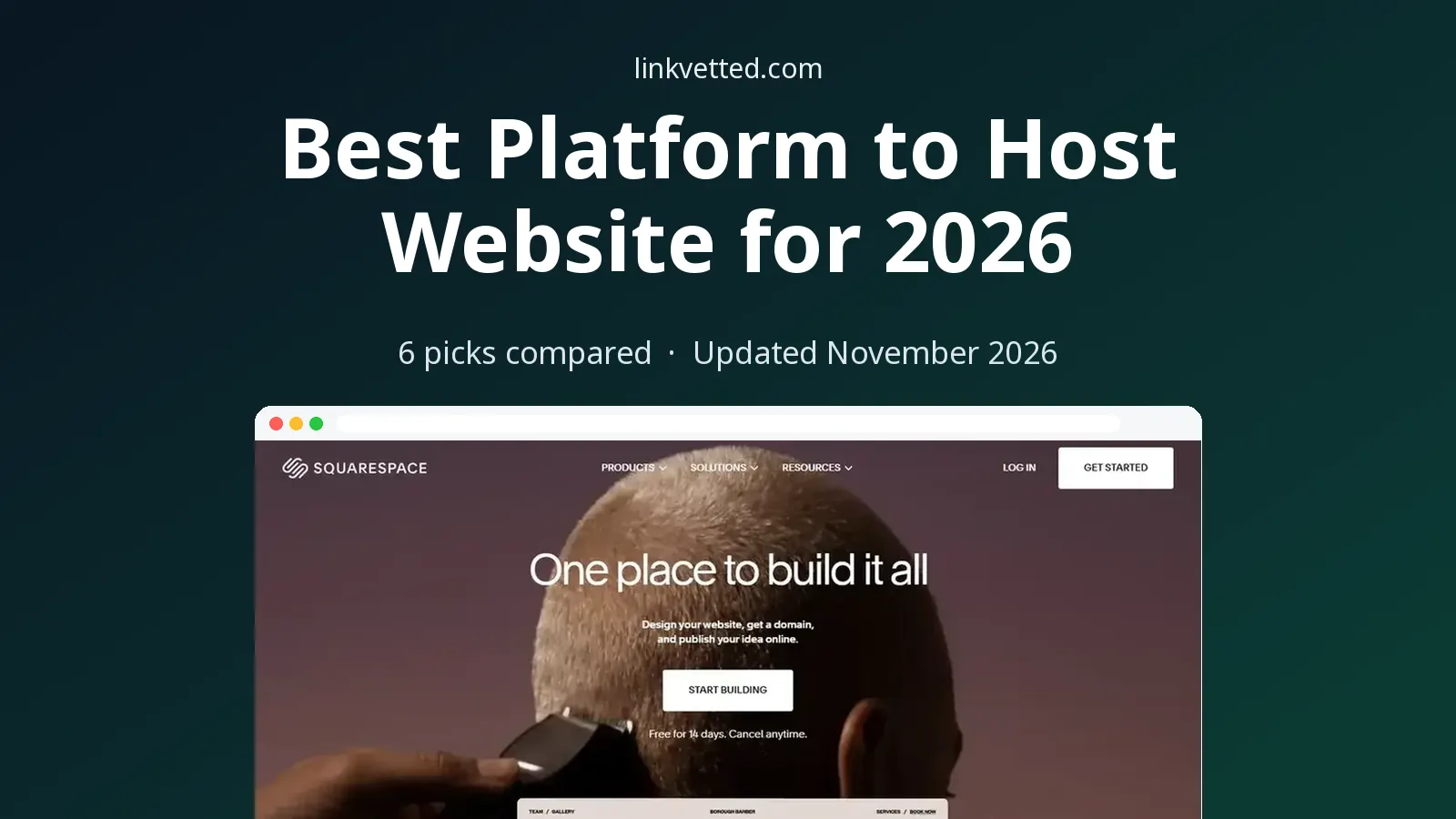
- Editor's choice
 Squarespace
Design-led sites with refined templates
Starts at$12 a monthVisit squarespace.comFull review - Great alternative
 Wix
All-in-one site building for small firms
Starts atSee websiteVisit wix.comFull review - Also consider
 WordPress.com
Blogs and content sites with no setup
Starts at$4 per monthVisit wordpress.comFull review
Direct answer
Squarespace leads the list, best for design-led sites with refined templates. Listed starting prices: Squarespace from $12 a month, WordPress.com from $4 per month and Webflow from $15 a month. Look at Wix for all-in-one site building for small businesses, and at WordPress.com for blogs and content sites with no setup. Prices, free plans and limits for all 6 tools follow.
TL;DR:
- This list starts with Squarespace, which is built for design-led sites with refined templates.
- Squarespace comes with a trade-off: template adaptability has limits.
- A free plan is available from 2 of the 6 tools: WordPress.com, Webflow.
- Starting prices begin at $4 per month with WordPress.com.
- SiteGround is the one to check for managed hosting with support emphasis.
Last checked November 2026. Prices and plan details were read from the vendors' own pages in November 2026; vendors change plans often, so confirm the current price on the vendor site before you buy.
Quick comparison
| Tool | Best for | Starts at | Free plan? | |
|---|---|---|---|---|
| Squarespace | Design-led sites with refined templates | $12 a month | Free trial | Visit |
| Wix | All-in-one site building for small firms | See website | Not stated | Visit |
| WordPress.com | Blogs and content sites with no setup | $4 per month | Yes | Visit |
 Webflow | Designers and teams needing visual development | $15 a month | Yes | Visit |
 Shopify | Online keeps and commerce operations | $19 per month | Free trial | Visit |
 SiteGround | Managed hosting with support emphasis | See website | Not stated | Visit |
Platform to Host Website compared in detail
Short on time? The summary and table above give the quick view of 6 tools for platform to host website, and the profiles that follow give the detail behind each entry.
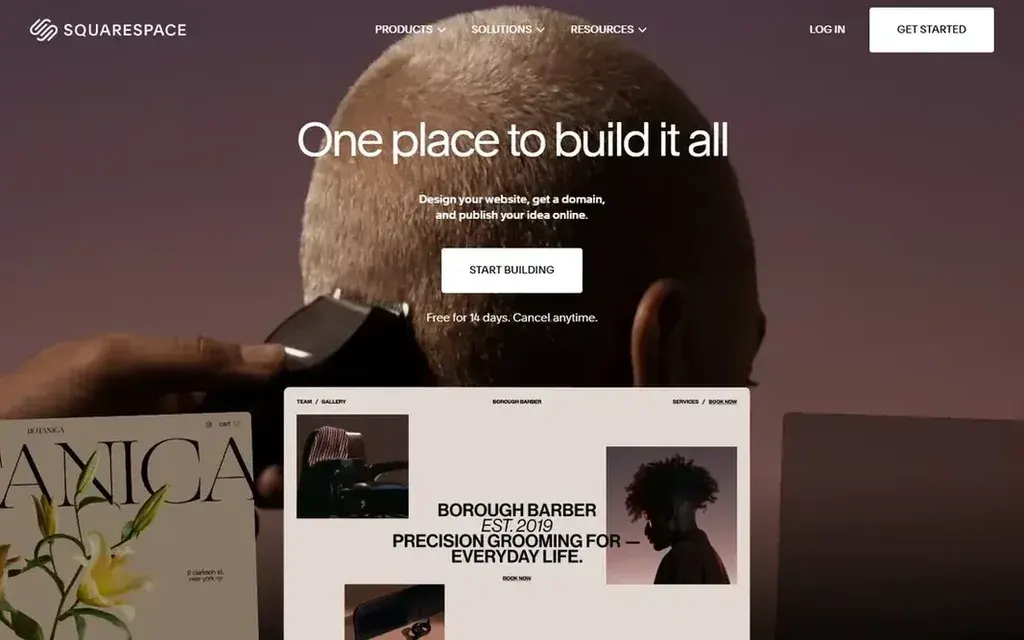
Squarespace was built for design-led sites with refined templates. Squarespace presents itself as a website builder for creating and expanding a business, with configurable templates, AI builder tools, and domain choices.
Squarespace is less adaptable than open-source or code-first systems when a project needs unusual functionality or deep integrations. On cost, Squarespace starts like this: $12 per month. Trial and free access: Free trial.
Where it is weaker: Less suited to complicated custom builds.
- Configurable website templates
- Domain and business features
- Template adaptability has limits
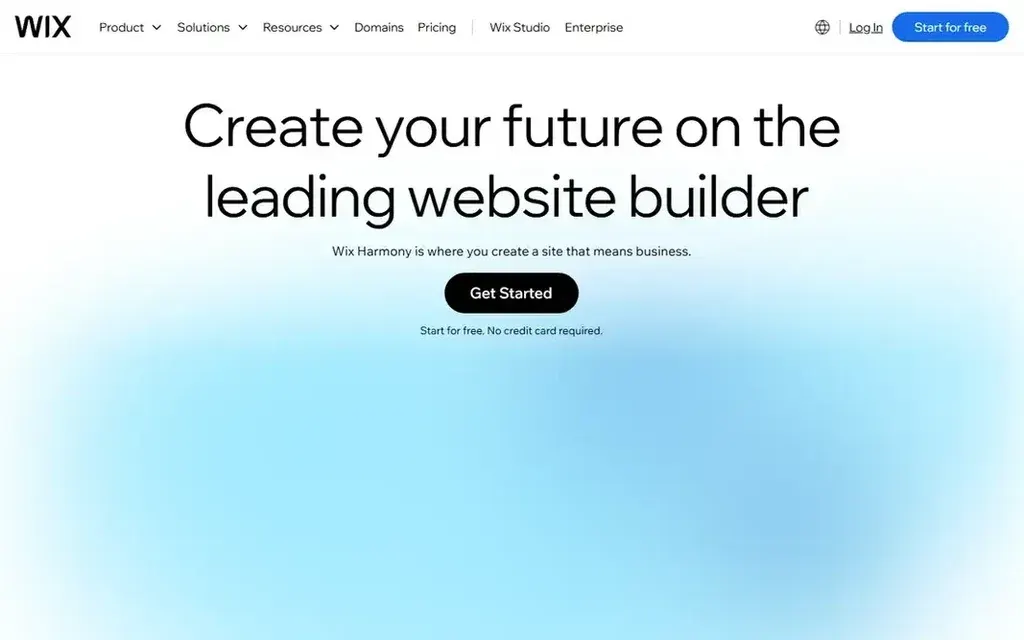
Wix was built for all-in-one site building for small companies. Choose Wix for convenience and integrated tools instead of maximum technical control. Its homepage positions it as a place to build a business online.
Drawbacks to consider: Product lock-in for site structure.
The drag-and-drop approach appeals to small business owners and beginners who want one dashboard for a site and its supporting tools. It performs well for brochure sites, bookings, and straightforward online presences. Sites built on Wix are tied to the system, so moving to another system later can need a rebuild. Wix does not show a starting price in this comparison, so check the vendor site for current pricing. Free access: Not stated.
- Business and marketing tools
- Drag-and-drop editor
- Advanced customization can be constrained

Pick WordPress.com if this describes you: blogs and content sites with no setup. The homepage flags built-in hosting, premium themes, and tools that remove technical setup.
Points against: Restricted control over server settings.
Users who require full control over plugins, themes, or infrastructure may prefer a general hosting provider. For everyday use, choose WordPress.com when simplicity and a proven publishing interface matter more than low-level control. WordPress.com starts at: $4 per month. WordPress.com has a free plan.
- Built-in hosting and themes
- No technical setup required
- Customization relies on the product
Webflow is aimed squarely at designers and teams needing visual development. Webflow presents an agentic web product for modern companies, combining design, building, optimization, and search visibility with hosting, CMS, and security. It appeals to designers, agencies, and marketing teams that want precise visual control without handing code off to developers.
Limits to weigh: Steeper ramp-up time.
Webflow assumes some comfort with design concepts and site structure, so absolute beginners may find the ramp-up time steeper than a template-driven builder. For everyday use, choose Webflow when design control and a structured CMS are central, and consider simpler builders for entry-level pages. Straightforward personal sites may not need its capabilities. Starting cost for Webflow: $15 per month. Webflow includes a free tier.
- Optimization and search features
- Visual design and CMS in one
- Best value for users comfortable with design tools
Shopify is a good fit for online keeps and commerce operations. Shopify describes itself as an all-in-one commerce product for companies, with tools to build or grow a store and manage operations.
In daily use, Shopify is the more solid fit when transactions, product management, and store operations are central to the project. For everyday use, content-first publishers might prefer a general website platform. Starting cost for Shopify: $19 per month. Free access: Free trial.
Where it falls short: Commerce orientation shapes the feature set.
- Commerce-focused product
- AI-assisted building features
- Less well suited to pure content sites
Think of SiteGround for managed hosting with support emphasis. SiteGround is a web hosting company whose homepage flags speed, security, and support for domains hosted with it.
Drawbacks to consider: Setup and maintenance are user responsibilities.
SiteGround supplies hosting rather than a full website builder, so creating and maintaining the site is up to the user. SiteGround shows no starting price here, so confirm the cost on the vendor site. Free options: Not stated.
- Security and speed focus
- Support available around the clock
- Not a drag-and-drop site builder
Selection criteria
LinkVetted looked at what each vendor publishes: pricing, plan limits, feature coverage for platform to host website and stated drawbacks. No hands-on testing is claimed. Seat minimums, billing terms and add-ons can move the real cost, so the starting prices here are a guide and not a quote. The order reflects how well each tool fits the most common buying scenario for platform to host website, then price clarity, then free plan access. It is a starting point, not a verdict.
A buyer's checklist
- Ask Wix and SiteGround for a written quote, since no starting price is shown.
- Read the fine print on the free plans from WordPress.com and Webflow; seat, project and feature caps differ.
- Use real work to test the free trial from Squarespace and Shopify, rather than a demo project.
- Read the limits listed for Squarespace first: template adaptability has limits.
- Let daily users try Webflow on real work; their feedback beats any feature checklist.
- Verify that exporting from Wix is possible on your plan and covers all your records.
FAQ
What is the cheapest option for platform to host website in this list?
On published monthly entry prices, WordPress.com is the lowest here at $4 per month. Entry price is only part of the cost, because seats, add-ons and billing terms can change the total. For the full picture, the cards above cover all 6 entries of this platform to host website list, including price, free plan and limits.
Can I try these tools before paying?
Often, yes. WordPress.com and Webflow have a free plan and Squarespace and Shopify offer a free trial. Use your own data and a real task during the test, and check what the free tier or trial limits before you rely on it.
Is Webflow a good match for non-designers?
Non-designers may find template-driven builders quicker to learn. Choose Webflow when precise design and a structured CMS are worth the ramp-up time.
Is Squarespace the right pick for everyone comparing platform to host website?
No single tool suits every team. Squarespace comes first because it fits design-led sites with polished templates, while Wix suits all-in-one site building for small businesses and WordPress.com suits blogs and content sites with no setup. Match the tool to your own size, budget and workflow before deciding.
Which system is a good match for a first website?
The first pick on this list is Squarespace, because it suits design-led sites with refined templates. Wix is better for all-in-one site building for small businesses, and WordPress.com for blogs and content sites with no setup. Check price and limits against your own needs before choosing.
Do these tools publish their prices?
Not all of them. Wix and SiteGround publish no starting price, so expect a quote request for those. The rest, Squarespace included, show a starting price, though seats and billing terms still change the final cost.
Sources
- https://www.squarespace.com
- https://www.wix.com
- https://wordpress.com
- https://webflow.com
- https://www.shopify.com
- https://www.siteground.com