8 Pipeline Management Software Options Ranked for 2026
Best pipeline management software: 8 contenders ranked by fit, with entry costs and free tiers. Every pick gets a straight assessment. Narrow your shortlist.
- Editor's choice
 Monday Sales CRM
Teams already running on Monday.com
Starts atSee websiteVisit monday.comFull review - Great alternative
 Insightly
Companies that sell projects, not just products
Starts atSee websiteVisit insightly.comFull review - Also consider
 Streak
Managing pipelines entirely inside Gmail
Starts atSee websiteVisit streak.comFull review
Direct answer
If you need teams already running on Monday.com, Monday Sales CRM is the first tool to look at here. Insightly is the stronger choice for firms that sell projects, not just products, while Streak suits managing pipelines entirely inside Gmail. The remaining 5 options are covered below with prices and limits.
TL;DR:
- Monday Sales CRM is the opening pick, best for teams already running on Monday.com.
- The main caution on HubSpot CRM: premium tiers get pricey rapidly.
- 2 of 8 tools offer a free plan: Streak, HubSpot CRM.
- Salesforce fits enterprises needing deep customization.
- No starting price is shown for any of the 8 tools, Monday Sales CRM and Salesforce included, so plan time for sales calls.
Quick comparison
| Tool | Best for | Starts at | Free plan? | |
|---|---|---|---|---|
| Monday Sales CRM | Teams already running on Monday.com | See website | Free trial | Visit |
| Insightly | Companies that sell projects, not just products | See website | Free trial | Visit |
| Streak | Managing pipelines entirely inside Gmail | See website | Yes | Visit |
 HubSpot CRM | Teams starting free and scaling up | See website | Yes | Visit |
 Close | Inside sales teams that call and email all day | See website | Free trial | Visit |
 Pipedrive | Small sales teams that live in their pipeline | See website | Free trial | Visit |
 Copper | Teams living in Google Workspace | See website | Free trial | Visit |
 Salesforce | Enterprises needing deep customization | See website | Free trial | Visit |
The full pipeline management software list
Choosing pipeline management software usually comes down to price, fit and limits. This LinkVetted guide sets 8 tools side by side on those three points, with the facts kept short and checkable.
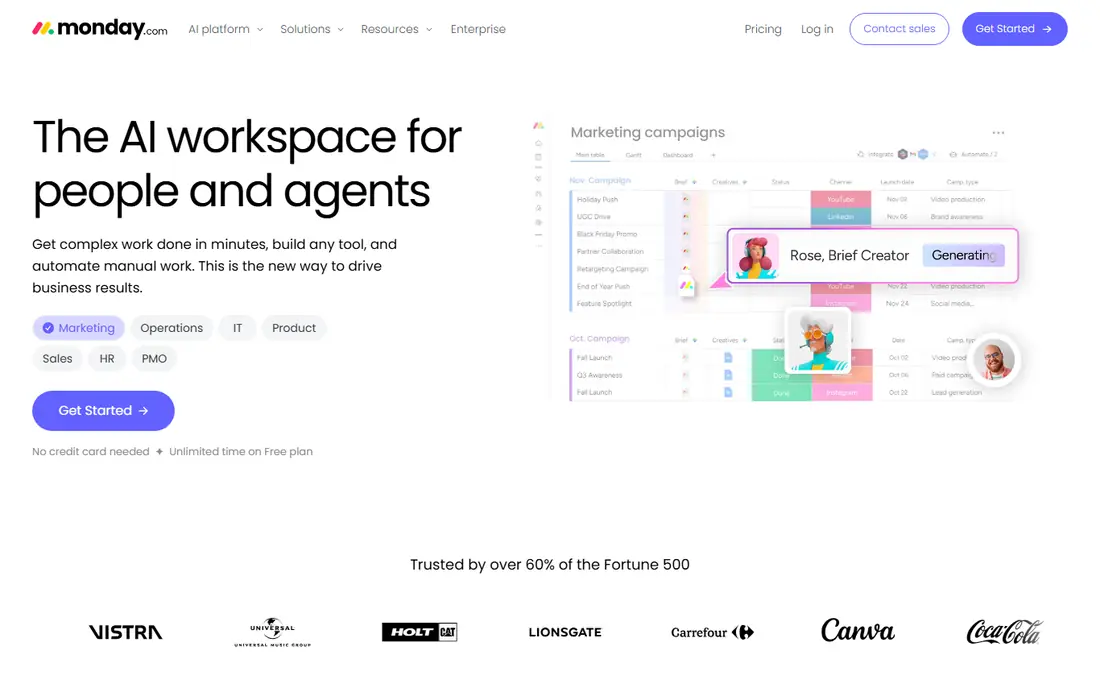
Where Monday Sales CRM fits: teams already running on Monday.com. Dedicated CRM features like advanced forecasting and territory management are thinner than Salesforce or HubSpot.
Where it falls short: CRM depth is lighter than dedicated CRMs.
As for the details, teams already on Monday for projects get a CRM without a new vendor. The adaptability deals with unusual sales processes well. Pricing for Monday Sales CRM is not stated here, so ask the vendor for current figures. Free options: Free trial.
- Adaptable boards adapt to any pipeline
- Automations are visual and simple
- Costs add up with seats and features
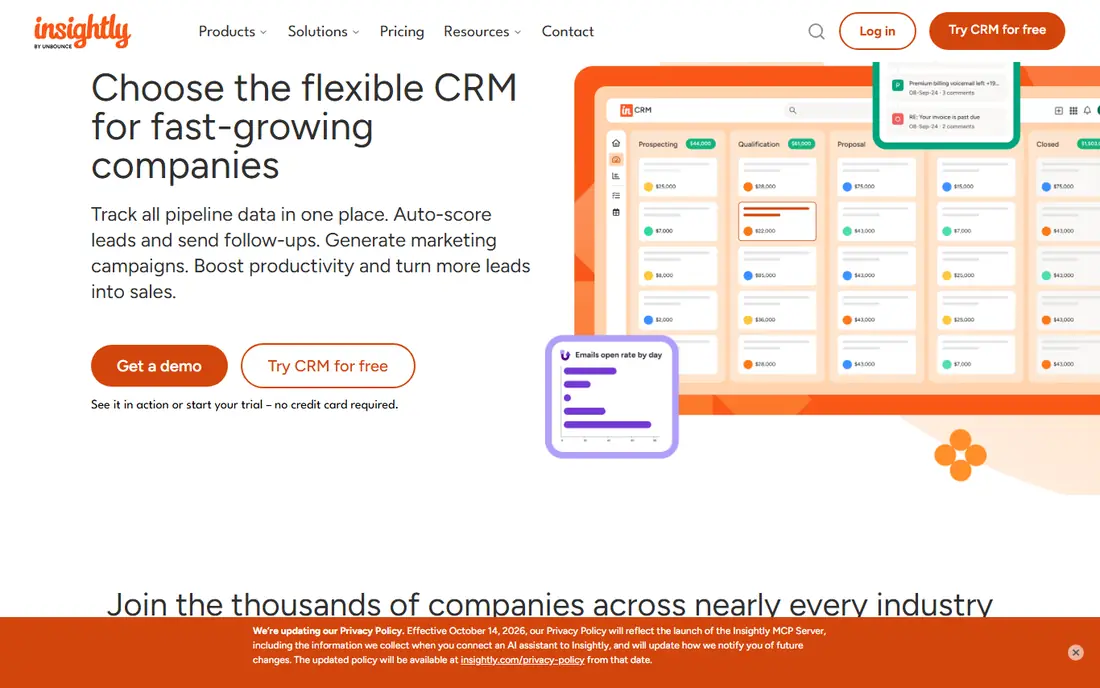
Insightly is aimed squarely at companies that sell projects, not just products. Insightly's differentiator is the project layer: win the deal, then run its delivery in the same system. The relationship linking displays how contacts, organizations and projects link.
Trade-offs to know: Innovation pace is slower than rivals.
In practice, agencies, contractors and professional services businesses that sell projects live in this workflow. The product feels less modern than newer competitors, and the pace of new features is slower. But for project-based firms, the CRM-plus-delivery combination eliminates the handoff gap between sales and operations. This comparison lists no price for Insightly; ask the vendor. Free access: Free trial.
What users get: Relationship linking is solid.
- CRM plus project management in one
- Good for agencies and contractors
- Interface feels dated
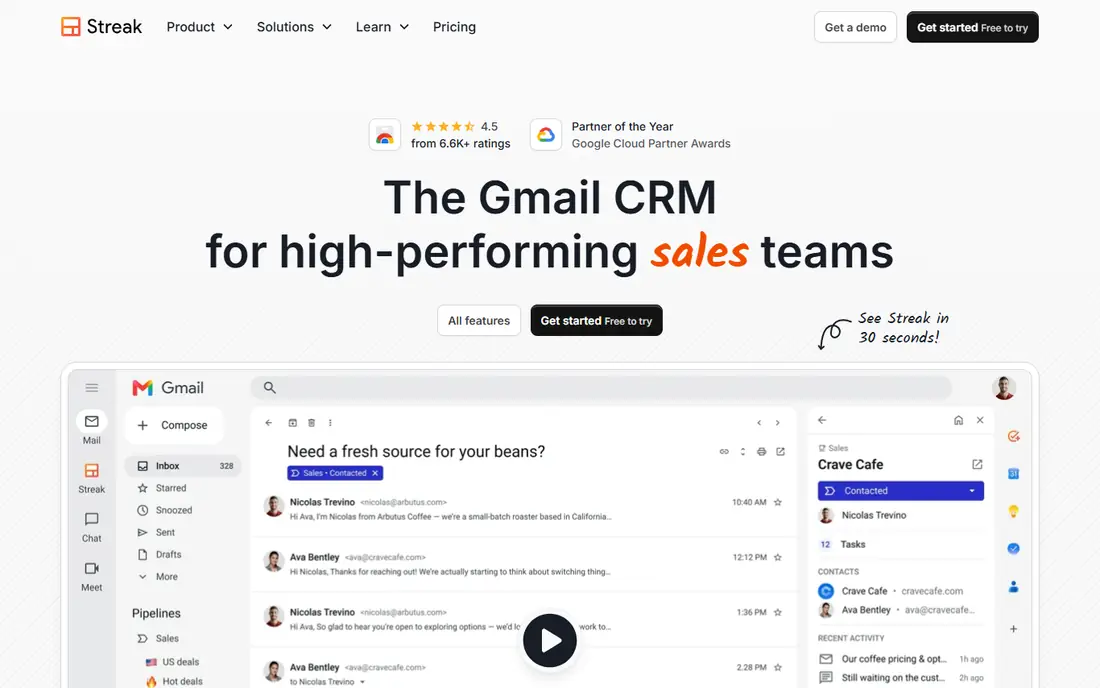
Streak targets managing pipelines entirely inside Gmail. It is not a real CRM at scale: no advanced automation, restricted reporting, Gmail-only.
But for individuals and micro-teams whose whole sales process is email, Streak's invisibility is its genius. This comparison lists no price for Streak; ask the vendor. Streak has a free plan.
Honest limits: Tied to Gmail.
- Straightforward pipeline stages
- Lives inside Gmail with no new app to learn
- Restricted as a full CRM
Pick HubSpot CRM if this describes you: teams starting free and scaling up. Start free, grow deliberately, and audit your subscription annually. Also, as you grow, the premium Sales Hub layers on sequences, forecasting and automation.
Limits to weigh: premium levels get costly rapidly.
The marketing and service hubs share the same data. In daily use, costs climb steeply as you add seats and features. Some capabilities you expect at a level need the next one up. No starting price is listed for HubSpot CRM here; confirm pricing on the vendor site. Free access exists with HubSpot CRM.
- Huge integration ecosystem
- Genuinely handy free CRM
- Advanced features hide behind higher plans
Close makes the most sense for inside sales teams that call and email all day. Calling, SMS, email and video are native, so reps work from one screen rather than juggling a dialer, a CRM and an inbox.
What to check first: Less suited to field sales or complicated enterprise processes.
From a buyer's view, field sales teams and complicated enterprise processes will find it constraining. From a buyer's view, the power dialer and predictive workflows suit SDR teams running hundreds of touches a day. Pricing for Close is not stated here, so ask the vendor for current figures. Free plan details: Free trial.
- SMS and email without integrations
- Built-in calling
- Fewer external integrations
Pipedrive works best for small sales teams that live in their pipeline. Deals sit in visual stages, and the system nags you about the next activity instead of letting opportunities rot. Sales teams adopt it quick since it matches how they already think about selling.
Honest limits: Marketing features are thin.
Worth adding: reporting beyond the standard dashboards needs workarounds. But for a small team that needs everyone working the same deals with the same discipline, Pipedrive's focus is exactly right. Check the vendor site for Pipedrive pricing; none is listed in this comparison. Free access: Free trial.
- Visual pipeline that salespeople actually update
- Activity-based selling keeps deals moving
- Reporting depth trails enterprise CRMs
Copper makes the most sense for teams living in Google Workspace. Teams that run on Google adopt it with almost no training since it meets them where they already work. Worth adding: Microsoft-centric companies get less value, and the feature depth trails Salesforce and HubSpot at the high end.
But for a Google-native small or mid-sized business, Copper removes the friction that kills CRM adoption. For everyday use, Copper is the CRM for Google Workspace shops. Pricing for Copper is not stated here, so ask the vendor for current figures. Free options: Free trial.
Trade-offs to know: Less capable outside the Google ecosystem.
- Straightforward to adopt
- Native Gmail and Google Workspace integration
- Pricing is mid-tier
Salesforce is designed for enterprises needing deep customization. Salesforce is the enterprise standard for a reason: it can model any sales process, connect with anything, and scale to tens of thousands of users. On top of that, small teams should stay away.
More specifically, the cost, complexity and admin overhead will eat a 10-person sales team alive. The AppExchange marketplace extends it into every industry niche. Salesforce makes sense when your process is too complicated for anything more straightforward, not before. Large sales organizations with dedicated admins get exactly the system they design. This comparison lists no price for Salesforce; ask the vendor. Free plan details: Free trial.
What to check first: Overkill for small teams.
- Unlimited customization and scale
- Industry-standard for large sales orgs
- Needs admins or consultants
How we built this list
Pricing pages, product documentation and feature lists were the main sources, and every entry carries at least one honest drawback. Seat minimums, billing terms and add-ons can move the real cost, so the starting prices here are a guide and not a quote. Position on the page reflects fit for a typical buyer first, with price clarity and free access breaking ties. Treat it as a guide, not a ruling.
What to confirm before you sign up
- Ask each vendor, from Monday Sales CRM to Salesforce, for a written quote; none of them publishes a starting price.
- Check what the free option really includes: Streak and HubSpot CRM offer a free plan, and usage caps differ.
- Run a trial of Monday Sales CRM, Insightly, Close and others with real work before paying for a year; your own workflow is the best test.
- Read the limits listed for Monday Sales CRM first: CRM depth is lighter than dedicated CRMs.
- Look at the help docs and support options for Streak before you commit.
- Check whether Close bills monthly or annually, and what cancelling early costs.
FAQ
How much does a CRM cost?
premium plans usually run $15 to $100+ per user a month, with Salesforce and HubSpot enterprise levels going higher. Model total cost including required extras, not just the headline seat price.
How long does CRM implementation take?
Mid-market systems take a handful of weeks with data migration and training. More specifically, ask for a realistic timeline, not the sales demo.
Can I try these options before paying?
Often, yes. Streak and HubSpot CRM have a free plan and Monday Sales CRM, Insightly, Close and others offer a free trial. Use your own data and a real task during the test, and check what the free tier or trial limits before you rely on it.
Which options for pipeline management software have a free plan?
On this list, Streak and HubSpot CRM include a free plan. Caps on seats, usage or features are common, so test the free plan against your real workload. Several others offer a trial instead.
Do these tools publish their prices?
No. None of the tools, from Monday Sales CRM to Salesforce, shows a fixed starting price here, so budget time for quotes.
How are the tools for pipeline management software ordered?
Monday Sales CRM sits first and Salesforce last because the order follows typical fit for pipeline management software, then price clarity and free access. It is a judgement call, so read each profile for fit and limits.