CRM Tools for Sales Pipeline Management in 2026: The 6 Best Options Side by Side
6 options for the best CRM tools for sales pipeline management, with entry costs, free tiers and the buyer each one serves. Caveats come with every verdict.
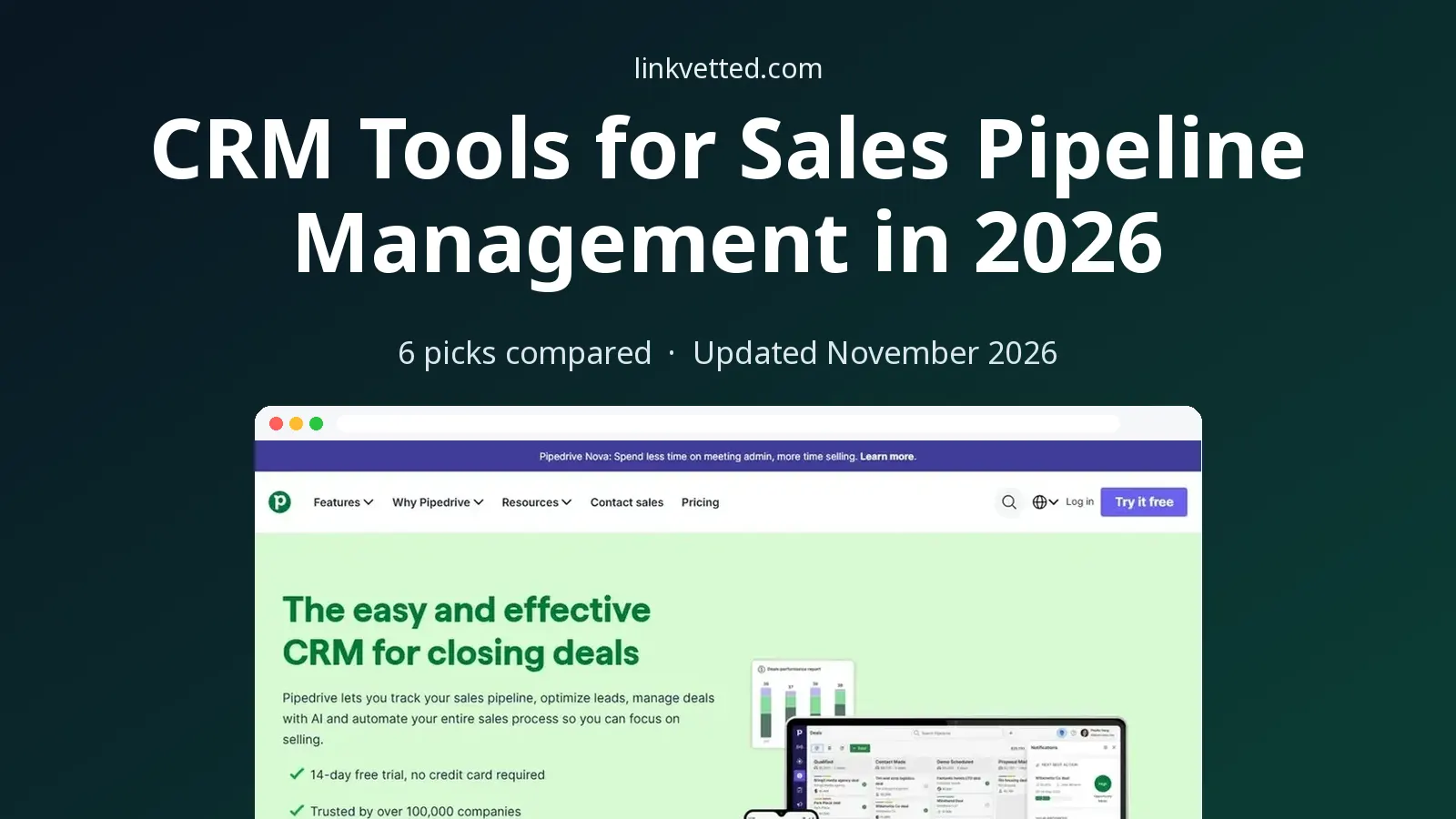
- Editor's choice
 Microsoft Dynamics 365 Sales
Insight-driven sales automation
Starts atSee websiteVisit microsoft.comFull review - Great alternative
 Pipedrive
Straightforward visual pipeline management
Starts atSee websiteVisit pipedrive.comFull review - Also consider
 Freshsales
AI-powered lead and deal tracking
Starts atSee websiteVisit freshworks.comFull review
Direct answer
Start with Microsoft Dynamics 365 Sales if you need insight-driven sales automation. Listed starting prices: Copper from $23 per seat per month. If your case is different, Pipedrive suits straightforward visual pipeline management and Freshsales suits AI-powered lead and deal tracking. The full list of 6 tools follows, with prices and free plan facts.
TL;DR:
- Microsoft Dynamics 365 Sales sits first on this list: insight-driven sales automation.
- Salesforce Sales Cloud is the one to check for complicated enterprise pipeline automation.
- HubSpot Sales Hub comes with a trade-off: feature depth varies by edition.
- Neither Microsoft Dynamics 365 Sales nor Salesforce Sales Cloud, nor any of the other 4 tools, has a permanent free plan; trials and quotes are the norm.
Last checked November 2026. Prices and plan details were read from the vendors' own pages in November 2026; vendors change plans often, so confirm the current price on the vendor site before you buy.
Quick comparison
| Tool | Best for | Starts at | Free plan? | |
|---|---|---|---|---|
| Microsoft Dynamics 365 Sales | Insight-driven sales automation | See website | Not stated | Visit |
| Pipedrive | Straightforward visual pipeline management | See website | Not stated | Visit |
| Freshsales | AI-powered lead and deal tracking | See website | Not stated | Visit |
 HubSpot Sales Hub | Pipeline tied to complete CRM data | See website | Not stated | Visit |
 Copper | Pipeline inside Google Workspace | $23 per seat per month | Free trial | Visit |
 Salesforce Sales Cloud | Complicated enterprise pipeline automation | See website | Not stated | Visit |
Tool-by-tool breakdown
If you are comparing CRM tools for sales pipeline management, this page covers 6 tools in one place: what each is best for, what it costs to start, whether it has a free plan, and the main limit to know about.
Microsoft Dynamics 365 Sales was built for insight-driven sales automation. Sales teams that value insight-driven selling frequently bundle it on a shortlist.
Downsides: Can need implementation planning.
Choose Dynamics 365 Sales when automation, insights, and collaboration are central to how your sales team runs pipeline. No starting price is listed for Microsoft Dynamics 365 Sales here; confirm pricing on the vendor site. Free access: Not stated.
- Sales automation and insights
- Agentic CRM capabilities
- Best fit for Microsoft-centered organizations
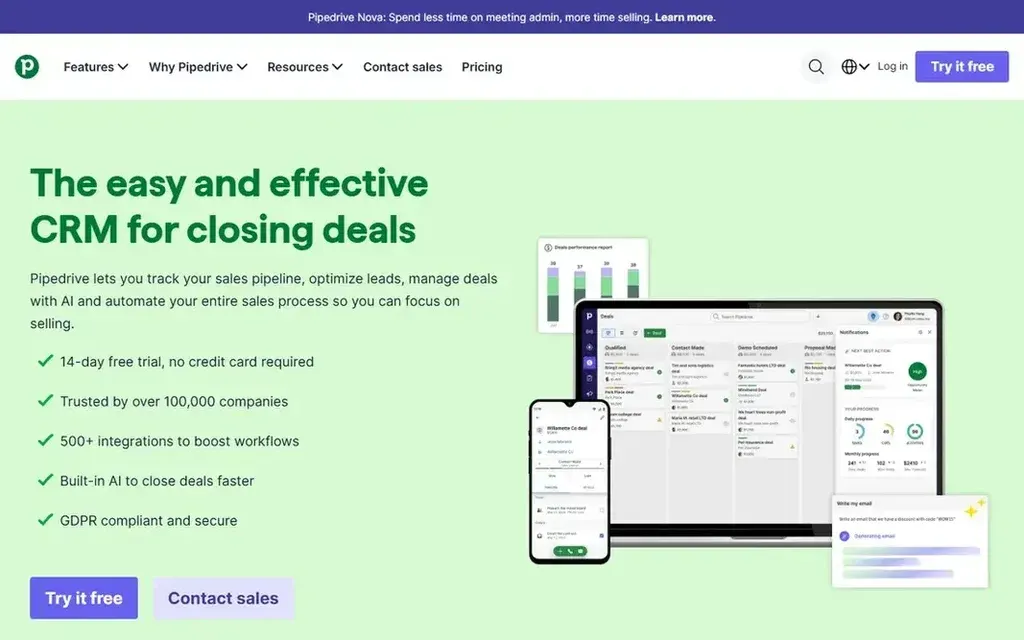
Where Pipedrive fits: simple visual pipeline management. Teams with highly complicated, multi-team sales processes may find Pipedrive less customizable than bigger platforms.
Trade-offs to know: Less suited to very complicated sales operations.
Pricing for Pipedrive is not stated here, so ask the vendor for current figures. Free access: Not stated.
- Pitched at expanding qualified leads
- Pipeline-focused design
- Customization depth may be restricted
Freshsales serves AI-powered lead and deal tracking. Freshsales is an AI-powered CRM built to boost sales efficiency, capture leads easily, and help teams close deals quicker.
Downsides: Feature set may be wide for small teams.
Beyond that, organizations looking to simplify routine sales tasks commonly consider it a practical choice. Also, teams wanting a purely visual, minimal pipeline may prefer a more straightforward tool. Freshsales shows no starting price here, so confirm the cost on the vendor site. Free plan details: Not stated.
- AI-powered CRM
- Lead capture focus
- Pipeline depth varies by configuration

HubSpot Sales Hub serves pipeline tied to complete CRM data. HubSpot Sales Hub is an AI sales software system that turns prospects into pipeline and conversations into closed deals. It is built on the complete CRM data in HubSpot, so pipeline management stays connected to contact history, engagement, and deal activity.
Downsides: May overlap with existing marketing tools.
Also, the available depth of pipeline features relies on the edition a team chooses, so buyers should map needs to the vendor's documented capabilities. For everyday use, organizations already standardized on another CRM may find switching expensive. Pricing for HubSpot Sales Hub is not stated here, so ask the vendor for current figures. On free options: Not stated.
- AI-assisted sales platform
- Links conversations to deals
- Feature depth varies by edition
Pick Copper if this describes you: pipeline inside Google Workspace. Copper is CRM software built into Google Workspace, letting teams run leads, deals, and projects in one CRM system. It is positioned for service companies, where pipeline management frequently overlaps with project work.
Drawbacks to consider: May be less suited to non-Google environments.
What Copper does well: Built into Google Workspace.
Copper is most natural for organizations using Google Workspace, and teams on other productivity suites may find the fit less direct. In daily use, choose Copper when pipeline management should live inside Google Workspace alongside project tracking. Also, teams that already run on Google Workspace can keep pipeline activity close to the tools they use every day. Firms with highly complicated enterprise sales processes may need more configuration than a Workspace-native CRM supplies. On cost, Copper starts like this: $23 per seat per month. Free plan details: Free trial.
- Deals and projects
- Suits service firms
- Best fit for Google Workspace users
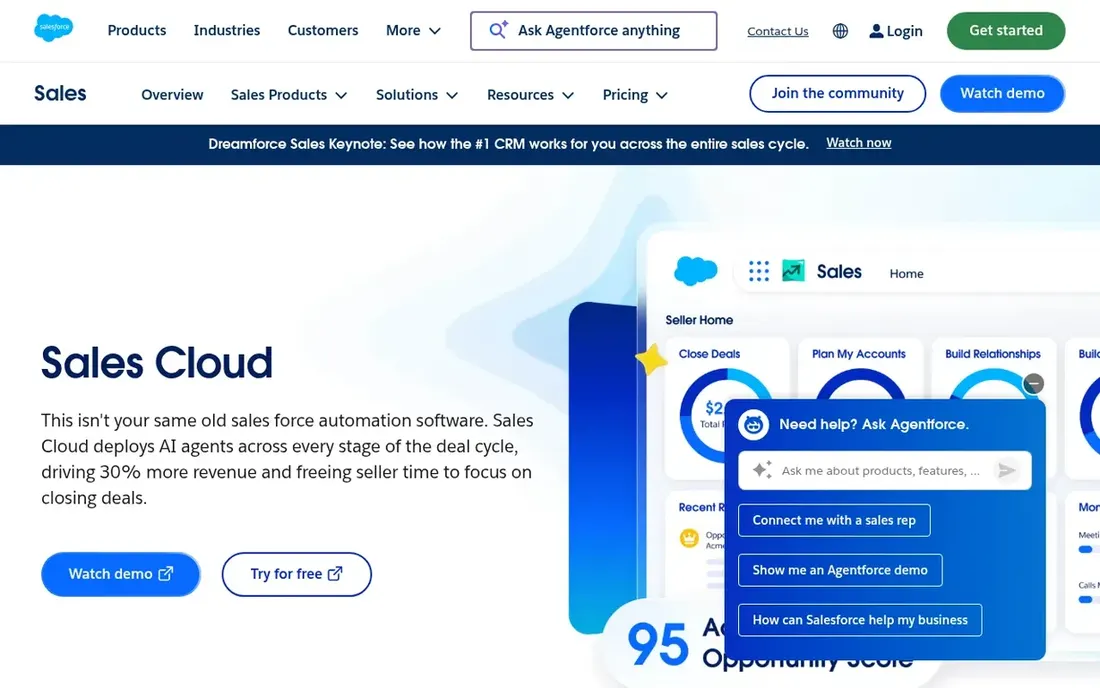
For complicated enterprise pipeline automation, Salesforce Sales Cloud is a natural candidate. Salesforce Sales Cloud is a sales force automation system meant to help teams grow accounts, find new customers, and close deals quicker from anywhere.
In practice, choose Salesforce Sales Cloud when pipeline management needs to support complicated sales motions and integration with a wider business system. Also, the system's breadth can mean more configuration and administration than a small team wants to take on. This comparison lists no price for Salesforce Sales Cloud; ask the vendor. Free options: Not stated.
The main drawbacks: Can need setup effort.
- Wide sales force automation features
- Supports account growth and deal closing
- May be more than small teams need
Selection criteria
Selection started from tools commonly considered for CRM tools for sales pipeline management, then narrowed to 6 that have clear pricing information or a clear quote process. Where a vendor does not publish a price, the entry says quote. Where a price depends on seats or billing term, the entry says so. The order reflects how well each tool fits the most common buying scenario for CRM tools for sales pipeline management, then price clarity, then free plan access. It is a starting point, not a verdict.
Things to verify first
- Confirm the entry price on the vendor page. For Microsoft Dynamics 365 Sales, Pipedrive, Freshsales and others that means a quote rather than a fixed price.
- Take the trial from Copper and push a live task through it before you pay.
- Read the limits listed for Microsoft Dynamics 365 Sales first: can need implementation planning.
- Make sure Pipedrive lets you export your data in a format another tool can read.
- Look at the help docs and support options for HubSpot Sales Hub before you commit.
FAQ
How are the tools for CRM tools for sales pipeline management ordered?
Microsoft Dynamics 365 Sales sits first and Salesforce Sales Cloud last because the order follows typical fit for CRM tools for sales pipeline management, then price clarity and free access. It is a judgement call, so read each profile for fit and limits.
What should a CRM for sales pipeline management include?
A pipeline-focused CRM should display deal stages plainly, support lead and contact tracking, and offer reporting on pipeline progress. It should also fit your team's existing tools and sales process.
What is the cheapest option for CRM tools for sales pipeline management in this list?
On published monthly entry prices, Copper is the lowest here at $23 per seat per month. Entry price is only part of the cost, because seats, add-ons and billing terms can change the total. Each of the 6 options in this CRM tools for sales pipeline management guide has its own card above with the price, free plan and limits.
Can I try these tools before paying?
Often, yes. Copper offers a free trial. Use your own data and a real task during the test, and check what the free tier or trial limits before you rely on it. All 6 picks in this CRM tools for sales pipeline management comparison list a starting price, free plan details and the main limits on their cards above.
Is Microsoft Dynamics 365 Sales the right pick for everyone comparing CRM tools for sales pipeline management?
No single tool suits every team. Microsoft Dynamics 365 Sales comes first because it fits insight-driven sales automation, while Pipedrive suits simple visual pipeline management and Freshsales suits AI-powered lead and deal tracking. Match the tool to your own size, budget and workflow before deciding.
How do I compare CRM tools for pipeline management?
Start by mapping your pipeline stages and the reports you need, then check each vendor's documented features against that list. As for the details, confirm integration needs and the setup effort your team can support. Use the vendor sites to verify current capabilities before deciding.
Sources
- https://www.microsoft.com/en-us/dynamics-365/products/sales
- https://www.pipedrive.com
- https://www.freshworks.com/crm/sales
- https://www.hubspot.com/products/sales
- https://www.copper.com
- https://www.salesforce.com/sales/cloud