Best Phone System for Restaurants for 2026: Our 6 Vetted Picks
Compare 6 best phone system for restaurants, with prices, free plans and who each fits. The weak spots sit next to the strengths. Reviewed this month.
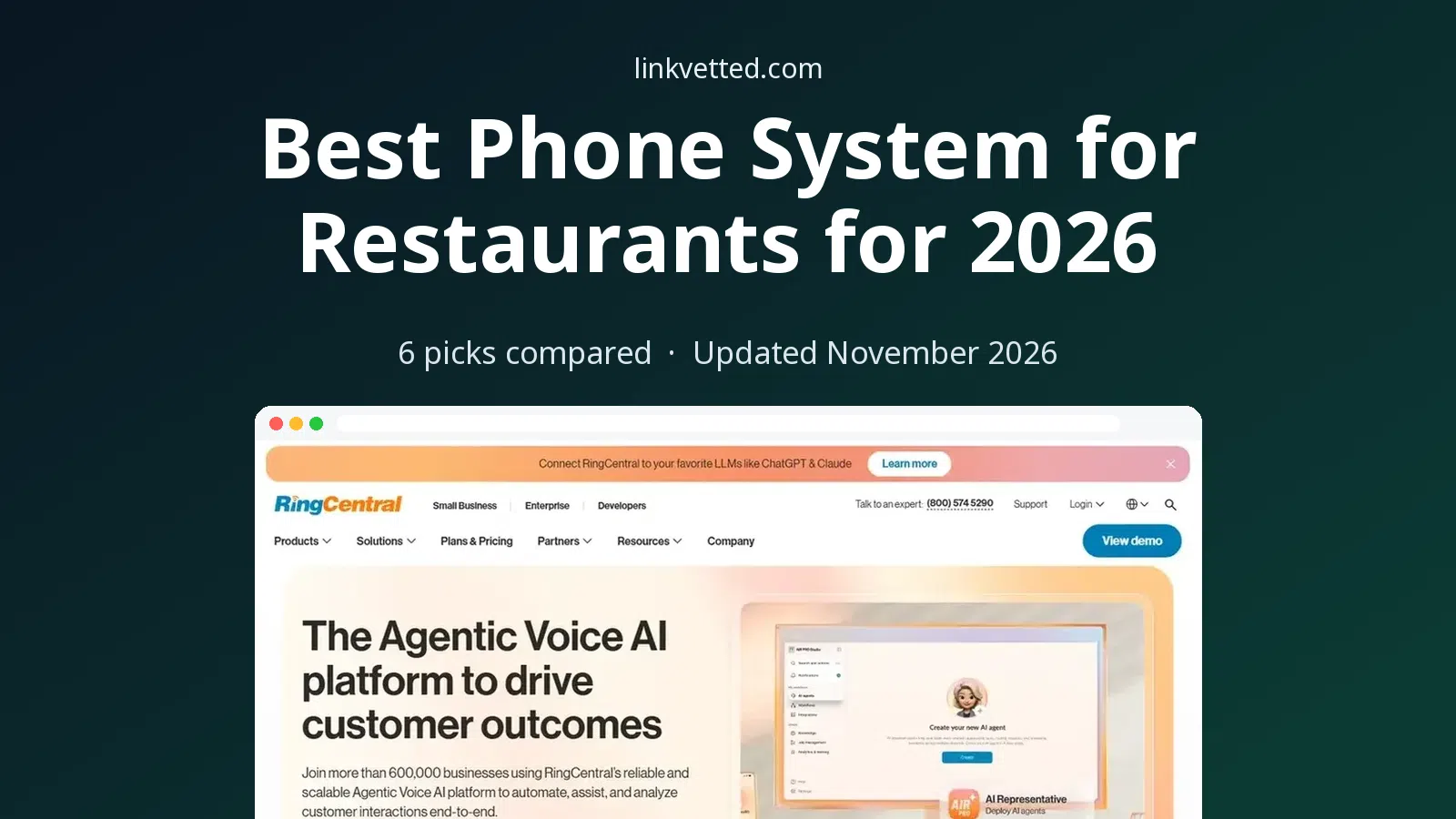
- Editor's choice
 Zoom
Restaurants already using Zoom
Starts atSee websiteVisit zoom.comFull review - Great alternative
 Microsoft
Teams-centric calling and meetings
Starts atSee websiteVisit microsoft.comFull review - Also consider
 RingCentral
AI-assisted call handling at scale
Starts at$52 a monthVisit ringcentral.comFull review
Direct answer
Start with Zoom if you need restaurants already using Zoom. Listed starting prices: RingCentral from $52 a month, Dialpad from $15 per user per month and Nextiva from $15 per user a month. Alternatives: Microsoft for teams-centric calling and meetings, and RingCentral for AI-assisted call handling at scale. Details, prices and limits for the rest of the 6 tools are below.
TL;DR:
- This list starts with Zoom, which is built for restaurants already using Zoom.
- Dialpad comes with a trade-off: AI emphasis may not fit every venue.
- Starting prices begin at $14 per month with Grasshopper.
- Grasshopper is the one to check for small restaurants wanting a virtual line.
- Zoom, Grasshopper and the 4 others all need a premium plan or a trial, since no free plan is listed.
Last checked November 2026. Prices and plan details were read from the vendors' own pages in November 2026; vendors change plans often, so confirm the current price on the vendor site before you buy.
Quick comparison
| Tool | Best for | Starts at | Free plan? | |
|---|---|---|---|---|
| Zoom | Restaurants already using Zoom | See website | Not stated | Visit |
| Microsoft | Teams-centric calling and meetings | See website | Not stated | Visit |
| RingCentral | AI-assisted call handling at scale | $52 a month | Free trial | Visit |
 Dialpad | Turning calls into handy intelligence | $15 per user per month | Free trial | Visit |
 Nextiva | Customer experience across every call | $15 per user a month | No | Visit |
 Grasshopper | Small restaurants wanting a virtual line | $14 a month | Not stated | Visit |
6 phone system for restaurants in detail
Choosing phone system for restaurants usually comes down to price, fit and limits. This LinkVetted guide sets 6 tools side by side on those three points, with the facts kept short and checkable.
For restaurants already using Zoom, Zoom is a natural candidate. Restaurants that already run staff meetings or remote training on Zoom can add phone service in a familiar environment, keeping internal coordination and guest calls under one login.
Where it falls short: Advanced call routing may need review.
As for the details, if you need nothing beyond calls, a dedicated phone provider may be a cleaner fit. Worth adding: pick Zoom when your staff already lives in its meeting and chat tools. This comparison lists no price for Zoom; ask the vendor. Free options: Not stated.
- Chat and contact center together
- Meetings
- Phone is one part of a bigger suite
Microsoft serves teams-centric calling and meetings. Microsoft Teams brings video conferencing, meetings and calling together, with tools and files always available in one place meant to help people connect and stay organized. Choose Teams when your organization already standardizes on Microsoft collaboration.
Where it falls short: Calling setup relies on your Microsoft environment.
More specifically, if you are not a Microsoft shop, adoption can be uneven. On top of that, for restaurant groups already using Microsoft tools for scheduling, documents and staff communication, adding calling to Teams keeps everything in a workspace employees may already know. In daily use, calling in Teams relies on how your Microsoft environment is set up, and restaurant-specific call handling for example reservation lines needs planning with your provider. Pricing for Microsoft is not stated here, so ask the vendor for current figures. On free options: Not stated.
Main advantages: Files and tools kept in one place.
- Suits Microsoft-centered workplaces
- Calling and video conferencing in Teams
- Restaurant-specific call flows need planning
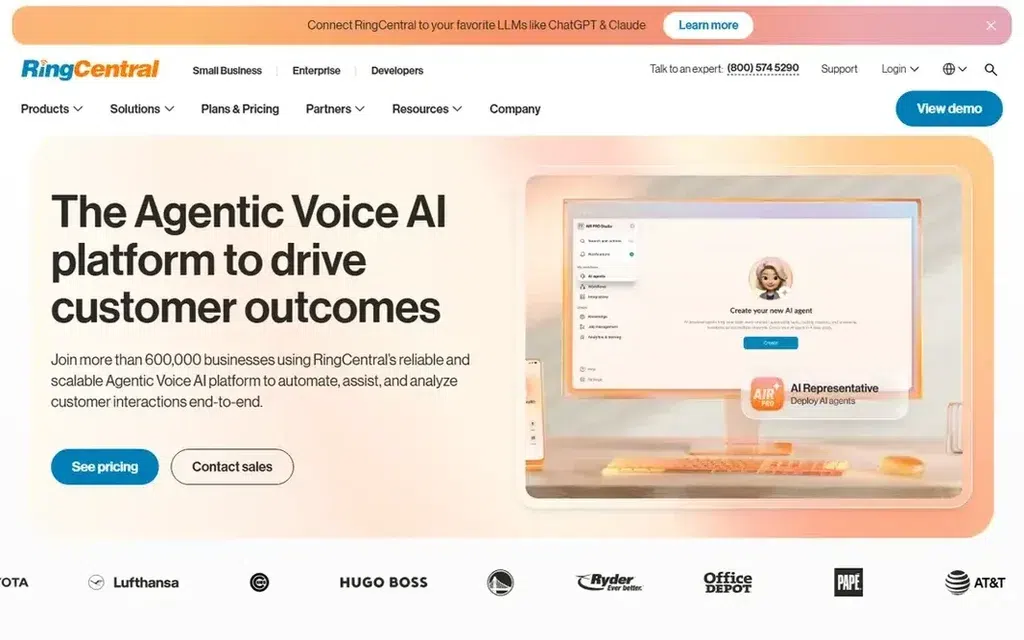
In short, RingCentral is for AI-assisted call handling at scale. Choose RingCentral when call handling and AI assistance are central to your operation.
Limits to weigh: Setup requires planning.
Worth adding: the breadth of AI features can be more than a small counter-service spot needs, and getting everything configured takes some planning. RingCentral positions itself as the voice of your business, pairing core phone service with Agentic Voice AI that comes with an AI Receptionist, an AI Virtual Assistant and an AI Conversation Expert. Price to start with RingCentral: $52 per month. Free options: Free trial.
- Wide voice system for teams
- Virtual assistant and conversation tools
- Feature depth may exceed small needs
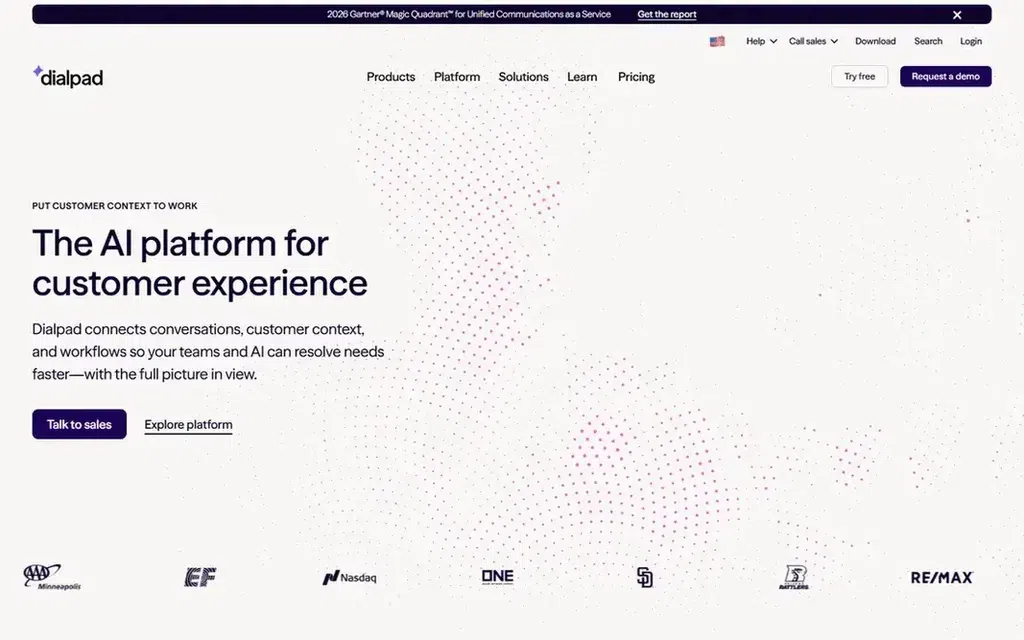
Dialpad serves turning calls into handy intelligence. Dialpad brings AI agents, contact center, sales and business communications together, aiming to turn customer conversations into intelligence that drives resolution.
Where it falls short: Feature set spans beyond phone basics.
As for the details, consider Dialpad when conversation insights and multi-team routing are part of your plans. Entry price for Dialpad: $15 per user per month. As for free access: Free trial.
- Contact center and sales tools in one
- Focus on conversation intelligence
- AI emphasis may not fit every venue
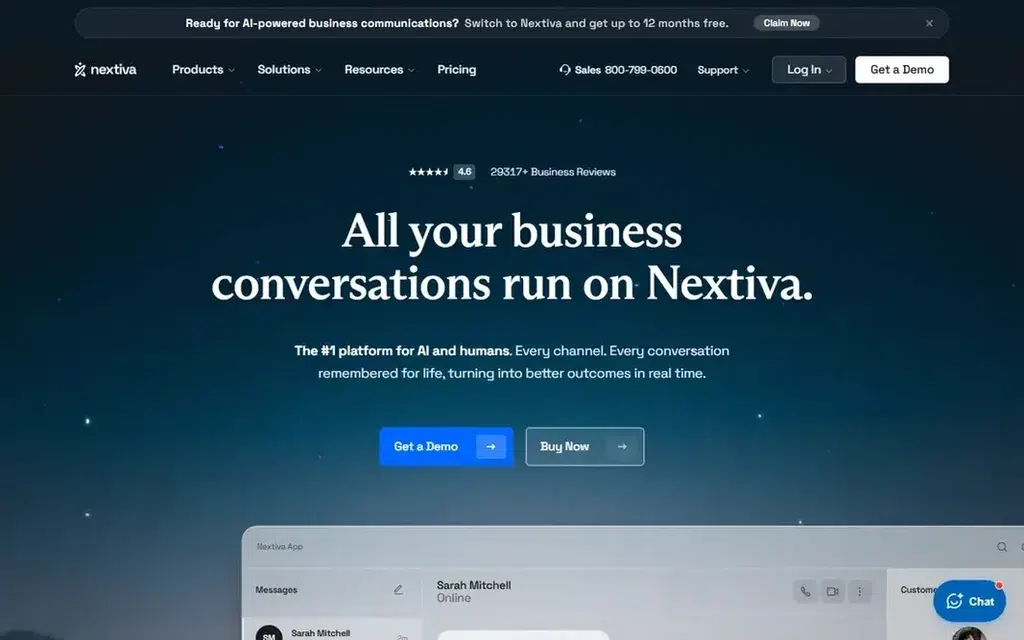
Nextiva is a good fit for customer experience across every call. That combination suits restaurants that treat every reservation, catering inquiry and complaint as part of the guest experience and want those conversations handled consistently by the same system.
Trade-offs to know: Needs setup time to align workflows.
As for the details, pick Nextiva when guest communication across channels matters to how you operate. Nextiva cost at the entry level: $15 per user per month. There is no free plan with Nextiva.
- AI receptionist included in the system
- Unified customer experience approach
- System scope may be wide for tiny teams
Grasshopper is a good fit for small restaurants wanting a virtual line. Grasshopper presents itself as a virtual phone system that helps companies stay organized as call volume raises. Its site flags unlimited users and support around the clock.
Worth adding: compared to the AI-heavy products here, Grasshopper keeps things more straightforward. So it may not include advanced contact center or conversation intelligence needs. In practice, if you expect complicated routing across numerous teams, look at a fuller system. Grasshopper pricing: $14 per month. Free access: Not stated.
Honest limits: Fewer advanced AI features described.
- Virtual phone system for expanding call volume
- Support available around the clock
- A good match for simpler phone needs
Our selection method
LinkVetted looked at what each vendor publishes: pricing, plan limits, feature coverage for phone system for restaurants and stated drawbacks. No hands-on testing is claimed. Figures are shown as the vendors publish them. Billing terms, seat minimums and add-ons can change the real cost. The order reflects how well each tool fits the most common buying scenario for phone system for restaurants, then price clarity, then free plan access. It is a starting point, not a verdict.
Questions to settle before buying
- Confirm the entry price on the vendor page. For Zoom and Microsoft that means a quote rather than a fixed price.
- Use real work to test the free trial from RingCentral and Dialpad, rather than a demo project.
- Read the limits listed for Zoom first: phone is one part of a bigger suite.
- Ask whether Grasshopper integrates with your current software, and whether that comes standard or as an add-on.
- Ask RingCentral which support channels and response times come with the plan you would buy.
FAQ
Do restaurants need AI receptionist features?
AI receptionist tools can help answer and route calls during rushes, which fits busy or multi-location operations. A small restaurant with modest call volume may do fine with standard routing and voicemail.
How are the phone system for restaurants ordered?
The order follows typical fit for phone system for restaurants, with Zoom first and Grasshopper last, then price clarity and free access. It is editorial judgement, not a score, so another team could rank the tools differently.
Is Zoom the right pick for everyone comparing phone system for restaurants?
No single tool suits every team. Zoom comes first because it fits restaurants already using Zoom, while Microsoft suits teams-centric calling and meetings and RingCentral suits AI-assisted call handling at scale. Match the tool to your own size, budget and workflow before deciding.
Does any tool for phone system for restaurants here have a free plan?
No tool in this list, Zoom and Grasshopper included, has a permanent free plan. RingCentral, Dialpad offer a trial. Trials and quotes are the usual route, so plan a short evaluation period.
Do these tools publish their prices?
Not all of them. Zoom and Microsoft publish no starting price, so expect a quote request for those. The rest, RingCentral included, show a starting price, though seats and billing terms still change the final cost.
Sources
- https://www.zoom.com
- https://www.microsoft.com/en-us/microsoft-teams/group-chat-software
- https://www.ringcentral.com
- https://www.dialpad.com
- https://www.nextiva.com
- https://grasshopper.com