Top 5 Patient Scheduling Software for Solo Dentists for 2026 (Prices and Free Plans)
Searching for the best patient scheduling software for solo dentists? Here are 5 options with prices and free plans. Real limits included. Plain facts.
- Editor's choice
 NexHealth
Scheduling layered on existing software
Starts atPricing on requestVisit nexhealth.comFull review - Great alternativeMogo
Straightforward cloud scheduling for small offices
Starts atPricing on requestVisit mogo.comFull review - Also consider
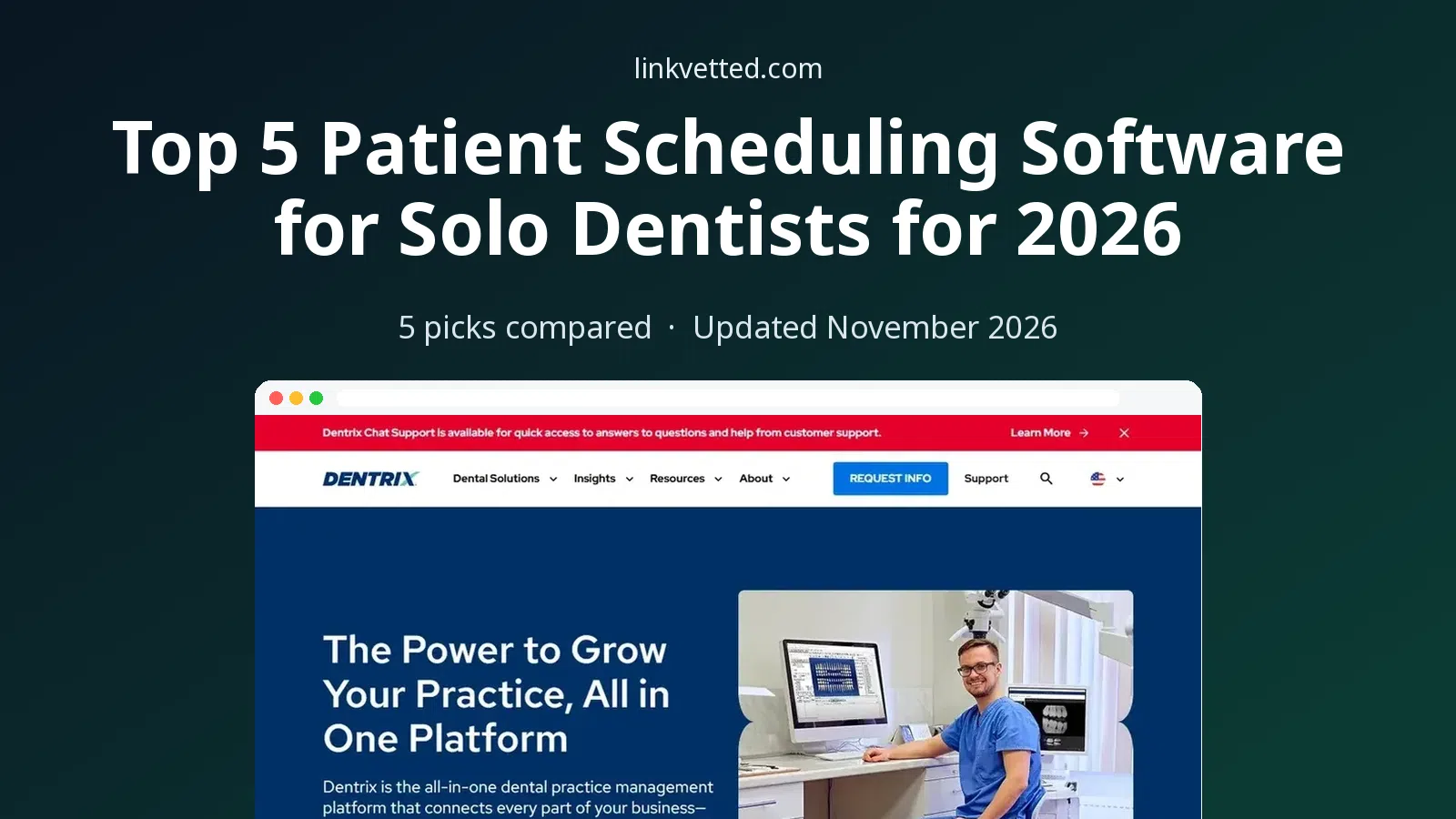
 Dentrix
All-in-one practice management and scheduling
Starts atPricing on requestVisit dentrix.comFull review
Direct answer
Start with NexHealth if you need scheduling layered on existing software. Mogo is the stronger choice for straightforward cloud scheduling for small offices, while Dentrix suits all-in-one practice management and scheduling. Free plan facts and limits for all 5 tools follow. None of these vendors publish plan prices, so pricing is on request for every option.
TL;DR:
- Top of the list is NexHealth, which targets scheduling layered on existing software.
- What to know about Mogo first: smaller ecosystem than large suites.
- No starting price is shown for any of the 5 tools, NexHealth and Carestream Dental included, so plan time for sales calls.
- For imaging-centered practices needing connected software, Carestream Dental is worth a look.
- A permanent free plan is missing from all 5 tools, NexHealth and Carestream Dental included; plan for a trial or a premium start.
Last checked November 2026. Pricing on request: vendors did not publish plan prices when this guide was last checked (November 2026), so ask each vendor for a written quote.
Quick comparison
| Tool | Best for | Starts at | Free plan? | |
|---|---|---|---|---|
| NexHealth | Scheduling layered on existing software | Pricing on request | Not stated | Visit |
| Mogo | Straightforward cloud scheduling for small offices | Pricing on request | Not stated | Visit |
| Dentrix | All-in-one practice management and scheduling | Pricing on request | Not stated | Visit |
| Planet DDS | Cloud practice management and imaging | Pricing on request | Not stated | Visit |
| Carestream Dental | Imaging-centered practices needing connected software | Pricing on request | Not stated | Visit |
The best patient scheduling software for solo dentists
This LinkVetted guide covers 5 patient scheduling software for solo dentists. Each profile lists a starting price, free plan details, strengths and drawbacks, so you can drop poor fits quickly.
NexHealth makes the most sense for scheduling layered on existing software. NexHealth offers scheduling, forms, communications, payments, verification and insights for dental and medical practices, synced to your practice management system or EHR.
Strengths: Forms.
NexHealth does not show a starting price in this comparison, so check the vendor site for current pricing. Free access: Not stated.
Limits to weigh: Not a full practice management product.
- Scheduling synced to your practice system
- Communications and payments
- Needs a system to sync
Mogo
Best for: Straightforward cloud scheduling for small offices
In short, Mogo is for straightforward cloud scheduling for small offices. Mogo is cloud-based dental practice management software described as thorough with easy-to-use features for a well-run office, hosted on Microsoft infrastructure.
It fits a solo dentist who wants scheduling and core front-office functions in a cloud system that is straightforward to pick up without a long training period. Check the vendor site for Mogo pricing; none is listed in this comparison. Trial and free access: Not stated.
Where it falls short: Smaller ecosystem than large suites.
- Cloud-based practice management
- Easy-to-use feature set
- Fewer adjacent modules
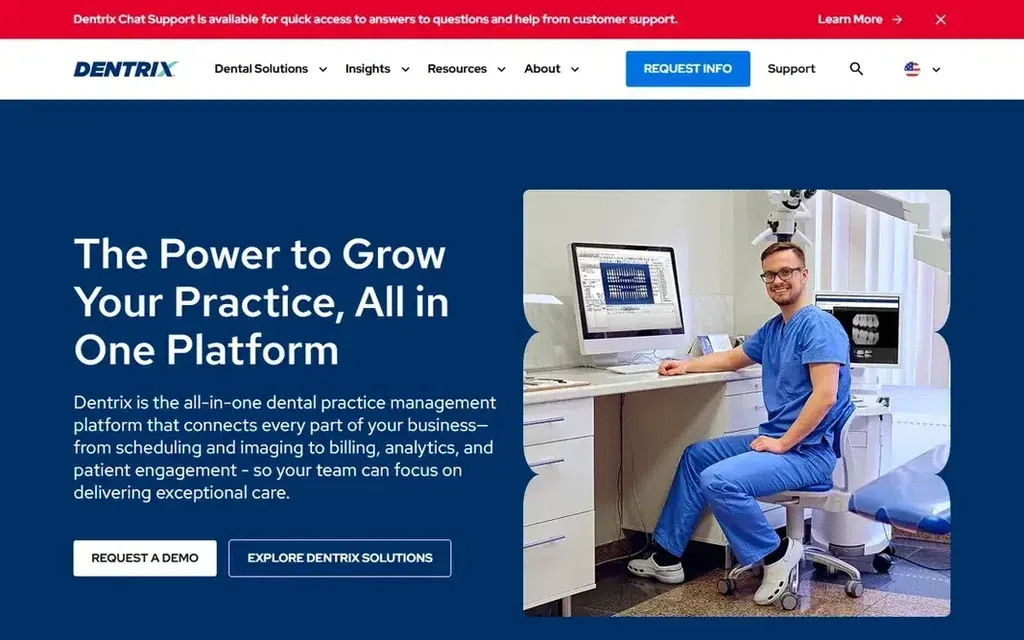
Think of Dentrix for all-in-one practice management and scheduling. Consider a lighter cloud scheduler if you want minimal configuration.
Trade-offs to know: May be more than a minimal scheduler needs.
What users get: Analytics and marketing tools included. In practice, the breadth is also the primary limitation: a solo dentist who only wants a straightforward calendar may find the product bigger than needed. Pricing for Dentrix is not stated here, so ask the vendor for current figures. Free access: Not stated.
- Wide product for a single office
- Imaging and billing
- Large feature set to learn
Planet DDS
Best for: Cloud practice management and imaging
For cloud practice management and imaging, Planet DDS is a natural candidate. Planet DDS presents cloud-based dental software for practice management and dental imaging under its DentalOS options. The suite spans multiple products, so a solo dentist should confirm which pieces include scheduling and how they fit together before committing.
Drawbacks to consider: Suite structure takes review.
It may be more structure than a single-chair office needs. A more straightforward scheduler can be enough if growth is not a near-term goal. Planet DDS shows no starting price here, so confirm the cost on the vendor site. Free plan details: Not stated.
- Positioned for practice growth
- Dental imaging included in the suite
- Scheduling is one part of a bigger set
Carestream Dental
Best for: Imaging-centered practices needing connected software
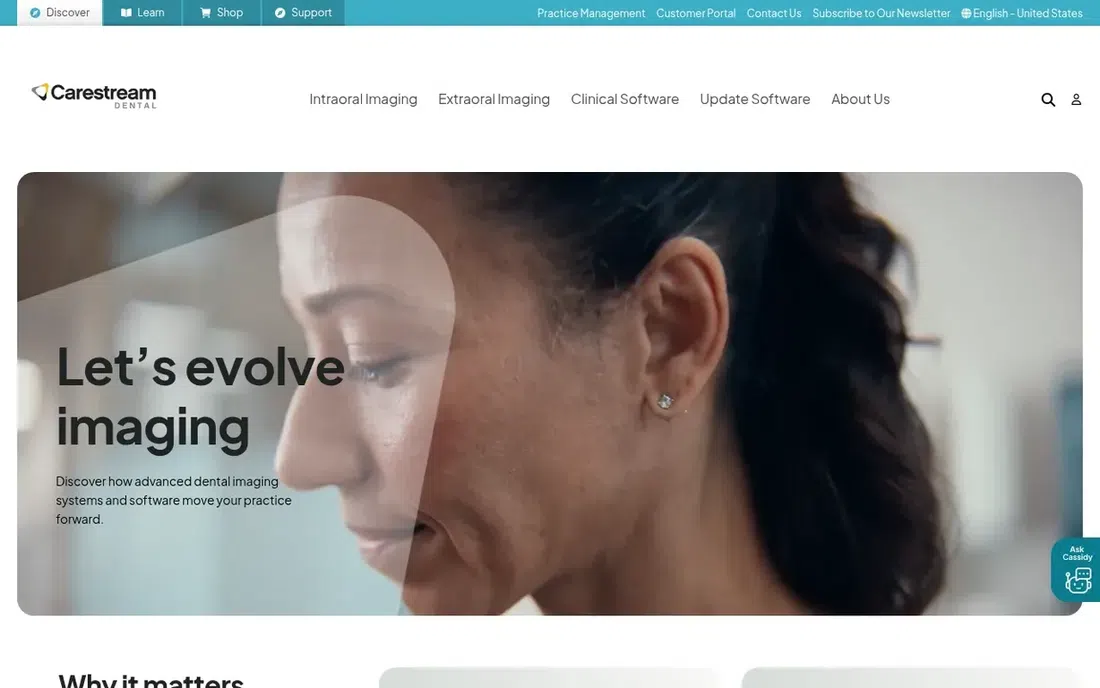
Carestream Dental is built with imaging-centered practices needing connected software in mind. Carestream Dental concentrates on dental imaging systems and software, from intraoral X-ray and sensors to extraoral and CBCT imaging, along with connected options.
Beyond that, practices that already own imaging hardware should check compatibility before switching. Carestream Dental does not show a starting price in this comparison, so check the vendor site for current pricing. Free options: Not stated.
Drawbacks to consider: Scheduling is not the headline focus.
- X-ray and CBCT choices
- Sensors
- Imaging hardware decisions add complexity
Our selection method
Selection started from tools commonly considered for patient scheduling software for solo dentists, then narrowed to 5 that have clear pricing information or a clear quote process. Where a price is missing, the vendor does not list one publicly or ties it to a quote. Always confirm before budgeting. The sequence is a judgement call: typical use case first, then pricing transparency, then free access. Use the profiles to check fit.
Things to verify first
- Ask each vendor, from NexHealth to Carestream Dental, for a written quote; none of them publishes a starting price.
- Before choosing NexHealth, weigh its main limit: needs a system to sync with.
- Ask Carestream Dental which support channels and response times come with the plan you would buy.
- Before rolling out Dentrix, verify the integrations your workflow depends on.
- The entry price of NexHealth is only the starting point; model the full cost with seats and extras.
FAQ
Can I try these tools before paying?
Not by default. None of the tools, from NexHealth to Carestream Dental, lists a free plan or a free trial here, so ask each vendor for a demo before committing. Prices, free plan details and limits for all 5 tools in this patient scheduling software for solo Dentists roundup sit on the individual cards above.
Is NexHealth the right pick for everyone comparing patient scheduling software for solo dentists?
No single tool suits every team. NexHealth comes first because it fits scheduling layered on existing software, while Mogo suits simple cloud scheduling for small offices and Dentrix suits all-in-one practice management and scheduling. Match the tool to your own size, budget and workflow before deciding.
Do these tools publish their prices?
No. None of the tools, from NexHealth to Carestream Dental, shows a fixed starting price here, so budget time for quotes.
What should a solo dentist check before choosing?
Also verify compatibility with any imaging or billing tools you already use, and ask for a walkthrough of the daily appointment workflow.
How are the tools for patient scheduling software for solo dentists ordered?
The order follows typical fit for patient scheduling software for solo dentists, with NexHealth first and Carestream Dental last, then price clarity and free access. It is editorial judgement, not a score, so another team could rank the tools differently.
Sources
- https://www.nexhealth.com
- https://www.mogo.com
- https://www.dentrix.com
- https://www.planetdds.com
- https://www.carestreamdental.com