6 Patient Intake Software for Specialty Clinics Worth Shortlisting in 2026
Weighing the best patient intake software for specialty clinics? We lined up 6 products by cost, free access and fit. Strengths and gaps are listed per tool.
- Editor's choice
 Caspio
Custom intake applications for unique workflows
Starts at$270 a monthVisit caspio.comFull review - Great alternative
 Kareo
Private practices wanting connected practice management
Starts atSee websiteVisit kareo.comFull review - Also consider
 Formstack
Secure forms with documents and e-signatures
Starts at$83 a monthVisit formstack.comFull review
Direct answer
Our first pick is Caspio, best for custom intake applications for unique workflows. Listed starting prices: Caspio from $270 a month, Formstack from $83 a month and Jotform from $34 a month. Look at Kareo for private practices wanting connected practice management, and at Formstack for secure forms with documents and e-signatures. All 6 tools are compared below on price, free plan and limits.
TL;DR:
- Caspio takes the first slot, best suited to custom intake applications for unique workflows.
- Caspio comes with a trade-off: needs build effort and technical skill.
- Just one of the 6 tools, Jotform, has a free plan.
- Starting prices begin at $34 per month with Jotform.
Last checked November 2026. Prices and plan details were read from the vendors' own pages in November 2026; vendors change plans often, so confirm the current price on the vendor site before you buy.
Quick comparison
| Tool | Best for | Starts at | Free plan? | |
|---|---|---|---|---|
| Caspio | Custom intake applications for unique workflows | $270 a month | Free trial | Visit |
| Kareo | Private practices wanting connected practice management | See website | Not stated | Visit |
| Formstack | Secure forms with documents and e-signatures | $83 a month | Free trial | Visit |
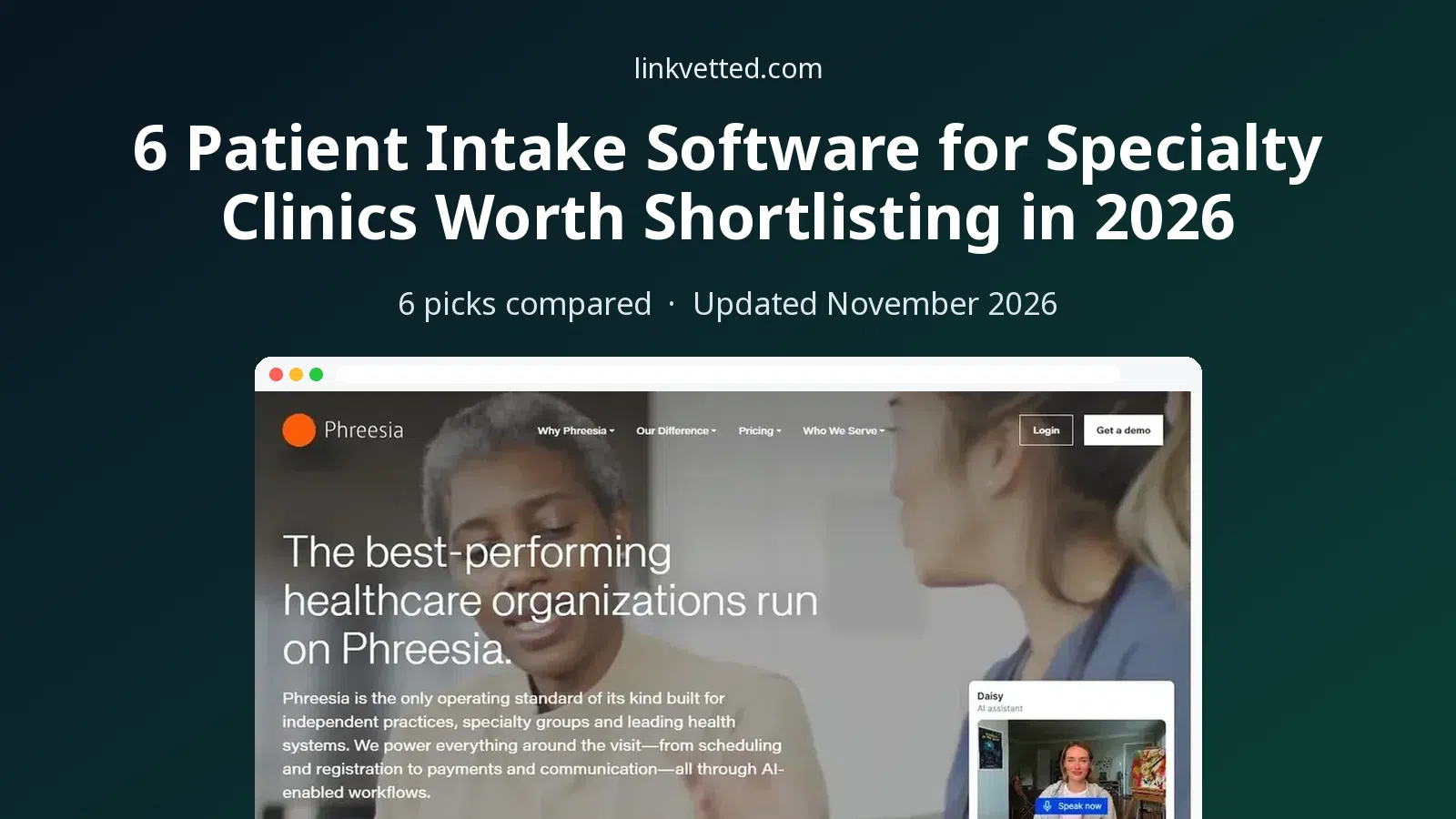
 Phreesia | Dedicated patient intake and front-desk relief | See website | Not stated | Visit |
 Jotform | Adaptable form building on a budget | $34 a month | Yes | Visit |
 IntakeQ | Health practices wanting focused intake forms | $49.90 per month | Free trial | Visit |
6 patient intake software for specialty clinics in detail
Short on time? The summary and table above give the quick view of 6 patient intake software for specialty clinics, and the profiles that follow give the detail behind each entry.
Caspio is built with custom intake applications for unique workflows in mind. Caspio is a product for building custom business applications, with annually certified HIPAA, SOC 2 Type II and GDPR compliance stated on its homepage. Caspio is a build product, not a ready-made intake system, so clinics need time and expertise to design, test and maintain applications.
Downsides: Not an out-of-the-box intake product.
In daily use, specialty clinics with unusual intake requirements, like research registries or multi-step screening, can build tailored applications rather than bending a standard intake tool. For everyday use, clinics without technical staff may prefer a configured intake product. It is also less suited to teams that want clinical features like scheduling and billing included. What you pay to start with Caspio: $270 per month. Free options: Free trial.
- Builds custom business applications
- Supports unlimited users
- Needs build effort and technical skill
Choose Kareo for private practices wanting connected practice management. For specialty clinics, that means patient intake can sit alongside the clinical and financial record instead of in a separate system. Since Kareo is a full practice system, clinics seeking only digital intake forms may find it broader than necessary.
Moving to a new product also means staff training and workflow changes. Beyond that, clinics that chiefly need configurable forms might prefer Jotform or Formstack, whereas those wanting dedicated intake may prefer Phreesia. Check the vendor site for Kareo pricing; none is listed in this comparison. Free options: Not stated.
Drawbacks to consider: Intake is one part of a bigger product.
- Made for private practices
- Includes reputation tools
- May be more than a forms-only clinic needs
Formstack is a good fit for secure forms with documents and e-signatures. Formstack is not designed specifically for healthcare intake, so clinics must confirm that their privacy and compliance needs are met through configuration and internal policy.
Formstack starts at: $83 per month. Trial and free access: Free trial.
Main advantages: Workflow automation choices. Where it is weaker: General-purpose instead of clinical.
- Wide organizational use
- Documents and e-signatures
- Needs configuration for intake

Phreesia targets dedicated patient intake and front-desk relief. Phreesia is a patient intake product built around the front desk and revenue cycle. Its homepage emphasizes helping healthcare organizations increase revenue, cut no-shows and cut front-desk chaos.
That focus makes it a natural fit for specialty clinics that want patients to complete registration, questionnaires and payments before the visit, and for practices where administrative workload is a persistent bottleneck. Also, smaller practices without dedicated administrative staff should weigh setup and training effort. Pricing for Phreesia is not stated here, so ask the vendor for current figures. As for free access: Not stated.
Limits to weigh: Setup needs staff time.
- Aims to cut no-shows
- Intake-focused system
- Wide product may exceed small clinic needs

Jotform is aimed squarely at adaptable form building on a budget. Jotform is an online form builder for creating forms and surveys rapidly.
On top of that, Jotform is a general form builder instead of a healthcare intake system, so clinics must manage privacy, consent and record-keeping requirements themselves. It lacks the clinical workflow depth of dedicated intake products. The starting price for Jotform: $34 per month. A free plan is available with Jotform.
Watch-outs: Not healthcare-specific by default.
- Broad range of form templates
- Simple drag-and-drop form creation
- Advanced workflows need configuration
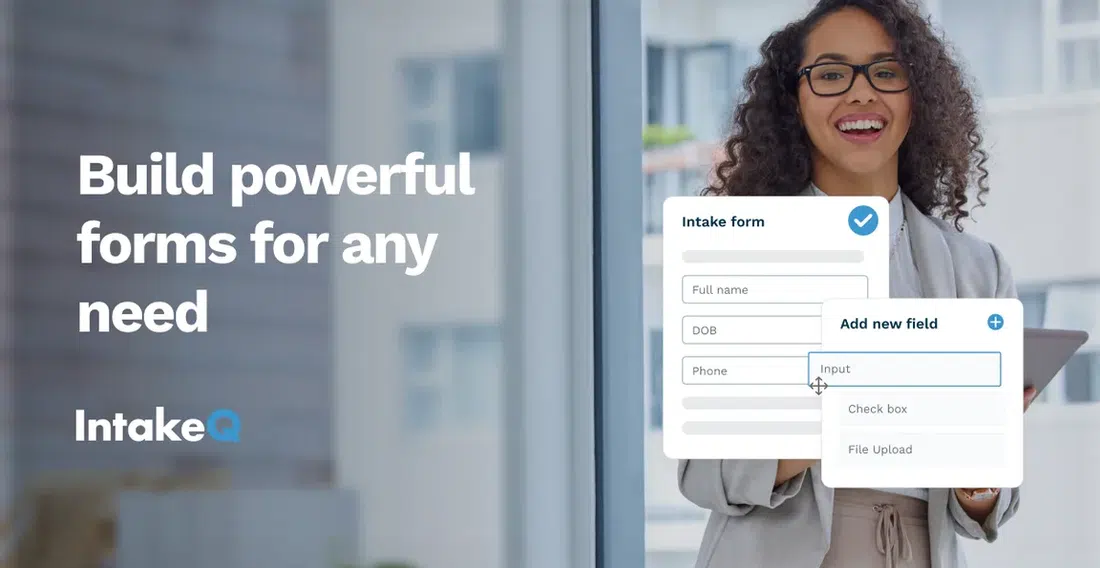
IntakeQ is built with health practices wanting focused intake forms in mind. IntakeQ is built around intake forms and questionnaires for health practices.
For specialty clinics with in-depth history forms or recurring questionnaires, a focused intake tool can keep the workflow straightforward and simpler for staff to run day to day. As for the details, as a focused intake product, IntakeQ handles less ground than products that bundle scheduling, billing and EHR. Entry price for IntakeQ: $49.90 per month. As for free access: Free trial.
What to check first: Less suited to large multi-site groups.
- Intake-centered design
- Supports questionnaires and forms
- Narrower than full practice products
Selection criteria
Selection started from tools commonly considered for patient intake software for specialty clinics, then narrowed to 6 that have clear pricing information or a clear quote process. Prices and plan limits come from vendor pages and can change, so confirm them on the vendor site before you buy. The order reflects how well each tool fits the most common buying scenario for patient intake software for specialty clinics, then price clarity, then free plan access. It is a starting point, not a verdict.
Things to verify first
- Get a written quote from Kareo and Phreesia; the list shows no starting price for them.
- Test the free plan from Jotform against your real workload before relying on it.
- Run a trial of Caspio, Formstack and IntakeQ with real work before paying for a year; your own workflow is the best test.
- Before choosing Caspio, weigh its main limit: needs build effort and technical skill.
- Confirm minimum seats and billing terms with Phreesia before you commit to an annual plan.
- Run a one or two week pilot of Formstack with the people who will use it every day.
FAQ
Can I try these tools before paying?
Often, yes. Jotform has a free plan and Caspio, Formstack and IntakeQ offer a free trial. Use your own data and a real task during the test, and check what the free tier or trial limits before you rely on it.
How are the tools for patient intake software for specialty clinics ordered?
The order follows typical fit for patient intake software for specialty clinics, with Caspio first and IntakeQ last, then price clarity and free access. It is editorial judgement, not a score, so another team could rank the tools differently.
Is Caspio the right pick for everyone comparing patient intake software for specialty clinics?
No single tool suits every team. Caspio comes first because it fits custom intake applications for unique workflows, while Kareo suits private practices wanting connected practice management and Formstack suits secure forms with documents and e-signatures. Match the tool to your own size, budget and workflow before deciding.
What should a specialty clinic look for in patient intake software?
Look for support for your specialty's questionnaires, consent capture, and a clear path for data to reach your scheduling or EHR system. Beyond that, confirm privacy and compliance statements straight with the vendor. Setup effort and continuing maintenance matter as much as feature lists.
Which options for patient intake software for specialty clinics have a free plan?
Jotform is the only tool in this list with a free plan. Free plans usually cap users, projects or features, so check the limits on the vendor page. Several others offer a trial instead. All 6 picks in this patient intake software for specialty clinics comparison list a starting price, free plan details and the main limits on their cards above.
Sources
- https://www.caspio.com
- https://www.kareo.com
- https://www.formstack.com
- https://www.phreesia.com
- https://www.jotform.com
- https://intakeq.com