6 Pharmacy Inventory Management Software for Small Business Worth Shortlisting in 2026
Best pharmacy inventory management software for small business in 2026: 6 contenders with entry costs and free tiers. Prices and drawbacks included. Facts only.
- Editor's choiceLiberty Software
Community pharmacies of all types
Starts atPricing on requestVisit libertysoftware.comFull review - Great alternativeRx30
DIR fees and patient engagement
Starts atPricing on requestVisit rx30.comFull review - Also considerDatascan Pharmacy
Pharmacies evaluating inventory-focused systems
Starts atPricing on requestVisit datascanpharmacy.comFull review
Direct answer
Our first pick is Liberty Software, best for community pharmacies of all types. Look at Rx30 for DIR fees and patient engagement, and at Datascan Pharmacy for pharmacies evaluating inventory-focused systems. All 6 tools are compared below on fit, free plan and limits. None of these vendors publish plan prices, so pricing is on request for every option.
TL;DR:
- The list opens with Liberty Software, aimed at community pharmacies of all types.
- Computer-Rx fits teams comparing choices in this category.
- Every tool from Liberty Software to Computer-Rx works by quote, with no list price shown.
- Neither Liberty Software nor Computer-Rx, nor any of the other 4 tools, has a permanent free plan; trials and quotes are the norm.
- What to know about BestRx first: inventory specifics not in-depth publicly.
Last checked November 2026. Pricing on request: vendors did not publish plan prices when this guide was last checked (November 2026), so ask each vendor for a written quote.
Quick comparison
| Tool | Best for | Starts at | Free plan? | |
|---|---|---|---|---|
| Liberty Software | Community pharmacies of all types | Pricing on request | Not stated | Visit |
| Rx30 | DIR fees and patient engagement | Pricing on request | Not stated | Visit |
| Datascan Pharmacy | Pharmacies evaluating inventory-focused systems | Pricing on request | Not stated | Visit |
| BestRx | Teams comparing choices in this category | Pricing on request | Not stated | Visit |
| PioneerRx | Teams comparing choices in this category | Pricing on request | Not stated | Visit |
| Computer-Rx | Teams comparing choices in this category | Pricing on request | Not stated | Visit |
Every option for pharmacy inventory management software for small business explained
Short on time? The summary and table above give the quick view of 6 tools for pharmacy inventory management software for small business, and the profiles that follow give the detail behind each entry.
Liberty Software
Best for: Community pharmacies of all types
Where Liberty Software fits: community pharmacies of all types. It fits community pharmacy owners who want a system made for their setting.
Drawbacks to consider: Inventory detail not public.
Beyond that, small companies that value a community pharmacy focus over general retail software may want to contain it on a shortlist. This comparison lists no price for Liberty Software; ask the vendor. Trial and free access: Not stated.
- Positioned for all community pharmacy types
- Built for community pharmacies
- Success claims are vendor stated
Rx30
Best for: DIR fees and patient engagement
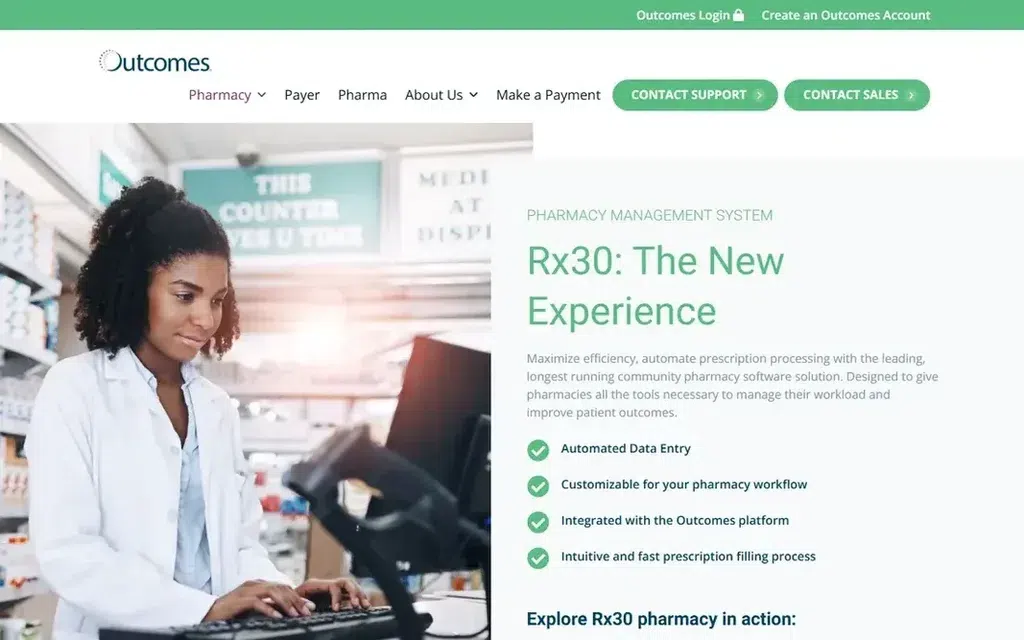
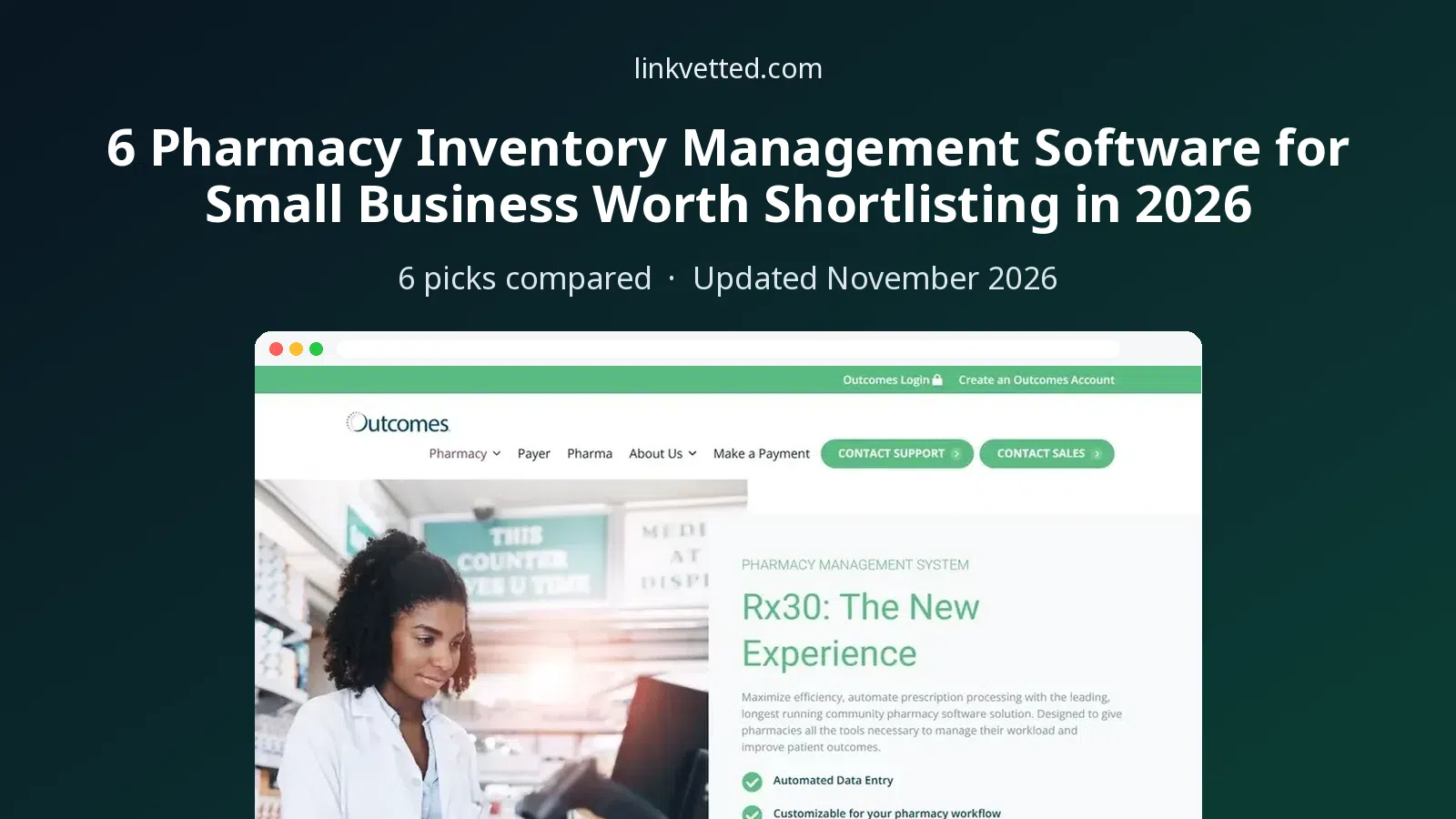
Choose Rx30 for DIR fees and patient engagement. Rx30 gives you a complete pharmacy management system with support for eCare, DIR fees, patient engagement and more.
In practice, the homepage does not spell out inventory-specific capabilities, so confirm stock control, ordering and reporting details with the vendor. Check the vendor site for Rx30 pricing; none is listed in this comparison. Free options: Not stated.
Where it is weaker: Feature set may exceed entry-level needs.
- Patient engagement features
- ECare and DIR fee support
- Inventory depth not in-depth publicly
Datascan Pharmacy
Best for: Pharmacies evaluating inventory-focused systems
Datascan Pharmacy was built for pharmacies evaluating inventory-focused systems. Datascan Pharmacy is a name that appears in pharmacy inventory and point of sale discussions. It is worth including when you compare choices for a small pharmacy.
Watch-outs: Verify current capabilities straight.
More specifically, public information about current features is limited, so request a walkthrough of inventory, ordering and reporting functions straight. In practice, buyers considering it should treat it as one candidate among multiple and confirm current capabilities with the vendor before deciding. It may suit pharmacies that want to evaluate inventory-centric tools alongside full management systems. Datascan Pharmacy shows no starting price here, so confirm the cost on the vendor site. Trial and free access: Not stated.
- Known name in pharmacy inventory
- Restricted public feature detail
BestRx
Best for: Teams comparing choices in this category
Where BestRx fits: teams comparing choices in this category. In-depth inventory capabilities are not spelled out on the homepage, so ask the vendor about stock tracking, reordering and reporting before deciding.
Honest limits: Inventory specifics not in-depth publicly.
If you need advanced inventory analytics, compare against systems with more published detail. Check the vendor site for BestRx pricing; none is listed in this comparison. Free access: Not stated.
- Full management option
- Approachable positioning
- Feature depth needs verification
PioneerRx
Best for: Teams comparing choices in this category
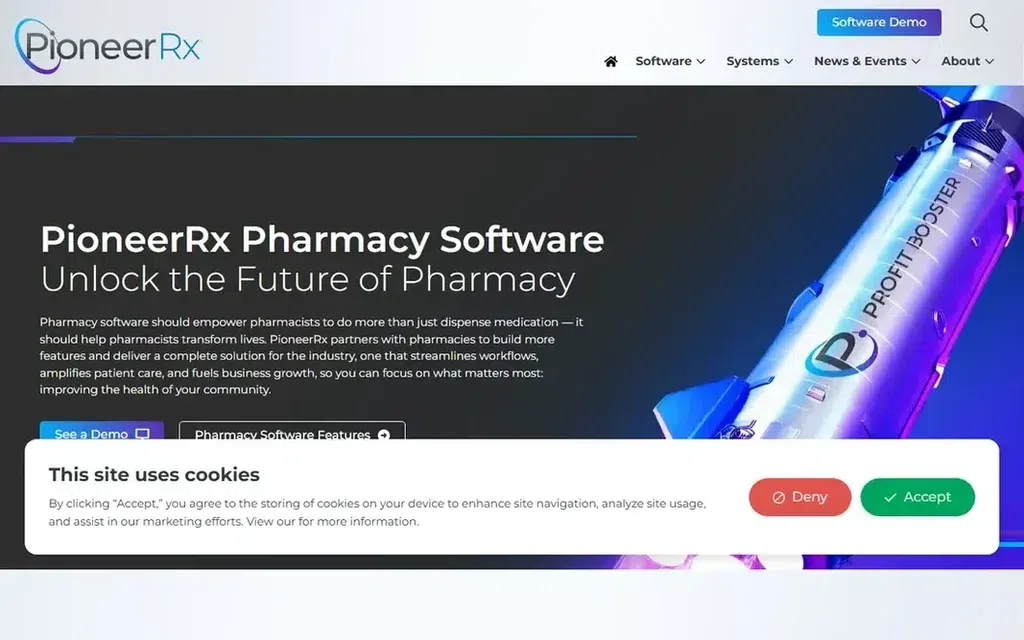
PioneerRx is a good fit for teams comparing choices in this category. Small firms that expect to tailor workflows over time may find the customization angle appealing.
Trade-offs to know: May be more than a very small shop needs.
For everyday use, since the homepage emphasizes mission and customization rather than inventory detail, buyers should verify specific stock, ordering and reporting functions straight with the vendor. This comparison lists no price for PioneerRx; ask the vendor. As for free access: Not stated.
- Innovative system positioning
- Configurable pharmacy management options
- Restricted public detail on inventory specifics
Computer-Rx
Best for: Teams comparing choices in this category
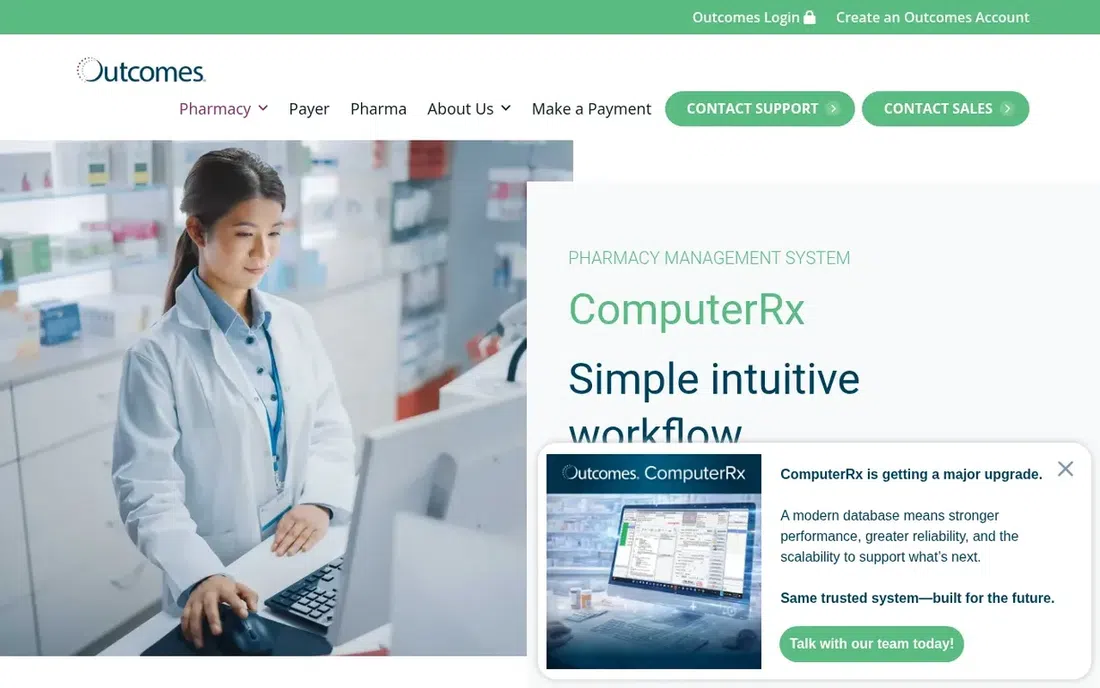
Computer-Rx is designed for teams comparing choices in this category. If your central gap is inventory alone and dispensing is already handled, a dedicated inventory tool might be more straightforward to adopt.
Where it is weaker: Wide scope may need more setup.
Also, small companies that want dispensing and front-of-store functions connected may find the breadth handy when evaluating choices. Pricing for Computer-Rx is not stated here, so ask the vendor for current figures. Trial and free access: Not stated.
- Dispensing and billing in one system
- POS and patient engagement included
- Inventory specifics not in-depth publicly
How these tools were picked
The comparison looks at four things: starting price, free access, how well the feature set matches pharmacy inventory management software for small business, and the main limit of each tool. Treat prices as a snapshot: vendors change plans often, so check the vendor site for the figure that applies today. We ordered the tools by general fit, then by how clearly pricing is shown, then by free access. A buyer with unusual needs may reorder them.
Pre-purchase checklist
- Request quotes from Liberty Software, Computer-Rx and the others; the list shows no fixed prices.
- Before choosing Liberty Software, weigh its main limit: inventory detail not public.
- Add up seats, add-ons and usage charges for Rx30 before comparing it with cheaper entries.
- Check the support hours and onboarding help PioneerRx offers; smaller vendors vary a lot here.
- Confirm that BestRx connects to the apps your team already uses, on the plan you would actually buy.
FAQ
What should a small pharmacy look for in inventory software?
Focus on how the system tracks stock levels, takes care of reordering and produces inventory reports, then confirm these functions with the vendor. Also check integration with dispensing and point of sale so you are not maintaining separate records.
Does any tool for pharmacy inventory management software for small business here have a free plan?
A permanent free plan is not offered by Liberty Software, Computer-Rx or the other tools here. Plan a short evaluation period instead.
Do these systems include more than inventory?
Most of the tools listed are full pharmacy management products that bundle dispensing, billing or patient engagement alongside inventory functions.
Can I try these tools before paying?
Not by default. None of the tools, from Liberty Software to Computer-Rx, lists a free plan or a free trial here, so ask each vendor for a demo before committing.
Do these tools publish their prices?
No. None of the tools, from Liberty Software to Computer-Rx, shows a fixed starting price here, so budget time for quotes.
How can I compare vendors fairly?
Ask each vendor the same questions about inventory workflows, reporting, integration and support, and request a walkthrough of the specific functions you depend on. Documented features and stated limits on vendor pages provide a starting point, but confirm details straight.
Sources
- https://www.libertysoftware.com
- https://www.rx30.com
- https://www.datascanpharmacy.com
- https://www.bestrx.com
- https://www.pioneerrx.com
- https://www.computer-rx.com