5 Password Manager for Financial Advisors Worth Shortlisting in 2026
Need the best Password manager for financial advisors? We compare 5 tools on cost, free access and who each suits. With pricing notes and limits. Decide faster.
- Editor's choice
 LastPass
Visibility into shadow IT and AI tools
Starts atSee websiteVisit lastpass.comFull review - Great alternative
 Bitwarden
Open source password management
Starts at$1.65 a monthVisit bitwarden.comFull review - Also consider
 1Password
Advisory teams sharing client logins
Starts atSee websiteVisit 1password.comFull review
Direct answer
Our first pick is LastPass, best for visibility into shadow IT and AI tools. Listed starting prices: Bitwarden from $1.65 a month and Dashlane from $4 per user a month. Look at Bitwarden for open source password management, and at 1Password for advisory teams sharing client logins. The other 2 tools in the list cover narrower or pricier cases.
TL;DR:
- LastPass sits first on this list: visibility into shadow IT and AI tools.
- Dashlane is the one to check for businesses standardizing credential security.
- Just one of the 5 tools, Bitwarden, has a free plan.
- Bitwarden is the lowest-priced starter here at $1.65 per month.
- Check the limits for LastPass before you commit: governance features target larger organizations.
Last checked November 2026. Prices and plan details were read from the vendors' own pages in November 2026; vendors change plans often, so confirm the current price on the vendor site before you buy.
Quick comparison
| Tool | Best for | Starts at | Free plan? | |
|---|---|---|---|---|
| LastPass | Visibility into shadow IT and AI tools | See website | Free trial | Visit |
| Bitwarden | Open source password management | $1.65 a month | Yes | Visit |
| 1Password | Advisory teams sharing client logins | See website | Not stated | Visit |
| Keeper Password Manager | Businesses consolidating privileged access | See website | Free trial | Visit |
 Dashlane | Businesses standardizing credential security | $4 per user a month | Free trial | Visit |
Password Manager for Financial Advisors profiles
If you are comparing Password manager for financial advisors, this page covers 5 tools in one place: what each is best for, what it costs to start, whether it has a free plan, and the main limit to know about.
LastPass works best for visibility into shadow IT and AI tools. LastPass is a password manager that secures logins and also offers shadow IT visibility and AI governance across the SaaS and AI tools employees use, based on its homepage.
No starting price is listed for LastPass here; confirm pricing on the vendor site. Free options: Free trial.
What to check first: Focus beyond passwords may not suit every firm.
- Shadow IT visibility features
- Password generation and encrypted storage
- Governance features target bigger organizations
Think of Bitwarden for open source password management. Since Bitwarden serves a broad set of users, some enterprise-grade administration may need configuration or extra components beyond the core vault.
On top of that, choose Bitwarden when openness and adaptable deployment matter more than a completely managed experience. What you pay to start with Bitwarden: $1.65 per month. Bitwarden has a free plan.
Honest limits: Advanced enterprise controls may need extras.
- Manages passwords
- Open source codebase
- Self-directed setup fits technical teams
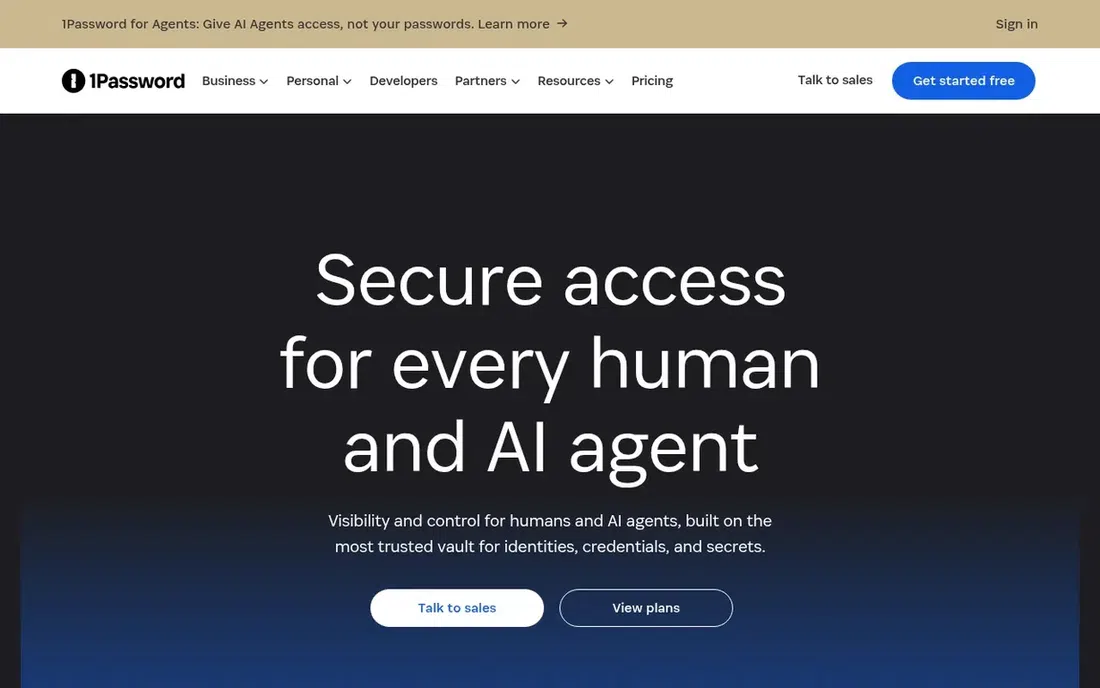
1Password is built with advisory teams sharing client logins in mind. For financial advisors, that combination matters since staff often juggle custodial portals, planning software and internal systems alongside client-facing logins, and shared vaults keep those credentials organized. It is built to be simple to adopt for expanding teams and to scale into enterprise use.
Watch-outs: Advanced controls may exceed small-firm needs.
From a buyer's view, if your firm primarily needs straightforward personal password storage with minimal administration, a lighter tool may fit better. Choose 1Password when shared vaults and access management are central to how your team works. This comparison lists no price for 1Password; ask the vendor. On free options: Not stated.
- Runs app access controls
- Merges password and secrets management
- Wide feature set can take time to learn
Keeper Password Manager
Best for: Businesses consolidating privileged access
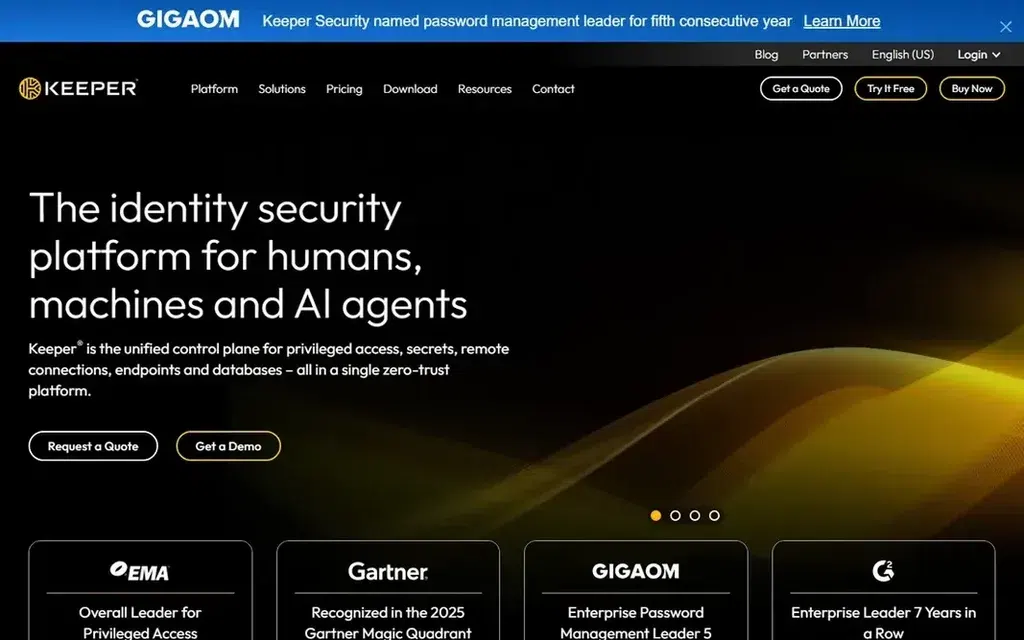
Keeper Password Manager is a good fit for businesses consolidating privileged access. Keeper presents itself as a unified control plane for privileged access, secrets, remote connections, endpoints and databases within a single zero-trust product. Beyond that, for financial advisory businesses, that scope can be handy when the same team runs client data systems, administrative accounts and remote access for staff working across locations or from home.
From a buyer's view, if your requirement is straightforward credential sharing, a narrower tool may be simpler to run. In practice, the broad coverage means implementation can involve more planning than a straightforward password vault, and small practices may not need endpoint or database controls. This comparison lists no price for Keeper Password Manager; ask the vendor. Trial and free access: Free trial.
Downsides: Wide scope can complicate initial rollout.
- Includes secrets
- Endpoints and databases
- May be more than a small practice needs
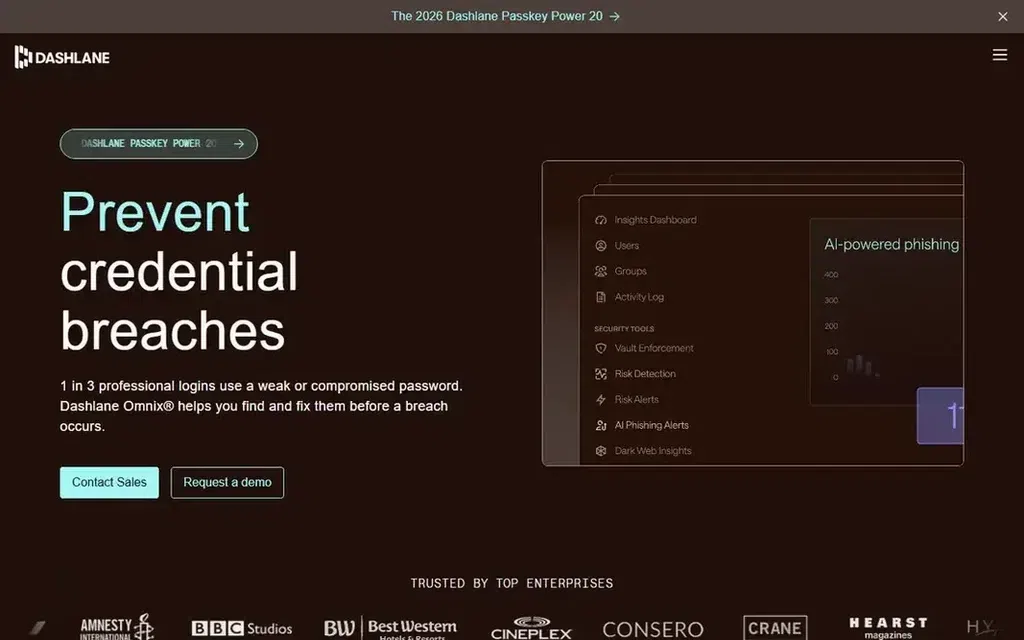
For businesses standardizing credential security, Dashlane is a natural candidate. Pick Dashlane when consistent credential protection across a business is the priority. Teams that require deep privileged access controls or on-premise deployment should compare other choices.
Downsides: Enterprise focus may feel heavy for solo advisors.
For everyday use, Dashlane describes itself as a password manager and credential security system for enterprises, companies and individuals. That positioning makes it relevant for advisory practices that want a single standard for login security across staff, whether the firm is a small partnership or a bigger registered investment adviser with multiple offices and support personnel. Price to start with Dashlane: $4 per user per month. Free options: Free trial.
- Firms and enterprises
- Serves individuals
- Fewer details on privileged access in the excerpt
How these tools were picked
The comparison looks at four things: starting price, free access, how well the feature set matches Password manager for financial advisors, and the main limit of each tool. Seat minimums, billing terms and add-ons can move the real cost, so the starting prices here are a guide and not a quote. Tools are placed by general fit for Password manager for financial advisors, with price clarity and free access as tie-breakers. A different team can reasonably rank them differently.
Questions to settle before buying
- Get a written quote from LastPass, 1Password and Keeper Password Manager; the list shows no starting price for them.
- Test the free plan from Bitwarden against your real workload before relying on it.
- Use real work to test the free trial from LastPass, Keeper Password Manager and Dashlane, rather than a demo project.
- Read the limits listed for LastPass first: governance features target bigger organizations.
- Involve the people who will use Dashlane daily; a short pilot beats a long feature checklist.
- Look at the help docs and support options for 1Password before you commit.
FAQ
Can I try these tools before paying?
Often, yes. Bitwarden has a free plan and LastPass, Keeper Password Manager and Dashlane offer a free trial. Use your own data and a real task during the test, and check what the free tier or trial limits before you rely on it.
Which options for Password manager for financial advisors have a free plan?
Bitwarden is the only tool in this list with a free plan. Free plans usually cap users, projects or features, so check the limits on the vendor page. Several others offer a trial instead. Prices, free plan details and limits for all 5 tools in this Password manager for financial Advisors roundup sit on the individual cards above.
Do these tools publish their prices?
Not all of them. LastPass, 1Password and Keeper Password Manager publish no starting price, so expect a quote request for those. The rest, Bitwarden included, show a starting price, though seats and billing terms still change the final cost.
What is the cheapest option for Password manager for financial advisors in this list?
On published monthly entry prices, Bitwarden is the lowest here at $1.65 per month. Entry price is only part of the cost, because seats, add-ons and billing terms can change the total. Each of the 5 options in this Password manager for financial Advisors guide has its own card above with the price, free plan and limits.
Why do financial advisors need a dedicated password manager?
A dedicated password manager centralizes those credentials, supports capable unique passwords and hands the firm control over who can access which accounts, which is hard with browser storage or spreadsheets.
Sources
- https://www.lastpass.com
- https://bitwarden.com
- https://1password.com
- https://www.keepersecurity.com
- https://www.dashlane.com