Top 5 Online Course Providers for 2026 (Prices and Free Plans)
Compare 5 best online course providers, with prices, free plans and who each fits. edX leads the list for Institution-backed courses and degrees. Start here.
- Editor's choice
 edX
Institution-backed courses and degrees
Starts atSee websiteVisit edx.orgFull review - Great alternative
 DataCamp
Data science and AI practice
Starts at$5 a month billed yearlyVisit datacamp.comFull review - Also consider
 Coursera
Wide academic and career learning
Starts atSee websiteVisit coursera.orgFull review
Direct answer
edX is the first pick on this list for Institution-backed courses and degrees. Listed starting prices: DataCamp from $5 a month billed yearly and Pluralsight from $399 per month per user. Alternatives: DataCamp for data science and AI practice, and Coursera for wide academic and career learning. The full list of 5 tools follows, with prices and free plan facts.
TL;DR:
- Number one here is edX, a fit for Institution-backed courses and degrees.
- LinkedIn Learning fits Career-focused professional skill building.
- The lowest published monthly entry price here is $5 per month billed annually, from DataCamp.
- One limit worth knowing about DataCamp: narrow focus on data and AI topics.
- DataCamp is the only tool of the 5 with a free plan.
Last checked November 2026. Prices and plan details were read from the vendors' own pages in November 2026; vendors change plans often, so confirm the current price on the vendor site before you buy.
Quick comparison
| Tool | Best for | Starts at | Free plan? | |
|---|---|---|---|---|
| edX | Institution-backed courses and degrees | See website | Not stated | Visit |
| DataCamp | Data science and AI practice | $5 a month billed yearly | Yes | Visit |
| Coursera | Wide academic and career learning | See website | Not stated | Visit |
| Pluralsight | Tech and IT teams building skills | $399 per month per user | Free trial | Visit |
 LinkedIn Learning | Career-focused professional skill building | See website | Not stated | Visit |
Every option for online course providers explained
This LinkVetted guide covers 5 online course providers. Each profile lists a starting price, free plan details, strengths and drawbacks, so you can drop poor fits quickly.
In short, edX is for Institution-backed courses and degrees. edX supplies online courses, certificates and degrees delivered by institutions for example Harvard along with firms like Google and Amazon.
It suits learners who value institutional credibility and want a route from short study to formal credentials. edX does not show a starting price in this comparison, so check the vendor site for current pricing. Free plan details: Not stated.
Where it is weaker: Some programs need significant time.
- Pathways from courses to certificates and degrees
- Courses from leading universities and firms
- Course formats vary by institution
Choose DataCamp for data science and AI practice. DataCamp teaches data science and AI directly in the browser through video tutorials and coding challenges including R, Python, statistics and related topics. It is a decent match for analysts, students and career changers building data skills.
Also, the catalog is concentrated on data and AI, so it will not cover business, design or academic subjects. From a buyer's view, learners who need a wider curriculum or formal degrees should look at a broader provider, whereas DataCamp stays concentrated on practical data work. DataCamp cost at the entry level: $5 per month billed annually. A free plan is available with DataCamp.
Drawbacks to consider: Less suited to non-technical subjects. What users get: Python and statistics.
- Self-paced learning at your own speed
- Browser-based video tutorials and coding challenges
- Narrow focus on data and AI topics
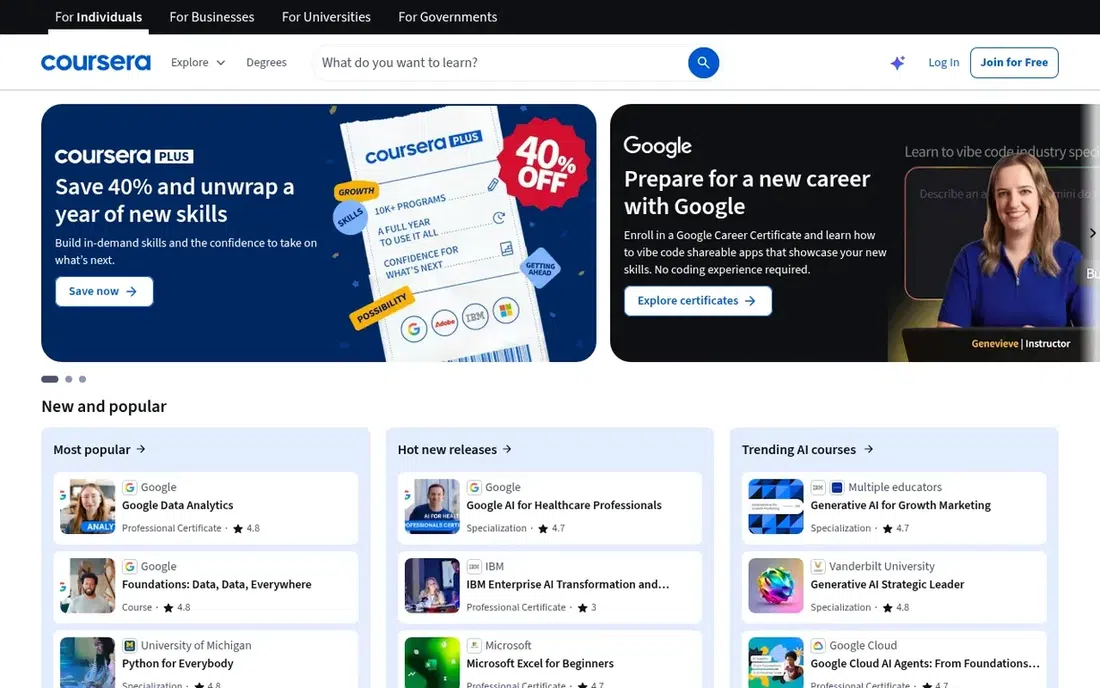
Coursera is aimed squarely at broad academic and career learning. Learners who want a single structured career path with practical labs may prefer a platform built around tech skill tracks instead of a general marketplace. Beyond that, Coursera is a large learning marketplace offering online courses, Professional Certificates, Specializations and full degrees.
Where it falls short: Quality varies across the catalog.
Its catalog pulls from universities for example Stanford and from businesses including Google, Meta and DeepLearning.AI. That range makes it a solid fit for learners who want recognized credentials that link to job skills, and for anyone exploring academic study without committing to a campus program. Pricing for Coursera is not stated here, so ask the vendor for current figures. Trial and free access: Not stated.
- Content from universities and major tech firms
- Certificates and degrees in one place
- Degree choices can be lengthy commitments
Pluralsight
Best for: Tech and IT teams building skills
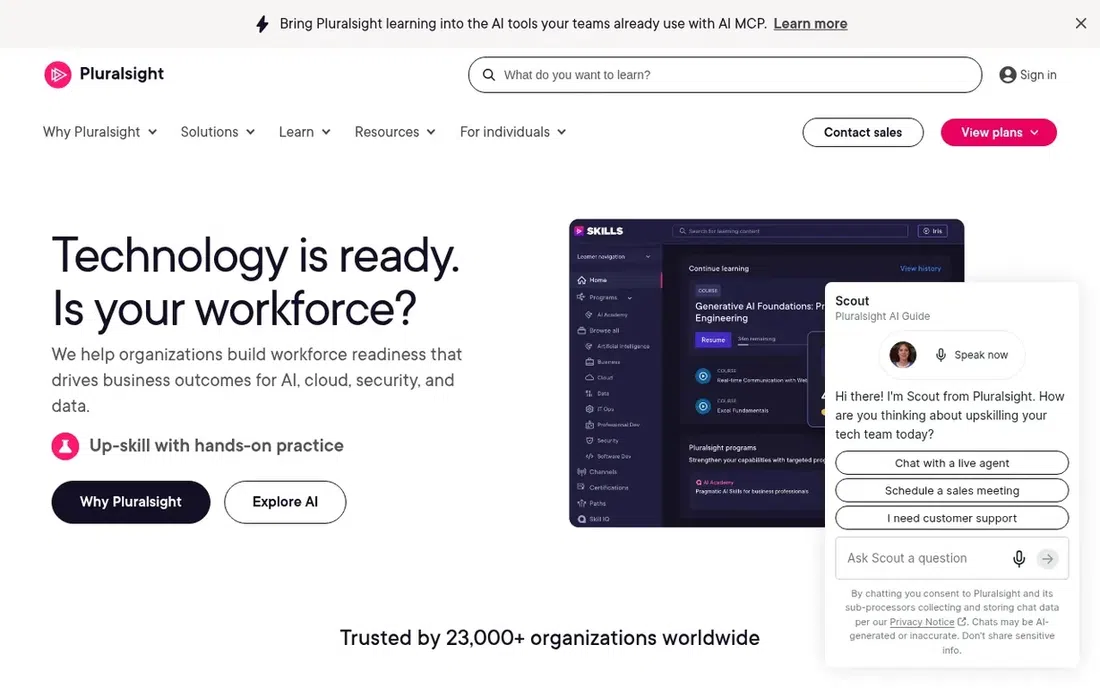
Pluralsight is designed for tech and IT teams building skills. Individual learners exploring a first career step may prefer a broader product, whereas Pluralsight fits best for those already working in tech roles. On top of that, the system fits IT departments and engineering groups that require structured technical upskilling with practical exercises instead of general-interest courses.
Its focus is squarely technical, so it is not the place for business, creative or academic subjects. It is oriented toward teams and organizations along with individual technologists. Pluralsight cost at the entry level: $399 per month per user. Free options: Free trial.
What Pluralsight does well: Made for team and organization learning.
Watch-outs: Narrow outside tech and IT.
- Data and security
- Focus on AI, cloud
- Technical content expects some background
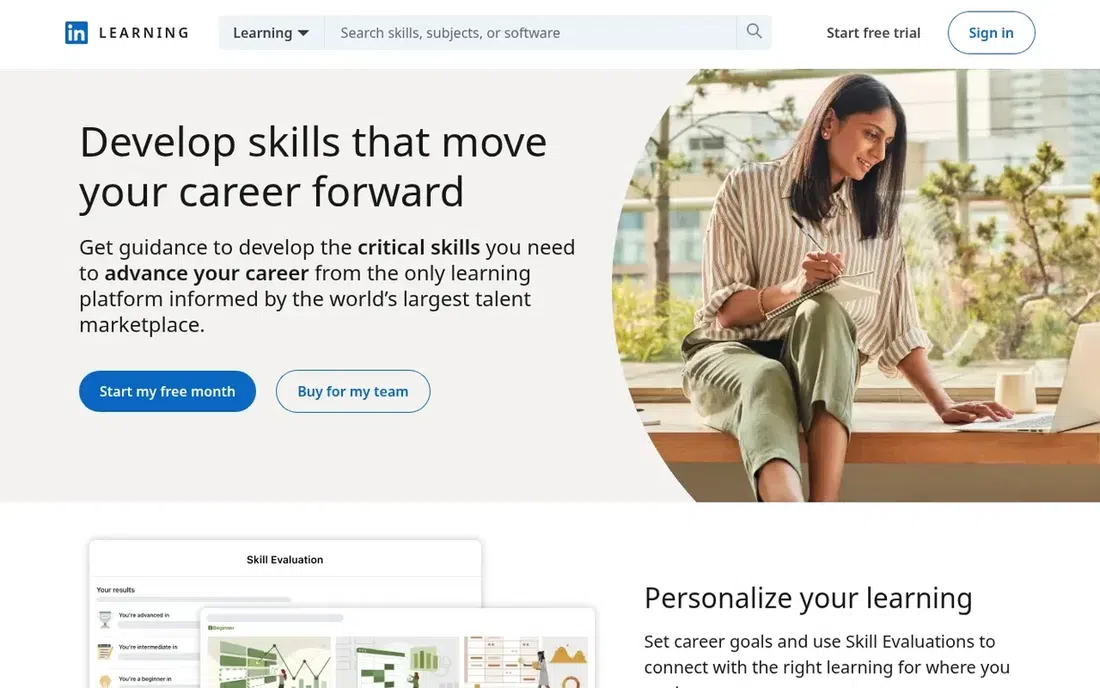
LinkedIn Learning is aimed squarely at Career-focused professional skill building. LinkedIn Learning is an online training library geared toward skills and career development for individuals and teams. Its catalog spans business, AI, tech and creative skills, and the product is built around finding a plan that matches your goals.
What works well: Ties learning to career and skill development.
Downsides: Less depth in advanced technical subjects.
Also, the library leans toward professional and business topics, so learners seeking deep engineering labs or academic credentials may find it less specialized. It is a sensible choice when career visibility and wide professional skills matter more than intensive technical depth. No starting price is listed for LinkedIn Learning here; confirm pricing on the vendor site. Free access: Not stated.
- Tech and creative topics
- Individual and team choices
- Best value if you already use LinkedIn
What went into this list
LinkVetted looked at what each vendor publishes: pricing, plan limits, feature coverage for online course providers and stated drawbacks. No hands-on testing is claimed. Figures are shown as the vendors publish them. Billing terms, seat minimums and add-ons can change the real cost. Position on the page reflects fit for a typical buyer first, with price clarity and free access breaking ties. Treat it as a guide, not a ruling.
A buyer's checklist
- Get a written quote from edX, Coursera and LinkedIn Learning; the list shows no starting price for them.
- Test the free plan from DataCamp against your real workload before relying on it.
- Take the trial from Pluralsight and push a live task through it before you pay.
- Read the limits listed for edX first: some programs need significant time.
- Check the support hours and onboarding help edX offers; smaller vendors vary a lot here.
- Confirm that Pluralsight connects to the apps your team already uses, on the plan you would actually buy.
FAQ
Is edX the right pick for everyone comparing online course providers?
No single tool suits every team. edX comes first because it fits Institution-backed courses and degrees, while DataCamp suits data science and AI practice and Coursera suits broad academic and career learning. Match the tool to your own size, budget and workflow before deciding.
Can I try these tools before paying?
Often, yes. DataCamp has a free plan and Pluralsight offers a free trial. Use your own data and a real task during the test, and check what the free tier or trial limits before you rely on it. For the full picture, the cards above cover all 5 entries of this online course providers list, including price, free plan and limits.
What is the cheapest option for online course providers in this list?
On published monthly entry prices, DataCamp is the lowest here at $5 per month billed annually. Entry price is only part of the cost, because seats, add-ons and billing terms can change the total. Prices, free plan details and limits for all 5 tools in this online course providers roundup sit on the individual cards above.
Which online course provider is a good match for beginners?
edX is the pick this page puts first, mainly for Institution-backed courses and degrees. If your situation differs, DataCamp suits data science and AI practice, and Coursera suits wide academic and career learning. Compare price and limits before you decide.
Which options for online course providers have a free plan?
DataCamp is the only tool in this list with a free plan. Free plans usually cap users, projects or features, so check the limits on the vendor page. One other tool offers a trial instead. Each of the 5 options in this online course providers guide has its own card above with the price, free plan and limits.
Sources
- https://www.edx.org
- https://www.datacamp.com
- https://www.coursera.org
- https://www.pluralsight.com
- https://www.linkedin.com/learning