6 Best Onboarding Software for Restaurant Chains for 2026, Vetted and Compared
Shortlisting the best onboarding software for restaurant chains? 6 products compared on cost, free access and ideal buyer. Real limits included. Prices checked.
- Editor's choice
 Deputy
Simple scheduling and labor forecasting
Starts at$5 per user a monthVisit deputy.comFull review - Great alternativeHotSchedules
Hospitality-focused scheduling and engagement
Starts atSee websiteVisit hotschedules.comFull review - Also considerHarri
AI-first hospitality workforce management
Starts atSee websiteVisit harri.comFull review
Direct answer
Deputy is the first pick on this list for simple scheduling and labor forecasting. Listed starting prices: Deputy from $5 per user a month, Homebase from $30 per location per month and When I Work from $2.50 per user per month. Alternatives: HotSchedules for hospitality-focused scheduling and engagement, and Harri for AI-first hospitality workforce management. The full list of 6 tools follows, with prices and free plan facts.
TL;DR:
- Deputy takes the first slot, best suited to simple scheduling and labor forecasting.
- Homebase stands alone as the one tool in this list with a free plan.
- For the cheapest start, look at When I Work: $2.50 per user per month.
- Harri comes with a trade-off: may need training to use AI features.
- When I Work fits shift scheduling and team messaging.
Last checked November 2026. Prices and plan details were read from the vendors' own pages in November 2026; vendors change plans often, so confirm the current price on the vendor site before you buy.
Quick comparison
| Tool | Best for | Starts at | Free plan? | |
|---|---|---|---|---|
| Deputy | Simple scheduling and labor forecasting | $5 per user a month | Free trial | Visit |
| HotSchedules | Hospitality-focused scheduling and engagement | See website | Not stated | Visit |
| Harri | AI-first hospitality workforce management | See website | Not stated | Visit |
 Restaurant365 | Integrated restaurant management | See website | Not stated | Visit |
 Homebase | All-in-one hourly employee management | $30 per location per month | Yes | Visit |
 When I Work | Shift scheduling and team messaging | $2.50 per user per month | Free trial | Visit |
The 6 tools in detail
LinkVetted compared 6 onboarding software for restaurant chains. The goal is a practical shortlist: published prices, free plan facts, best-fit use cases and honest limits for every entry.
Deputy targets simple scheduling and labor forecasting. Deputy is an easy-to-use employee scheduling, HR, AI labor forecasting, and payroll software. It helps companies save time by automating scheduling and offering insights into labor costs.
Also, for restaurant chains, Deputy can simplify onboarding by getting new hires into the scheduling system rapidly and ensuring they are properly tracked. Also, Deputy is not tailored specifically for restaurants, so it may lack features like tip management or compliance checks for food service. Its onboarding capabilities are more general HR-focused. On cost, Deputy starts like this: $5 per user per month. Trial and free access: Free trial.
Downsides: Onboarding features are entry-level.
- AI labor forecasting
- Comes with HR and payroll features
- May not be restaurant-specific
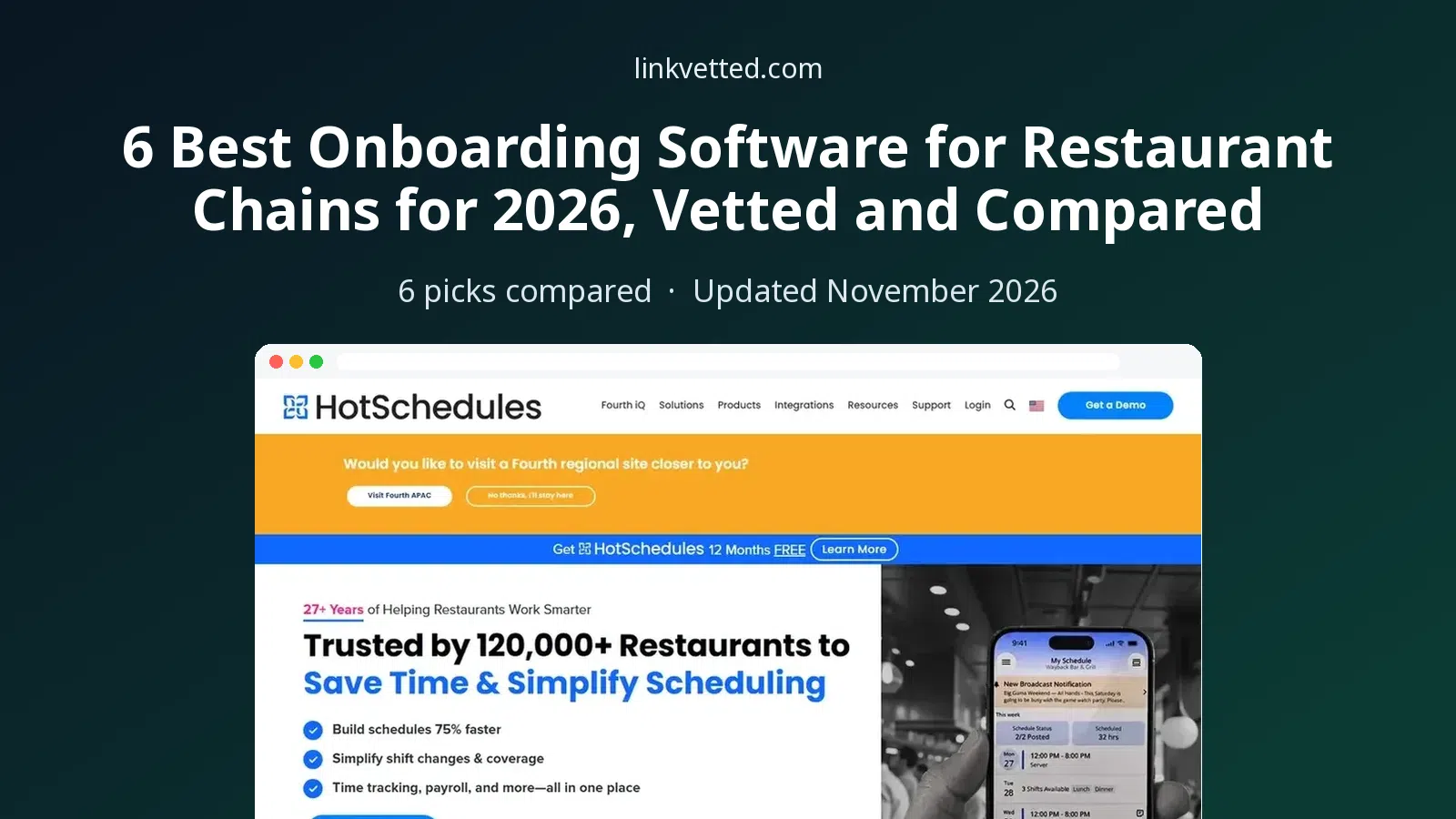
HotSchedules
Best for: Hospitality-focused scheduling and engagement
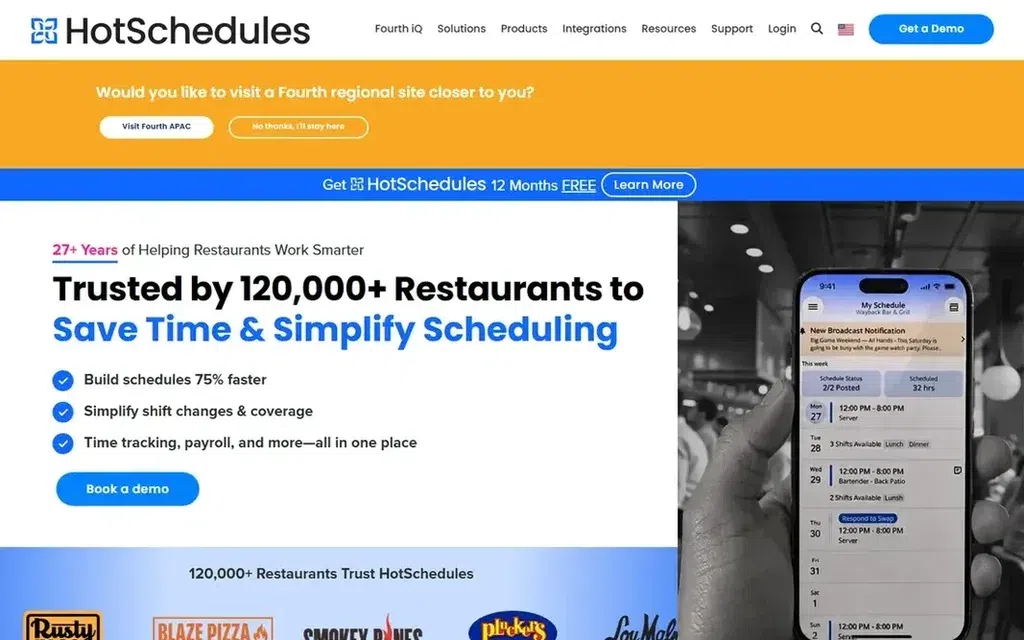
Where HotSchedules fits: hospitality-focused scheduling and engagement. It centres on simplifying shift scheduling and improving team communication, which helps restaurant chains onboard new staff into a structured scheduling environment. For everyday use, consider it if scheduling is your primary onboarding challenge.
The system is built to manage the unique demands of hospitality teams. It is most useful for companies that prioritize scheduling and engagement over full workforce management. HotSchedules shows no starting price here, so confirm the cost on the vendor site. Trial and free access: Not stated.
Points against: May need demo for full feature access.
- Online scheduling app
- Comes with employee engagement tools
- Restricted payroll integration compared with others
Harri
Best for: AI-first hospitality workforce management
Harri works best for AI-first hospitality workforce management. It is designed for hospitality companies, making it a solid candidate for restaurant chains that want a modern, technology-driven approach to onboarding and staff management.
Downsides: Focus on hospitality may limit adaptability for other industries.
Consider Harri if you want advanced workforce management with AI capabilities tailored to restaurants. This comparison lists no price for Harri; ask the vendor. Free plan details: Not stated.
- Includes hire to engage lifecycle
- Aimed at workforce development
- May need training to use AI features
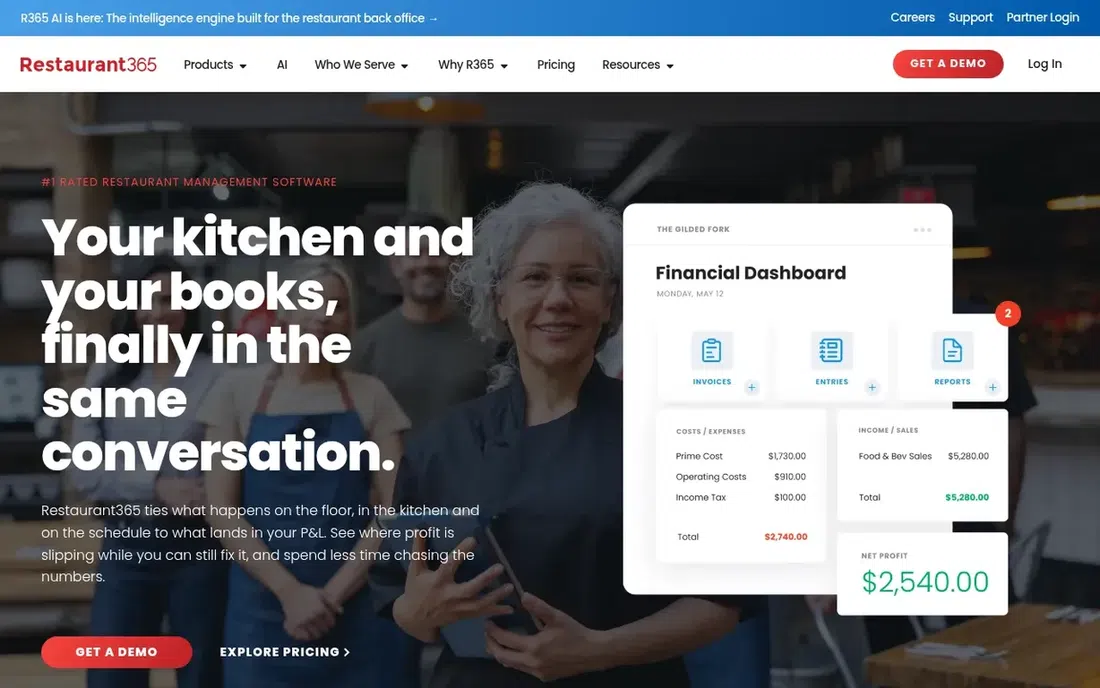
Restaurant365 was built for integrated restaurant management. It integrates these functions to drive profits and produce better experiences. Worth adding: consider it if you need an all-encompassing management product instead of a standalone onboarding option.
What to check first: Focus on management instead of onboarding.
Restaurant365 is thorough but may be overkill for chains seeking a dedicated onboarding tool. Its strength lies in financial and operational integration, so onboarding features might be part of a broader suite. This comparison lists no price for Restaurant365; ask the vendor. On free options: Not stated.
- Cloud-based system
- Merges accounting, operations, workforce
- May be complicated for smaller chains
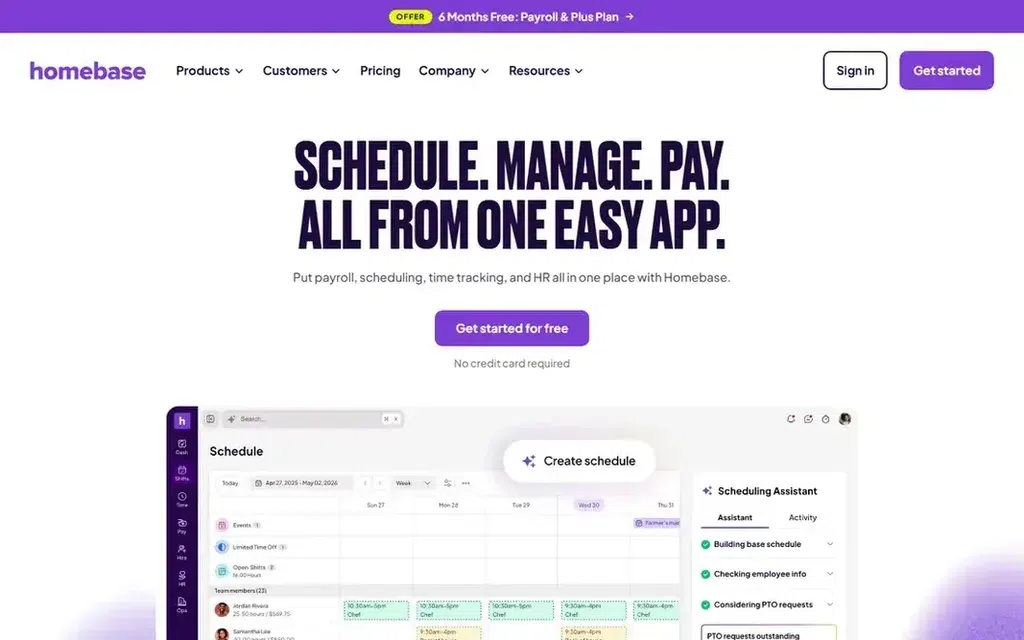
Homebase is designed for all-in-one hourly employee management. Homebase is an all-in-one employee management app built for hourly teams. It merges scheduling, time tracking, payroll, and hiring in a single product.
Downsides: May lack deep restaurant-specific features.
Chains with complicated payroll or compliance needs might need a more specialized option. For everyday use, Whereas Homebase handles core HR tasks, it may not offer the depth of restaurant-specific features like tip pooling or advanced labor forecasting. As for the details, consider Homebase if simplicity and integration are priorities. What you pay to start with Homebase: $30 per location per month. Free access exists with Homebase. Upsides: time clocks, payroll.
- Merges scheduling
- Comes with hiring tools for hourly teams
- Payroll features may be restricted for large chains
When I Work is aimed squarely at shift scheduling and team messaging. Choose When I Work if scheduling and team communication are the core of your onboarding process.
In daily use, When I Work concentrates on scheduling and messaging. So it may not offer full onboarding tools like document management or training. When I Work cost at the entry level: $2.50 per user per month. Free access: Free trial.
Honest limits: Restricted payroll and HR features.
- Schedule shifts and track time
- Simple for employees to use
- May not deal with complicated onboarding
Selection criteria
LinkVetted used vendor pricing pages and product documentation as the base, then compared plans, free access and documented limits for 6 tools. Where a vendor does not publish a price, the entry says quote. Where a price depends on seats or billing term, the entry says so. Tools are placed by general fit for onboarding software for restaurant chains, with price clarity and free access as tie-breakers. A different team can reasonably rank them differently.
What to check before you buy
- Confirm the entry price on the vendor page. For HotSchedules, Harri and Restaurant365 that means a quote rather than a fixed price.
- Look at the free plan from Homebase closely: its caps decide whether it is usable for real work.
- Use real work to test the free trial from Deputy and When I Work, rather than a demo project.
- Before choosing Deputy, weigh its main limit: may not be restaurant-specific.
- Find out whether the entry plan of When I Work covers your must-haves or only a trimmed-down version.
- Make sure Restaurant365 lets you export your data in a format another tool can read.
FAQ
How does Homebase compare to HotSchedules for onboarding?
Homebase may suit chains needing integrated HR, whereas HotSchedules is well suited to scheduling-centric needs.
What features should restaurant chains look for in onboarding software?
Key features bundle scheduling, time tracking, payroll integration, digital document management, and compliance tools. Multi-location support and mobile accessibility are also important for chains with hourly staff.
How are the tools for onboarding software for restaurant chains ordered?
The order follows typical fit for onboarding software for restaurant chains, with Deputy first and When I Work last, then price clarity and free access. It is editorial judgement, not a score, so another team could rank the tools differently.
Do these tools publish their prices?
Not all of them. HotSchedules, Harri and Restaurant365 publish no starting price, so expect a quote request for those. The rest, Deputy included, show a starting price, though seats and billing terms still change the final cost.
Can I try these tools before paying?
Often, yes. Homebase has a free plan and Deputy and When I Work offer a free trial. Use your own data and a real task during the test, and check what the free tier or trial limits before you rely on it. All 6 picks in this onboarding software for restaurant chains comparison list a starting price, free plan details and the main limits on their cards above.
Is Deputy the right pick for everyone comparing onboarding software for restaurant chains?
No single tool suits every team. Deputy comes first because it fits easy scheduling and labor forecasting, while HotSchedules suits hospitality-focused scheduling and engagement and Harri suits AI-first hospitality workforce management. Match the tool to your own size, budget and workflow before deciding.
Sources
- https://www.deputy.com
- https://www.hotschedules.com
- https://harri.com
- https://www.restaurant365.com
- https://joinhomebase.com
- https://wheniwork.com
Related guides
- Choosing Applicant Tracking Software for Restaurant Chains in 2026: 6 Options Compared
- Best Client Onboarding Software in 2026: 8 Tools Compared
- The 5 Best Client Onboarding Software for Enterprise in 2026, Ranked
- Best Client Onboarding Software for Remote Teams (2026): 5 Picks Checked on Vendor Pages