5 Best Onboarding Software for Government Contractors for 2026, Vetted and Compared
Need the best onboarding software for government contractors? We compare 5 tools on cost, free access and who each suits. Every pick gets a straight assessment.
- Editor's choice
 Paycom
Single-database automation across the employee lifecycle
Starts atSee websiteVisit paycom.comFull review - Great alternative
 Rippling
Unifying HR, IT and finance apps
Starts at$8 per employee per monthVisit rippling.comFull review - Also consider
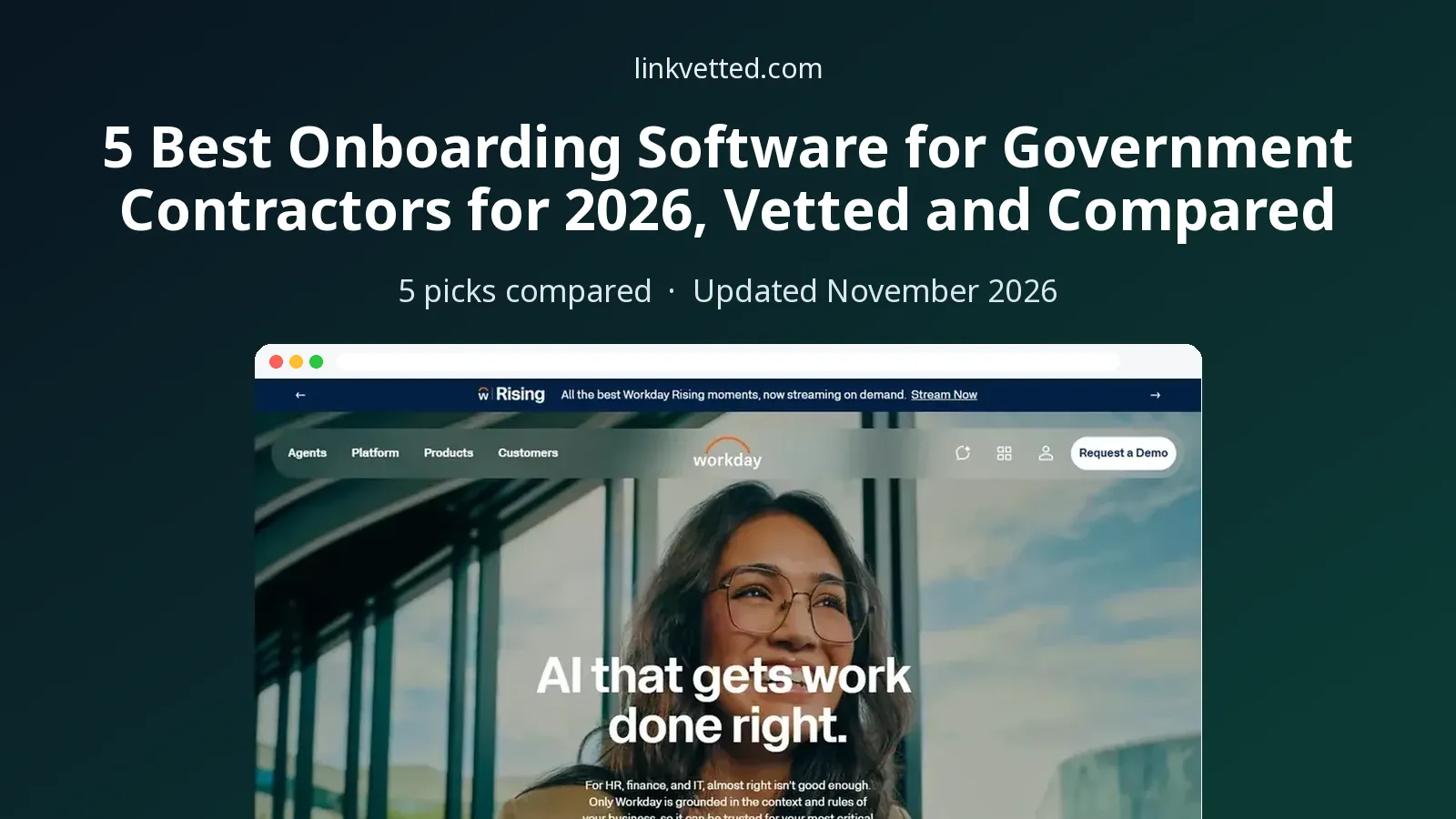
 Workday
Enterprise HR, finance and IT in one system
Starts atSee websiteVisit workday.comFull review
Direct answer
Paycom leads the list, best for single-database automation across the employee lifecycle. Listed starting prices: Rippling from $8 per employee per month. Alternatives: Rippling for unifying HR, IT and finance apps, and Workday for enterprise HR, finance and IT in one product. Details, prices and limits for the rest of the 5 tools are below.
TL;DR:
- This list starts with Paycom, which is built for single-database automation across the employee lifecycle.
- For all-in-one payroll and HR with expert support, ADP Workforce Now is worth a look.
- Before buying Rippling, weigh this: IT-focused scope may exceed HR-only needs.
- Starting prices begin at $8 per employee per month with Rippling.
Last checked November 2026. Prices and plan details were read from the vendors' own pages in November 2026; vendors change plans often, so confirm the current price on the vendor site before you buy.
Quick comparison
| Tool | Best for | Starts at | Free plan? | |
|---|---|---|---|---|
| Paycom | Single-database automation across the employee lifecycle | See website | Not stated | Visit |
| Rippling | Unifying HR, IT and finance apps | $8 per employee per month | Not stated | Visit |
| Workday | Enterprise HR, finance and IT in one system | See website | Not stated | Visit |
 SAP SuccessFactors | Talent development inside a full HCM suite | See website | Not stated | Visit |
 ADP Workforce Now | All-in-one payroll and HR with expert support | See website | Not stated | Visit |
The full onboarding software for government contractors list
If you are comparing onboarding software for government contractors, this page covers 5 tools in one place: what each is best for, what it costs to start, whether it has a free plan, and the main limit to know about.
Paycom is built with single-database automation across the employee lifecycle in mind. Paycom describes its HR and payroll software as eliminating thousands of decisions through full-solution automation across the entire employee life cycle, all in a single database. Heavy automation can feel rigid where contractor onboarding involves unusual steps or approvals, so confirm adaptability during evaluation.
What users get: Single database for HR and payroll.
Where it is weaker: Automation approach may feel rigid. Worth adding: consider Paycom when a single database and lifecycle automation are priorities. For contractors, that means onboarding tasks, employee records and payroll data live together, which can cut duplicate entry and handoffs. The product makes most sense when you adopt its full suite instead of a single module. This comparison lists no price for Paycom; ask the vendor. Trial and free access: Not stated.
- Automation across the employee lifecycle
- Cuts manual decisions for leaders
- Best value comes from using the full suite
Rippling is designed for unifying HR, IT and finance apps. That matters for contractor onboarding where a new hire needs accounts, devices and payroll setup at the same time.
The starting price for Rippling: $8 per employee per month. Free access: Not stated.
Drawbacks to consider: Depends on using connected apps together.
- IT and finance on one data product
- Unified data across connected apps
- IT-focused scope may exceed HR-only needs
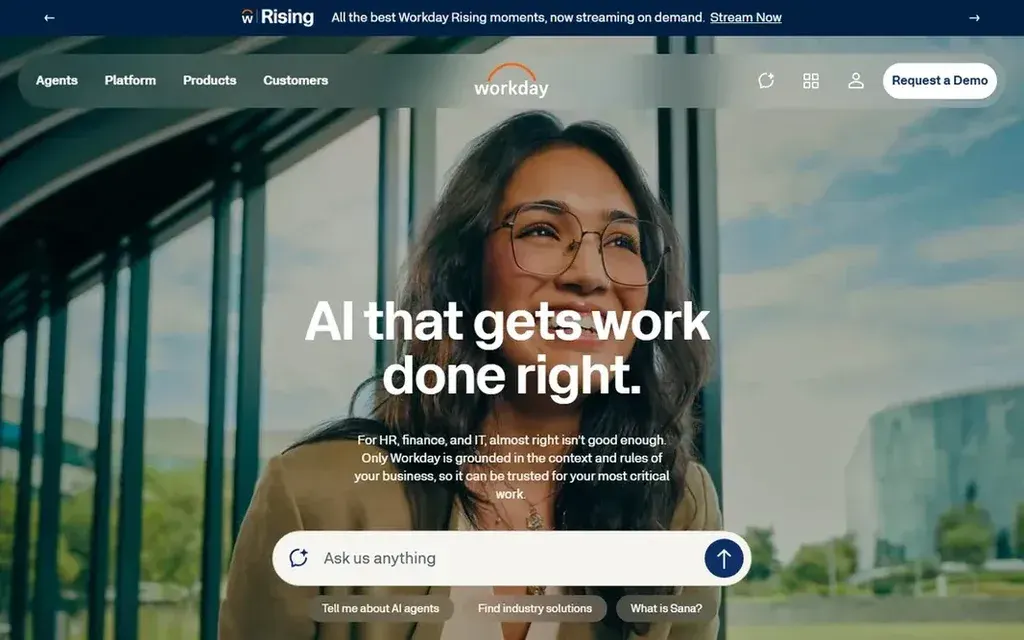
Workday is built with enterprise HR, finance and IT in one product in mind. For government contractors, that breadth means onboarding can sit alongside core HR records, payroll inputs and financial workflows instead of in a separate system.
What works well: Fits large.
It tends to fit bigger organizations with dedicated HR operations and the internal capacity to configure and maintain a substantial system. Check the vendor site for Workday pricing; none is listed in this comparison. Free plan details: Not stated.
Trade-offs to know: Wide platform can be complicated to configure.
- Finance and IT product
- Agentic AI features described by the vendor
- May exceed the needs of small contractors
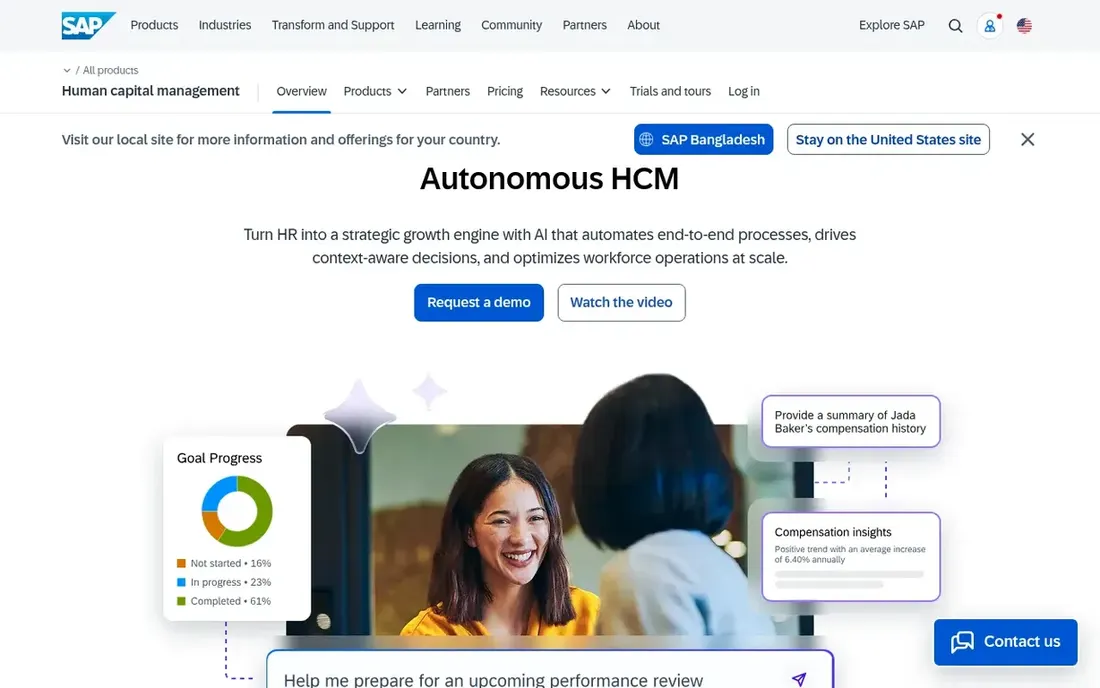
For talent development inside a full HCM suite, SAP SuccessFactors is a natural candidate. Pick SuccessFactors when talent development and integrated HCM matter as much as the onboarding step itself. On top of that, the suite's depth can translate into longer setup and a need for specialist configuration, which is a real consideration for lean HR teams.
Contractors with straightforward onboarding needs might find a lighter system quicker to adopt. In daily use, SAP SuccessFactors is described as human capital management software built to boost efficiency, drive talent development and optimize workforce processes with advanced AI. Check the vendor site for SAP SuccessFactors pricing; none is listed in this comparison. Trial and free access: Not stated.
Honest limits: Suite depth can mean longer implementation.
- AI-supported workforce processes
- Full human capital management suite
- Configuration may need specialist help
Think of ADP Workforce Now for all-in-one payroll and HR with expert support. For contractors, that means onboarding can flow into payroll setup and HR records with support available from the vendor.
The platform's emphasis leans toward payroll and HR administration, so contractors with deep talent or development requirements may look elsewhere or combine tools. Choose ADP Workforce Now when payroll accuracy and vendor support are the deciding factors. Check the vendor site for ADP Workforce Now pricing; none is listed in this comparison. Trial and free access: Not stated.
Where it falls short: May need extras for deeper talent needs.
- Vendor-provided expert support
- Combined payroll and HR system
- Feature emphasis leans toward payroll administration
How we chose
LinkVetted used vendor pricing pages and product documentation as the base, then compared plans, free access and documented limits for 5 tools. Figures are shown as the vendors publish them. Billing terms, seat minimums and add-ons can change the real cost. The order reflects how well each tool fits the most common buying scenario for onboarding software for government contractors, then price clarity, then free plan access. It is a starting point, not a verdict.
Pre-purchase checklist
- Confirm the entry price on the vendor page. For Paycom, Workday, SAP SuccessFactors and ADP Workforce Now that means a quote rather than a fixed price.
- Read the limits listed for Paycom first: automation approach may feel rigid.
- Test how quickly Rippling answers a pre-sales question; it hints at how support will feel later.
- Before rolling out Paycom, verify the integrations your workflow depends on.
- Check whether ADP Workforce Now bills monthly or annually, and what cancelling early costs.
FAQ
Do these tools publish their prices?
Not all of them. Paycom, Workday, SAP SuccessFactors and ADP Workforce Now publish no starting price, so expect a quote request for those. The rest, Rippling included, show a starting price, though seats and billing terms still change the final cost.
Can Rippling help with technical setup during onboarding?
That is handy when new hires need systems access from day one. Confirm the specific apps and workflows you need are supported before committing.
Does any tool for onboarding software for government contractors here have a free plan?
No tool in this list, Paycom and ADP Workforce Now included, has a permanent free plan. Trials and quotes are the usual route, so plan a short evaluation period. Prices, free plan details and limits for all 5 tools in this onboarding software for government contractors roundup sit on the individual cards above.
Is Paycom the right pick for everyone comparing onboarding software for government contractors?
No single tool suits every team. Paycom comes first because it fits single-database automation across the employee lifecycle, while Rippling suits unifying HR, IT and finance apps and Workday suits enterprise HR, finance and IT in one platform. Match the tool to your own size, budget and workflow before deciding.
How are the tools for onboarding software for government contractors ordered?
Paycom sits first and ADP Workforce Now last because the order follows typical fit for onboarding software for government contractors, then price clarity and free access. It is a judgement call, so read each profile for fit and limits.
Sources
- https://www.paycom.com
- https://www.rippling.com
- https://www.workday.com
- https://www.sap.com/products/hcm.html
- https://www.adp.com/what-we-offer/products/adp-workforce-now.aspx