5 Oil and Gas Engineering Software Worth Shortlisting in 2026
Best oil and gas engineering software, compared. 5 tools with published prices, free plans and limits. Short verdicts, no fluff. Pick with confidence.
- Editor's choiceAspen HYSYS
Process simulation and optimization
Starts atSee websiteVisit aspentech.comFull review - Great alternativeHexagon Smart 3D
Plant and facility 3D design
Starts atSee websiteVisit hexagon.comFull review - Also considerAutoCAD Plant 3D
Piping design and plant documentation
Starts at$200Visit autodesk.comFull review
Direct answer
If you need process simulation and optimization, Aspen HYSYS is the first tool to look at here. Listed starting prices: AutoCAD Plant 3D from $200. Hexagon Smart 3D is better for Plant and facility 3D design, and AutoCAD Plant 3D is better for piping design and plant documentation. The remaining 2 options are covered below with prices and limits.
TL;DR:
- Aspen HYSYS is the opening pick, best for process simulation and optimization.
- AVEVA Engineering suits integrated multi-discipline engineering data.
- For Aspen HYSYS, Hexagon Smart 3D, PipeSim and AVEVA Engineering, you have to request a quote because no starting price is shown.
- One limit worth knowing about Aspen HYSYS: steep ramp-up time for new users.
Last checked November 2026. Prices and plan details were read from the vendors' own pages in November 2026; vendors change plans often, so confirm the current price on the vendor site before you buy.
Quick comparison
| Tool | Best for | Starts at | Free plan? | |
|---|---|---|---|---|
| Aspen HYSYS | Process simulation and optimization | See website | Not stated | Visit |
| Hexagon Smart 3D | Plant and facility 3D design | See website | Not stated | Visit |
| AutoCAD Plant 3D | Piping design and plant documentation | $200 | Not stated | Visit |
| PipeSim | Steady-state multiphase flow optimization | See website | Not stated | Visit |
| AVEVA Engineering | Integrated multi-discipline engineering data | See website | Not stated | Visit |
Oil and Gas Engineering Software, one by one
If you are comparing oil and gas engineering software, this page covers 5 tools in one place: what each is best for, what it costs to start, whether it has a free plan, and the main limit to know about.
Aspen HYSYS
Best for: Process simulation and optimization
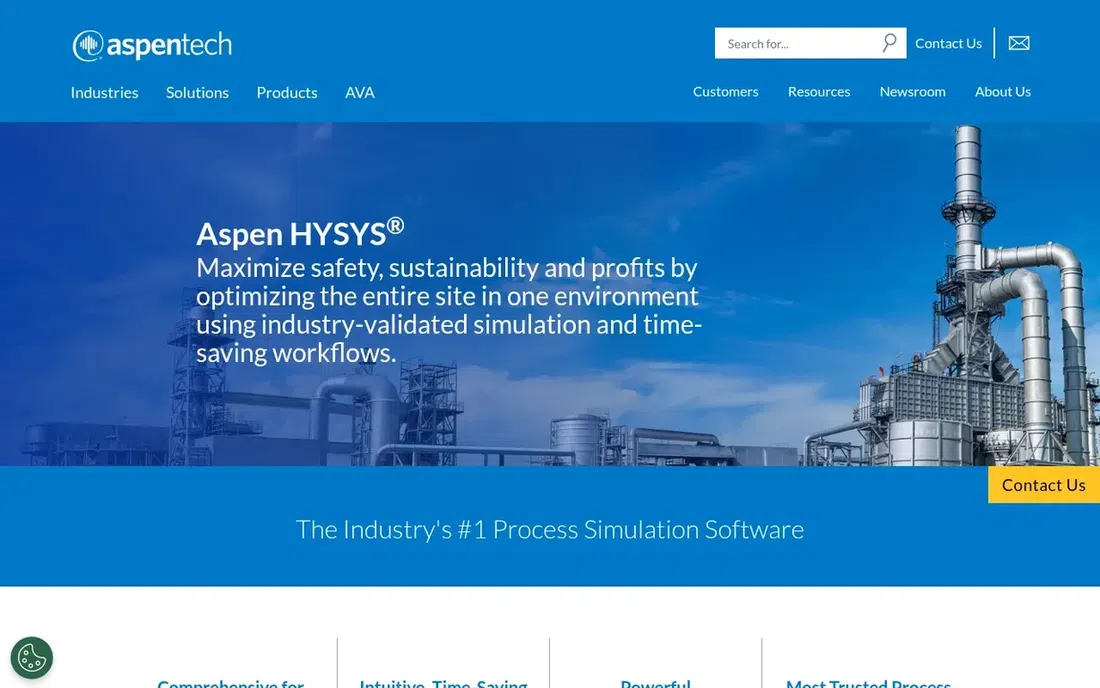
Aspen HYSYS targets process simulation and optimization. Aspen HYSYS is a process simulation tool positioned for oil and gas, with workflows pitched at safety, sustainability, and profitability.
Watch-outs: Steep ramp-up time for new users.
It suits process engineers modeling facilities, from concept studies through operations support. Check the vendor site for Aspen HYSYS pricing; none is listed in this comparison. On free options: Not stated.
- Industry-validated simulation basis
- Oil and gas process focus
- Model accuracy relies on input data
Hexagon Smart 3D
Best for: Plant and facility 3D design
Hexagon Smart 3D makes the most sense for Plant and facility 3D design. For everyday use, teams that value a structured, data-rich design environment tend to be its core users.
Points against: Demanding to set up and administer.
As for the details, the environment is demanding to configure and administer, so smaller teams may find it heavier than needed. In daily use, if your scope is straightforward drafting or P&ID work, a lighter design toolset may serve you better. Pricing for Hexagon Smart 3D is not stated here, so ask the vendor for current figures. As for free access: Not stated.
- Suits in-depth engineering workflows
- Established plant design environment
- Heavier than straightforward drafting tools
AutoCAD Plant 3D
Best for: Piping design and plant documentation
AutoCAD Plant 3D was built for piping design and plant documentation. AutoCAD Plant 3D is a design and layout toolset within AutoCAD for creating and editing P&IDs and 3D models, and for extracting piping orthographics and isometrics.
Trade-offs to know: Large models need disciplined setup.
It is a design and documentation toolset instead of a process or reservoir simulator, so engineering analysis happens elsewhere. In practice, if your priority is simulation accuracy instead of drawings and models, look to the process or flow tools above. On cost, AutoCAD Plant 3D starts like this: $200. As for free access: Not stated.
- P&ID creation and editing
- Orthographics and isometrics extraction
- Less focused on process simulation
PipeSim
Best for: Steady-state multiphase flow optimization
PipeSim is a good fit for steady-state multiphase flow optimization. As a steady-state tool, it does not capture transient events for example slugging or shutdowns, which call for a dynamic simulator.
Limits to weigh: Transient events need another tool.
It suits production and facilities engineers sizing pipelines and evaluating operating scenarios. PipeSim does not show a starting price in this comparison, so check the vendor site for current pricing. Free access: Not stated.
- Addresses fluid flow challenges
- Steady-state multiphase focus
- Restricted to steady-state analysis
AVEVA Engineering
Best for: Integrated multi-discipline engineering data

AVEVA Engineering makes the most sense for integrated multi-discipline engineering data. It suits organizations that want engineering information managed across disciplines and the plant lifecycle instead of in isolated tools.
Downsides: Wide system may need configuration.
Teams coordinating process, instrumentation, and mechanical data in one environment are the natural audience. AVEVA Engineering shows no starting price here, so confirm the cost on the vendor site. Free access: Not stated.
- Wide industrial software ecosystem
- Aims at performance across the lifecycle
- Not a dedicated reservoir simulator
How the list was put together
The comparison looks at four things: starting price, free access, how well the feature set matches oil and gas engineering software, and the main limit of each tool. Where a price is missing, the vendor does not list one publicly or ties it to a quote. Always confirm before budgeting. The sequence is a judgement call: typical use case first, then pricing transparency, then free access. Use the profiles to check fit.
What to confirm before you sign up
- Confirm the entry price on the vendor page. For Aspen HYSYS, Hexagon Smart 3D, PipeSim and AVEVA Engineering that means a quote rather than a fixed price.
- Before choosing Aspen HYSYS, weigh its main limit: steep ramp-up time for new users.
- Check whether the features you need in AutoCAD Plant 3D sit on the entry plan or only on higher tiers.
- Make sure Hexagon Smart 3D lets you export your data in a format another tool can read.
- Let daily users try Aspen HYSYS on real work; their feedback beats any feature checklist.
FAQ
Do these tools publish their prices?
Not all of them. Aspen HYSYS, Hexagon Smart 3D, PipeSim and AVEVA Engineering publish no starting price, so expect a quote request for those. The rest, AutoCAD Plant 3D included, show a starting price, though seats and billing terms still change the final cost.
Which tool is a good match for process simulation in oil and gas?
Aspen HYSYS comes first here and is built for process simulation and optimization. Buyers with other needs may prefer Hexagon Smart 3D (for Plant and facility 3D design) or AutoCAD Plant 3D (for piping design and plant documentation). Compare costs and limits first.
Does any tool for oil and gas engineering software here have a free plan?
No tool in this list, Aspen HYSYS and AVEVA Engineering included, has a permanent free plan. Trials and quotes are the usual route, so plan a short evaluation period.
Can I try these options before paying?
Not by default. None of the tools, from Aspen HYSYS to AVEVA Engineering, lists a free plan or a free trial here, so ask each vendor for a demo before committing.
How should a small engineering team choose among these tools?
Broader products like AVEVA Engineering pay off primarily when plenty of disciplines must share data. Confirm setup and training effort before committing.
How are the tools for oil and gas engineering software ordered?
The order follows typical fit for oil and gas engineering software, with Aspen HYSYS first and AVEVA Engineering last, then price clarity and free access. It is editorial judgement, not a score, so another team could rank the tools differently.
Sources
- https://www.aspentech.com/en/products/engineering/aspen-hysys
- https://hexagon.com/products/smart-3d
- https://www.autodesk.com/products/autocad-plant-3d
- https://www.software.slb.com/products/pipesim
- https://www.aveva.com