Top 6 Network Monitoring Software for Warehouses for 2026 (Prices and Free Plans)
Compare 6 best network monitoring software for warehouses, with prices, free plans and who each fits. Includes honest limits for each tool. Start here.
- Editor's choicePRTG Network Monitor
Adaptable all-in-one infrastructure monitoring
Starts atSee websiteVisit paessler.comFull review - Great alternative
 ManageEngine OpManager
Simple device monitoring for routers and switches
Starts atSee websiteVisit manageengine.comFull review - Also consider
 Zabbix
Open-source enterprise monitoring
Starts at€50 a monthVisit zabbix.comFull review
Direct answer
This list puts PRTG Network Monitor first for adaptable all-in-one infrastructure monitoring. Listed starting prices: Zabbix from €50 a month. ManageEngine OpManager fits simple device monitoring for routers and switches; Zabbix fits open-source enterprise monitoring. Details, prices and limits for the rest of the 6 tools are below.
TL;DR:
- The list opens with PRTG Network Monitor, aimed at adaptable all-in-one infrastructure monitoring.
- PRTG Network Monitor, SolarWinds Network Performance Monitor and the 4 others all need a premium plan or a trial, since no free plan is listed.
- Pricing for PRTG Network Monitor, ManageEngine OpManager, Cisco ThousandEyes and others is quote-based, which adds a sales step before you can compare cost.
- The main caution on Cisco ThousandEyes: experience focus may exceed entry-level device needs.
- SolarWinds Network Performance Monitor fits deep hybrid network visibility.
Last checked November 2026. Prices and plan details were read from the vendors' own pages in November 2026; vendors change plans often, so confirm the current price on the vendor site before you buy.
Quick comparison
| Tool | Best for | Starts at | Free plan? | |
|---|---|---|---|---|
| PRTG Network Monitor | Adaptable all-in-one infrastructure monitoring | See website | Not stated | Visit |
| ManageEngine OpManager | Simple device monitoring for routers and switches | See website | Not stated | Visit |
| Zabbix | Open-source enterprise monitoring | €50 a month | Free trial | Visit |
| Cisco ThousandEyes | Assuring digital experience across networks | See website | Free trial | Visit |
 Nagios XI | Self-hosted infrastructure and network monitoring | See website | Not stated | Visit |
 SolarWinds Network Performance Monitor | Deep hybrid network visibility | See website | Not stated | Visit |
Network Monitoring Software for Warehouses compared in detail
Short on time? The summary and table above give the quick view of 6 network monitoring software for warehouses, and the profiles that follow give the detail behind each entry.
PRTG Network Monitor
Best for: Adaptable all-in-one infrastructure monitoring
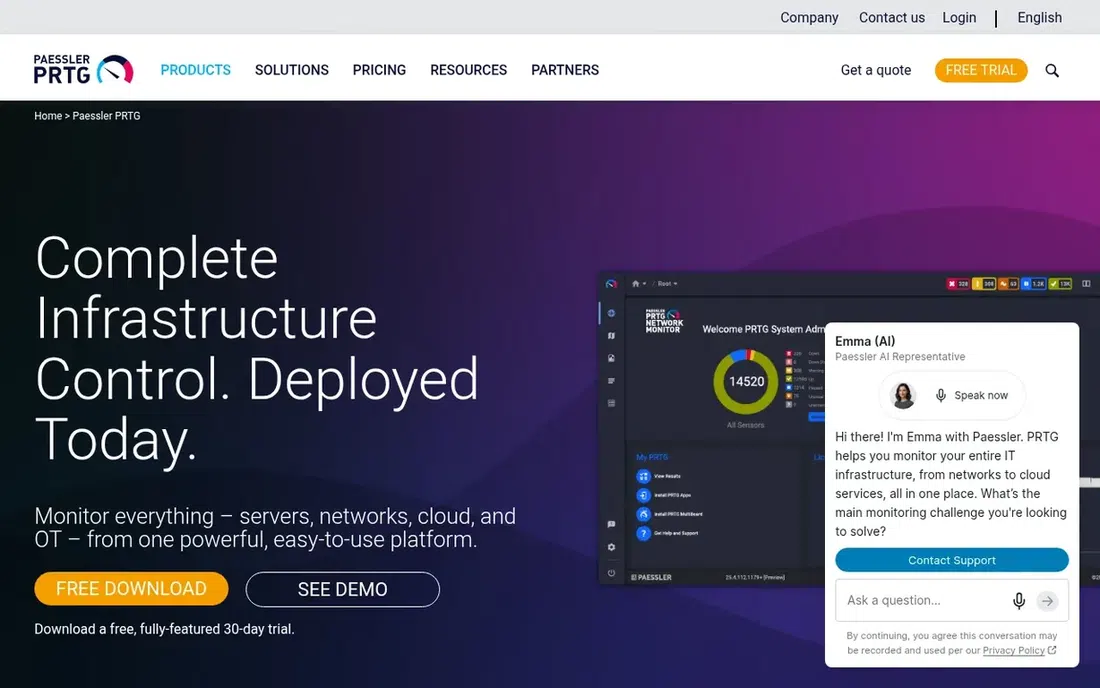
PRTG Network Monitor is designed for adaptable all-in-one infrastructure monitoring. PRTG Network Monitor from Paessler is presented as professional and adaptable network monitoring software that examines and watches a whole IT infrastructure.
Also, the adaptability includes configuration work, since monitoring plenty of device types means planning what to watch and how. This comparison lists no price for PRTG Network Monitor; ask the vendor. Free access: Not stated.
Honest limits: Wide scope can take time to configure.
- Positioned as professional and adaptable
- Single product for numerous device types
- Sensor-based licensing needs planning
ManageEngine OpManager
Best for: Simple device monitoring for routers and switches
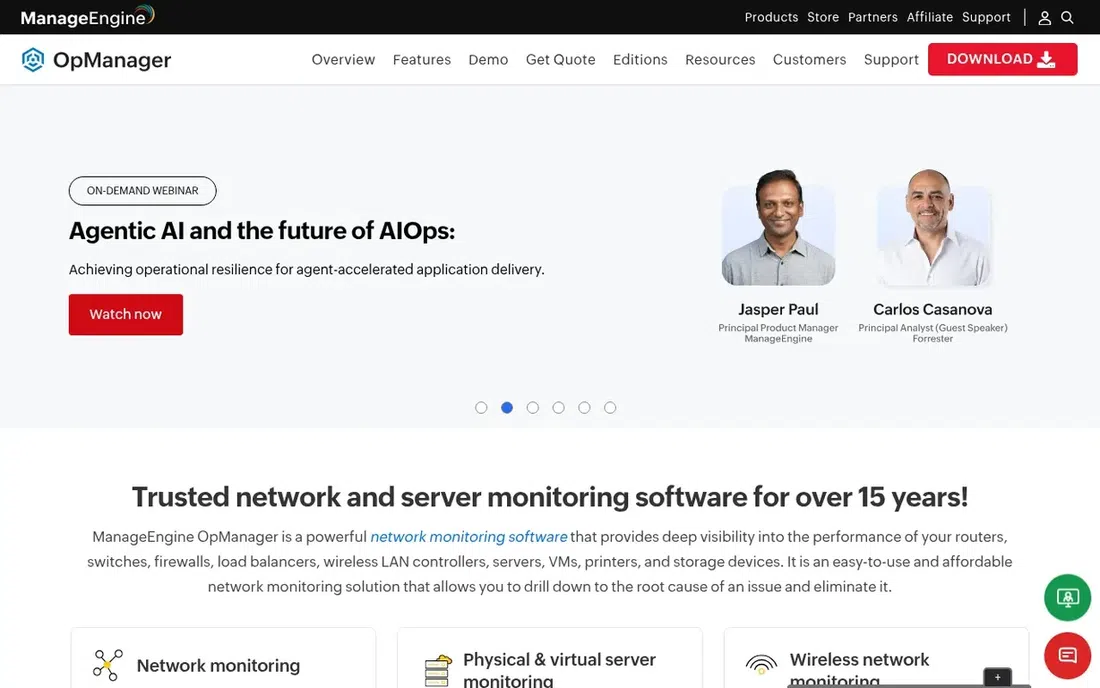
Pick ManageEngine OpManager if this describes you: simple device monitoring for routers and switches. That simplicity fits warehouse IT teams that require dependable device visibility without a long rollout.
Where it is weaker: Large environments need careful structuring.
It is a practical fit for organizations that want a straightforward monitoring console including core network gear and the links between warehouse sites and back-office systems. Pricing for ManageEngine OpManager is not stated here, so ask the vendor for current figures. On free options: Not stated.
- Watches routers
- Positioned as low-cost by the vendor
- Advanced needs may need add-on modules
Pick Zabbix if this describes you: open-source enterprise monitoring. Zabbix is an enterprise-class, open-source monitoring option that the vendor says makes network and application monitoring straightforward. Teams wanting vendor-supported simplicity may prefer PRTG or OpManager.
Downsides: Needs in-house expertise to run.
Choose Zabbix when self-hosted control and open-source terms matter more than hands-off operation, and plan for the expertise required. In daily use, open source means your team owns setup, tuning and upgrades, which can be demanding without dedicated engineers. In practice, warehouse teams comfortable running their own infrastructure can use it to watch network devices and the applications that support operations, with full control over the deployment. Zabbix starts at: €50 per month. As for free access: Free trial.
- Self-hosted control
- Watches networks and applications
- Configuration is manual and in-depth
Cisco ThousandEyes
Best for: Assuring digital experience across networks
Cisco ThousandEyes makes the most sense for assuring digital experience across networks. Cisco ThousandEyes is positioned around assurance for every digital experience across every network, everywhere, every time. More specifically, for warehouse operators running several sites and relying on cloud services, that experience-centric view helps present whether problems sit in the local network, an internet path or a provider.
Trade-offs to know: Experience focus may exceed entry-level device needs.
From a buyer's view, budget and complexity are better matched to distributed, service-dependent operations. Beyond that, consider it when cross-network assurance for staff and systems across locations is the deciding factor, and pair it with device-level tools if needed. If your need is straightforward device up/down monitoring inside one building, this experience-focused approach may be more than required. Pricing for Cisco ThousandEyes is not stated here, so ask the vendor for current figures. On free options: Free trial.
- Spans networks everywhere
- Concentrates on digital experience assurance
- Best value for distributed environments
Nagios XI is built with self-hosted infrastructure and network monitoring in mind. Nagios XI watches servers, network devices, applications and services from one self-hosted install. The vendor offers it under a perpetual license priced per node.
Where it shines: applications and services.
In practice, setup and configuration take time, and the experience may feel less modern than newer products. Organizations wanting guided, low-effort deployment may lean toward OpManager or PRTG. Nagios XI shows no starting price here, so confirm the cost on the vendor site. On free options: Not stated.
Trade-offs to know: Configuration can be time-consuming.
- Perpetual license model
- Watches servers, devices
- Interface and setup feel dated to some teams
SolarWinds Network Performance Monitor
Best for: Deep hybrid network visibility
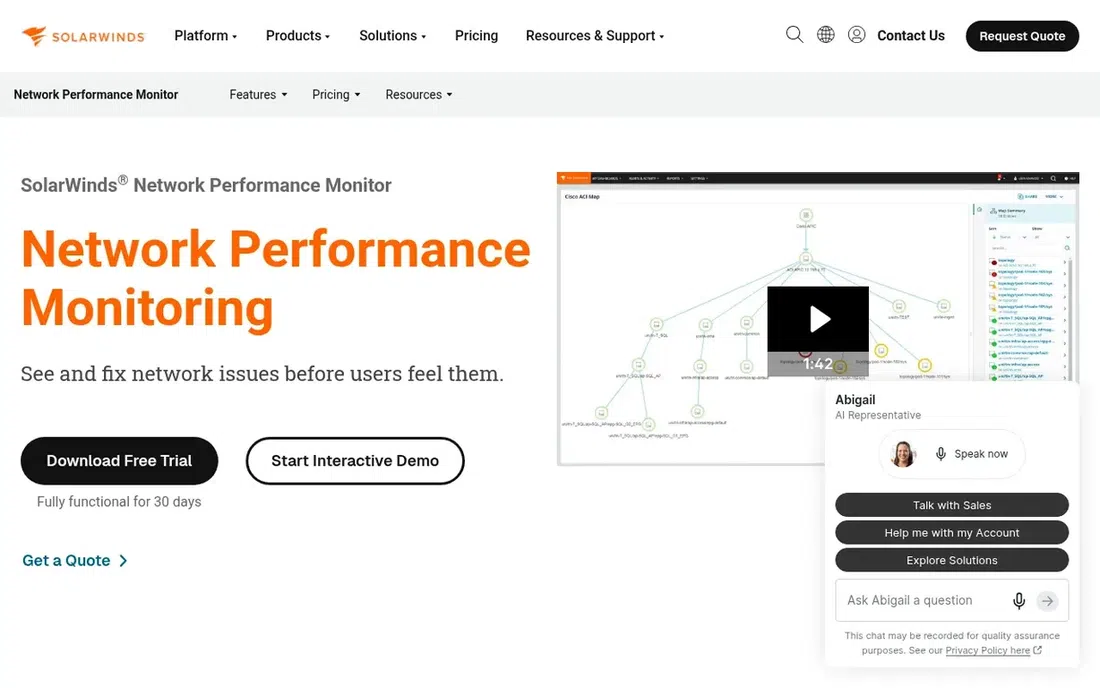
Pick SolarWinds Network Performance Monitor if this describes you: deep hybrid network visibility. SolarWinds Network Performance Monitor is a self-hosted observability product built to troubleshoot network health and performance problems whereas giving teams visibility and control over hybrid IT environments.
What to check first: Feature depth may overwhelm small teams.
For everyday use, if you primarily want a fast all-in-one monitor with minimal configuration, PRTG or OpManager may be a better fit. Since it is self-hosted and wide in scope, expect setup and maintenance effort, and smaller warehouse teams may find it heavier than needed. SolarWinds Network Performance Monitor shows no starting price here, so confirm the cost on the vendor site. Free plan details: Not stated.
- Troubleshoots health and performance issues
- Suits hybrid IT environments
- Self-hosted deployment needs planning
How these tools were picked
LinkVetted looked at what each vendor publishes: pricing, plan limits, feature coverage for network monitoring software for warehouses and stated drawbacks. No hands-on testing is claimed. Plan names, prices and limits change often. Treat the figures here as a starting point and verify them with the vendor. The order reflects how well each tool fits the most common buying scenario for network monitoring software for warehouses, then price clarity, then free plan access. It is a starting point, not a verdict.
What to check before you buy
- Confirm the entry price on the vendor page. For PRTG Network Monitor, ManageEngine OpManager, Cisco ThousandEyes and others that means a quote rather than a fixed price.
- Run a trial of Zabbix and Cisco ThousandEyes with real work before paying for a year; your own workflow is the best test.
- Before choosing PRTG Network Monitor, weigh its main limit: broad scope can take time to configure.
- Confirm minimum seats and billing terms with Zabbix before you commit to an annual plan.
- Check the integration list for ManageEngine OpManager against the tools you run today, and note which ones need a higher plan.
FAQ
How are the tools for network monitoring software for warehouses ordered?
PRTG Network Monitor sits first and SolarWinds Network Performance Monitor last because the order follows typical fit for network monitoring software for warehouses, then price clarity and free access. It is a judgement call, so read each profile for fit and limits.
Is PRTG Network Monitor the right pick for everyone comparing network monitoring software for warehouses?
No single tool suits every team. PRTG Network Monitor comes first because it fits flexible all-in-one infrastructure monitoring, while ManageEngine OpManager suits easy device monitoring for routers and switches and Zabbix suits open-source enterprise monitoring. Match the tool to your own size, budget and workflow before deciding.
Can I try these tools before paying?
Often, yes. Zabbix and Cisco ThousandEyes offer a free trial. Use your own data and a real task during the test, and check what the free tier or trial limits before you rely on it. Each of the 6 options in this network monitoring software for warehouses guide has its own card above with the price, free plan and limits.
Does any tool for network monitoring software for warehouses here have a free plan?
A permanent free plan is not offered by PRTG Network Monitor, SolarWinds Network Performance Monitor or the other tools here. Zabbix, Cisco ThousandEyes offer a trial. Plan a short evaluation period instead.
Do I need experience-focused monitoring or device-focused monitoring?
Experience-focused tools for example Cisco ThousandEyes add insight into how users and systems reach services across networks and providers. Numerous organizations combine both approaches instead of choosing one exclusively.
Sources
- https://www.paessler.com/prtg
- https://www.manageengine.com/network-monitoring
- https://www.zabbix.com
- https://www.thousandeyes.com
- https://www.nagios.com/products/nagios-xi
- https://www.solarwinds.com/network-performance-monitor