Best Network Monitoring Software for Small Hospitals for 2026: Our 6 Vetted Picks
6 best network monitoring software for small hospitals, with entry costs, free tiers and the buyer each one serves. Real limits included. Read the profiles.
- Editor's choiceDatadog Network Monitoring
Cloud and hybrid environment visibility
Starts atSee websiteVisit datadoghq.comFull review - Great alternative
 Nagios XI
Self-hosted monitoring with perpetual licensing
Starts atSee websiteVisit nagios.comFull review - Also considerWhatsUp Gold
Application, device and server monitoring
Starts atSee websiteVisit whatsupgold.comFull review
Direct answer
Our first pick is Datadog Network Monitoring, best for cloud and hybrid environment visibility. Listed starting prices: Zabbix from €50 per month. Alternatives: Nagios XI for self-hosted monitoring with perpetual licensing, and WhatsUp Gold for application, device and server monitoring. The full list of 6 tools follows, with prices and free plan facts.
TL;DR:
- Top of the list is Datadog Network Monitoring, which targets cloud and hybrid environment visibility.
- Zabbix is the one to check for open source enterprise-class monitoring.
- The main caution on ManageEngine OpManager: advanced needs may need add-on modules.
- Neither Datadog Network Monitoring nor Zabbix, nor any of the other 4 tools, has a permanent free plan; trials and quotes are the norm.
Last checked November 2026. Prices and plan details were read from the vendors' own pages in November 2026; vendors change plans often, so confirm the current price on the vendor site before you buy.
Quick comparison
| Tool | Best for | Starts at | Free plan? | |
|---|---|---|---|---|
| Datadog Network Monitoring | Cloud and hybrid environment visibility | See website | Not stated | Visit |
| Nagios XI | Self-hosted monitoring with perpetual licensing | See website | Not stated | Visit |
| WhatsUp Gold | Application, device and server monitoring | See website | Free trial | Visit |
 ManageEngine OpManager | Simple, budget-conscious device monitoring | See website | Not stated | Visit |
| PRTG Network Monitor | All-in-one infrastructure visibility | See website | Not stated | Visit |
 Zabbix | Open source enterprise-class monitoring | €50 per month | Free trial | Visit |
Network Monitoring Software for Small Hospitals profiles
Short on time? The summary and table above give the quick view of 6 network monitoring software for small hospitals, and the profiles that follow give the detail behind each entry.
Datadog Network Monitoring
Best for: Cloud and hybrid environment visibility
Datadog Network Monitoring is a good fit for cloud and hybrid environment visibility. As a cloud-based system, it may not fit hospitals with strict constraints on where monitoring data lives. Also, small hospitals modernizing their infrastructure, notably those connecting cloud-hosted services, may find its layered visibility handy for understanding how network health affects applications.
Drawbacks to consider: Costs scale with what you monitor.
In practice, teams wanting a purely self-hosted tool should look at Nagios XI or Zabbix instead. As for the details, choose Datadog when cloud and hybrid visibility are central to your plans. This comparison lists no price for Datadog Network Monitoring; ask the vendor. Free options: Not stated.
- Cloud-connected estates
- On-premises and hybrid
- Cloud-first model may not suit all hospitals
For self-hosted monitoring with perpetual licensing, Nagios XI is a natural candidate. Nagios XI watches servers, network devices, applications and services from one self-hosted install.
Downsides: Configuration can be technical.
It is offered under a perpetual license priced per node. Choose Nagios XI when self-hosting and a perpetual license fit your procurement approach. This comparison lists no price for Nagios XI; ask the vendor. As for free access: Not stated. What works well: Watches servers, devices.
- Perpetual license model
- Applications and services
- Self-hosting needs internal server upkeep
WhatsUp Gold
Best for: Application, device and server monitoring
WhatsUp Gold works best for application, device and server monitoring. WhatsUp Gold supplies network monitoring tools for application, device and server performance, available in the cloud or on-premises.
Getting the most from it relies on how well alerts are tuned, which takes staff time. This comparison lists no price for WhatsUp Gold; ask the vendor. Free plan details: Free trial.
Where it shines: Watches applications.
Downsides: Needs tuning to avoid alert noise.
- Devices and servers
- Consolidated performance view
- Best value relies on environment size
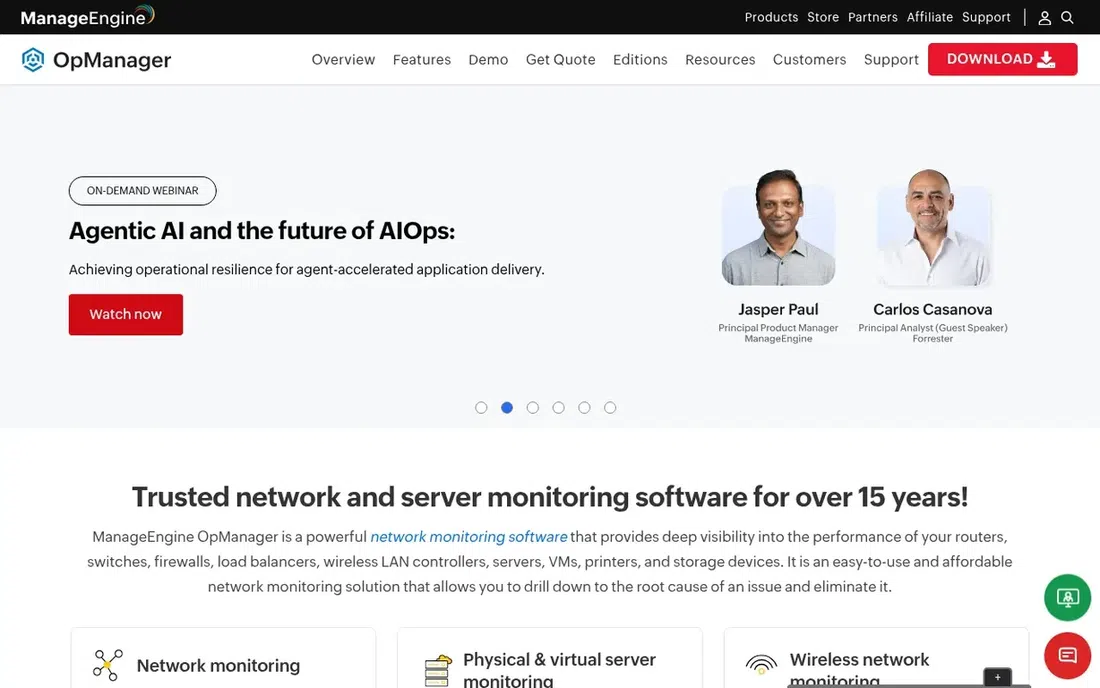
ManageEngine OpManager is designed for simple, budget-conscious device monitoring. ManageEngine OpManager is described as simple to use network monitoring software and a low-cost option for monitoring devices for example routers and switches.
Watch-outs: Interface depth takes time to learn.
Hospitals with complicated, multi-site networks may eventually need more advanced capabilities than the core product handles. Also, if your priority is very deep performance analytics, compare against a performance-focused system. This comparison lists no price for ManageEngine OpManager; ask the vendor. On free options: Not stated.
What works well: Positioned as budget-friendly.
- Switches and more
- Watches routers
- Advanced needs may need add-on modules
PRTG Network Monitor
Best for: All-in-one infrastructure visibility
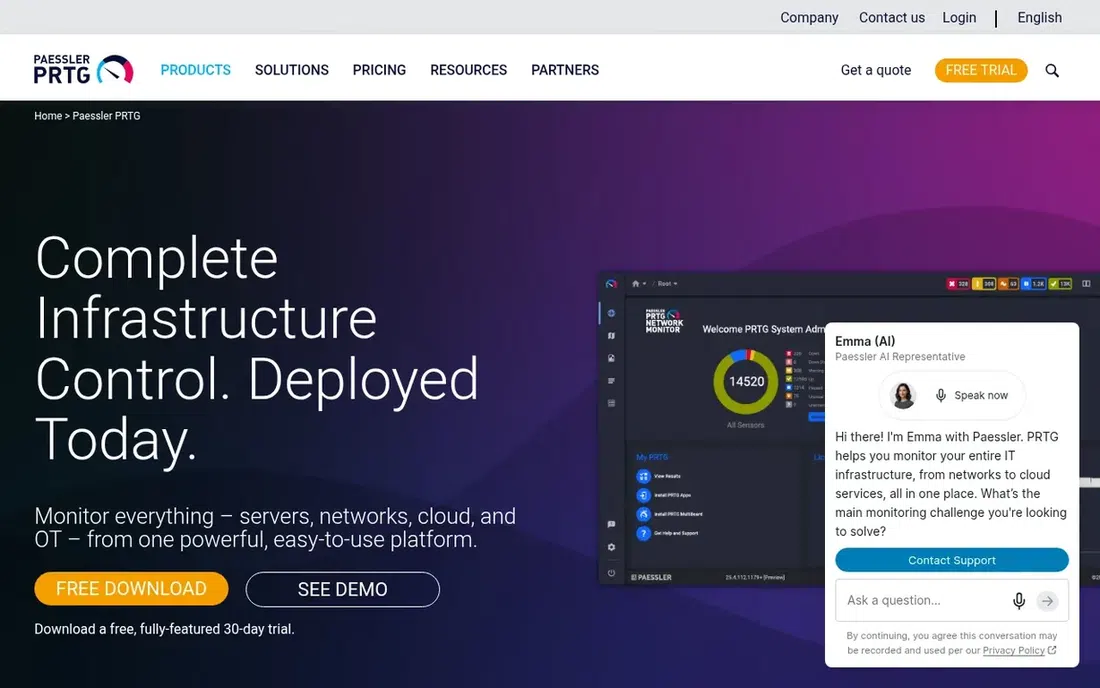
PRTG Network Monitor is a good fit for all-in-one infrastructure visibility. Choose PRTG when you want one adaptable product to grow with your monitoring needs.
Also, if you need only entry-level device up and down checks, a more straightforward tool may be simpler to run. For a small hospital, that all-in-one scope is appealing since one console can handle network gear, servers and supporting systems. PRTG Network Monitor shows no starting price here, so confirm the cost on the vendor site. On free options: Not stated.
Watch-outs: Feature depth can overwhelm very small teams.
- Wide device and service coverage
- Professional and adaptable monitoring approach
- Needs planning to tune sensors and alerts
Zabbix was built for open source enterprise-class monitoring. Zabbix is an enterprise-class, open source monitoring option that aims to make network and application monitoring straightforward. As for the details, pick Zabbix when in-house expertise and long-term adaptability matter more than turnkey support.
Limits to weigh: Needs in-house expertise to run.
On top of that, open source shifts effort to your team: installation, upgrades and tuning are your responsibility. For everyday use, Hospitals without spare technical capacity may find a supported commercial product simpler. In daily use, small hospitals with a capable IT generalist may value the open source model since it avoids proprietary license lock-in and can be adapted to specific needs over time. On cost, Zabbix starts like this: €50 per month. On free options: Free trial.
- Spans network and application monitoring
- Open source with no license lock-in
- Setup and tuning take real effort
How these tools were picked
Selection started from tools commonly considered for network monitoring software for small hospitals, then narrowed to 6 that have clear pricing information or a clear quote process. Figures are shown as the vendors publish them. Billing terms, seat minimums and add-ons can change the real cost. Tools are placed by general fit for network monitoring software for small hospitals, with price clarity and free access as tie-breakers. A different team can reasonably rank them differently.
Questions to settle before buying
- Confirm the entry price on the vendor page. For Datadog Network Monitoring, Nagios XI, WhatsUp Gold and others that means a quote rather than a fixed price.
- Run a trial of WhatsUp Gold and Zabbix with real work before paying for a year; your own workflow is the best test.
- Read the limits listed for Datadog Network Monitoring first: cloud-first model may not suit all hospitals.
- Ask ManageEngine OpManager whether prices are locked for the first term and what happens at renewal.
- Ask whether Zabbix integrates with your current software, and whether that comes standard or as an add-on.
FAQ
What should a small hospital look for in network monitoring software?
Prioritize simple device discovery, clear alerting and a deployment model that matches your data policies. A small IT team benefits from a tool that is fast to set up and does not demand constant tuning.
Does any tool for network monitoring software for small hospitals here have a free plan?
A permanent free plan is not offered by Datadog Network Monitoring, Zabbix or the other tools here. WhatsUp Gold, Zabbix offer a trial. Plan a short evaluation period instead.
Do these tools publish their prices?
Not all of them. Datadog Network Monitoring, Nagios XI, WhatsUp Gold and others publish no starting price, so expect a quote request for those. The rest, Zabbix included, show a starting price, though seats and billing terms still change the final cost.
Can I try these tools before paying?
Often, yes. WhatsUp Gold and Zabbix offer a free trial. Use your own data and a real task during the test, and check what the free tier or trial limits before you rely on it. Prices, free plan details and limits for all 6 tools in this network monitoring software for small Hospitals roundup sit on the individual cards above.
How are the tools for network monitoring software for small hospitals ordered?
Datadog Network Monitoring sits first and Zabbix last because the order follows typical fit for network monitoring software for small hospitals, then price clarity and free access. It is a judgement call, so read each profile for fit and limits.
Sources
- https://www.datadoghq.com/product/network-monitoring
- https://www.nagios.com/products/nagios-xi
- https://www.whatsupgold.com
- https://www.manageengine.com/network-monitoring
- https://www.paessler.com/prtg
- https://www.zabbix.com