Best Network Attached Storage Nas Software (2026): 6 Picks Checked on Vendor Pages
6 products for the best network attached storage nas software, ranked by fit, with starting costs and free tiers. With pricing notes and limits. No hype.
- Editor's choiceAsustor ADM
ASUS-backed NAS ecosystem
Starts atSee websiteVisit asustor.comFull review - Great alternative
 OpenMediaVault
Free open-source NAS basics
Starts atSee websiteVisit openmediavault.orgFull review - Also considerTerraMaster TOS
Low-cost home and small office NAS
Starts atSee websiteVisit terra-master.comFull review
Direct answer
Our first pick is Asustor ADM, best for ASUS-backed NAS ecosystem. Listed starting prices: Unraid from $49 one-time. Look at OpenMediaVault for free open-source NAS basics, and at TerraMaster TOS for low-cost home and small office NAS. The remaining 3 options are covered below with prices and limits.
TL;DR:
- Number one here is Asustor ADM, a fit for ASUS-backed NAS ecosystem.
- Neither Asustor ADM nor TrueNAS, nor any of the other 4 tools, has a permanent free plan; trials and quotes are the norm.
- One limit worth knowing about OpenMediaVault: fewer bundled extras than vendor systems.
- TrueNAS fits mission-critical enterprise storage.
Last checked November 2026. Prices and plan details were read from the vendors' own pages in November 2026; vendors change plans often, so confirm the current price on the vendor site before you buy.
Quick comparison
| Tool | Best for | Starts at | Free plan? | |
|---|---|---|---|---|
| Asustor ADM | ASUS-backed NAS ecosystem | See website | Not stated | Visit |
| OpenMediaVault | Free open-source NAS basics | See website | Not stated | Visit |
| TerraMaster TOS | Low-cost home and small office NAS | See website | Not stated | Visit |
| QNAP QTS | Integrated storage and edge workloads | See website | Not stated | Visit |
 Unraid | Adaptable homelab storage and containers | $49 one-time | No | Visit |
 TrueNAS | Mission-critical enterprise storage | See website | Not stated | Visit |
Network Attached Storage Nas Software, one by one
LinkVetted compared 6 tools for network attached storage nas software. The goal is a practical shortlist: published prices, free plan facts, best-fit use cases and honest limits for every entry.
Asustor ADM
Best for: ASUS-backed NAS ecosystem
Asustor ADM is a good fit for ASUS-backed NAS ecosystem. Asustor ADM is the operating system for ASUSTOR NAS devices. Advanced administrators may find vendor ecosystems restrictive.
Drawbacks to consider: Less suited to hardware tinkerers.
For everyday use, consider it when integrated backup and multimedia matter more than installing the OS on your own machine. ADM runs on Asustor hardware, so it does not offer the hardware freedom of open systems. Asustor ADM does not show a starting price in this comparison, so check the vendor site for current pricing. Free access: Not stated. What Asustor ADM does well: Focus on storage.
- Personal cloud style use cases
- Backup and multimedia
- Tied to Asustor hardware
Where OpenMediaVault fits: free open-source NAS basics. OpenMediaVault is documented as a free, open-source network attached storage option based on Debian Linux.
Honest limits: Fewer bundled extras than vendor systems.
It fits users who want an open system they can install on their own hardware and extend when needed. Pricing for OpenMediaVault is not stated here, so ask the vendor for current figures. Free access: Not stated.
- Based on Debian Linux
- Free and open source
- Assumes familiarity with Linux concepts
TerraMaster TOS
Best for: Low-cost home and small office NAS
TerraMaster TOS is built with budget-friendly home and small office NAS in mind. TerraMaster TOS runs on TerraMaster NAS and direct-attached storage devices. Also, users wanting deep external integrations may prefer a broader product.
Worth adding: the vendor markets SSD NAS storage for home and server use. More specifically, the ecosystem is smaller than those of bigger vendors, so app variety and community depth may be restricted. TerraMaster TOS shows no starting price here, so confirm the cost on the vendor site. Free access: Not stated.
Limits to weigh: Smaller ecosystem than major vendors.
- Home and small server positioning
- Handles NAS and direct-attached storage
- Needs TerraMaster hardware
QNAP QTS
Best for: Integrated storage and edge workloads

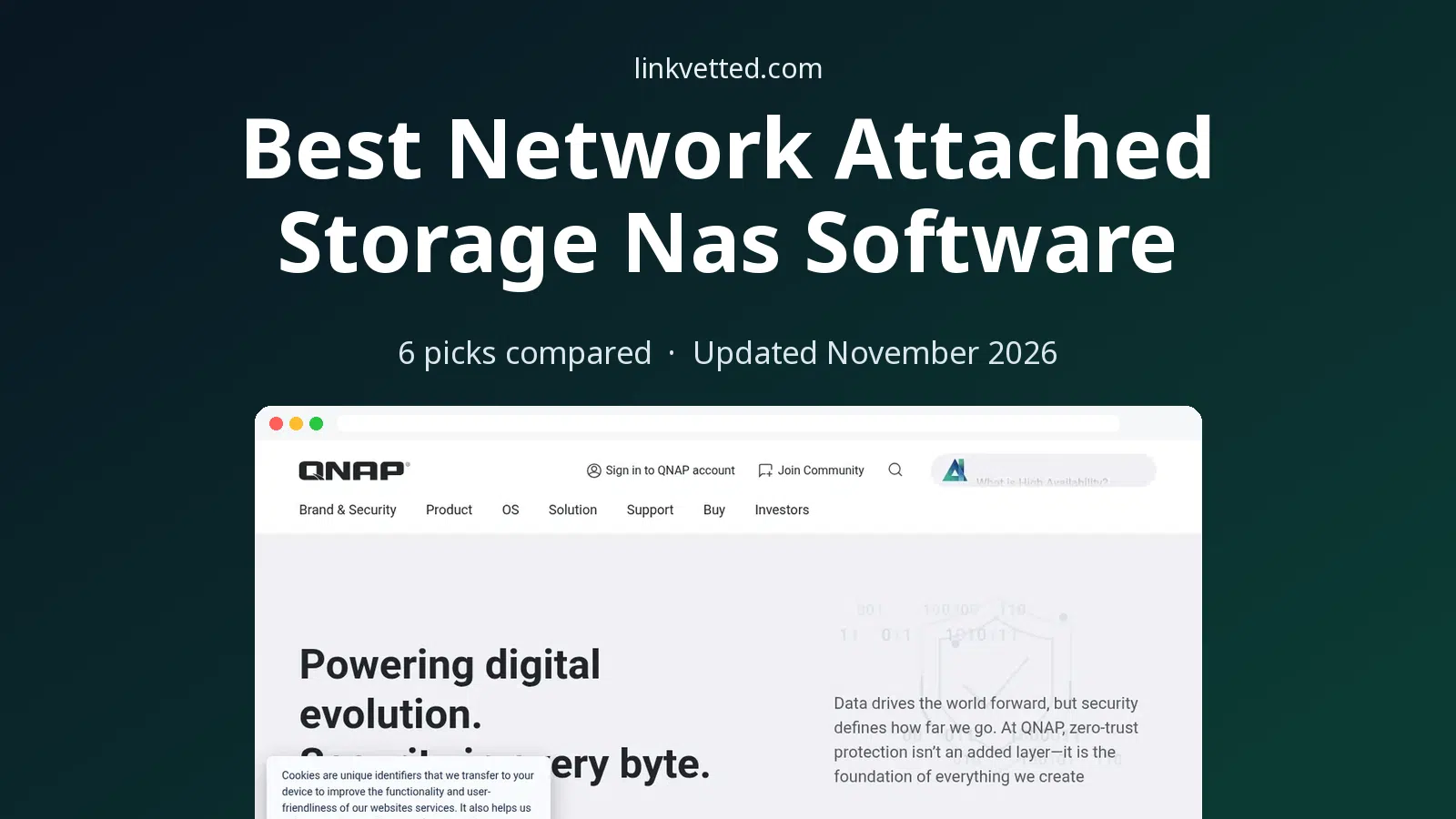
QNAP QTS is aimed squarely at integrated storage and edge workloads. The vendor flags integrated NAS, high availability, networking, edge AI servers, video surveillance and cloud connectivity.
Watch-outs: Feature sprawl can complicate setup.
More specifically, QNAP QTS powers QNAP NAS devices and is marketed around secure, intelligent data and storage options. Consider alternatives if you want a minimal, hardware-agnostic product. This comparison lists no price for QNAP QTS; ask the vendor. Free plan details: Not stated.
- Supports surveillance and edge use cases
- Wide storage and networking feature set
- Needs QNAP hardware
Unraid is designed for adaptable homelab storage and containers. Unraid describes itself as a homelab OS for storage, Docker and VMs. It turns your hardware into a home server that merges NAS storage, containers and virtual machines, and it does not need matching drives.
Where it is weaker: Not a turnkey enterprise product.
Its homelab focus means it is not positioned as a mission-critical enterprise storage system. In practice, users needing strict enterprise support structures may prefer a vendor appliance. Pick Unraid when adaptability and mixed-drive reuse are the priority. Unraid cost at the entry level: $49 one-time. There is no free plan with Unraid.
- Docker and VMs
- Turns existing hardware into a server
- Homelab orientation assumes some comfort with servers
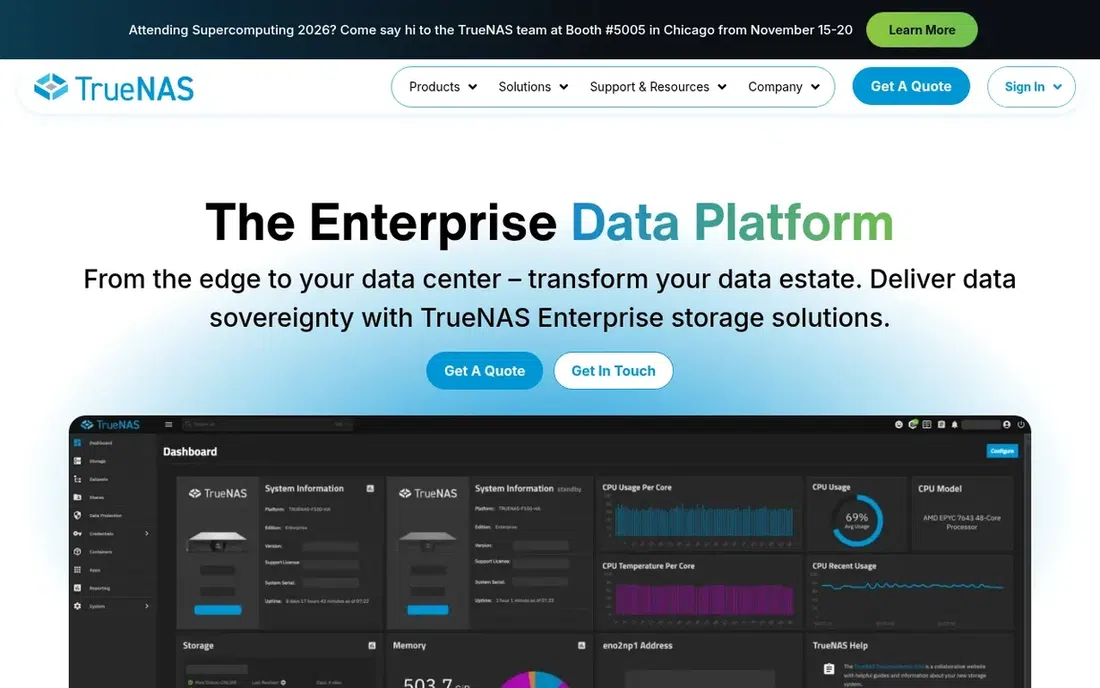
Choose TrueNAS for mission-critical enterprise storage. Users who want a straightforward setup with built-in multimedia apps may prefer a vendor ecosystem instead. TrueNAS presents itself as a mission-critical open enterprise storage system for transforming a data estate.
Where TrueNAS stands out: Enterprise-focused security features.
Watch-outs: Enterprise appliances are a serious commitment. Its documented focus is on secure, scalable and high-performance storage appliances designed for every workflow. Pick TrueNAS when storage reliability and scale matter more than convenience. Check the vendor site for TrueNAS pricing; none is listed in this comparison. Free plan details: Not stated.
- A good match for demanding workflows
- High-performance data product
- Targeted at experienced administrators
Selection criteria
We compared the tools on published pricing, free plan or trial availability, feature coverage for network attached storage nas software, and the limits each vendor documents. Where a vendor does not publish a price, the entry says quote. Where a price depends on seats or billing term, the entry says so. We ordered the tools by general fit, then by how clearly pricing is shown, then by free access. A buyer with unusual needs may reorder them.
A buyer's checklist
- Get a written quote from Asustor ADM, OpenMediaVault, TerraMaster TOS and others; the list shows no starting price for them.
- Before choosing Asustor ADM, weigh its main limit: tied to Asustor hardware.
- Ask Unraid which support channels and response times come with the plan you would buy.
- Work out what TrueNAS costs with your real seat count, add-ons and usage, not just the entry price.
- List the apps you already depend on and check that Asustor ADM supports each one on the plan you would buy.
FAQ
Do these tools publish their prices?
Not all of them. Asustor ADM, OpenMediaVault, TerraMaster TOS and others publish no starting price, so expect a quote request for those. The rest, Unraid included, show a starting price, though seats and billing terms still change the final cost.
Can I try these options before paying?
Not by default. None of the tools, from Asustor ADM to TrueNAS, lists a free plan or a free trial here, so ask each vendor for a demo before committing.
How are the tools for network attached storage nas software ordered?
The order follows typical fit for network attached storage nas software, with Asustor ADM first and TrueNAS last, then price clarity and free access. It is editorial judgement, not a score, so another team could rank the tools differently.
Does any tool for network attached storage nas software here have a free plan?
No tool in this list, Asustor ADM and TrueNAS included, has a permanent free plan. Trials and quotes are the usual route, so plan a short evaluation period.
Is open-source NAS software a solid fit for firms?
It can be, notably where administrators want control over the stack. TrueNAS markets itself for mission-critical enterprise storage, whereas OpenMediaVault concentrates on core NAS duties.
Sources
- https://www.asustor.com
- https://www.openmediavault.org
- https://www.terra-master.com
- https://www.qnap.com
- https://unraid.net
- https://www.truenas.com