5 Multi-Tenant M365 Management Tools Worth Shortlisting in 2026
Shortlisting the best Multi-Tenant M365 management tools? 5 products compared on cost, free access and ideal buyer. Real limits included. Plain facts.
- Editor's choiceDatto RMM
Cloud-based remote monitoring and management
Starts atSee websiteVisit datto.comFull review - Great alternativeKaseya VSA
Scalable endpoint management and automation
Starts atSee websiteVisit kaseya.comFull review - Also considerSyncro
Unified RMM and PSA for MSPs
Starts at$129 per user per monthVisit syncromsp.comFull review
Direct answer
Datto RMM is the first pick on this list for cloud-based remote monitoring and management. Listed starting prices: Syncro from $129 per user per month and NinjaOne from $1.50 per device a month. If your case is different, Kaseya VSA suits scalable endpoint management and automation and Syncro suits unified RMM and PSA for MSPs. The full list of 5 tools follows, with prices and free plan facts.
TL;DR:
- Datto RMM sits first on this list: cloud-based remote monitoring and management.
- One limit worth knowing about Microsoft 365 Lighthouse: concentrated on Microsoft 365 only.
- NinjaOne suits unified IT operations and endpoint management.
- NinjaOne has the lowest monthly starting price in this list: $1.50 per device per month.
- A permanent free plan is missing from all 5 tools, Datto RMM and NinjaOne included; plan for a trial or a premium start.
Last checked November 2026. Prices and plan details were read from the vendors' own pages in November 2026; vendors change plans often, so confirm the current price on the vendor site before you buy.
Quick comparison
| Tool | Best for | Starts at | Free plan? | |
|---|---|---|---|---|
| Datto RMM | Cloud-based remote monitoring and management | See website | Not stated | Visit |
| Kaseya VSA | Scalable endpoint management and automation | See website | Not stated | Visit |
| Syncro | Unified RMM and PSA for MSPs | $129 per user per month | Free trial | Visit |
| Microsoft 365 Lighthouse | MSPs managing several customer tenants | See website | Not stated | Visit |
 NinjaOne | Unified IT operations and endpoint management | $1.50 per device a month | Free trial | Visit |
Every option for Multi-Tenant M365 management tools explained
If you are comparing Multi-Tenant M365 management tools, this page covers 5 tools in one place: what each is best for, what it costs to start, whether it has a free plan, and the main limit to know about.
Datto RMM
Best for: Cloud-based remote monitoring and management
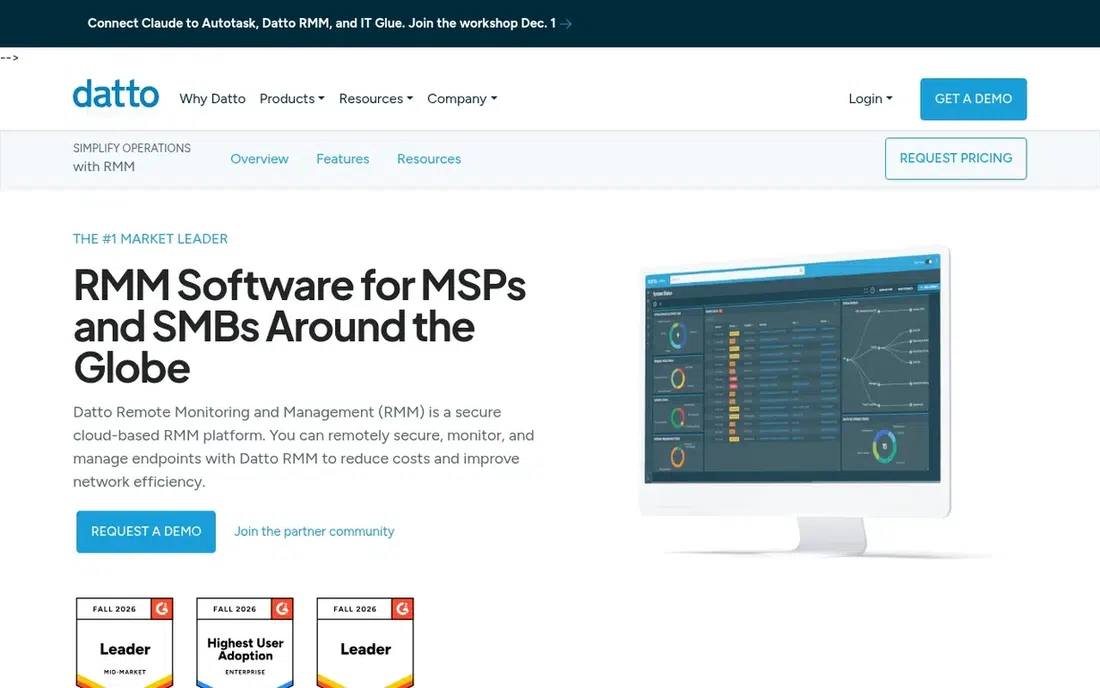
Where Datto RMM fits: cloud-based remote monitoring and management. It offers a centralized system for overseeing distributed devices, which can be handy for MSPs supporting several client environments. Also, whereas capable in RMM, Datto RMM may not handle every aspect of Microsoft 365-specific management.
Limits to weigh: Focused primarily on RMM.
Consider its fit alongside your existing stack. In practice, teams needing deep tenant-level Microsoft 365 security controls might pair it with a specialized tool. No starting price is listed for Datto RMM here; confirm pricing on the vendor site. Free access: Not stated.
- Cloud-hosted management
- Remote endpoint security
- May lack some deep customization
Kaseya VSA
Best for: Scalable endpoint management and automation
Think of Kaseya VSA for scalable endpoint management and automation. Some users may find the interface less modern compared with newer products, and certain advanced features might need extra modules.
Points against: May need extras for full coverage.
In daily use, confirm current capabilities on the vendor site. No starting price is listed for Kaseya VSA here; confirm pricing on the vendor site. On free options: Not stated.
- Remote support features
- Automatic monitoring and patching
- Interface can feel dated
Syncro
Best for: Unified RMM and PSA for MSPs
Syncro makes the most sense for unified RMM and PSA for MSPs. Enterprises with deep requirements might have to supplement it.
On top of that, whereas thorough, Syncro may not match the depth of specialized tools in every category, especially for large or highly complex environments. Starting cost for Syncro: $129 per user per month. On free options: Free trial.
What Syncro does well: Bundles Microsoft 365 security features. Points against: Less a good match for large enterprises.
- Flat per-technician pricing model
- IT management
- May lack depth in some areas
Microsoft 365 Lighthouse
Best for: MSPs managing several customer tenants
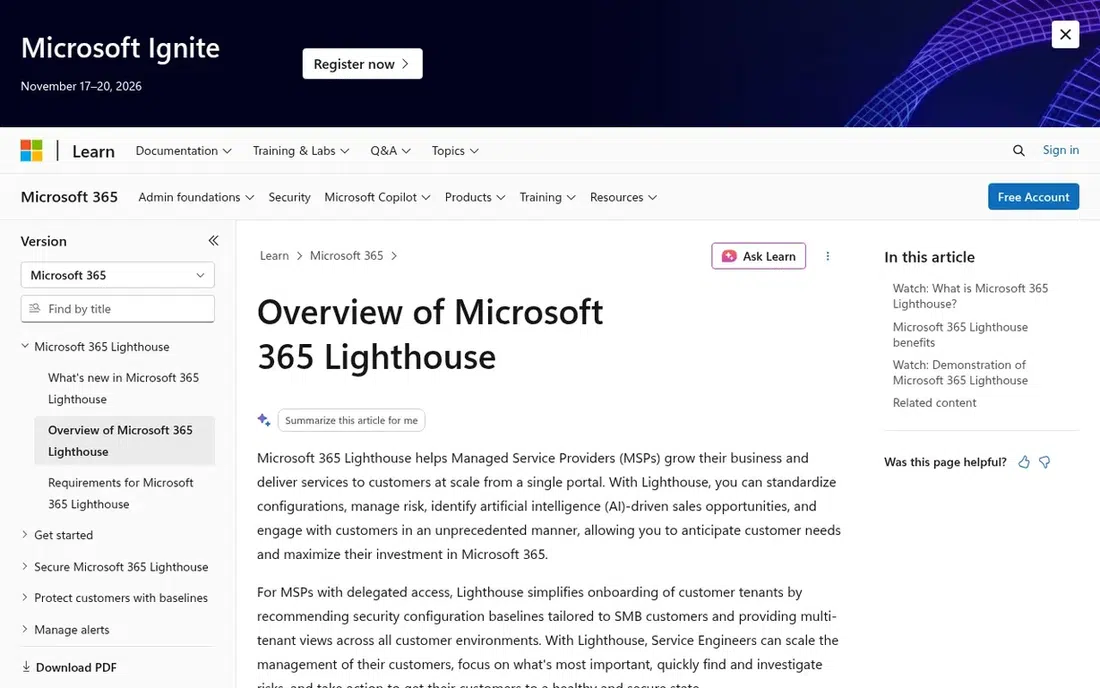
Choose Microsoft 365 Lighthouse for MSPs managing several customer tenants. If you need unified RMM across diverse endpoints, consider a dedicated RMM product instead. Lighthouse is restricted to Microsoft 365 management and does not handle broader endpoint monitoring or remote support.
It also needs eligibility as a Microsoft partner. Beyond that, Microsoft 365 Lighthouse is a management portal built for Managed Service Providers to secure and handle customer tenants in one location. Pricing for Microsoft 365 Lighthouse is not stated here, so ask the vendor for current figures. As for free access: Not stated.
Where it is weaker: Needs Microsoft partner status.
- Made for MSP security workflows
- Direct integration with Microsoft 365
- Concentrated on Microsoft 365 only
NinjaOne targets unified IT operations and endpoint management. Consider your scale and desired consolidation. From a buyer's view, NinjaOne is a unified IT operations system for endpoint management, autonomous patching, backup, and remote access.
Limits to weigh: Ramp-up time for full feature use.
It is used by IT teams and MSPs worldwide to consolidate tools and simplify operations, offering a modern interface and broad functionality across managed endpoints. The breadth of features can be more than a small IT team needs, and getting the most from the system may need initial training. Organizations with very straightforward requirements might prefer a more focused tool. Entry price for NinjaOne: $1.50 per device per month. Trial and free access: Free trial.
Where it shines: Backup and remote access included.
- Autonomous patching
- Unified platform for several IT tasks
- May be overkill for small teams
How we built this list
We compared the tools on published pricing, free plan or trial availability, feature coverage for Multi-Tenant M365 management tools, and the limits each vendor documents. Seat minimums, billing terms and add-ons can move the real cost, so the starting prices here are a guide and not a quote. Order on the page follows fit for the typical buyer first, then price transparency and free access. Your own requirements should decide the final pick.
What to confirm before you sign up
- Ask Datto RMM, Kaseya VSA and Microsoft 365 Lighthouse for a written quote, since no starting price is shown.
- Use real work to test the free trial from Syncro and NinjaOne, rather than a demo project.
- Before choosing Datto RMM, weigh its main limit: may lack some deep customization.
- Ask NinjaOne whether prices are locked for the first term and what happens at renewal.
- A short pilot of Microsoft 365 Lighthouse with your real workflow tells you more than a feature table.
FAQ
What is the cheapest option for Multi-Tenant M365 management tools in this list?
On published monthly entry prices, NinjaOne is the lowest here at $1.50 per device per month. Entry price is only part of the cost, because seats, add-ons and billing terms can change the total. All 5 picks in this Multi-Tenant M365 management tools comparison list a starting price, free plan details and the main limits on their cards above.
Do these tools publish their prices?
Not all of them. Datto RMM, Kaseya VSA and Microsoft 365 Lighthouse publish no starting price, so expect a quote request for those. The rest, Syncro included, show a starting price, though seats and billing terms still change the final cost.
Does any tool for Multi-Tenant M365 management tools here have a free plan?
A permanent free plan is not offered by Datto RMM, NinjaOne or the other tools here. Syncro, NinjaOne offer a trial. Plan a short evaluation period instead.
How are the tools for Multi-Tenant M365 management tools ordered?
Datto RMM sits first and NinjaOne last because the order follows typical fit for Multi-Tenant M365 management tools, then price clarity and free access. It is a judgement call, so read each profile for fit and limits.
What is multi-tenant management in Microsoft 365?
Multi-tenant management refers to the capacity to oversee and administer several Microsoft 365 tenants from a single interface. This is notably handy for MSPs managing many customer environments, as it centralizes security, compliance, and user management tasks.
Sources
- https://www.datto.com/products/rmm
- https://www.kaseya.com/products/vsa
- https://syncromsp.com
- https://learn.microsoft.com/en-us/microsoft-365/lighthouse/m365-lighthouse-overview
- https://www.ninjaone.com