Metadata Removal Software in 2026: The 6 Best Options Side by Side
Best metadata removal software: 6 contenders ranked by fit, with entry costs and free tiers. Short, factual notes on every option. Full profiles inside.
- Editor's choice
 Microsoft Purview
Enterprise data governance and compliance
Starts atPricing on requestVisit microsoft.comFull review - Great alternativePhotoME
In-depth EXIF and IPTC editing
Starts atPricing on requestVisit photome.deFull review - Also consider
 Adobe Acrobat Pro
PDF metadata removal and editing
Starts atPricing on requestVisit adobe.comFull review
Direct answer
For enterprise data governance and compliance, Microsoft Purview is where this list starts. PhotoME fits in-depth EXIF and IPTC editing; Adobe Acrobat Pro fits PDF metadata removal and editing. Free plan facts and limits for all 6 tools follow. None of these vendors publish plan prices, so pricing is on request for every option.
TL;DR:
- Top of the list is Microsoft Purview, which targets enterprise data governance and compliance.
- ExifTool suits advanced metadata editing across file types.
- None of the 6 tools, from Microsoft Purview to ExifTool, has a free plan, so budget for a subscription or use a trial.
- No starting price is shown for any of the 6 tools, Microsoft Purview and ExifTool included, so plan time for sales calls.
- What to know about Adobe Acrobat Pro first: subscription-based, which may not suit occasional users.
Last checked November 2026. Pricing on request: vendors did not publish plan prices when this guide was last checked (November 2026), so ask each vendor for a written quote.
Quick comparison
| Tool | Best for | Starts at | Free plan? | |
|---|---|---|---|---|
| Microsoft Purview | Enterprise data governance and compliance | Pricing on request | Not stated | Visit |
| PhotoME | In-depth EXIF and IPTC editing | Pricing on request | Not stated | Visit |
| Adobe Acrobat Pro | PDF metadata removal and editing | Pricing on request | Not stated | Visit |
| Metadata2Go | Online metadata viewing and removal | Pricing on request | Not stated | Visit |
| Exif Eraser | Fast online photo metadata removal | Pricing on request | Not stated | Visit |
| ExifTool | Advanced metadata editing across file types | Pricing on request | Not stated | Visit |
Our 6 picks for metadata removal software
LinkVetted compared 6 tools for metadata removal software. The goal is a practical shortlist: published prices, free plan facts, best-fit use cases and honest limits for every entry.
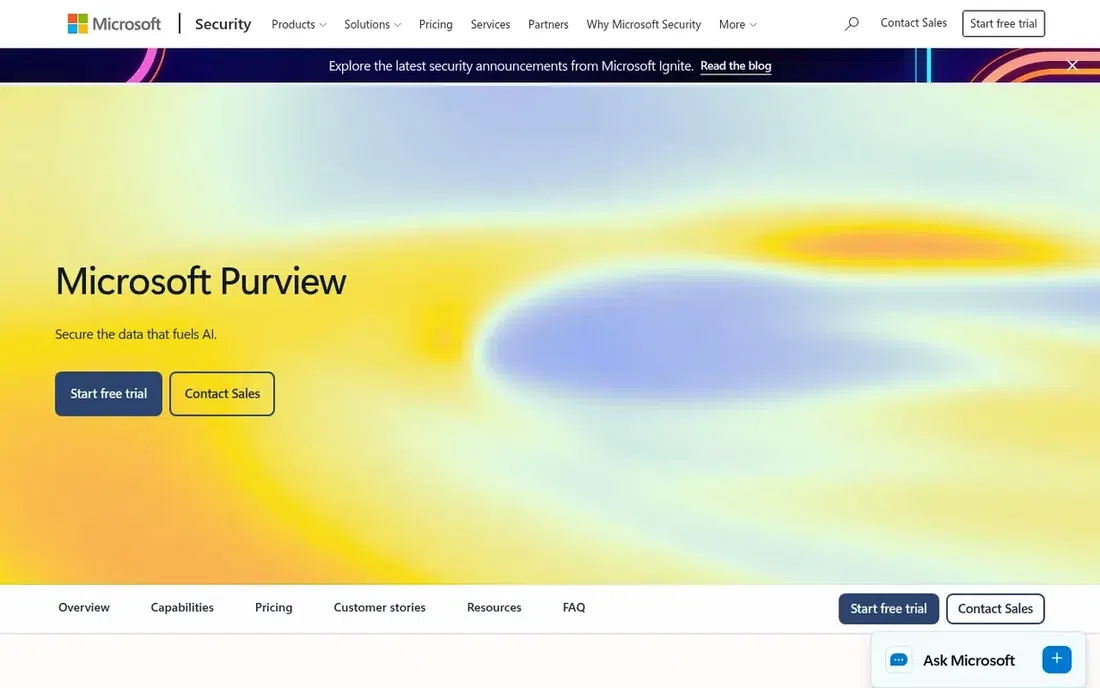
Microsoft Purview is aimed squarely at enterprise data governance and compliance. Microsoft Purview is a data security and governance system that helps organizations secure and run their data estate with full visibility and control. It comes with capabilities for classifying and managing metadata, making it a good match for enterprises that require to enforce compliance policies across large volumes of data.
Where it is weaker: May need extra licensing.
Purview is made for organizational use and may be complicated for individual users. It needs proper configuration and likely extra licensing. Beyond that, for straightforward metadata removal from a handful of files, a dedicated tool like Exif Eraser or Adobe Acrobat Pro would be more straightforward. Microsoft Purview does not show a starting price in this comparison, so check the vendor site for current pricing. Free plan details: Not stated.
- Can help run metadata at organizational scale
- Centres on data security and governance
- Complicated setup and administration
PhotoME
Best for: In-depth EXIF and IPTC editing
PhotoME is built with in-depth EXIF and IPTC editing in mind. The software is Windows-only and its interface may feel outdated.
It is also concentrated on images, not other file types. PhotoME shows no starting price here, so confirm the cost on the vendor site. Free access: Not stated.
Limits to weigh: Interface may be dated.
Reasons to shortlist it: Supports EXIF, IPTC.
- ICC profiles
- Thorough metadata editor for photos
- Windows only
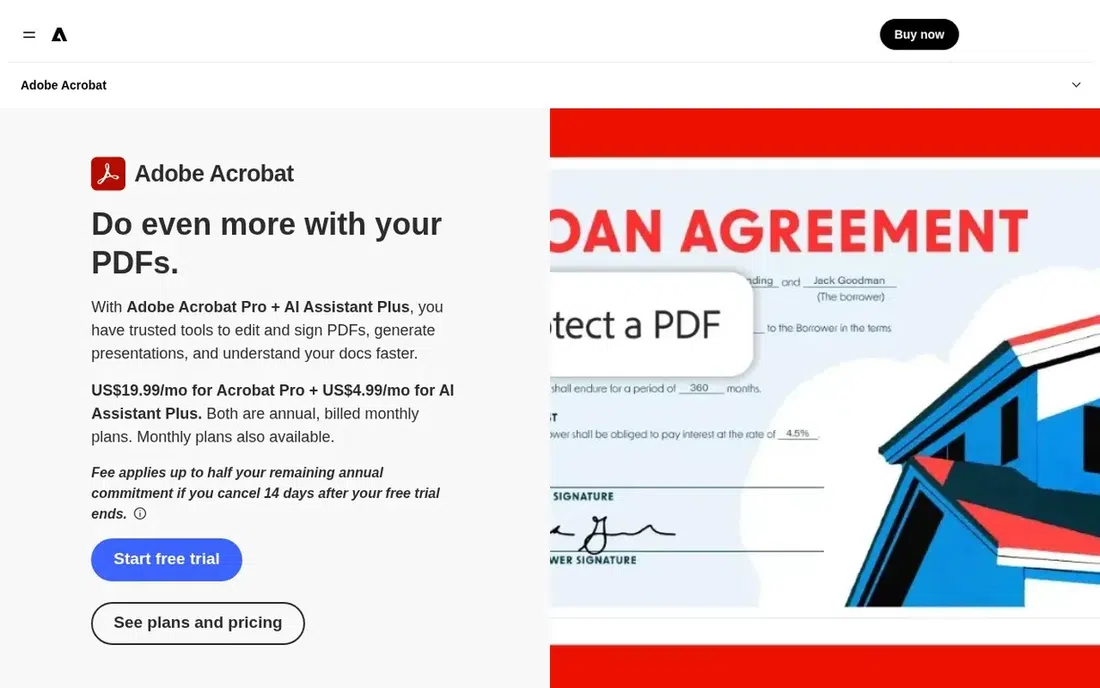
Choose Adobe Acrobat Pro for PDF metadata removal and editing. If your primary concern is photo metadata, consider a dedicated tool like ExifTool or Exif Eraser instead. The software is subscription-based, so it may be overkill if you only have to strip metadata from photos.
Also, it does not handle image formats like JPEG or PNG. In daily use, Adobe Acrobat Pro is a full-featured PDF software that lets you edit, convert, and share documents. It comes with tools to inspect and remove metadata for example author, title, and creation details, making it a solid choice for professionals who on a regular basis manage PDFs and have to sanitize them before distribution. Check the vendor site for Adobe Acrobat Pro pricing; none is listed in this comparison. As for free access: Not stated.
Watch-outs: Centred on PDFs.
- Can remove hidden metadata like author and creation info
- Part of a widely used document workflow
- Subscription-based, which may not suit occasional users
Metadata2Go
Best for: Online metadata viewing and removal
Metadata2Go was built for online metadata viewing and removal. Metadata2Go is an online metadata viewer that displays hidden metadata for audio, video, document, ebook, and image files. It also supplies the capacity to remove metadata, making it a versatile choice for users who require to manage several file types without installing software.
Points against: May have file size or format limitations.
More specifically, since it is web-based, you must upload files to their server, which may raise privacy concerns for sensitive data. On top of that, there may be limits on file size or format. On top of that, for local processing, Exif Eraser or ExifTool would be more private. Pricing for Metadata2Go is not stated here, so ask the vendor for current figures. Trial and free access: Not stated.
- Can view and remove metadata online
- Image files
- Needs uploading files to a server
Exif Eraser
Best for: Fast online photo metadata removal
Exif Eraser makes the most sense for fast online photo metadata removal. Exif Eraser is a free online tool that removes EXIF, IPTC, and XMP metadata from photos, including camera model, GPS location, and timestamps. It runs entirely in your browser, so your images never leave your device, making it a convenient choice for fast, private metadata removal from one or plenty of photos.
For those needing to remove metadata from videos or documents, consider Adobe Acrobat Pro or ExifTool instead. Worth adding: the tool is made for images only, so it won't help with PDFs or other document types. This comparison lists no price for Exif Eraser; ask the vendor. On free options: Not stated.
Where it falls short: Restricted to photo files.
- Never uploaded
- Free and browser-based
- Needs a web browser and internet connection to load
ExifTool
Best for: Advanced metadata editing across file types
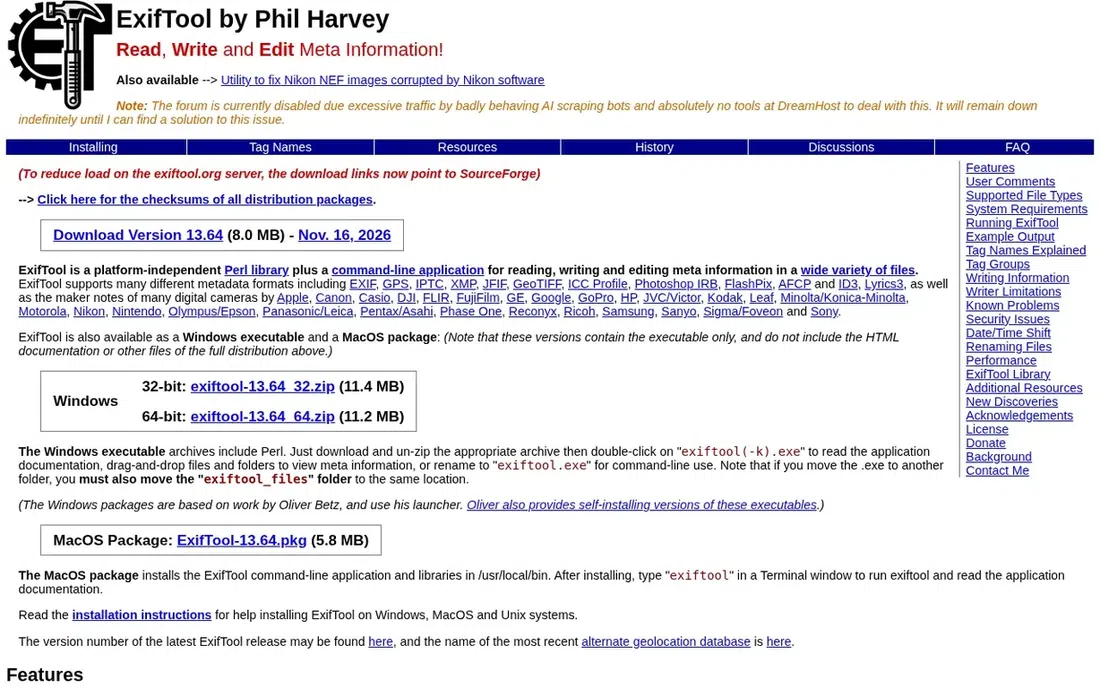
ExifTool is built with advanced metadata editing across file types in mind. There is no built-in graphical interface, so those seeking a point-and-click option may prefer a different tool. Even so, for batch processing and scripting, ExifTool is highly capable.
In practice, ExifTool is a command-line application and Perl library for reading and writing metadata in image, audio, and video files. Its command-line nature means a ramp-up time for non-technical users. Pricing for ExifTool is not stated here, so ask the vendor for current figures. Free plan details: Not stated.
Honest limits: No graphical user interface by default.
- Cross-platform (Windows, MacOS, Unix)
- Supports a vast range of metadata formats
- Needs comfort with command-line interface
How we chose
The comparison looks at four things: starting price, free access, how well the feature set matches metadata removal software, and the main limit of each tool. Where a price is missing, the vendor does not list one publicly or ties it to a quote. Always confirm before budgeting. Tools are placed by general fit for metadata removal software, with price clarity and free access as tie-breakers. A different team can reasonably rank them differently.
Questions to settle before buying
- Confirm the entry price with every vendor: no tool from Microsoft Purview to ExifTool shows a fixed starting price.
- Read the limits listed for Microsoft Purview first: complicated setup and administration.
- Get the contract term, renewal terms and any onboarding fees from PhotoME in writing.
- Test the integrations you rely on with Microsoft Purview before committing; some connectors sit on upper tiers.
- Read the plan comparison for Exif Eraser carefully; key features often start on a higher tier.
FAQ
Is it safe to use online metadata removal tools?
It relies on the tool. Exif Eraser processes images locally in your browser, so files never leave your device. Others like Metadata2Go need uploading files to their server, which may pose privacy risks for sensitive data.
Do these tools publish their prices?
No. None of the tools, from Microsoft Purview to ExifTool, shows a fixed starting price here, so budget time for quotes.
What is metadata and why should I remove it?
Metadata is hidden information embedded in files, like GPS location, author name, and timestamps. Removing it helps protect privacy before sharing files online or with others.
Can I try these options before paying?
Not by default. None of the tools, from Microsoft Purview to ExifTool, lists a free plan or a free trial here, so ask each vendor for a demo before committing.
How are the tools for metadata removal software ordered?
Microsoft Purview sits first and ExifTool last because the order follows typical fit for metadata removal software, then price clarity and free access. It is a judgement call, so read each profile for fit and limits.
Is Microsoft Purview the right pick for everyone comparing metadata removal software?
No single tool suits every team. Microsoft Purview comes first because it fits enterprise data governance and compliance, while PhotoME suits detailed EXIF and IPTC editing and Adobe Acrobat Pro suits PDF metadata removal and editing. Match the tool to your own size, budget and workflow before deciding.
Sources
- https://www.microsoft.com/en-us/security/business/microsoft-purview
- https://www.photome.de
- https://www.adobe.com/acrobat/acrobat-pro.html
- https://www.metadata2go.com
- https://www.exiferaser.com
- https://exiftool.org