Best Mental Health Software for Schools (2026): 5 Picks Checked on Vendor Pages
Best mental health software for schools: 5 tools compared on price, free plans and fit. Short, factual notes on every option. Current for November 2026.
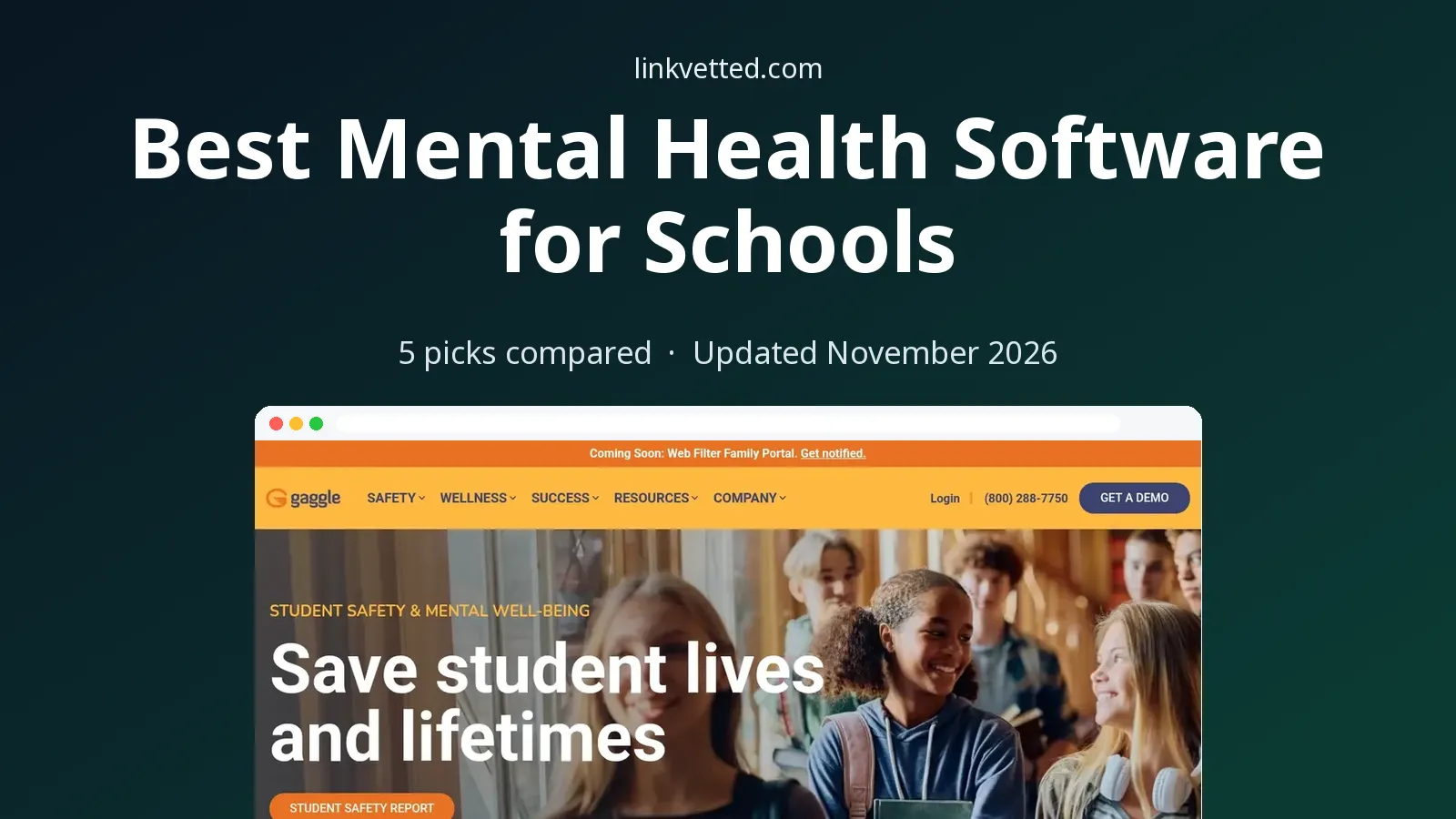
- Editor's choiceGaggle
K-12 student safety and mental wellness
Starts atSee websiteVisit gaggle.netFull review - Great alternativeLightspeed Alert
Visibility, control and compliance with safety
Starts atSee websiteVisit lightspeedsystems.comFull review - Also considerSecurly
Filtering plus wellness monitoring in one product
Starts atSee websiteVisit securly.comFull review
Direct answer
For K-12 student safety and mental wellness, Gaggle is where this list starts. Listed starting prices: Senso from $1.00 per Teams user a year. If your case is different, Lightspeed Alert suits visibility, control and compliance with safety and Securly suits filtering plus wellness monitoring in one system. The other 2 tools in the list cover narrower or pricier cases.
TL;DR:
- Top of the list is Gaggle, which targets K-12 student safety and mental wellness.
- For Gaggle, Lightspeed Alert, Securly and GoGuardian, you have to request a quote because no starting price is shown.
- Senso suits safeguarding plus IT operations in one place.
- Check the limits for Securly before you commit: feature breadth can take time to configure.
- Gaggle, Senso and the 3 others all need a premium plan or a trial, since no free plan is listed.
Last checked November 2026. Prices and plan details were read from the vendors' own pages in November 2026; vendors change plans often, so confirm the current price on the vendor site before you buy.
Quick comparison
| Tool | Best for | Starts at | Free plan? | |
|---|---|---|---|---|
| Gaggle | K-12 student safety and mental wellness | See website | Not stated | Visit |
| Lightspeed Alert | Visibility, control and compliance with safety | See website | Not stated | Visit |
| Securly | Filtering plus wellness monitoring in one product | See website | Not stated | Visit |
| GoGuardian | Safe and engaging K-12 digital learning | See website | Not stated | Visit |
| Senso | Safeguarding plus IT operations in one place | $1.00 per Teams user a year | Not stated | Visit |
Every option for mental health software for schools explained
LinkVetted put together this guide to mental health software for schools for readers who want a clear shortlist without reading every vendor page. It compares 5 tools on starting price, free plans, who each one suits and where each one falls short.
Gaggle
Best for: K-12 student safety and mental wellness
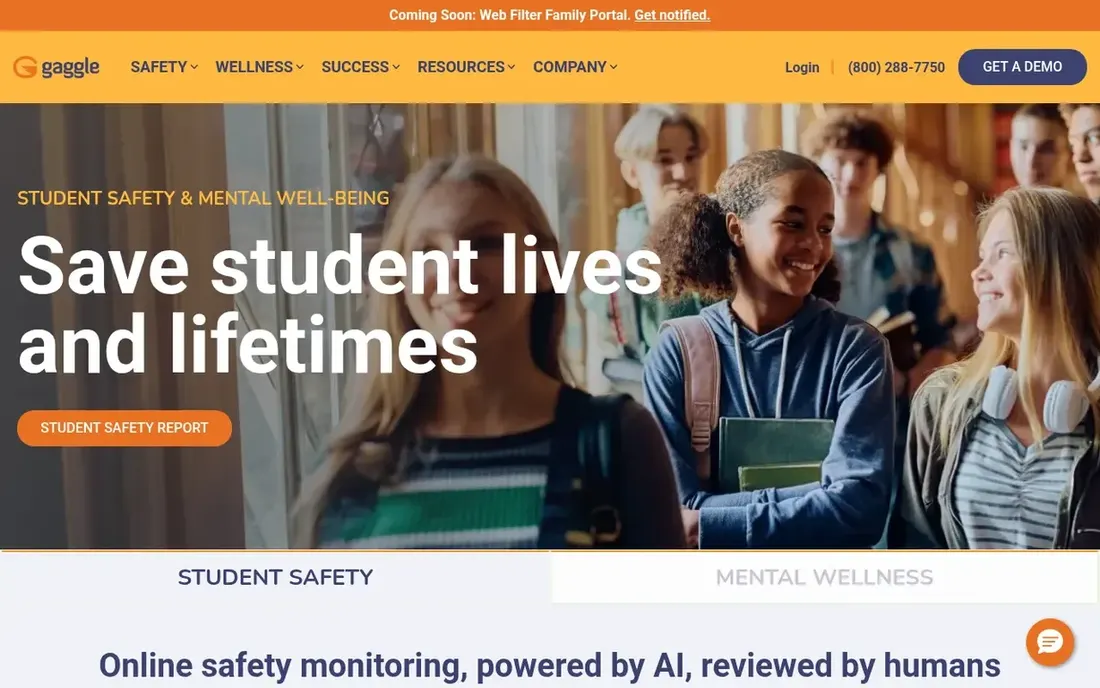
Gaggle is aimed squarely at K-12 student safety and mental wellness. Gaggle positions itself around K-12 student safety and mental wellness options. It is pitched at districts that want a dedicated layer for spotting concerning student activity and supporting wellbeing, instead of a system built primarily around filtering or classroom management.
Choose Gaggle when student wellness monitoring is the core requirement and your team has clear protocols for responding to what the system surfaces. Schools needing web filtering, classroom control and asset management in one place may prefer a broader suite. No starting price is listed for Gaggle here; confirm pricing on the vendor site. Trial and free access: Not stated.
What to check first: Narrower than full device management suites.
- Mental wellness emphasis
- Made for K-12 settings
- Relies on district policy for follow-up
Lightspeed Alert
Best for: Visibility, control and compliance with safety
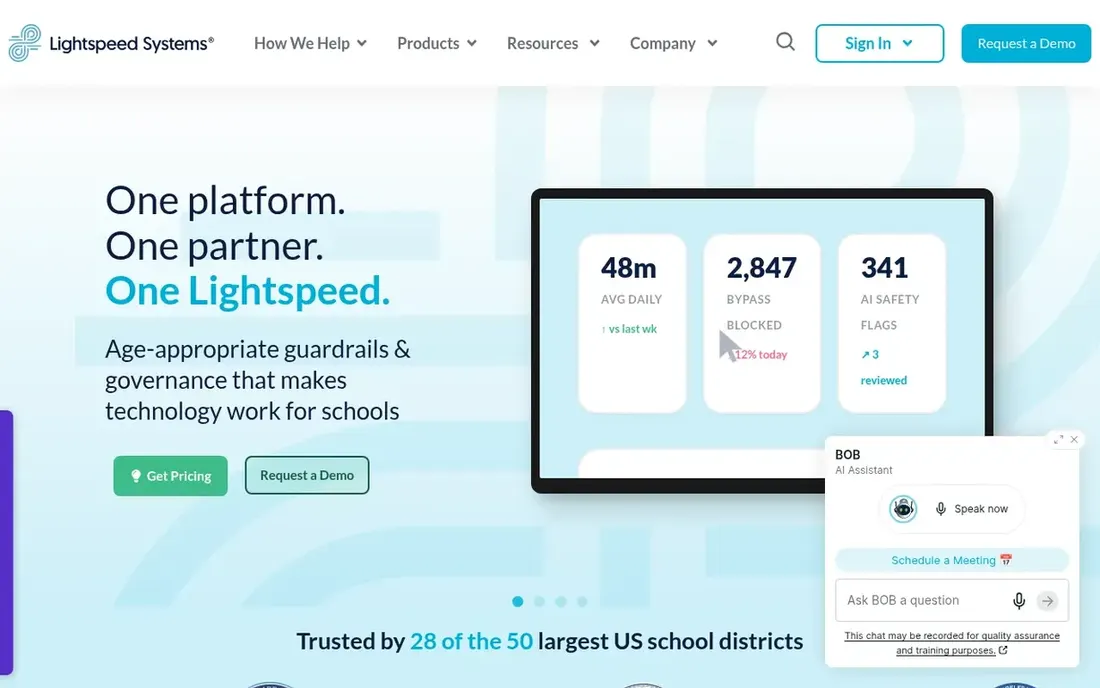
Lightspeed Alert is designed for visibility, control and compliance with safety. Lightspeed Alert comes from Lightspeed Systems, whose system gives you visibility and control to drive compliance, safety, security, engagement, management, and return on investment for school networks and devices.
Pick Lightspeed Alert when network-level visibility and compliance are central to your safety strategy and you can dedicate staff to configuring and acting on alerts. Schools that want a single lens over network activity and student safety signals commonly consider it, notably where IT oversight and safeguarding have to work together. Check the vendor site for Lightspeed Alert pricing; none is listed in this comparison. Free access: Not stated.
Where it is weaker: Safety alerting is part of a bigger suite.
- Capable network visibility and control
- Compliance and safety emphasis
- Wide edtech scope may feel complicated
Securly
Best for: Filtering plus wellness monitoring in one product
Securly is a good fit for filtering plus wellness monitoring in one system. Districts that want a consolidated approach to online safety and student wellbeing frequently shortlist it since filtering and monitoring live together rather than in separate systems.
Honest limits: Wellness workflows need district planning.
In practice, with multiple functions under one roof, setup and staff training take effort, and wellness alerts still rely on your response process. Pricing for Securly is not stated here, so ask the vendor for current figures. Free plan details: Not stated.
- Brings AI transparency features
- Bundles classroom management
- Feature breadth can take time to configure
GoGuardian
Best for: Safe and engaging K-12 digital learning
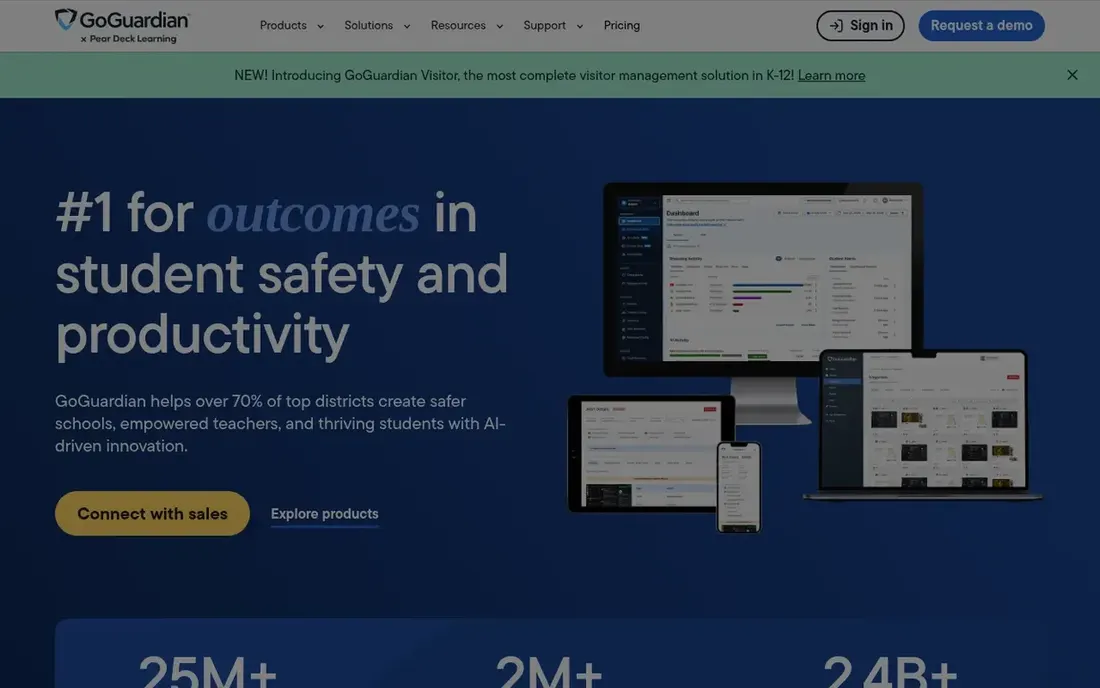
GoGuardian is designed for safe and engaging K-12 digital learning. GoGuardian describes itself as a system that enables K-12 leaders with effective tools to produce safe and engaging learning for every student.
Watch-outs: Needs device and network setup.
Beyond that, since GoGuardian frames itself around engaging digital learning, schools seeking deep clinical mental health workflows may need extra tools. Check the vendor site for GoGuardian pricing; none is listed in this comparison. As for free access: Not stated. What users get: Supports visibility across student devices.
- Engaging learning
- Focus on safe
- Wellness features are one part of a broader suite
Senso
Best for: Safeguarding plus IT operations in one place
Senso is built with safeguarding plus IT operations in one place in mind. That breadth fits districts or multi-school trusts that want safeguarding and IT tooling from a single provider rather than stitching together separate products.
The main drawbacks: Wide scope may be more than some need.
Choose Senso when consolidating safeguarding with IT operations is the goal; otherwise a narrower tool may be simpler to adopt. Entry price for Senso: $1.00 per Teams user per year. Free plan details: Not stated.
- Handles classroom management and filtering
- Safeguarding monitoring included
- Needs coordination across IT and safeguarding
Our selection method
The comparison looks at four things: starting price, free access, how well the feature set matches mental health software for schools, and the main limit of each tool. Plan names, prices and limits change often. Treat the figures here as a starting point and verify them with the vendor. The order reflects how well each tool fits the most common buying scenario for mental health software for schools, then price clarity, then free plan access. It is a starting point, not a verdict.
A buyer's checklist
- Get a written quote from Gaggle, Lightspeed Alert, Securly and GoGuardian; the list shows no starting price for them.
- Read the limits listed for Gaggle first: narrower than full device management suites.
- Map your must-have features to a specific Lightspeed Alert plan before you compare prices.
- Ask Gaggle which support channels and response times come with the plan you would buy.
- Ask GoGuardian whether prices are locked for the first term and what happens at renewal.
FAQ
What should schools look for in mental health software?
Look for clear monitoring coverage, a defined alert and response workflow, and solid student privacy commitments. Also confirm how the tool suits your existing filtering and device management so staff are not juggling disconnected systems.
What staffing do these systems need?
Most need someone to review alerts and follow up based on district policy, plus staff time for setup and training. Before buying, map out who responds to flags and how rapidly, since the software supports instead of replaces that process.
Is Gaggle the right pick for everyone comparing mental health software for schools?
No single tool suits every team. Gaggle comes first because it fits K-12 student safety and mental wellness, while Lightspeed Alert suits visibility, control and compliance with safety and Securly suits filtering plus wellness monitoring in one platform. Match the tool to your own size, budget and workflow before deciding.
Does any tool for mental health software for schools here have a free plan?
A permanent free plan is not offered by Gaggle, Senso or the other tools here. Plan a short evaluation period instead.
How are the tools for mental health software for schools ordered?
Gaggle sits first and Senso last because the order follows typical fit for mental health software for schools, then price clarity and free access. It is a judgement call, so read each profile for fit and limits.
Are student safety and mental wellness tools the same thing?
Safety products commonly flag concerning online activity, whereas wellness features focus on supporting student wellbeing; plenty of vendors now combine both, so check which capabilities you actually need.
Sources
- https://www.gaggle.net
- https://www.lightspeedsystems.com
- https://www.securly.com
- https://www.goguardian.com
- https://www.senso.cloud