Media Monitoring Tools for Government in 2026: The 6 Best Options Side by Side
A practical guide to media monitoring tools for government teams, covering coverage, alerts, reporting and procurement points to check before you buy.
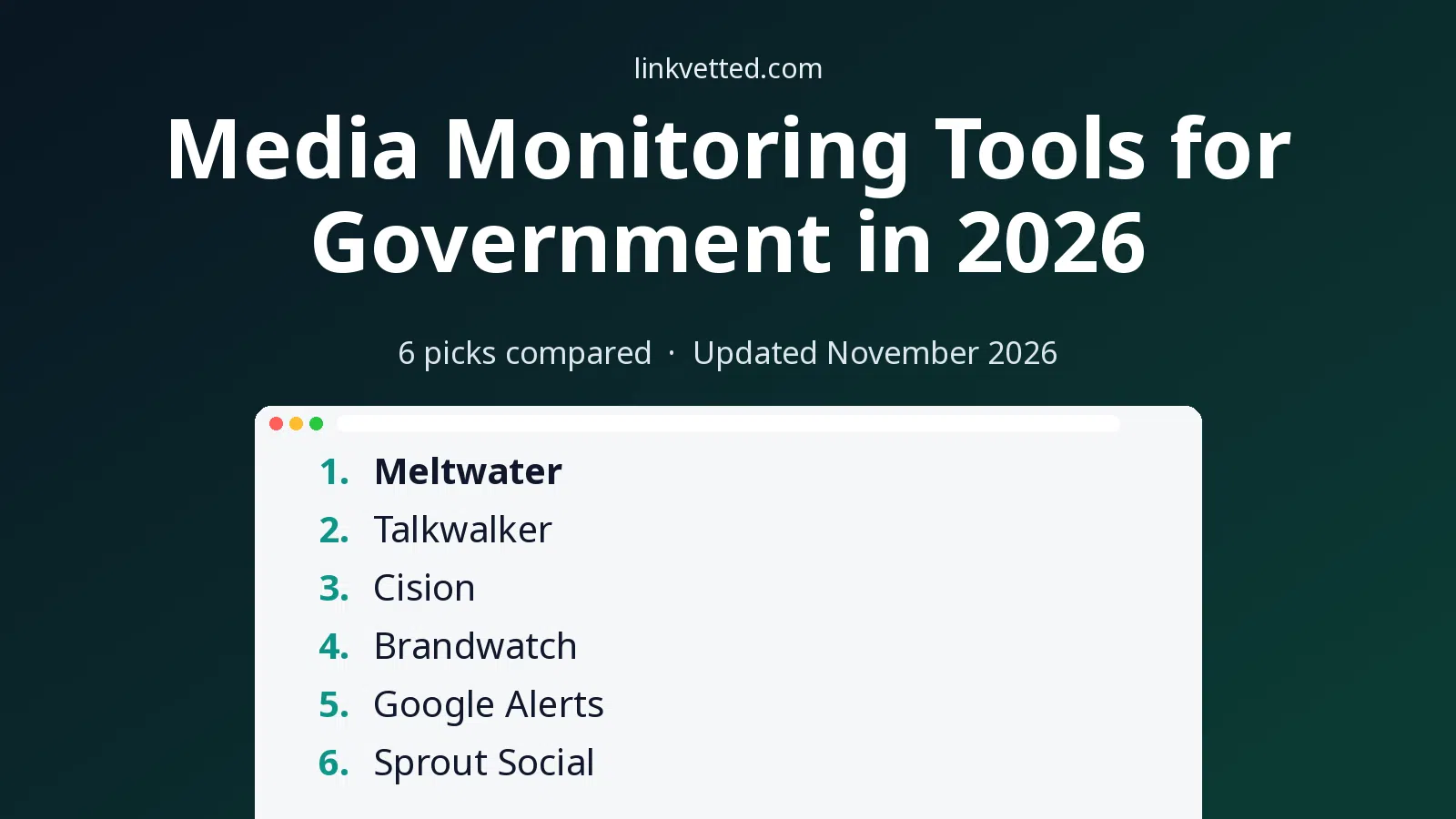
- Editor's choice
 Meltwater
Wide coverage for public comms teams
Starts atSee websiteVisit meltwater.comFull review - Great alternative
 Talkwalker
Social listening with visual search
Starts atSee websiteVisit talkwalker.comFull review - Also consider
 Cision
Media database plus monitoring
Starts atSee websiteVisit cision.comFull review
Direct answer
My first pick is Meltwater, because its media monitoring, broadcast and social coverage suits public-sector comms teams that need one place to track coverage and report on it. For teams that want a strong free starting point, Google Alerts is worth setting up first. For social listening with a public-sector focus, Talkwalker is a solid alternative. The right choice depends on your coverage needs, reporting duties and procurement rules.
TL;DR:
- Government teams usually need broadcast, print, online and social coverage in one workflow, so check coverage breadth before anything else.
- Alert speed and accuracy matter more than dashboard design when you have to respond to a developing story.
- Reporting and audit trails help when you have to show how a message was received over time.
- Access control and data handling terms are often decided by your IT and legal teams, not by the comms team.
- A free tool can cover basic monitoring, but paid platforms add the archiving and reporting that public bodies tend to need.
Last checked November 2026. Plan prices are not quoted in this guide because they change often; see each vendor's own pricing page for current figures before you buy.
Quick comparison
| Tool | Best for | Starts at | Free plan? | |
|---|---|---|---|---|
| Meltwater | Wide coverage for public comms teams | See website | Not stated | Visit |
| Talkwalker | Social listening with visual search | See website | Not stated | Visit |
| Cision | Media database plus monitoring | See website | Not stated | Visit |
 Brandwatch | Social conversation analysis at scale | See website | Not stated | Visit |
| Google Alerts | Free baseline monitoring | See website | Free plan | Visit |
 Sprout Social | Social channels and response | See website | Free trial | Visit |
The best media monitoring tools for government compared
I put this comparison together from vendor documentation and public sources, not from hands-on tests. I run a small SEO agency, so I read the product pages, help centres and public materials for each tool and judged them on how well they fit government monitoring work. Where a detail was not clear from public sources, I say so rather than guess.
Meltwater is a media intelligence platform that combines monitoring, media relations and social listening. It fits government comms teams that need to follow many outlets and channels at once and produce regular coverage reports for internal stakeholders. The platform is built for organisations with a dedicated comms function rather than a single person checking headlines.
For government work, the useful part is the ability to group coverage by topic, department or campaign and then pull that into a report. You can set up alerts for named spokespeople, policy terms and department names, then review the results in a shared workspace. That structure helps when several people need to see the same coverage without duplicating searches.
The limits are practical. Setup and tuning take effort, and the platform assumes you have someone who can own it. Smaller councils or teams without a comms analyst may find it more than they need, and pricing has to be requested.
- Broad online, print, broadcast and social coverage
- media relations and monitoring in one platform
- reporting options for regular updates
- Configuration takes time
- pricing is not public
Talkwalker is a consumer intelligence and social listening platform. It is often used by brands, but its monitoring of social posts, images and video makes it relevant for public bodies that need to see how a topic spreads online. It suits teams that care about public conversation as much as traditional coverage.
For government monitoring, Talkwalker helps you follow a policy announcement or public statement as it moves across social platforms. You can track keywords, hashtags and images, then review the volume and tone of the conversation. That is useful for spotting a story gaining traction before it reaches traditional media.
It is less suited to teams whose main need is a daily digest of print and broadcast coverage. If your reporting is built around clippings and broadcast logs, a platform with stronger traditional media coverage may fit better.
- Strong social and visual monitoring
- topic and sentiment analysis
- alerting across channels
- Less of a fit for print-first teams
- pricing is not public
Cision is a media intelligence and PR software company with a long-standing media database and monitoring service. It fits government press offices that need to both track coverage and reach journalists. Having contacts and monitoring in one platform can reduce the number of tools a team has to manage.
For public-sector comms, Cision is useful when you need to see who covered a story and then follow up with the right contacts. Monitoring feeds into reports, and the database helps with outreach around announcements. That combination works well for press offices with a steady flow of media activity.
The trade-off is weight. Cision is built for larger organisations, and smaller teams may find the setup and cost hard to justify. If you only need to watch coverage and do not run media outreach, a simpler monitoring tool may be enough.
- Large media contact database
- monitoring and analysis in one place
- established reporting tools
- Enterprise setup can be heavy
- pricing is not public
Brandwatch is a social listening and consumer intelligence platform. It is built around analysing online conversation at scale, which makes it a fit for government teams that need to understand public sentiment around a topic, service or announcement. It is less about clipping traditional media and more about reading the online room.
For government monitoring, Brandwatch helps you build queries around a policy area, a place name or a service, then track how the conversation changes over time. You can compare topics, follow sentiment and set alerts for spikes. That supports teams that need to brief leadership on public mood, not just coverage volume.
The limit is scope. If your reporting duty is mainly broadcast and print coverage, Brandwatch covers only part of the picture. It works best alongside a traditional media monitoring tool rather than as a replacement.
- Deep social listening
- sentiment and trend analysis
- flexible queries
- Social data focus over broadcast
- pricing is not public
Google Alerts
Best for: Free baseline monitoring
Google Alerts is a free service that emails you when Google finds new results for a search term. It is the simplest way to start monitoring a department name, a spokesperson or a policy phrase. For small teams with no budget, it gives a basic early warning of new coverage.
In a government context, it works as a first line of defence. You can set alerts for your organisation, key officials and recurring topics, then route the emails to a shared inbox. It is useful for catching a mention you would otherwise miss, especially in local and trade outlets.
Its limits are clear. There is no dashboard, no archive and no reporting, and you cannot control which sources are included with much precision. It is a starting point, not a system for a comms team that has to report on coverage.
- Free to use
- quick to set up
- email alerts for chosen terms
- No reporting or archiving
- limited control over sources
Sprout Social is a social media management platform for publishing, monitoring and responding on social channels. It fits government teams that run official accounts and need to watch replies and mentions as part of their daily work. It is a social tool, not a full media monitoring platform.
For government use, Sprout Social helps a team manage messages, track mentions and keep a record of responses across channels. That is useful when public questions arrive through social and need a consistent reply. Monitoring here means watching your own channels and the conversation around them.
The limit is coverage. It does not track print or broadcast media, so it cannot replace a media monitoring platform. Teams that need a full picture should pair it with a monitoring tool or choose a broader platform.
- Social publishing and monitoring together
- inbox for replies
- team workflow
- Social only
- not a full media monitoring suite
How I chose
I chose these tools by reading vendor documentation and public sources, then judging each one against the work government comms teams actually do: tracking coverage across channels, alerting on developing stories, and reporting to internal stakeholders. I did not run hands-on tests, and I have not used every tool in a live government environment. The comparison is based on what each vendor publishes about coverage, features and setup.
I also weighed limits. A tool that is strong on social data may be weak on broadcast, and a free tool may lack the archiving and reporting that public bodies need. I left out tools where public information was too thin to describe accurately. Where pricing is not published, I say so rather than estimate. Before buying, check the current feature set and terms directly with each vendor, since products change.
What to check before you buy
- Confirm the tool covers the channels you must monitor, including local print, broadcast and the social platforms your public uses.
- Ask how alerts work and how quickly they arrive, since response time matters for developing stories.
- Check whether coverage is archived and for how long, because public bodies often need a record for reporting and audits.
- Review data handling, hosting and access control terms with your IT and legal teams before signing.
- Ask for a reporting format that matches what you already produce for leadership or oversight bodies.
- Check how many users can access the platform and whether roles and permissions fit your team structure.
FAQ
Do government teams need a paid media monitoring tool?
Not always. A small team can start with Google Alerts and a manual review of key outlets. A paid tool becomes worthwhile when you need coverage across many channels, a shared workspace, archiving and regular reporting. The decision usually comes down to how much coverage you have to track and what you have to report.
Can I use social listening tools for government monitoring?
Yes, with care. Social listening tools like Talkwalker and Brandwatch help you follow public conversation around a topic or announcement. They do not replace traditional media monitoring, so most teams use them alongside a platform that covers print and broadcast. Check data handling terms before you connect public social data to internal reporting.
How do I compare tools when prices are not published?
Ask each vendor for a quote based on your actual needs: number of users, channels, coverage volume and reporting. Compare what is included rather than the headline figure. Ask about setup time, training and support, since those affect the real cost of running the tool. Public-sector procurement rules may also shape how you evaluate options.
What is the difference between media monitoring and social listening?
Media monitoring tracks coverage in news outlets, print and broadcast, and often online news. Social listening focuses on conversation on social platforms, including sentiment and trends. Government teams often need both, which is why some choose a platform that covers both areas or pair two tools together.
Is a free tool enough for a small council or department?
For basic awareness, a free tool like Google Alerts can be enough. It will not give you a dashboard, archive or reporting. If you have to show how coverage developed over time or brief leadership regularly, a paid platform is usually the more practical choice. Start free, then move up when the reporting need appears.
Sources
- https://www.meltwater.com
- https://www.talkwalker.com
- https://www.cision.com
- https://www.brandwatch.com
- https://www.google.com/alerts
- https://sproutsocial.com