Top 6 Live Stream Software for Church for 2026 (Prices and Free Plans)
Best live stream software for church in 2026: 6 tools with starting prices, free plans and limits. Compare costs and catches in one place. Facts only.
- Editor's choice
 Zoom
Meetings, webinars and straightforward events
Starts atSee websiteVisit zoom.usFull review - Great alternative
 Ecamm Live
Mac-based social streaming
Starts atSee websiteVisit ecamm.comFull review - Also consider
 OBS Studio
Open source streaming and recording
Starts atSee websiteVisit obsproject.comFull review
Direct answer
Start with Zoom if you need meetings, webinars and straightforward events. Listed starting prices: Wirecast from $34 per month and Restream Studio from $239 a month. Ecamm Live is the stronger choice for Mac-based social streaming, while OBS Studio suits open source streaming and recording. The other 3 tools in the list cover narrower or pricier cases.
TL;DR:
- Zoom takes the first slot, best suited to meetings, webinars and straightforward events.
- Before buying OBS Studio, weigh this: setup can feel technical.
- Wirecast has the lowest monthly starting price in this list: $34 per month.
- Neither Zoom nor Restream Studio, nor any of the other 4 tools, has a permanent free plan; trials and quotes are the norm.
Last checked November 2026. Prices and plan details were read from the vendors' own pages in November 2026; vendors change plans often, so confirm the current price on the vendor site before you buy.
Quick comparison
| Tool | Best for | Starts at | Free plan? | |
|---|---|---|---|---|
| Zoom | Meetings, webinars and straightforward events | See website | Not stated | Visit |
| Ecamm Live | Mac-based social streaming | See website | Not stated | Visit |
| OBS Studio | Open source streaming and recording | See website | Not stated | Visit |
 Wirecast | Multi-camera broadcast production | $34 per month | Free trial | Visit |
 StreamYard | Browser-based volunteer streaming | See website | Free trial | Visit |
| Restream Studio | Multistreaming to plenty of channels | $239 a month | Not stated | Visit |
Live Stream Software for Church compared in detail
If you are comparing live stream software for church, this page covers 6 tools in one place: what each is best for, what it costs to start, whether it has a free plan, and the main limit to know about.
Zoom is aimed squarely at meetings, webinars and straightforward events. Zoom is a collaboration platform handling video meetings, chat, webinars and events.
Points against: Not a dedicated encoder.
What users get: Meetings.
More specifically, choose it for interactive gatherings and pair it with dedicated streaming software for Sunday broadcast. Zoom shows no starting price here, so confirm the cost on the vendor site. Trial and free access: Not stated.
- Chat and collaboration tools
- Webinars and events
- Restricted production switching
Where Ecamm Live fits: Mac-based social streaming. Very large productions with plenty of hardware inputs may also outgrow it, so confirm input handling before committing.
Watch-outs: Not geared toward Windows teams.
From a buyer's view, Ecamm Live is a live streaming product for Mac with support for Facebook, YouTube, Instagram, X, Twitch and LinkedIn. Ecamm Live shows no starting price here, so confirm the cost on the vendor site. Free options: Not stated.
- Streams to multiple social products
- Friendly for solo operators
- Mac only
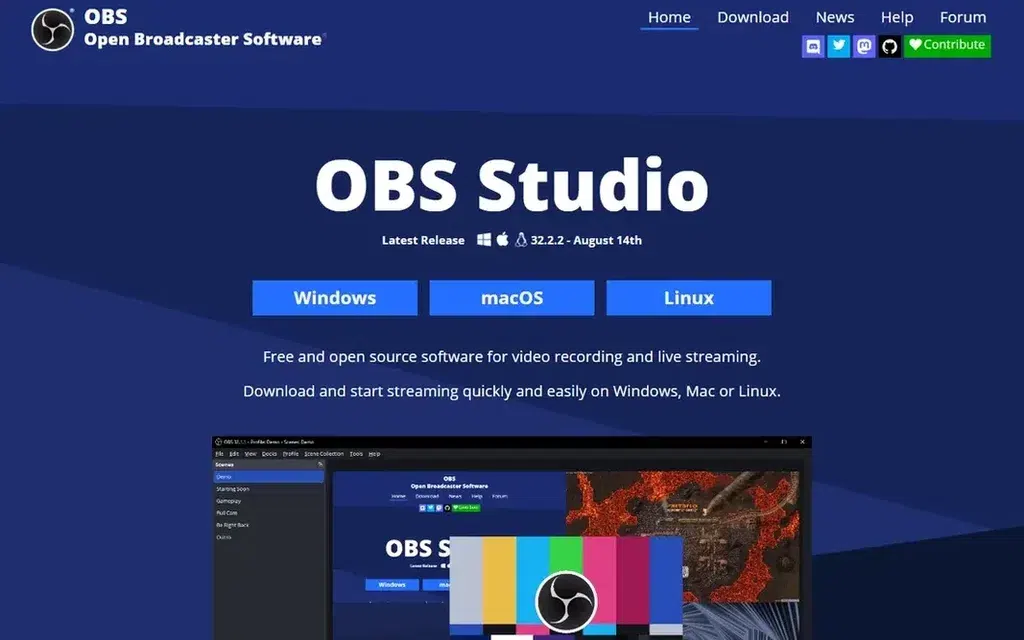
OBS Studio works best for open source streaming and recording. OBS Studio is open source software for video recording and live streaming, with support for Twitch, YouTube and numerous other providers plus local recording. It performs well when the team wants full control without a subscription-style product behind it.
Pick something else if you want a guided browser studio or a dedicated hardware-style mixer with more straightforward switching. Worth adding: the tradeoff is a steeper ramp-up time and no built-in remote guest or multistream management. So a small volunteer team may need training. Pricing for OBS Studio is not stated here, so ask the vendor for current figures. As for free access: Not stated.
Drawbacks to consider: No built-in remote guest workflow.
- Free and open source
- High quality H264 and AAC encoding
- Setup can feel technical
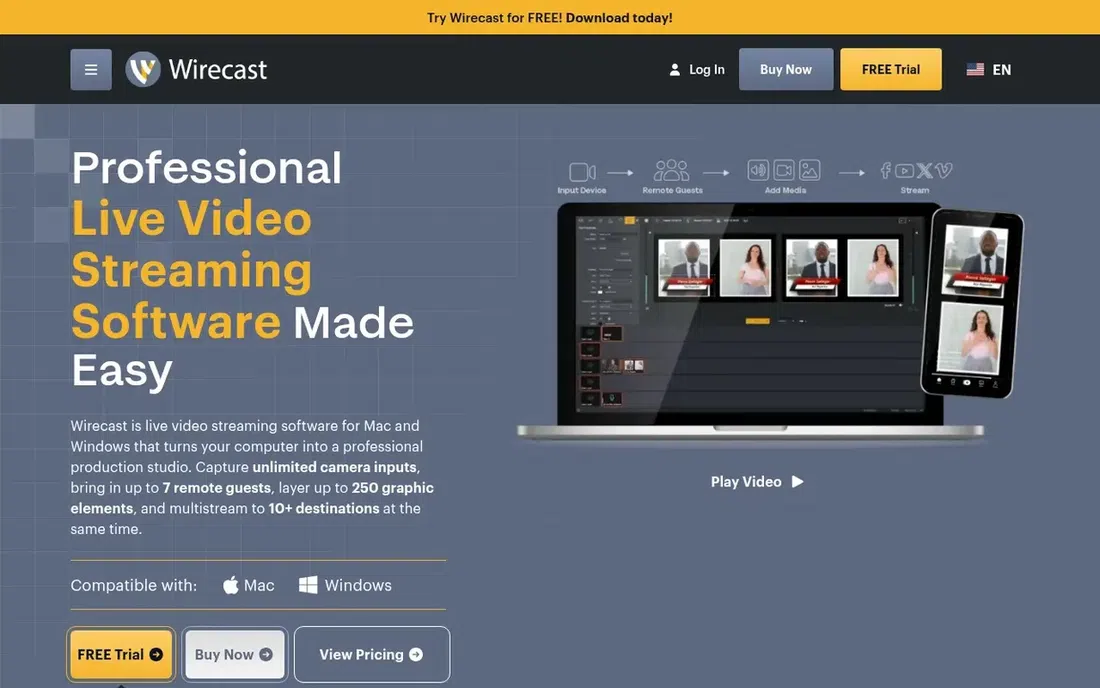
Pick Wirecast if this describes you: multi-camera broadcast production. It fits churches running a structured broadcast with several angles, interview segments or guest speakers who join remotely.
For everyday use, the depth of features means volunteers need practice before running a Sunday service solo. What you pay to start with Wirecast: $34 per month. Free options: Free trial.
Points against: Feature depth takes time to learn.
- Mac and Windows support
- Add remote guests and multistream
- Heavier than straightforward browser tools
StreamYard targets browser-based volunteer streaming. It suits churches whose volunteers rotate weekly and need a low-friction way to go live without installing software or managing encoder settings on a dedicated machine.
Strengths: Runs in the browser.
Limits to weigh: Relies on stable internet.
In practice, churches with unreliable internet or a need for complicated camera switching should weigh a desktop option first. No starting price is listed for StreamYard here; confirm pricing on the vendor site. Trial and free access: Free trial.
- Streams to Facebook
- YouTube and more
- Less control over encoding
Restream Studio
Best for: Multistreaming to plenty of channels
Restream Studio is a good fit for Multistreaming to many channels. Restream is a live video system that lets users build videos and multistream them to their preferred channels.
Watch-outs: Fewer deep production controls.
From a buyer's view, if your church needs advanced switching or graphics, pair a desktop tool with distribution or choose a fuller production suite. Starting cost for Restream Studio: $239 per month. As for free access: Not stated.
- Multistreams to favorite channels
- Straightforward live video creation
- Depends on cloud connectivity
How we chose
Before you commit
- Confirm the entry price on the vendor page. For Zoom, Ecamm Live, OBS Studio and StreamYard that means a quote rather than a fixed price.
- Take the trial from Wirecast and StreamYard and push a live task through it before you pay.
- Read the limits listed for Zoom first: not a dedicated encoder.
- Find out whether the entry plan of Ecamm Live covers your must-haves or only a trimmed-down version.
- Get the contract term, renewal terms and any onboarding fees from Restream Studio in writing.
FAQ
Is free software enough for a church livestream?
OBS Studio is open source and handles recording and streaming to plenty of providers, which is enough for plenty of churches. If you need guided production, remote guests or managed multistreaming, a dedicated system may save volunteer time.
Does any tool for live stream software for church here have a free plan?
No tool in this list, Zoom and Restream Studio included, has a permanent free plan. Wirecast, StreamYard offer a trial. Trials and quotes are the usual route, so plan a short evaluation period.
Can I try these tools before paying?
Often, yes. Wirecast and StreamYard offer a free trial. Use your own data and a real task during the test, and check what the free tier or trial limits before you rely on it.
Do these tools publish their prices?
Not all of them. Zoom, Ecamm Live, OBS Studio and StreamYard publish no starting price, so expect a quote request for those. The rest, Wirecast included, show a starting price, though seats and billing terms still change the final cost.
Is Zoom the right pick for everyone comparing live stream software for church?
No single tool suits every team. Zoom comes first because it fits meetings, webinars and simple events, while Ecamm Live suits Mac-based social streaming and OBS Studio suits open source streaming and recording. Match the tool to your own size, budget and workflow before deciding.
Sources
- https://zoom.us
- https://www.ecamm.com
- https://obsproject.com
- https://www.telestream.net/wirecast
- https://streamyard.com
- https://restream.io
Related guides
- Best Church Donation Software with Text Giving for 2026: Our 6 Vetted Picks
- 6 Best Church Giving Software for Online Tithing for 2026, Vetted and Compared
- 5 Church Management Software for Growing Congregations Worth Shortlisting in 2026
- Best Church Small Group Management Software in 2026: Prices, Free Plans and 5 Picks