6 Best Link Building Tools for Beginners for 2026, Vetted and Compared
A practical guide to the best link building tools for beginners in 2026, compared from vendor documentation and public sources, with limits and buying checks.
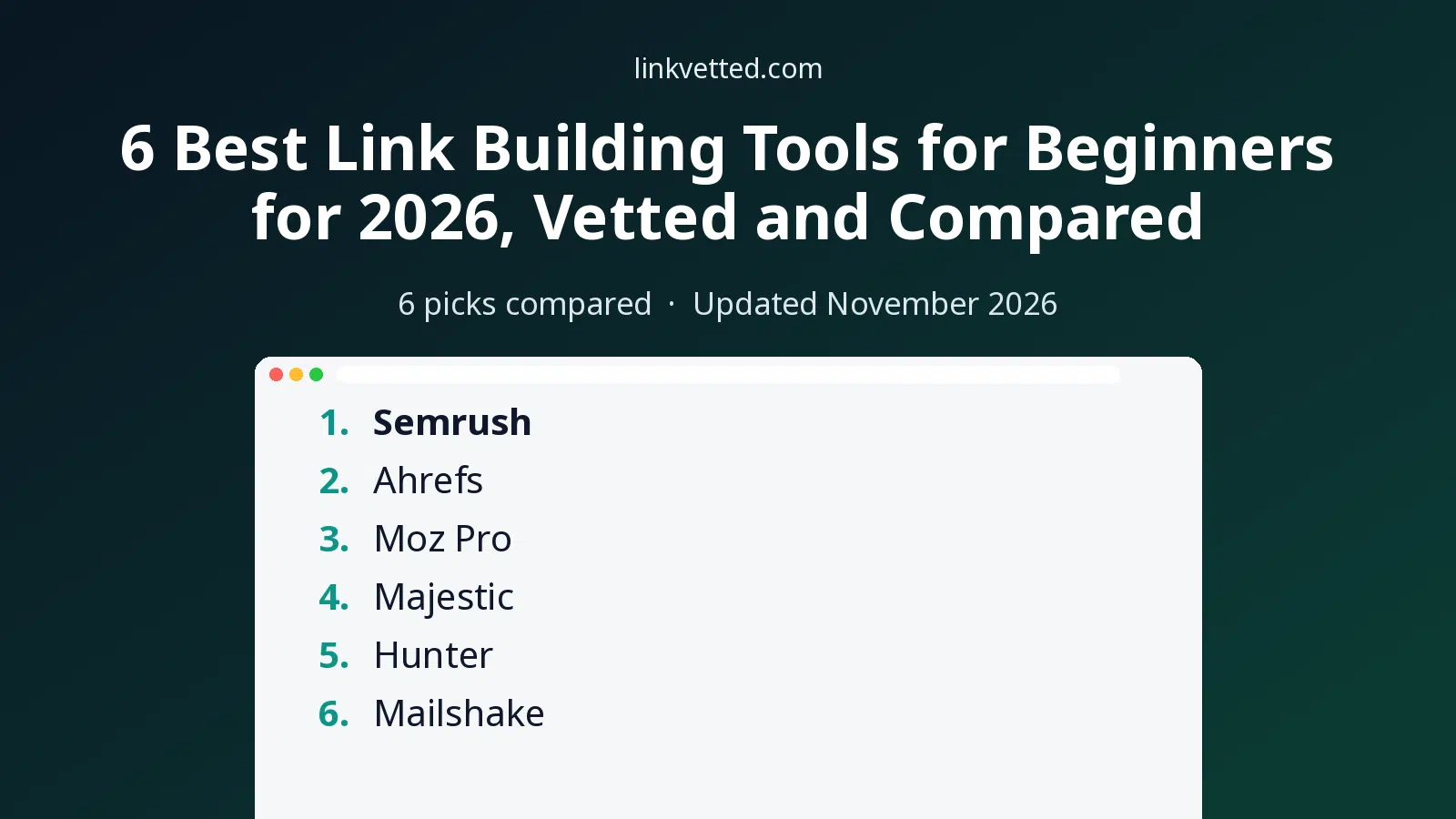
- Editor's choice
 Semrush
One suite for research and outreach
Starts atSee websiteVisit semrush.comFull review - Great alternative
 Ahrefs
Backlink research and site audits
Starts atSee websiteVisit ahrefs.comFull review - Also consider
 Moz Pro
Learning core link metrics
Starts atSee websiteVisit moz.comFull review
Direct answer
My first pick for most beginners is Semrush, because its link analytics, prospecting and outreach features sit in one place and the help documentation is thorough. If budget is the main concern, Ahrefs Webmaster Tools gives you a free way to see your own backlinks. For outreach email alone, Mailshake is simpler than most all-in-one suites.
TL;DR:
- Beginners usually need three things: a way to find link prospects, a way to check a site's backlink profile, and a way to send outreach emails without losing track.
- All-in-one suites like Semrush and Ahrefs cover the first two well, but their link data is an estimate, not a verified record of every link.
- Free tiers from Google Search Console and Ahrefs Webmaster Tools are enough to audit your own backlinks before you pay for anything.
- Outreach tools such as Mailshake and Hunter help with sending and finding contacts, but they do not judge whether a link is worth pursuing.
- No tool guarantees links or rankings; the judgment about which sites to approach stays with you.
Last checked November 2026. Plan prices are not quoted in this guide because they change often; see each vendor's own pricing page for current figures before you buy.
Quick comparison
| Tool | Best for | Starts at | Free plan? | |
|---|---|---|---|---|
| Semrush | One suite for research and outreach | See website | Free plan | Visit |
| Ahrefs | Backlink research and site audits | See website | Free plan | Visit |
| Moz Pro | Learning core link metrics | See website | Free trial | Visit |
 Majestic | Checking link trust signals | See website | No free plan | Visit |
 Hunter | Finding outreach email addresses | See website | Free plan | Visit |
 Mailshake | Sending and tracking outreach emails | See website | Free trial | Visit |
The best link building tools for beginners compared
I put this list together by reading vendor documentation, help centres and public product pages, and by comparing what each tool actually does for someone starting out. I did not run hands-on tests, so treat the notes below as a guide to fit and limits rather than a lab result.
Semrush is a broad SEO platform, and its link building side covers backlink audits, competitor backlink comparison, and a link building tool that helps you build and manage prospect lists. For a beginner, the appeal is not having to stitch three separate products together on day one.
In practice, you would start by auditing your own domain, then look at competitors to see which sites link to them. From there you can move prospects into a list, find contact details and track outreach status. That flow is the main reason I rank it first for beginners who want a single place to work.
The limit is cost and complexity. If you only need to check your own backlinks, the free tools below will do. Skip Semrush if you want a narrow, cheap tool and nothing else.
- Backlink analytics and competitor views in one place
- built-in prospect lists and outreach features
- extensive public documentation and tutorials
- The interface can feel crowded at first
- link data is modelled, not a live crawl of every link
Ahrefs is known mainly for its backlink data, and its Site Explorer shows referring domains, anchors, and new and lost links for any domain you enter. It also includes a site audit and rank tracking, so it works as a general SEO toolkit rather than a link-only product.
For a beginner, the most useful entry point is Ahrefs Webmaster Tools, which lets you verify a site you own and see its backlinks and basic site health for free. That gives you a real starting point before you consider a paid plan, and it teaches you how backlink reports are structured.
The drawback is that the paid product is built for people who already know what they are doing. If you are completely new and want guided workflows, a suite with more hand-holding may suit you better.
- Well-regarded backlink index
- clear referring domain and anchor reports
- free Webmaster Tools tier for site owners
- Paid plans are priced for professionals and teams
- some features assume prior SEO knowledge
Moz Pro includes Link Explorer, which shows backlinks, referring domains and domain authority for a target site. Moz's own documentation explains each metric, which helps a beginner understand what the numbers mean rather than just reading a score.
The workflow is straightforward: enter a domain, review the backlink profile, compare with a competitor, and export prospects. Moz also publishes a lot of beginner-oriented SEO material, so the tool and the learning material sit together.
The main limit is index size. If you need the widest possible backlink coverage, other tools on this list go further. Moz suits people who want understandable metrics more than maximum coverage.
- Long-running link metrics that are widely explained
- link explorer with spam signals
- educational content around SEO basics
- Link index is generally smaller than larger rivals
- interface feels dated in places
Majestic is a backlink-only tool. It reports backlinks, referring domains and its own Trust Flow and Citation Flow metrics, which many SEOs use as a rough quality signal when judging a prospect site.
For a beginner, Majestic is useful at the vetting stage. Once you have a list of sites that might link to you, you can check whether their backlink profiles look natural or thin. That check is a useful habit to build early.
The limitation is scope. Majestic will not help you find prospects, write outreach emails or track replies. It is a specialist add-on, not a starting point on its own.
- Focused entirely on backlinks
- Trust Flow and Citation Flow give a quick quality read
- historical link data
- No content, keyword or outreach features
- metrics need interpretation, not blind trust
Hunter is an email discovery tool. You enter a company domain and it returns publicly associated email addresses and patterns, with verification to reduce bounces. For link outreach, that solves the practical problem of who to email.
The beginner workflow is simple: research prospects in a link tool, then look up contacts in Hunter, then send. It does not require SEO knowledge, which makes it one of the easier tools to add early.
The limit is that Hunter only handles contact finding. It will not tell you whether a site is a good link target, and it cannot send or track campaigns. Pair it with a research tool and an outreach sender.
- Finds and verifies email addresses from company domains
- simple search by domain
- works alongside any link research tool
- Does not provide backlink data
- results depend on what is publicly available
Mailshake is an outreach email tool. You import a list of prospects, write a sequence, and it sends and tracks replies. For link building, that means you can run a small, organised campaign instead of sending emails one by one from your inbox.
For a beginner, the value is structure. You can see who opened, who replied and who needs a follow-up, which is hard to manage in a spreadsheet. It also encourages you to write a short, specific pitch rather than a generic blast.
The limitation is that it starts at the email step. You still need a way to find prospects and check their sites. Skip it if you are sending only a handful of personal emails a month.
- Built for cold and outreach email sequences
- tracking and reply handling
- templates and simple campaign setup
- No link prospect discovery
- deliverability still depends on your own sending setup
How I chose
I compared these tools by reading their official product pages, help documentation and public feature descriptions, and by checking what each one actually covers in a beginner link building workflow: finding prospects, checking backlink profiles, finding contacts and sending outreach. I did not run hands-on tests, and I have not verified any vendor claims about index size or accuracy. Where a tool's documentation was thin on a point, I left it out rather than guess.
The second filter was fit for someone starting out. A tool made the list if a beginner could get a useful result within a short session, and if its documentation explained the concepts rather than assuming them. I also noted the main drawback for each, because most beginners overspend on a suite when a free tier plus one specialist tool would do the job. The order reflects how much of the workflow each tool covers, not a score.
What to check before you buy
- Confirm whether the free tier covers your own site only or also competitor domains, since that changes what you can learn before paying.
- Check how the vendor describes its backlink index and whether it publishes any limits, rather than relying on marketing claims.
- Look for a trial or free tier long enough to run one real prospect list through the tool.
- Read the help docs for the link building workflow specifically, not just the general SEO features.
- Check whether outreach sending is included or whether you need a separate email tool.
- Confirm cancellation and refund terms before committing to an annual plan.
FAQ
Do I need a paid tool to start link building?
No. Google Search Console and Ahrefs Webmaster Tools both show backlinks to sites you own for free, and that is enough to understand your starting point. A paid tool helps when you want competitor data, prospect lists or outreach tracking at scale. Start free, then pay when a specific task is blocked.
Which tool is easiest for a complete beginner?
Hunter is the simplest to use because it does one clear job: find email addresses for a domain. Among the SEO suites, Moz Pro is often easier to read because its metrics are explained in plain terms. The trade-off is that Moz's link index is smaller than some rivals.
Can these tools get me links automatically?
No. They help you find prospects, check sites and send emails, but the decision about who to approach and what to offer is yours. Automated link placement tools and paid link schemes carry risk and are not something I recommend. Treat these products as research and outreach aids.
Is free link data accurate enough to rely on?
Free tiers usually show your own verified site, which is the most reliable view you can get. Third-party estimates of other sites' backlinks are modelled and will differ between vendors. Use them to spot patterns and compare prospects, not as an exact count.
What should I buy first if I have a small budget?
Start with a free backlink audit of your own site, then add Hunter if finding contacts is your bottleneck, or Mailshake if sending and tracking is. Add a paid SEO suite only when you need competitor backlink data regularly. Buying the suite first often leads to paying for features you do not use yet.
Sources
- https://www.semrush.com
- https://www.ahrefs.com
- https://moz.com
- https://majestic.com
- https://hunter.io
- https://mailshake.com