Best Legal Software for Small Practice for 2026: Our 5 Vetted Picks
Weighing the best legal software for small practice? We lined up 5 products by cost, free access and fit. Pros and cons for every tool. Updated November 2026.
- Editor's choice
 CosmoLex
Cloud management with trust and billing focus
Starts at$49 per user per monthVisit cosmolex.comFull review - Great alternative
 Smokeball
Automatic time tracking and document automation
Starts atSee websiteVisit smokeball.comFull review - Also consider
 MyCase
All-in-one case, client and billing management
Starts at$50 per user a monthVisit mycase.comFull review
Direct answer
CosmoLex is the first pick on this list for cloud management with trust and billing focus. Listed starting prices: CosmoLex from $49 per user per month, MyCase from $50 per user a month and PracticePanther from $49 per user a month. Look at Smokeball for automatic time tracking and document automation, and at MyCase for all-in-one case, client and billing management. The full list of 5 tools follows, with prices and free plan facts.
TL;DR:
- Top of the list is CosmoLex, which targets cloud management with trust and billing focus.
- The lowest published monthly entry price here is $39 per month per user billed annually, from Rocket Matter.
- A permanent free plan is missing from all 5 tools, CosmoLex and Rocket Matter included; plan for a trial or a premium start.
- MyCase comes with a trade-off: wide feature set can take time to learn.
- Rocket Matter fits efficient management and firm growth.
Last checked November 2026. Prices and plan details were read from the vendors' own pages in November 2026; vendors change plans often, so confirm the current price on the vendor site before you buy.
Quick comparison
| Tool | Best for | Starts at | Free plan? | |
|---|---|---|---|---|
| CosmoLex | Cloud management with trust and billing focus | $49 per user per month | Free trial | Visit |
| Smokeball | Automatic time tracking and document automation | See website | Not stated | Visit |
| MyCase | All-in-one case, client and billing management | $50 per user a month | Free trial | Visit |
 PracticePanther | Automating firm processes and billing | $49 per user a month | Free trial | Visit |
 Rocket Matter | Efficient management and firm growth | $39 per month per user billed annually | Free trial | Visit |
Legal Software for Small Practice profiles
LinkVetted put together this guide to legal software for small practice for readers who want a clear shortlist without reading every vendor page. It compares 5 tools on starting price, free plans, who each one suits and where each one falls short.
Where CosmoLex fits: cloud management with trust and billing focus. As for the details, cloud-first operation means dependable internet access matters day to day.
Beyond that, compare lighter tools if your primary need is straightforward matter tracking. The starting price for CosmoLex: $49 per user per month. On free options: Free trial.
Where it is weaker: Feature set may exceed entry-level needs.
- Cloud-based practice management
- Emphasis on trust and billing controls
- Cloud reliance needs steady internet

In short, Smokeball is for automatic time tracking and document automation. Automation only pays off once templates and workflows are configured, so plan for setup time.
Businesses that prefer manual, light tools may find it more than needed. If your priority is a straightforward case list with entry-level billing, a leaner option may be simpler to adopt. Smokeball does not show a starting price in this comparison, so check the vendor site for current pricing. Free plan details: Not stated.
Where it is weaker: Automation setup needs initial effort.
- Document automation and billing in one system
- Automatic time tracking highlighted
- Less suited to businesses wanting minimal tooling
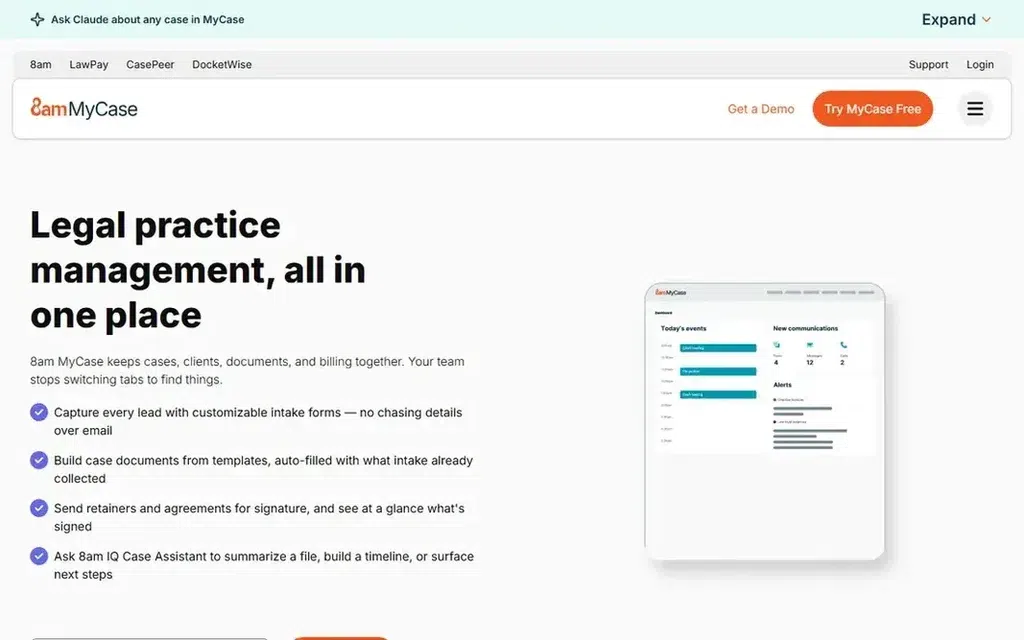
For all-in-one case, client and billing management, MyCase is a natural candidate. It brings cases, clients, billing and payments together in one place, which fits small practices that want a single home for daily work. Practices with highly specialized process needs should compare workflow-focused choices before committing.
Where it is weaker: Advanced needs may call for specialized tools.
More specifically, since it spans multiple areas, expect some onboarding effort before the workflow feels natural. Beyond that, businesses that deal with a steady mix of matters, invoicing and client communication are the clearest fit. Starting cost for MyCase: $50 per user per month. As for free access: Free trial.
- Billing and payments together
- Cases, clients
- Wide feature set can take time to learn
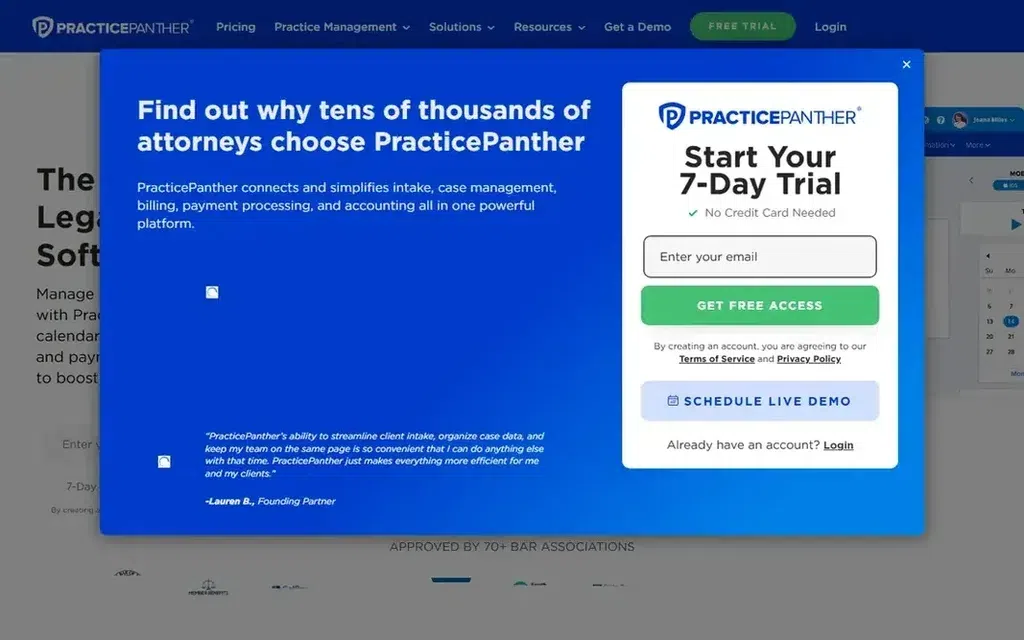
PracticePanther is built with automating firm processes and billing in mind. Businesses expanding past ad hoc spreadsheets and separate billing tools are a decent match. Beyond that, PracticePanther is law practice management software built around automating firm processes, billing and time tracking.
Compare workflow-centric products if your matters follow long, multi-stage processes. The breadth of automation can feel like a lot for a solo practitioner with straightforward needs. What you pay to start with PracticePanther: $49 per user per month. On free options: Free trial.
What to check first: Feature depth may overwhelm very small teams.
- Billing and time tracking included
- Process automation for firm workflows
- Customization needs vary by practice area
Where Rocket Matter fits: efficient management and firm growth. Practices concentrated on steady growth are a reasonable fit.
What to check first: May need extras for niche workflows.
Businesses with unusual process requirements should check customization choices first. Worth adding: a single source of truth only works if the entire team keeps it updated, which takes discipline. Rocket Matter pricing: $39 per month per user billed annually. Trial and free access: Free trial.
- Framed around efficiency and profitability
- Single source of truth for firm management
- Needs discipline to keep data current
How we chose
We compared the tools on published pricing, free plan or trial availability, feature coverage for legal software for small practice, and the limits each vendor documents. Where a vendor does not publish a price, the entry says quote. Where a price depends on seats or billing term, the entry says so. We ordered the tools by general fit, then by how clearly pricing is shown, then by free access. A buyer with unusual needs may reorder them.
A buyer's checklist
- Ask Smokeball for a written quote, since no starting price is shown.
- Use real work to test the free trial from CosmoLex, MyCase, PracticePanther and Rocket Matter, rather than a demo project.
- Before choosing CosmoLex, weigh its main limit: cloud reliance needs steady internet.
- Check whether PracticePanther bills monthly or annually, and what cancelling early costs.
- Pick one real project and run it in Smokeball first; a small pilot shows fit faster than a checklist.
FAQ
Can a solo practitioner use these products?
The practical question is setup effort: automation-heavy products need more configuration. Solo practitioners should favor tools they can run without dedicated administrators.
Is CosmoLex the right pick for everyone comparing legal software for small practice?
No single tool suits every team. CosmoLex comes first because it fits cloud management with trust and billing focus, while Smokeball suits automatic time tracking and document automation and MyCase suits all-in-one case, client and billing management. Match the tool to your own size, budget and workflow before deciding.
What should a small practice look for first in legal software?
Start with the work you do daily: matter tracking, time capture and billing. From a buyer's view, a system that matches your routine beats one with the longest feature list.
Does any tool for legal software for small practice here have a free plan?
No tool in this list, CosmoLex and Rocket Matter included, has a permanent free plan. CosmoLex, MyCase, PracticePanther, Rocket Matter offer a trial. Trials and quotes are the usual route, so plan a short evaluation period. Prices, free plan details and limits for all 5 tools in this legal software for small practice roundup sit on the individual cards above.
Do these tools publish their prices?
Not all of them. Smokeball publishes no starting price, so expect a quote request for it. The rest, CosmoLex included, show a starting price, though seats and billing terms still change the final cost. Each of the 5 options in this legal software for small practice guide has its own card above with the price, free plan and limits.
Can I try these tools before paying?
Often, yes. CosmoLex, MyCase, PracticePanther and Rocket Matter offer a free trial. Use your own data and a real task during the test, and check what the free tier or trial limits before you rely on it.
Sources
- https://www.cosmolex.com
- https://www.smokeball.com
- https://www.mycase.com
- https://www.practicepanther.com
- https://www.rocketmatter.com