Best Learning Platforms for Professionals (2026): 6 Picks Checked on Vendor Pages
Best learning platforms for professionals: 6 contenders ranked by fit, with entry costs and free tiers. Pros and cons for every tool. Current for November 2026.
- Editor's choiceO'Reilly Learning
Technology and business reference depth
Starts at$49 a monthVisit oreilly.comFull review - Great alternativeedX for Business
Credential-granting enterprise learning
Starts at$150 per user a yearVisit business.edx.orgFull review - Also considerPluralsight
Deep tech, cloud and security skills
Starts at$399 a month per userVisit pluralsight.comFull review
Direct answer
If you need technology and business reference depth, O'Reilly Learning is the first tool to look at here. Listed starting prices: O'Reilly Learning from $49 a month, edX for Business from $150 per user a year and Pluralsight from $399 a month per user. If your case is different, edX for Business suits Credential-granting enterprise learning and Pluralsight suits deep tech, cloud and security skills. Prices, free plans and limits for all 6 tools follow.
TL;DR:
- O'Reilly Learning is the opening pick, best for technology and business reference depth.
- A permanent free plan is missing from all 6 tools, O'Reilly Learning and Skillsoft included; plan for a trial or a premium start.
- For skills management and gap analysis, Skillsoft is worth a look.
- The cheapest monthly starting price in the list is $49 per month, offered by O'Reilly Learning.
- A fair warning about O'Reilly Learning: self-direction is required to get value.
Last checked November 2026. Prices and plan details were read from the vendors' own pages in November 2026; vendors change plans often, so confirm the current price on the vendor site before you buy.
Quick comparison
| Tool | Best for | Starts at | Free plan? | |
|---|---|---|---|---|
| O'Reilly Learning | Technology and business reference depth | $49 a month | Free trial | Visit |
| edX for Business | Credential-granting enterprise learning | $150 per user a year | Free trial | Visit |
| Pluralsight | Deep tech, cloud and security skills | $399 a month per user | Free trial | Visit |
 Docebo | Workforce readiness and skills intelligence | See website | Not stated | Visit |
| Coursera for Business | Wide business upskilling with credentials | See website | Not stated | Visit |
| Skillsoft | Skills management and gap analysis | See website | Not stated | Visit |
Learning Platforms for Professionals profiles
Short on time? The summary and table above give the quick view of 6 learning platforms for professionals, and the profiles that follow give the detail behind each entry.
O'Reilly Learning
Best for: Technology and business reference depth
O'Reilly Learning is designed for technology and business reference depth. It suits self-directed professionals and technical teams that want a broad reference library spanning technology and business topics.
Downsides: Less structured career pathing.
For everyday use, learners who prefer to explore, look things up and move at their own pace tend to get the most from this style of product. Entry price for O'Reilly Learning: $49 per month. Trial and free access: Free trial.
- Fits self-directed professionals
- Broad reference-style content
- Self-direction is required to get value
edX for Business
Best for: Credential-granting enterprise learning
edX for Business is built with Credential-granting enterprise learning in mind. edX for Business gives you enterprise learning with smart, scalable and credential-granting learning options targeted at driving organizational success. In daily use, smaller organizations may find the enterprise framing heavier than needed.
Where it is weaker: Less emphasis on practical labs.
Worth adding: the system leans toward structured courses and credentials instead of practical technical labs. So teams needing practice environments may have to supplement it. Price to start with edX for Business: $150 per user per year. Trial and free access: Free trial.
- Credential-granting learning options
- Academic-style course quality
- Enterprise setup may suit bigger organizations
Pluralsight
Best for: Deep tech, cloud and security skills
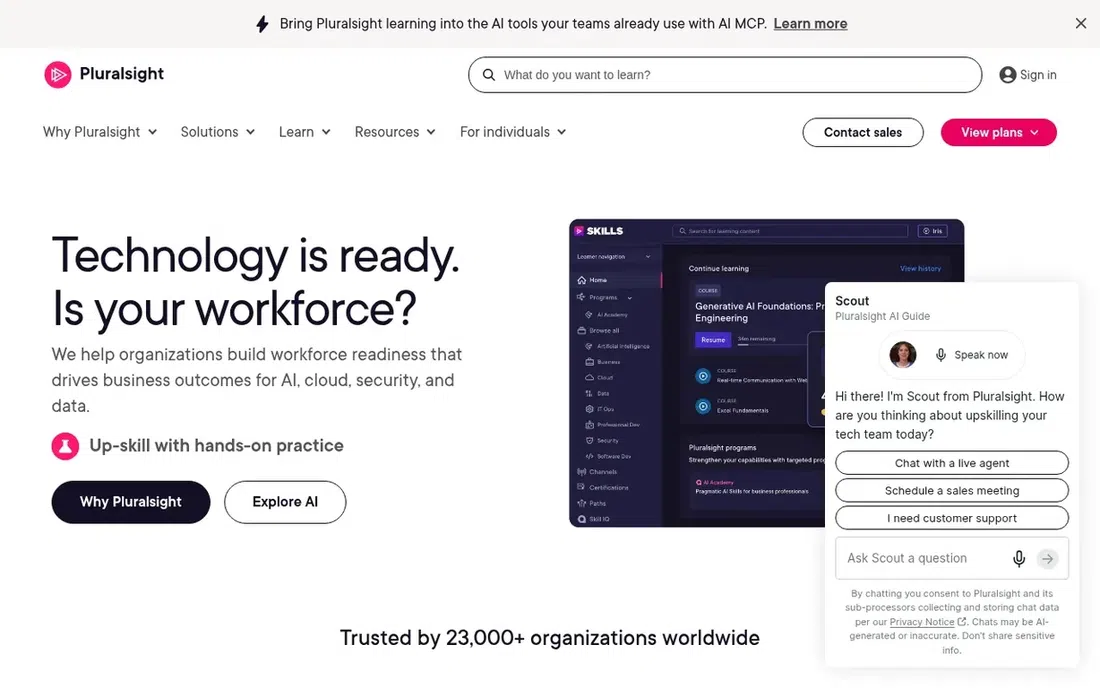
Pluralsight was built for deep tech, cloud and security skills. In practice, the lab component lets learners practice in realistic environments, which matters for cloud and security roles where reading alone does not build competence.
Worth adding: the product is plainly oriented toward technical audiences, so business, compliance and soft-skill coverage is thinner than on wide catalog products. Choose Pluralsight when technology depth and practical practice are the deciding factors for your team. Pluralsight starts at: $399 per month per user. Free options: Free trial.
What to check first: Narrower for non-technical roles.
- Courses plus practical labs
- Focus on AI, cloud
- Assumes a technical learner base
Where Docebo fits: workforce readiness and skills intelligence. Docebo is a workforce readiness system and skills intelligence LMS that links skills intelligence, learning, knowledge and AI agents so organizations know who is ready and can build what is next. For everyday use, choose Docebo when skills intelligence and readiness visibility across the workforce are the central requirements.
What users get: knowledge and AI agents.
Also, Docebo is primarily a system, so organizations still need content and configuration effort to make it handy. It is not the simplest choice for a team that only wants ready-made courses. No starting price is listed for Docebo here; confirm pricing on the vendor site. As for free access: Not stated. Honest limits: More system than content catalog.
- Links learning
- Skills intelligence and readiness insight
- Needs content and setup investment
Coursera for Business
Best for: Wide business upskilling with credentials
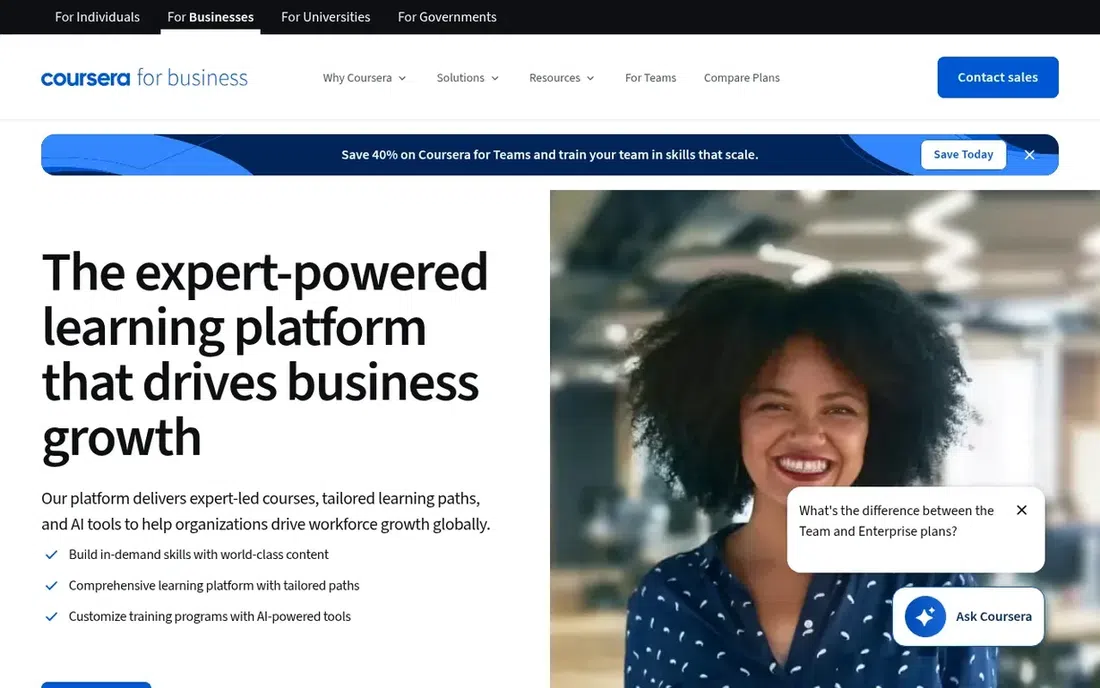
Coursera for Business is a good fit for wide business upskilling with credentials. Coursera for Business is an online learning system made for upskilling teams and supporting growth, with expert-led, AI-powered learning options and certification programs.
As for the details, teams new to structured learning programs frequently start here since the format is familiar and the content breadth spans plenty of roles. In daily use, if your priority is deep cloud, data or security labs, a tech-focused system may serve better. Pricing for Coursera for Business is not stated here, so ask the vendor for current figures. As for free access: Not stated.
Watch-outs: Course depth varies by subject.
- Solid fit for team-wide upskilling
- AI-powered learning options
- Less practical lab focus than pure tech systems
Skillsoft
Best for: Skills management and gap analysis
Pick Skillsoft if this describes you: skills management and gap analysis. Skillsoft describes itself as an AI-native skills management system that helps organizations see capability, close gaps and apply skills where they drive workforce readiness and outcomes.
Teams seeking pure technical labs may prefer a specialist. More specifically, the skills-management emphasis can feel administrative to individual learners who just want courses, and practical technical practice is not the headline. No starting price is listed for Skillsoft here; confirm pricing on the vendor site. Free plan details: Not stated.
The main drawbacks: Skills-first framing may feel abstract to learners.
- Visibility into capability gaps
- Skills management focus
- Less known for deep practical labs
How we chose
Selection started from tools commonly considered for learning platforms for professionals, then narrowed to 6 that have clear pricing information or a clear quote process. Figures are shown as the vendors publish them. Billing terms, seat minimums and add-ons can change the real cost. We ordered the tools by general fit, then by how clearly pricing is shown, then by free access. A buyer with unusual needs may reorder them.
A buyer's checklist
- Get a written quote from Docebo, Coursera for Business and Skillsoft; the list shows no starting price for them.
- Take the trial from O'Reilly Learning, edX for Business and Pluralsight and push a live task through it before you pay.
- Before choosing O'Reilly Learning, weigh its main limit: self-direction is required to get value.
- Make sure Pluralsight lets you export your data in a format another tool can read.
- Ask Skillsoft whether prices are locked for the first term and what happens at renewal.
FAQ
Does any tool for learning platforms for professionals here have a free plan?
A permanent free plan is not offered by O'Reilly Learning, Skillsoft or the other tools here. O'Reilly Learning, edX for Business, Pluralsight offer a trial. Plan a short evaluation period instead.
How do skills management products differ from course catalogs?
Course catalog systems like Coursera for Business and edX for Business center on delivering structured content and credentials. The right choice relies on whether you need insight into skills or primarily content delivery.
How are the tools for learning platforms for professionals ordered?
The order follows typical fit for learning platforms for professionals, with O'Reilly Learning first and Skillsoft last, then price clarity and free access. It is editorial judgement, not a score, so another team could rank the tools differently.
Is O'Reilly Learning the right pick for everyone comparing learning platforms for professionals?
No single tool suits every team. O'Reilly Learning comes first because it fits technology and business reference depth, while edX for Business suits Credential-granting enterprise learning and Pluralsight suits deep tech, cloud and security skills. Match the tool to your own size, budget and workflow before deciding.
What should smaller teams check before choosing?
Smaller teams should confirm that the catalog matches their actual roles and that setup effort is manageable. Ask vendors how onboarding and reporting work for a team of your size before committing.
Can I try these tools before paying?
Often, yes. O'Reilly Learning, edX for Business and Pluralsight offer a free trial. Use your own data and a real task during the test, and check what the free tier or trial limits before you rely on it.
Sources
- https://www.oreilly.com
- https://business.edx.org
- https://www.pluralsight.com
- https://www.docebo.com
- https://www.coursera.org/business
- https://www.skillsoft.com