Top 6 Learning About Software for 2026 (Prices and Free Plans)
Best learning about software: 6 contenders ranked by fit, with entry costs and free tiers. Where a tool struggles is spelled out. Updated November 2026.
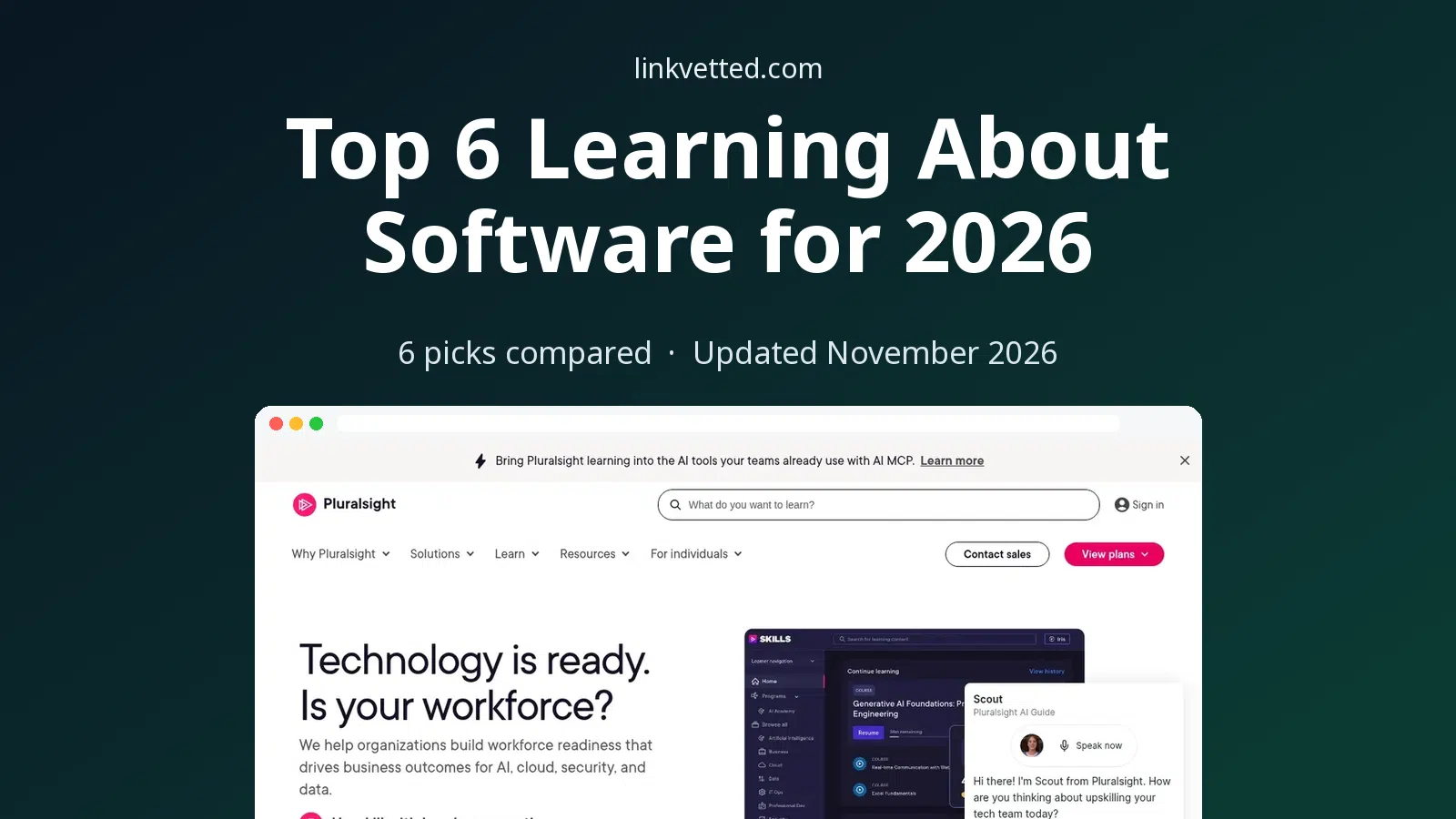
- Editor's choicePluralsight
Team tech and IT skill building
Starts at$399 a month per userVisit pluralsight.comFull review - Great alternative
 DataCamp
Data science and AI practice
Starts at$5 a month billed annuallyVisit datacamp.comFull review - Also consider
 Codecademy
Practical coding for beginners
Starts atSee websiteVisit codecademy.comFull review
Direct answer
Start with Pluralsight if you need team tech and IT skill building. Listed starting prices: Pluralsight from $399 a month per user, DataCamp from $5 a month billed annually and O'Reilly from $49 a month. Alternatives: DataCamp for data science and AI practice, and Codecademy for practical coding for beginners. The remaining 3 options are covered below with prices and limits.
TL;DR:
- This list starts with Pluralsight, which is built for team tech and IT skill building.
- DataCamp has the lowest monthly starting price in this list: $5 per month billed annually.
- Coursera suits wide courses, certificates, and degrees.
- Just one of the 6 tools, DataCamp, has a free plan.
Last checked November 2026. Prices and plan details were read from the vendors' own pages in November 2026; vendors change plans often, so confirm the current price on the vendor site before you buy.
Quick comparison
| Tool | Best for | Starts at | Free plan? | |
|---|---|---|---|---|
| Pluralsight | Team tech and IT skill building | $399 a month per user | Free trial | Visit |
| DataCamp | Data science and AI practice | $5 a month billed annually | Yes | Visit |
| Codecademy | Practical coding for beginners | See website | Not stated | Visit |
| O'Reilly | Technology and business training depth | $49 a month | Free trial | Visit |
| Skillsoft | Organizational skills management and readiness | See website | Not stated | Visit |
 Coursera | Wide courses, certificates, and degrees | See website | Not stated | Visit |
Every option for learning about software explained
This LinkVetted guide covers 6 options for learning about software. Each profile lists a starting price, free plan details, strengths and drawbacks, so you can drop poor fits quickly.
Pluralsight
Best for: Team tech and IT skill building
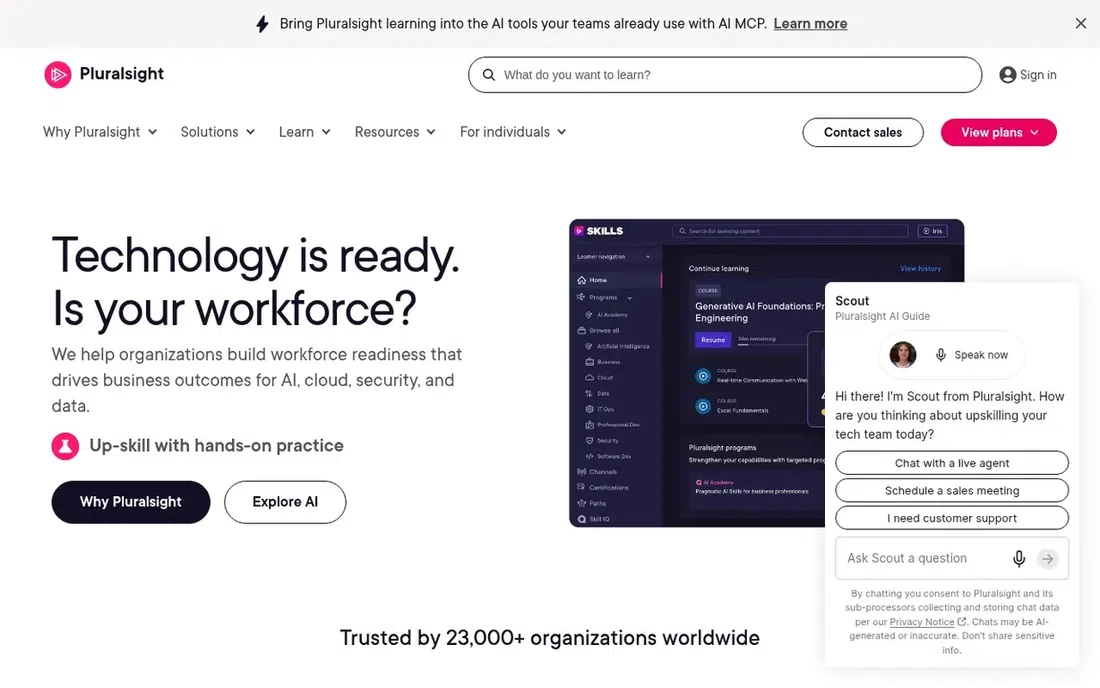
In short, Pluralsight is for team tech and IT skill building. Since the product leans toward technical and team-oriented learning, it may be more than a beginner exploring general software concepts needs.
The starting price for Pluralsight: $399 per month per user. Free options: Free trial.
Trade-offs to know: Technical focus may not fit non-technical goals.
- Aimed at organizational skill development
- Courses and labs for AI, cloud, data, security
- Oriented toward teams more than casual learners
Where DataCamp fits: data science and AI practice. It suits learners who want practical, practical data skills and prefer short interactive exercises over long lectures.
Where it falls short: Narrower focus than general software.
Its focus is data science and AI instead of general software engineering, so topics like web development or systems administration are better covered elsewhere. Starting cost for DataCamp: $5 per month billed annually. You can start on DataCamp without paying.
- Includes R, Python, statistics
- Self-paced learning at your own speed
- Less coverage of non-data software topics
Codecademy is a good fit for practical coding for beginners. Codecademy is an online product for learning to code through interactive lessons, aimed at people who want the technical skills to start a new career or advance in a current one.
Also, the product emphasizes coding fundamentals, so advanced specialists or learners interested in software management, data science depth, or certification tracks may need extra resources. If you want accredited credentials, a product offering certificates and degrees may fit better. Codecademy shows no starting price here, so confirm the cost on the vendor site. As for free access: Not stated.
Where it is weaker: Less depth for advanced specialists.
- Includes skills geared toward job readiness
- Beginner-friendly entry into technical skills
- Centred on coding instead of broader software management
O'Reilly
Best for: Technology and business training depth
O'Reilly works best for technology and business training depth. O'Reilly is a technology and business training resource with a long publishing history in software and computing.
On top of that, if you prefer guided, step-by-step courses with built-in exercises, a product structured around curricula may be simpler to follow. From a buyer's view, the breadth of the library can make it hard to know where to start, and self-directed learners need discipline without a fixed syllabus. The starting price for O'Reilly: $49 per month. As for free access: Free trial.
Where it is weaker: Large content library can feel overwhelming.
- Long-standing technology and business training publisher
- Wide technical and professional content
- Less structured than guided course paths
Skillsoft
Best for: Organizational skills management and readiness
Where Skillsoft fits: organizational skills management and readiness. Since it is built around organizational skills management, individual learners exploring software on their own may find it indirect.
Worth adding: if you want personal, self-directed courses, a consumer-facing learning product is a more straightforward starting point. Skillsoft does not show a starting price in this comparison, so check the vendor site for current pricing. Free plan details: Not stated.
Honest limits: Pitched at organizations instead of solo learners.
- Frames learning around workforce capability
- Helps organizations identify and close skill gaps
- Less suited to individual hobby learning
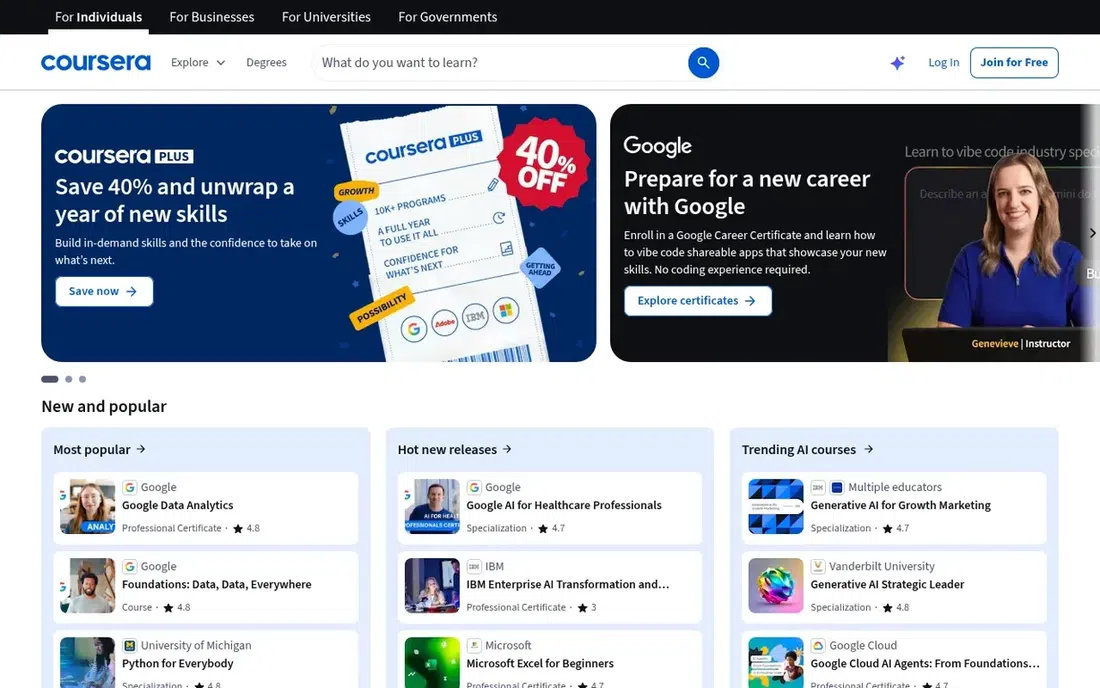
Think of Coursera for wide courses, certificates, and degrees. It suits learners who want structured software education with recognizable credentials, from short skill courses to full degree programs, and who prefer studying online at their own pace.
Coursera shows no starting price here, so confirm the cost on the vendor site. Free access: Not stated.
What to check first: Catalog breadth can make choosing harder.
- Degrees in one place
- Content from universities and major tech firms
- Degree tracks demand a serious time commitment
How the list was put together
The comparison looks at four things: starting price, free access, how well the feature set matches learning about software, and the main limit of each tool. Figures are shown as the vendors publish them. Billing terms, seat minimums and add-ons can change the real cost. Tools are placed by general fit for learning about software, with price clarity and free access as tie-breakers. A different team can reasonably rank them differently.
What to check before you buy
- Confirm the entry price on the vendor page. For Codecademy, Skillsoft and Coursera that means a quote rather than a fixed price.
- Look at the free plan from DataCamp closely: its caps decide whether it is usable for real work.
- Use real work to test the free trial from Pluralsight and O'Reilly, rather than a demo project.
- Read the limits listed for Pluralsight first: oriented toward teams more than casual learners.
- See whether O'Reilly offers onboarding or training, and whether it is included in the price.
- Run a one or two week pilot of DataCamp with the people who will use it every day.
FAQ
Can I try these options before paying?
Often, yes. DataCamp has a free plan and Pluralsight and O'Reilly offer a free trial. Use your own data and a real task during the test, and check what the free tier or trial limits before you rely on it.
Which options for learning about software have a free plan?
DataCamp is the only tool in this list with a free plan. Free plans usually cap users, projects or features, so check the limits on the vendor page. Several others offer a trial instead.
What is the cheapest option for learning about software in this list?
On published monthly entry prices, DataCamp is the lowest here at $5 per month billed annually. Entry price is only part of the cost, because seats, add-ons and billing terms can change the total. All 6 picks in this learning about software comparison list a starting price, free plan details and the main limits on their cards above.
Do these tools publish their prices?
Not all of them. Codecademy, Skillsoft and Coursera publish no starting price, so expect a quote request for those. The rest, Pluralsight included, show a starting price, though seats and billing terms still change the final cost.
Sources
- https://www.pluralsight.com
- https://www.datacamp.com
- https://www.codecademy.com
- https://www.oreilly.com
- https://www.skillsoft.com
- https://www.coursera.org