Choosing Kitchen Display Software for Fast Casual Restaurants in 2026: 6 Options Compared
Best kitchen display software for fast casual restaurants: 6 tools compared on price, free plans and fit. Caveats come with every verdict. Prices checked.
- Editor's choiceDeliverect
Digital ordering across channels
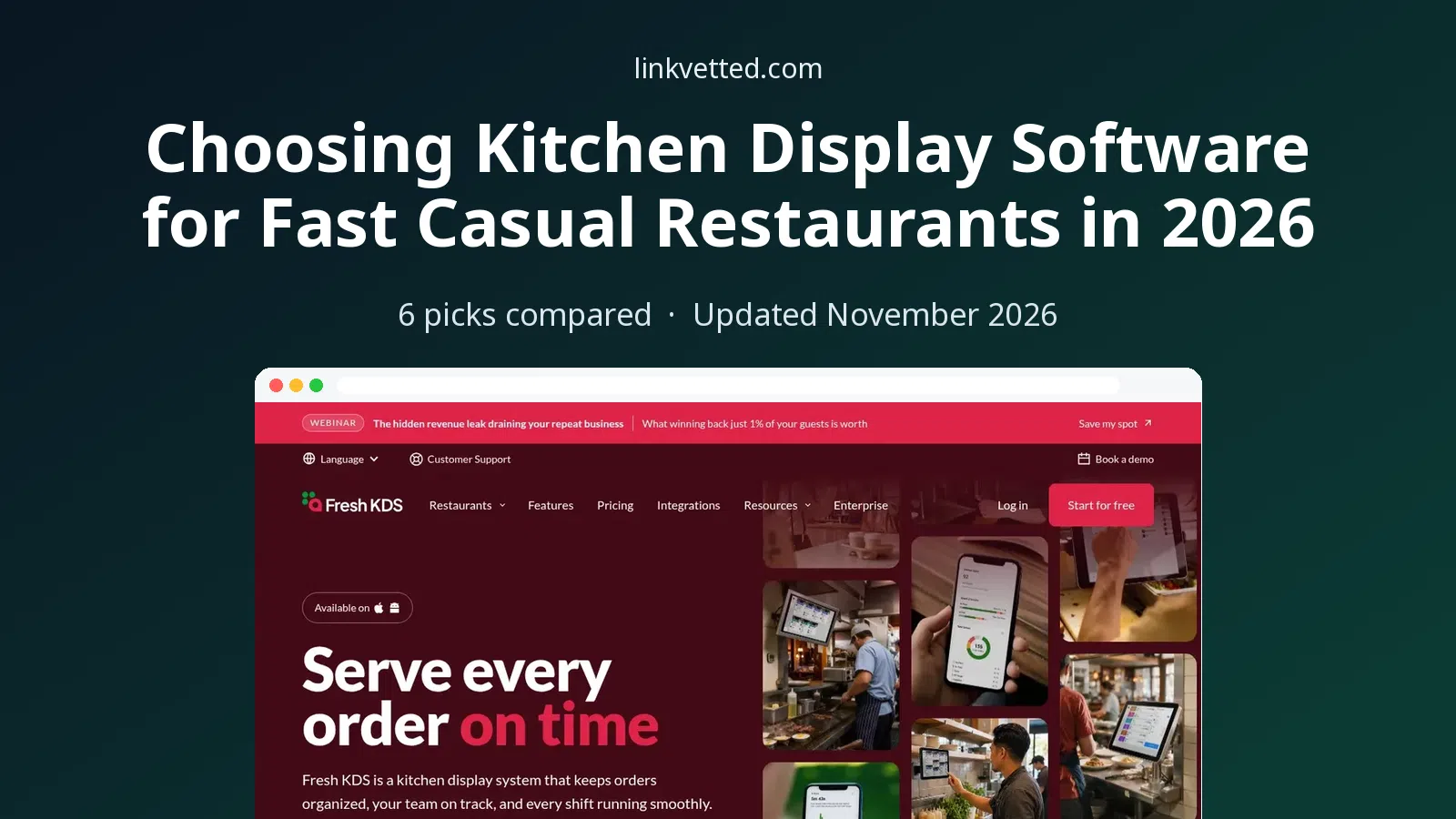
Starts atSee websiteVisit deliverect.comFull review - Great alternativeFresh KDS
Dedicated kitchen display needs
Starts at$16 a month per screen billed annuallyVisit freshkds.comFull review - Also consider
 Restaurant365
Thorough restaurant management
Starts atSee websiteVisit restaurant365.comFull review
Direct answer
This list puts Deliverect first for digital ordering across channels. Listed starting prices: Fresh KDS from $16 a month per screen billed annually and Onfleet from $299 a month. If your case is different, Fresh KDS suits dedicated kitchen display needs and Restaurant365 suits thorough restaurant management. Details, prices and limits for the rest of the 6 tools are below.
TL;DR:
- The list opens with Deliverect, aimed at digital ordering across channels.
- The cheapest monthly starting price in the list is $16 per month per screen billed yearly, offered by Fresh KDS.
- Just one of the 6 tools, Fresh KDS, has a free plan.
- Deliverect comes with a trade-off: not a kitchen display system.
Last checked November 2026. Prices and plan details were read from the vendors' own pages in November 2026; vendors change plans often, so confirm the current price on the vendor site before you buy.
Quick comparison
| Tool | Best for | Starts at | Free plan? | |
|---|---|---|---|---|
| Deliverect | Digital ordering across channels | See website | Not stated | Visit |
| Fresh KDS | Dedicated kitchen display needs | $16 a month per screen billed annually | Yes | Visit |
| Restaurant365 | Thorough restaurant management | See website | Not stated | Visit |
| Clover Kitchen Display System | Restaurants using Clover POS | See website | Not stated | Visit |
 Onfleet | Delivery dispatch and route management | $299 a month | Not stated | Visit |
| Grubbrr Kitchen Display System | Improving order accuracy and efficiency | See website | Not stated | Visit |
The 6 tools in detail
This LinkVetted guide covers 6 kitchen display software for fast casual restaurants. Each profile lists a starting price, free plan details, strengths and drawbacks, so you can drop poor fits quickly.
Deliverect
Best for: Digital ordering across channels
Deliverect works best for digital ordering across channels. Deliverect is not a kitchen display system and does not offer kitchen display functionality straight. It is best used in conjunction with a KDS to simplify order flow.
Points against: Focus on order aggregation.
Whereas not a kitchen display system, it can help quick casual restaurants handle orders from several sources and integrate with kitchen workflows. It is handy for restaurants with a capable delivery or multi-channel presence. Deliverect does not show a starting price in this comparison, so check the vendor site for current pricing. As for free access: Not stated.
- Supports several channels
- Links up with delivery systems
- Not a kitchen display system
Fresh KDS
Best for: Dedicated kitchen display needs
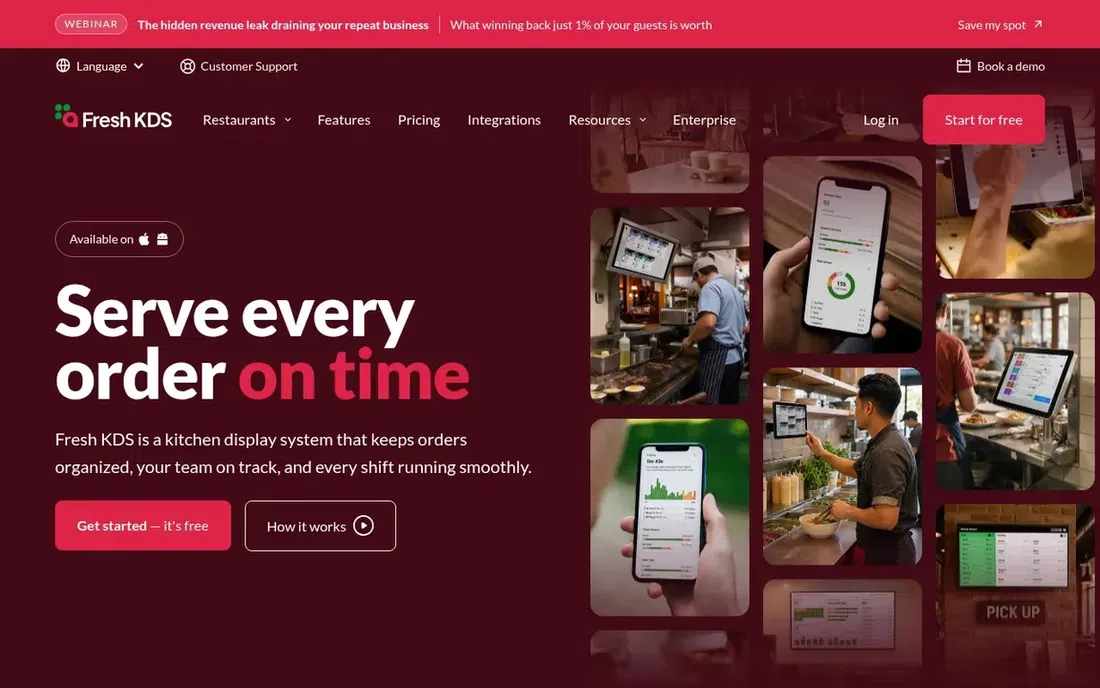
For dedicated kitchen display needs, Fresh KDS is a natural candidate. It is made for restaurants that want a straightforward, dedicated kitchen display without long-term commitments.
Also, quick casual restaurants looking for a straightforward way to digitize their kitchen order flow may find Fresh KDS a solid fit, particularly if they prefer a standalone option. Fresh KDS pricing: $16 per month per screen billed yearly. Free access exists with Fresh KDS.
Points against: Focused primarily on kitchen display.
- No contracts required
- Keeps orders organized
- May lack deep POS integration
Restaurant365 is aimed squarely at thorough restaurant management. Restaurant365 is a cloud-based restaurant management software that helps leaders master accounting, operations, and workforce to create incredible moments that drive profits. It is not a kitchen display system per se.
But it can plug into KDS options to supply a holistic view of restaurant performance. From a buyer's view, for kitchen display needs, consider Fresh KDS or Grubbrr Kitchen Display System. On top of that, Restaurant365 is not a kitchen display system, so it won't replace a dedicated KDS. It is most useful for restaurants that require full management tools and are prepared for a broader software implementation. No starting price is listed for Restaurant365 here; confirm pricing on the vendor site. Free plan details: Not stated.
The main drawbacks: Not a dedicated KDS.
- Integrates accounting, operations, workforce
- Helps drive profits
- May be overkill for small restaurants
Clover Kitchen Display System
Best for: Restaurants using Clover POS
Choose Clover Kitchen Display System for restaurants using Clover POS. Clover Kitchen Display System is a kitchen display option from Clover, a provider of POS systems and credit card readers.
It is built to help kitchens run orders digitally and plug into Clover's broader POS ecosystem. Pricing for Clover Kitchen Display System is not stated here, so ask the vendor for current figures. Free plan details: Not stated.
The main drawbacks: A good match for Clover POS users.
- Part of a broader restaurant management product
- Links up with Clover POS ecosystem
- Restricted standalone appeal
Pick Onfleet if this describes you: delivery dispatch and route management. Whereas not a kitchen display system, it can complement kitchen operations for quick casual restaurants that handle their own delivery.
What to check first: Restricted use for in-house kitchen workflows.
If your primary need is a kitchen display system, tools like Clover Kitchen Display System or Fresh KDS are more appropriate. On cost, Onfleet starts like this: $299 per month. On free options: Not stated.
- Optimizes dispatch
- Runs routes efficiently
- Not a kitchen display system
Grubbrr Kitchen Display System
Best for: Improving order accuracy and efficiency
Pick Grubbrr Kitchen Display System if this describes you: improving order accuracy and efficiency. The system focuses on offering live updates on order status, helping kitchen staff prioritize and run tickets effectively. Grubbrr Kitchen Display System is meant to optimize restaurant operations by improving order accuracy, efficiency, and kitchen workflow with live order tracking.
It is a solid fit for quick casual restaurants that want to enhance kitchen communication and reduce errors. As part of the Grubbrr ecosystem, this KDS may work best when paired with other Grubbrr options, and standalone details are restricted. Grubbrr Kitchen Display System does not show a starting price in this comparison, so check the vendor site for current pricing. Free options: Not stated.
Where it is weaker: Restricted standalone details.
- Optimizes kitchen workflow
- Live order tracking
- May need integration with Grubbrr ecosystem
How we built this list
The comparison looks at four things: starting price, free access, how well the feature set matches kitchen display software for fast casual restaurants, and the main limit of each tool. Seat minimums, billing terms and add-ons can move the real cost, so the starting prices here are a guide and not a quote. We ordered the tools by general fit, then by how clearly pricing is shown, then by free access. A buyer with unusual needs may reorder them.
Pre-purchase checklist
- Get a written quote from Deliverect, Restaurant365, Clover Kitchen Display System and Grubbrr Kitchen Display System; the list shows no starting price for them.
- Test the free plan from Fresh KDS against your real workload before relying on it.
- Before choosing Deliverect, weigh its main limit: not a kitchen display system.
- Confirm minimum seats and billing terms with Restaurant365 before you commit to an annual plan.
- Ask Fresh KDS which support channels and response times come with the plan you would buy.
FAQ
Which kitchen display software for fast casual restaurants have a free plan?
Fresh KDS is the only tool in this list with a free plan. Free plans usually cap users, projects or features, so check the limits on the vendor page. All 6 picks in this kitchen display software for fast Casual restaurants comparison list a starting price, free plan details and the main limits on their cards above.
Do I need a KDS for my quick casual restaurant?
A KDS can be beneficial for quick casual restaurants that want to simplify order flow, cut errors, and boost kitchen efficiency. It is especially handy during peak hours when managing several orders.
Do these tools publish their prices?
Not all of them. Deliverect, Restaurant365, Clover Kitchen Display System and Grubbrr Kitchen Display System publish no starting price, so expect a quote request for those. The rest, Fresh KDS included, show a starting price, though seats and billing terms still change the final cost.
What features should I look for in a KDS?
Look for live order tracking, configurable ticket times, integration with your POS, and simplicity for kitchen staff. Some systems also offer analytics and reporting to help optimize kitchen operations.
Can I use a KDS with my existing POS?
Check with the KDS vendor to ensure compatibility with your current POS, or consider an option like Clover Kitchen Display System if you use Clover POS.
Can I try these tools before paying?
Often, yes. Fresh KDS has a free plan. Use your own data and a real task during the test, and check what the free tier or trial limits before you rely on it. For the full picture, the cards above cover all 6 entries of this kitchen display software for fast Casual restaurants list, including price, free plan and limits.
Sources
- https://www.deliverect.com
- https://www.freshkds.com
- https://www.restaurant365.com
- https://www.clover.com/pos-systems/kitchen-display
- https://www.onfleet.com
- https://grubbrr.com/kitchen-display-system