6 Best IT Management Software for Engineering Firms for 2026, Vetted and Compared
Weighing the best IT management software for engineering firms? We lined up 6 products by cost, free access and fit. Strengths and gaps are listed per tool.
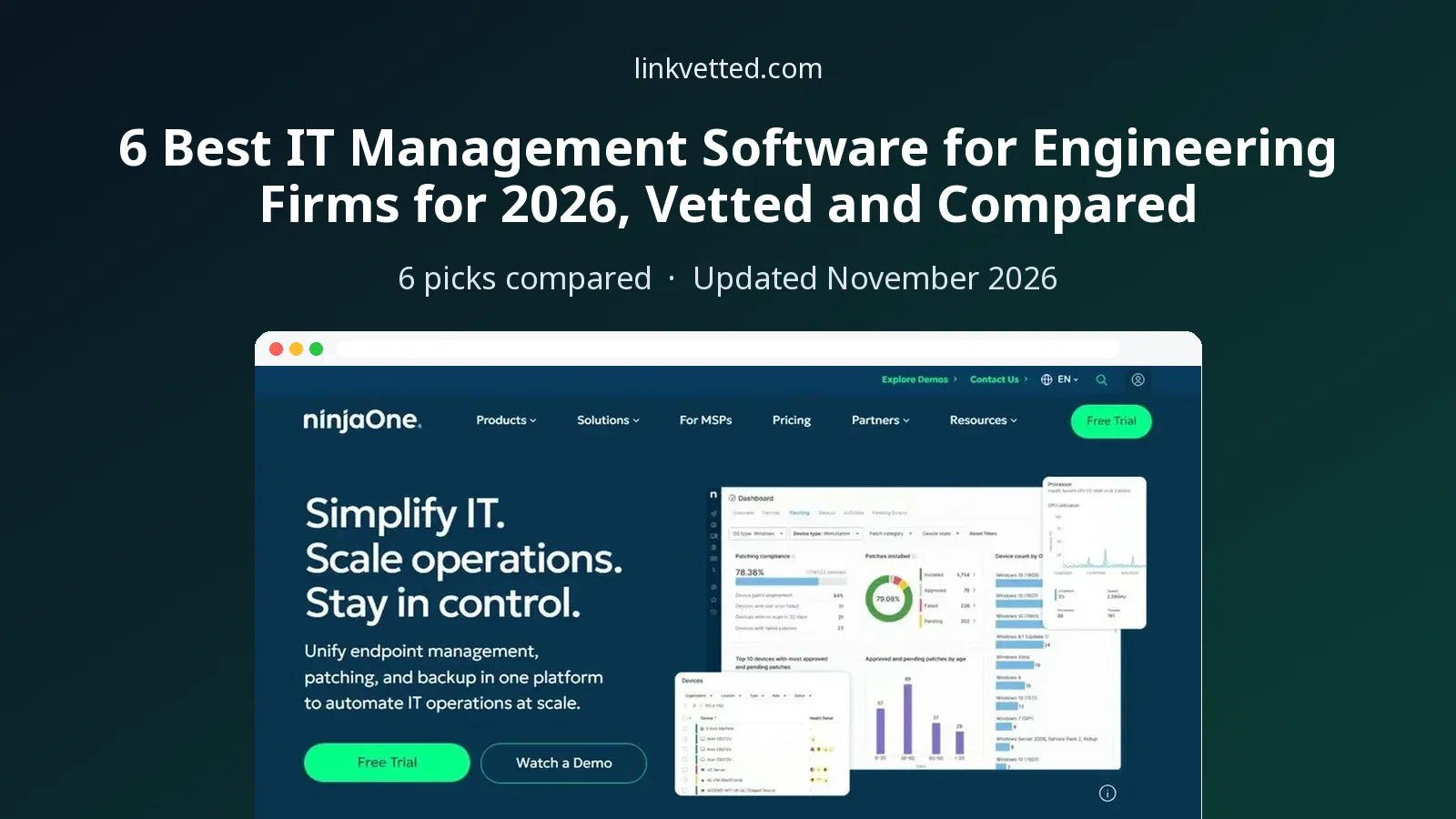
- Editor's choiceN-able N-central
Complicated environments at scale
Starts atSee websiteVisit n-able.comFull review - Great alternative
 NinjaOne
Unified IT operations and automation
Starts at$1.50 per device a monthVisit ninjaone.comFull review - Also consider
 ManageEngine Endpoint Central
Unified endpoint management and security
Starts atSee websiteVisit manageengine.comFull review
Direct answer
If you need complicated environments at scale, N-able N-central is the first tool to look at here. Listed starting prices: NinjaOne from $1.50 per device a month. If your case is different, NinjaOne suits unified IT operations and automation and ManageEngine Endpoint Central suits unified endpoint management and security. The remaining 3 options are covered below with prices and limits.
TL;DR:
- Number one here is N-able N-central, a fit for complicated environments at scale.
- A fair warning about N-able N-central: complexity fits bigger IT teams.
- Just one of the 6 tools, Action1, has a free plan.
- NinjaOne is the lowest-priced starter here at $1.50 per device per month.
Last checked November 2026. Prices and plan details were read from the vendors' own pages in November 2026; vendors change plans often, so confirm the current price on the vendor site before you buy.
Quick comparison
| Tool | Best for | Starts at | Free plan? | |
|---|---|---|---|---|
| N-able N-central | Complicated environments at scale | See website | Not stated | Visit |
| NinjaOne | Unified IT operations and automation | $1.50 per device a month | Free trial | Visit |
| ManageEngine Endpoint Central | Unified endpoint management and security | See website | Not stated | Visit |
 Action1 | Patch and vulnerability remediation | See website | Yes | Visit |
| Datto RMM | Cloud-based remote monitoring | See website | Not stated | Visit |
| ConnectWise Automate | Automating technical IT work | See website | Not stated | Visit |
Every option for IT management software for engineering firms explained
LinkVetted compared 6 IT management software for engineering firms. The goal is a practical shortlist: published prices, free plan facts, best-fit use cases and honest limits for every entry.
N-able N-central
Best for: Complicated environments at scale
N-able N-central is aimed squarely at complicated environments at scale. N-able N-central gives unified endpoint management with advanced RMM capabilities for complicated environments.
Where it falls short: Configuration effort is significant.
In daily use, the system is designed for complexity, which means configuration and administration demand real effort. Smaller businesses with straightforward estates may find it overbuilt. This comparison lists no price for N-able N-central; ask the vendor. Trial and free access: Not stated.
- Automates IT operations at scale
- Aimed at complicated environments
- Complexity fits bigger IT teams
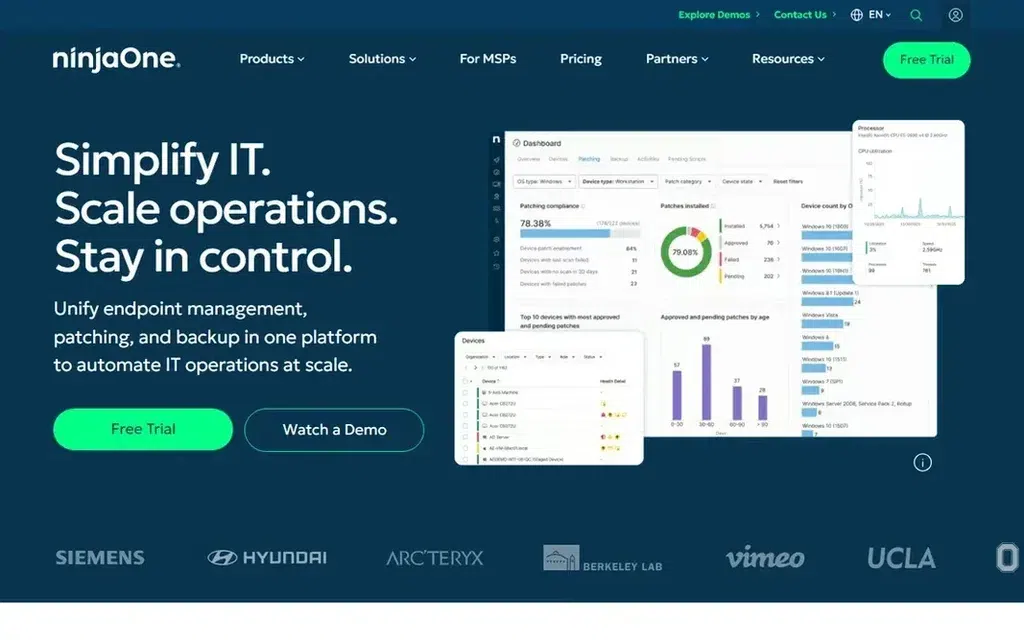
NinjaOne works best for unified IT operations and automation. NinjaOne presents itself as a unified IT operations product including endpoint management, autonomous patching, backup and remote access. In daily use, engineering businesses that want monitoring, maintenance and support functions in one environment can consolidate workflows here.
It is targeted at IT teams and managed service providers that require to run plenty of endpoints efficiently. Beyond that, the product bundles multiple capabilities, so teams already committed to separate point tools may find overlap. Its value grows with the number of functions you adopt. Price to start with NinjaOne: $1.50 per device per month. As for free access: Free trial.
Points against: Best value when most modules are used.
Best features of NinjaOne: backup and remote access together.
- Autonomous patching cuts manual work
- Endpoint management, patching
- Breadth may overlap with existing tools
ManageEngine Endpoint Central
Best for: Unified endpoint management and security
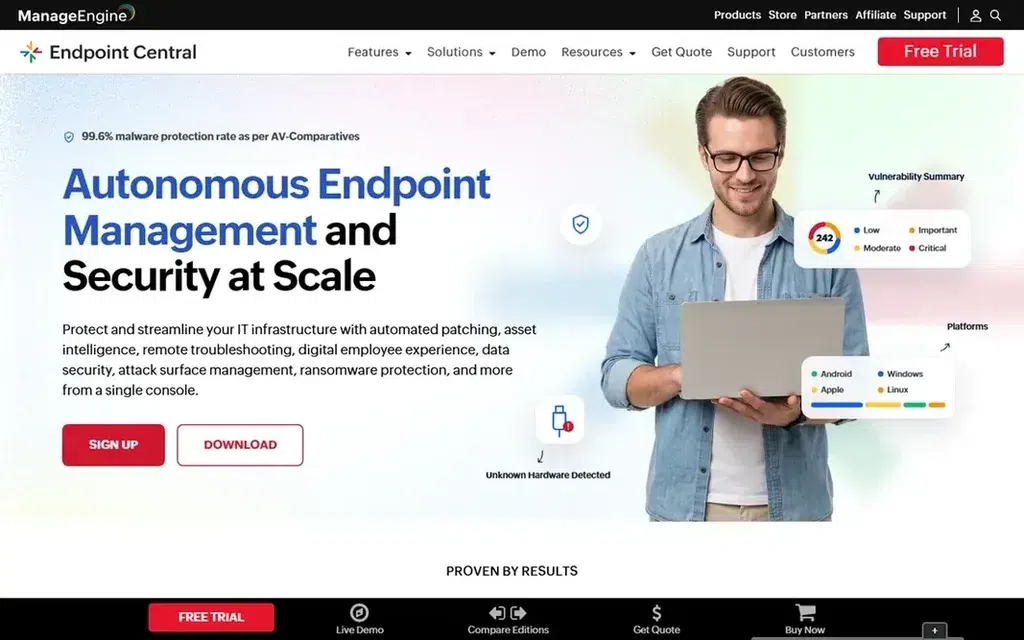
ManageEngine Endpoint Central serves unified endpoint management and security. Consider Endpoint Central when centralized endpoint management and security are the priority.
Trade-offs to know: May be more than small businesses need.
More specifically, businesses that only need remote monitoring may prefer a narrower RMM tool. ManageEngine Endpoint Central shows no starting price here, so confirm the cost on the vendor site. Free options: Not stated.
- Laptops and mobile devices centrally
- Handles servers, desktops
- Feature depth can mean a ramp-up time
In short, Action1 is for patch and vulnerability remediation. Engineering businesses with mixed operating systems can use it to keep workstations current and close known vulnerabilities.
Pick Action1 when patch discipline is the primary gap. This comparison lists no price for Action1; ask the vendor. Free access exists with Action1.
What to check first: Not a complete RMM replacement.
- MacOS and Linux endpoints
- Deploys pre-tested OS and external patches
- Narrower than full IT operations suites
Datto RMM
Best for: Cloud-based remote monitoring
Pick Datto RMM if this describes you: cloud-based remote monitoring. Datto RMM is remote monitoring and management software that lets IT teams handle, monitor and secure endpoints from the cloud.
Some advanced requirements may call for complementary tools. Consider Datto RMM when cloud delivery and endpoint monitoring are the main goals. Datto RMM shows no starting price here, so confirm the cost on the vendor site. Free plan details: Not stated.
The main drawbacks: Cloud dependence for daily operations.
- No local infrastructure to host
- Cloud delivery for remote management
- Advanced needs may need extras
ConnectWise Automate
Best for: Automating technical IT work
ConnectWise Automate works best for automating technical IT work. ConnectWise Automate is RMM software positioned around automating technical work and improving IT team efficiency.
Points against: Automation design needs planning.
In practice, teams without dedicated administrators may prefer a more straightforward product. On top of that, pick Automate when automation depth matters more than minimal setup. Pricing for ConnectWise Automate is not stated here, so ask the vendor for current figures. Free options: Not stated.
- Fits service-oriented IT operations
- Automation targeted at technical tasks
- May need dedicated administration
Selection criteria
We compared the tools on published pricing, free plan or trial availability, feature coverage for IT management software for engineering firms, and the limits each vendor documents. Where a price is missing, the vendor does not list one publicly or ties it to a quote. Always confirm before budgeting. The ranking is editorial: typical fit first, then clear pricing, then free access. If your needs are unusual, read the profiles rather than relying on position.
What to check before you buy
- Confirm the entry price on the vendor page. For N-able N-central, ManageEngine Endpoint Central, Action1 and others that means a quote rather than a fixed price.
- Look at the free plan from Action1 closely: its caps decide whether it is usable for real work.
- Run a trial of NinjaOne with real work before paying for a year; your own workflow is the best test.
- Read the limits listed for N-able N-central first: complexity fits bigger IT teams.
- Ask the daily users to test NinjaOne on a live task before you roll it out to everyone.
- See whether Datto RMM offers onboarding or training, and whether it is included in the price.
FAQ
Can I try these tools before paying?
Often, yes. Action1 has a free plan and NinjaOne offers a free trial. Use your own data and a real task during the test, and check what the free tier or trial limits before you rely on it. All 6 picks in this IT management software for engineering firms comparison list a starting price, free plan details and the main limits on their cards above.
What should engineering businesses look for in IT management software?
Prioritize coverage of the devices you actually run, including workstations, servers and mobile devices, plus steady patching and remote support. Monitoring and automation matter most when IT staff are stretched across several offices.
How are the tools for IT management software for engineering firms ordered?
N-able N-central sits first and ConnectWise Automate last because the order follows typical fit for IT management software for engineering firms, then price clarity and free access. It is a judgement call, so read each profile for fit and limits.
Which options for IT management software for engineering firms have a free plan?
Action1 is the only tool in this list with a free plan. Free plans usually cap users, projects or features, so check the limits on the vendor page. One other tool offers a trial instead. For the full picture, the cards above cover all 6 entries of this IT management software for engineering firms list, including price, free plan and limits.
Can a patch-focused tool replace a full IT operations product?
Typically not. Action1 concentrates on patch management and vulnerability remediation, so monitoring, backup and remote access may still need separate tools. In practice, a full product makes sense when you want those functions in one place.
How do we choose between cloud-based and hosted management tools?
Cloud-based choices for example Datto RMM cut local infrastructure but rely on internet access for administration. Match the delivery model to your connectivity and policy constraints.
Sources
- https://www.n-able.com/products/n-central
- https://www.ninjaone.com
- https://www.manageengine.com/products/desktop-central
- https://www.action1.com
- https://www.datto.com/products/rmm
- https://www.connectwise.com/platform/automate