Best Inspections Tool with Analytics Dashboards in 2026: Prices, Free Plans and 5 Picks
5 best inspections tool with analytics dashboards, compared on pricing, free plans and best-fit use. Each listing flags where it falls short. No hype.
- Editor's choiceDevice Magic
Offline-capable mobile data capture
Starts atSee websiteVisit devicemagic.comFull review - Great alternativeForms On Fire
No-code field worker apps
Starts at$20 per user per monthVisit formsonfire.comFull review - Also consider
 FastField
Custom mobile forms and analytics
Starts at$24 per seat, a monthVisit fastfieldforms.comFull review
Direct answer
Device Magic leads the list, best for offline-capable mobile data capture. Listed starting prices: Forms On Fire from $20 per user per month, FastField from $24 per seat, a month and GoCanvas from $29 per user a month. Forms On Fire is the stronger choice for no-code field worker apps, while FastField suits custom mobile forms and analytics. The other 2 tools in the list cover narrower or pricier cases.
TL;DR:
- The list opens with Device Magic, aimed at offline-capable mobile data capture.
- A fair warning about Forms On Fire: app building needs setup time.
- The lowest published monthly entry price here is $20 per user per month, from Forms On Fire.
- SafetyCulture fits cross-site operational visibility.
- SafetyCulture is the only tool of the 5 with a free plan.
Last checked November 2026. Prices and plan details were read from the vendors' own pages in November 2026; vendors change plans often, so confirm the current price on the vendor site before you buy.
Quick comparison
| Tool | Best for | Starts at | Free plan? | |
|---|---|---|---|---|
| Device Magic | Offline-capable mobile data capture | See website | Not stated | Visit |
| Forms On Fire | No-code field worker apps | $20 per user per month | Free trial | Visit |
| FastField | Custom mobile forms and analytics | $24 per seat, a month | Free trial | Visit |
 GoCanvas | Configurable frontline operations | $29 per user a month | No | Visit |
 SafetyCulture | Cross-site operational visibility | $24 per seat a month | Yes | Visit |
Inspections Tool with Analytics Dashboards, one by one
LinkVetted put together this guide to inspections tool with analytics dashboards for readers who want a clear shortlist without reading every vendor page. It compares 5 tools on starting price, free plans, who each one suits and where each one falls short.
Device Magic
Best for: Offline-capable mobile data capture
Pick Device Magic if this describes you: offline-capable mobile data capture. Device Magic gives you a mobile forms app that records field data, signatures, work orders, checklists, and more, with the capacity to collect data anywhere, even offline.
Choose Device Magic when offline collection is the priority and analysis happens downstream. Check the vendor site for Device Magic pricing; none is listed in this comparison. On free options: Not stated.
Where it shines: Checklists and forms in one app.
What to check first: Dashboard features not in-depth on page.
- Records data anywhere
- Even offline
- Form-first instead of operations-wide
Forms On Fire
Best for: No-code field worker apps
For no-code field worker apps, Forms On Fire is a natural candidate. Forms On Fire enables field workers with data-driven applications, letting teams build and deploy custom, worker-facing mobile forms and apps without code.
Where it is weaker: Analytics relies on how you structure data.
Entry price for Forms On Fire: $20 per user per month. As for free access: Free trial.
- Apps pitched at field workers
- Data-driven application focus
- App building needs setup time
FastField works best for custom mobile forms and analytics. FastField provides a completely configurable mobile forms option for building and distributing digital forms for inspections, checklists, or any other data collection need.
As for the details, teams that want to design their own inspection structure and then analyze the collected data will find the form-first approach familiar. On cost, FastField starts like this: $24 per seat, per month. Trial and free access: Free trial.
Watch-outs: Form building takes initial effort.
- Completely configurable mobile forms
- Analytics-oriented positioning
- Not a full operations suite
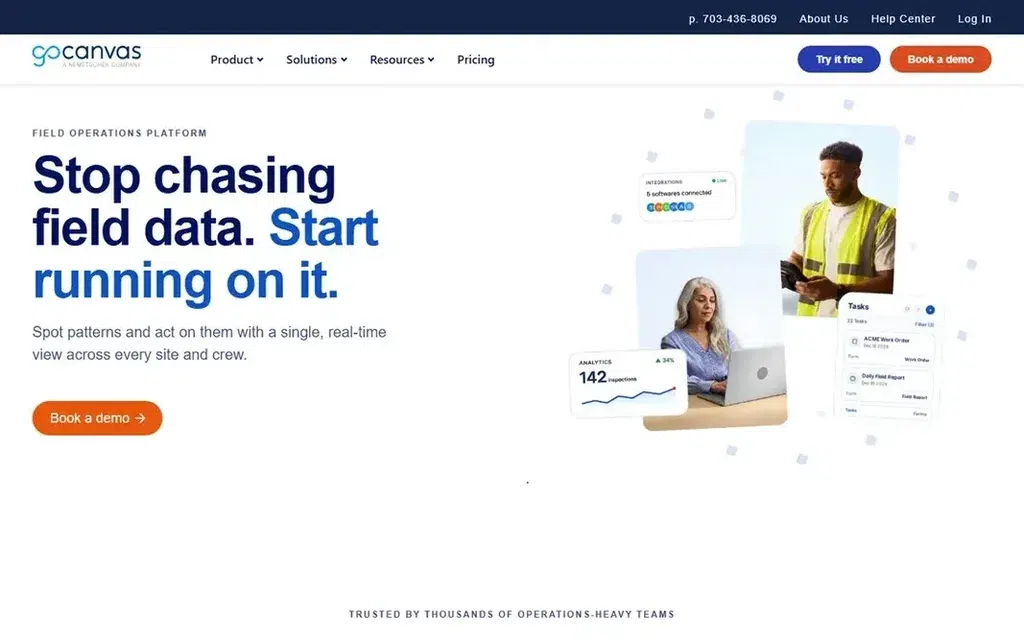
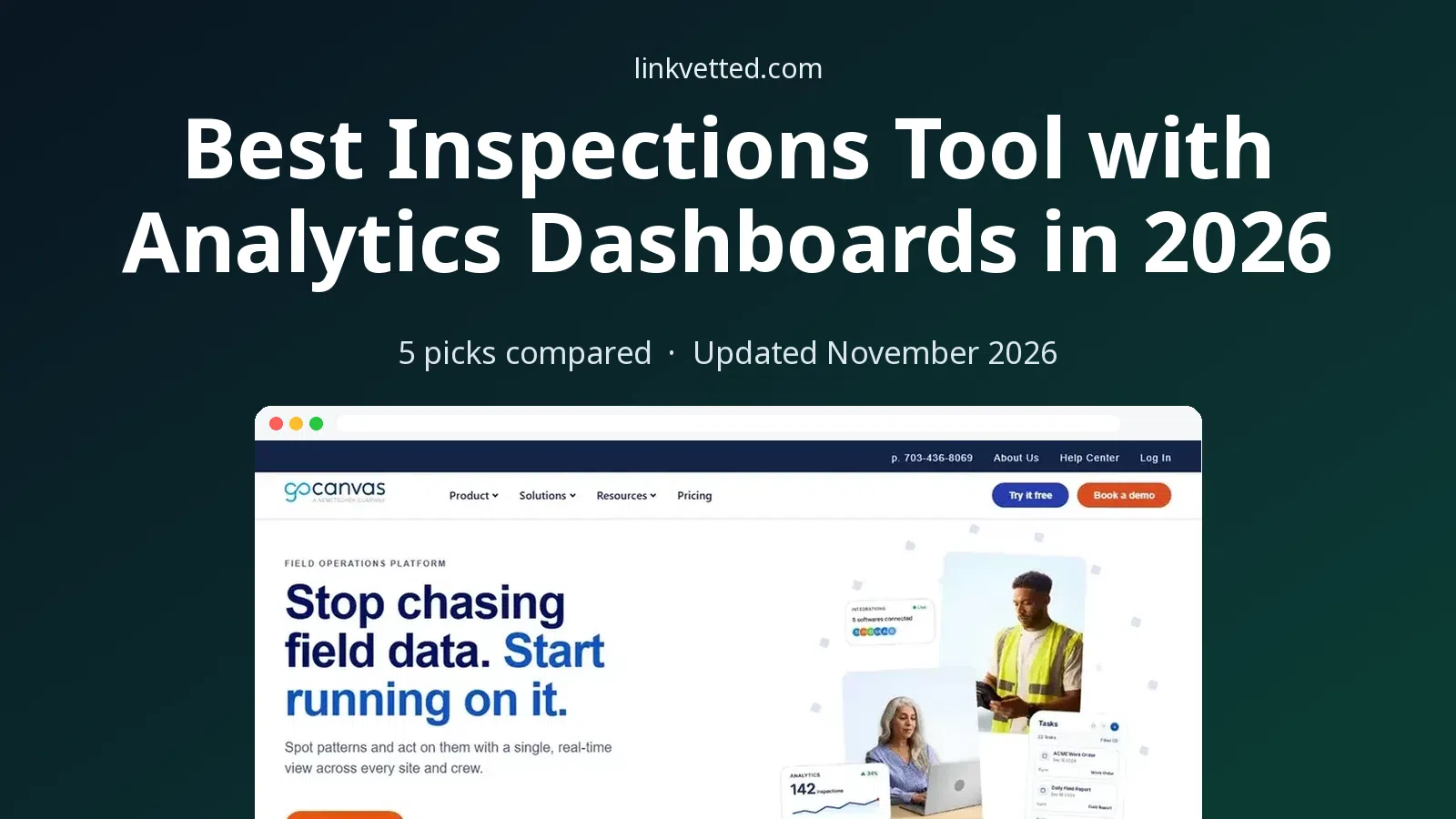
GoCanvas makes the most sense for configurable frontline operations. GoCanvas is a frontline operations product that lets you customize the tool to how your teams work and then standardize it everywhere.
Honest limits: Wide system may need onboarding.
For everyday use, heavy customization takes planning and ownership, so small teams with fixed inspection forms may prefer something more straightforward. Pick GoCanvas when your processes vary by crew or site and you need one standardized system behind them. Entry price for GoCanvas: $29 per user per month. No free plan comes with GoCanvas.
- Field operations focus
- Standardizes processes everywhere
- Customization needs planning
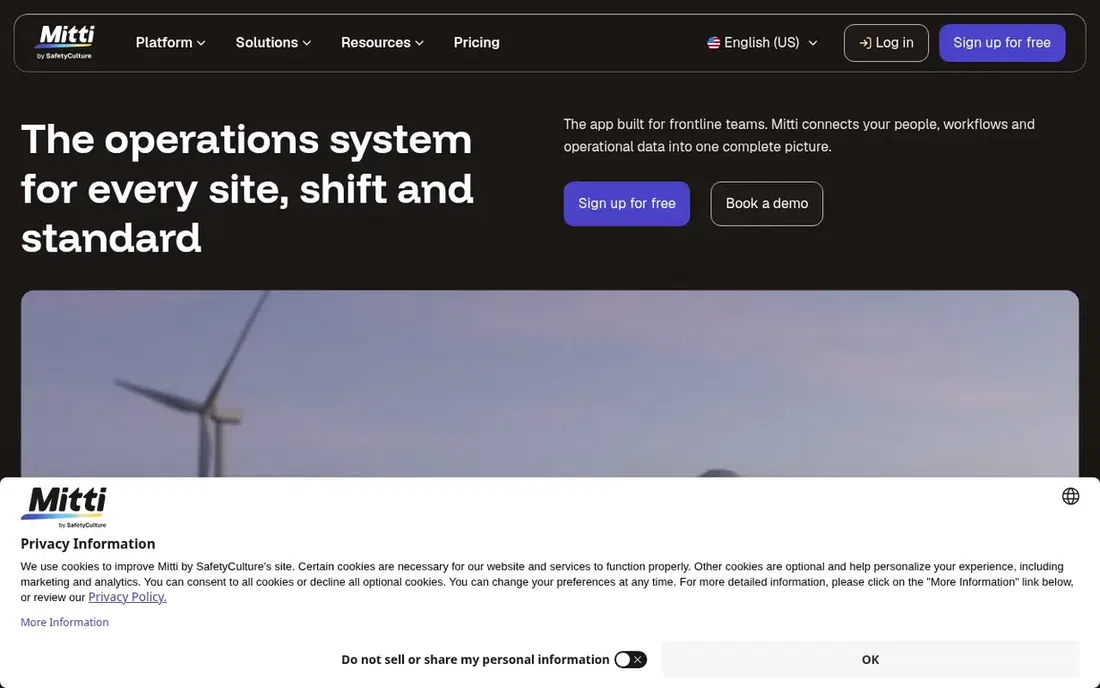
SafetyCulture serves cross-site operational visibility. SafetyCulture presents itself as a workplace operations system built to help teams work safely, meet higher standards, and see what is happening across every site.
Honest limits: Setup depth varies by workflow.
That framing makes it a natural fit for organizations running inspections across several locations that also want consolidated operational visibility instead of isolated checklists. For everyday use, since the product positions itself broadly around operations, teams that only need a single inspection form may find it more than required. The starting price for SafetyCulture: $24 per seat per month. SafetyCulture offers a free plan.
- Made for multi-site teams
- Emphasizes standards and safety
- Wide scope may exceed straightforward inspection needs
How we compared the tools
A buyer's checklist
- Confirm the entry price on the vendor page. For Device Magic that means a quote rather than a fixed price.
- Test the free plan from SafetyCulture against your real workload before relying on it.
- Take the trial from Forms On Fire and FastField and push a live task through it before you pay.
- Read the limits listed for Device Magic first: dashboard features not in-depth on page.
- Get the contract term, renewal terms and any onboarding fees from Forms On Fire in writing.
- Test how quickly GoCanvas answers a pre-sales question; it hints at how support will feel later.
FAQ
Which inspections tool with analytics dashboards have a free plan?
SafetyCulture is the only tool in this list with a free plan. Free plans usually cap users, projects or features, so check the limits on the vendor page. Several others offer a trial instead. For the full picture, the cards above cover all 5 entries of this inspections tool with analytics dashboards list, including price, free plan and limits.
Can I build custom inspection forms without coding?
FastField and Forms On Fire both emphasize configurable, no-code form and app building. Expect some initial setup effort, and test a representative inspection before rolling the tool out to field teams.
How are the inspections tool with analytics dashboards ordered?
The order follows typical fit for inspections tool with analytics dashboards, with Device Magic first and SafetyCulture last, then price clarity and free access. It is editorial judgement, not a score, so another team could rank the tools differently.
Do these tools publish their prices?
Not all of them. Device Magic publishes no starting price, so expect a quote request for it. The rest, Forms On Fire included, show a starting price, though seats and billing terms still change the final cost.
Is Device Magic the right pick for everyone comparing inspections tool with analytics dashboards?
No single tool suits every team. Device Magic comes first because it fits offline-capable mobile data capture, while Forms On Fire suits no-code field worker apps and FastField suits custom mobile forms and analytics. Match the tool to your own size, budget and workflow before deciding.
What should an inspection tool with dashboards bundle?
Look for customizable inspection forms, steady offline capture, and dashboards that summarize results across sites or teams. Confirm that the metrics shown match the decisions you actually make, for example recurring issues or completion trends.
Sources
- https://www.devicemagic.com
- https://www.formsonfire.com
- https://www.fastfieldforms.com
- https://www.gocanvas.com
- https://safetyculture.com