Best Insider Threat Management Software for Remote Teams for 2026: Our 5 Vetted Picks
Best insider threat management software for remote teams in 2026: 5 contenders with entry costs and free tiers. Read the caveats before you buy. Clear verdicts.

- Editor's choiceForcepoint Insider Threat
Risk-adaptive policies that adjust in live
Starts atPricing on requestVisit forcepoint.comFull review - Great alternativeMicrosoft Purview Insider Risk Management
Organizations standardized on Microsoft 365 and Azure
Starts atPricing on requestVisit microsoft.comFull review - Also consider
 Proofpoint Insider Threat Management
Wide coverage across endpoints, cloud, email, and web
Starts atPricing on requestVisit proofpoint.comFull review
Direct answer
Forcepoint Insider Threat comes first here, mainly for Risk-adaptive policies that adjust in live. Alternatives: Microsoft Purview Insider Risk Management for organizations standardized on Microsoft 365 and Azure, and Proofpoint Insider Threat Management for wide coverage across endpoints, cloud, email, and web. The remaining 2 options are covered below with pricing notes and limits. None of these vendors publish plan prices, so pricing is on request for every option.
TL;DR:
- The list opens with Forcepoint Insider Threat, aimed at Risk-adaptive policies that adjust in live.
- One limit worth knowing about Microsoft Purview Insider Risk Management: best value inside the Microsoft ecosystem.
- Neither Forcepoint Insider Threat nor Exabeam, nor any of the other 3 tools, has a permanent free plan; trials and quotes are the norm.
- Every tool from Forcepoint Insider Threat to Exabeam works by quote, with no list price shown.
Last checked November 2026. Pricing on request: vendors did not publish plan prices when this guide was last checked (November 2026), so ask each vendor for a written quote.
Quick comparison
| Tool | Best for | Starts at | Free plan? | |
|---|---|---|---|---|
| Forcepoint Insider Threat | Risk-adaptive policies that adjust in live | Pricing on request | Not stated | Visit |
| Microsoft Purview Insider Risk Management | Organizations standardized on Microsoft 365 and Azure | Pricing on request | Not stated | Visit |
| Proofpoint Insider Threat Management | Wide coverage across endpoints, cloud, email, and web | Pricing on request | Not stated | Visit |
| Code42 Incydr | Insider risk detection centred on data movement | Pricing on request | Not stated | Visit |
 Exabeam | SIEM and user behavior analytics for threat detection | Pricing on request | Not stated | Visit |
Every option for insider threat management software for remote teams explained
Short on time? The summary and table above give the quick view of 5 insider threat management software for remote teams, and the profiles that follow give the detail behind each entry.
Forcepoint Insider Threat
Best for: Risk-adaptive policies that adjust in live

Forcepoint Insider Threat is aimed squarely at Risk-adaptive policies that adjust in live. Consider other options if you need wide SIEM or user behavior analytics instead of data-centric insider controls.
Where it is weaker: Policy design needs careful planning.
Teams seeking a straightforward monitoring tool may find it heavy. Organizations already using Forcepoint data protection may find the approach consistent. This comparison lists no price for Forcepoint Insider Threat; ask the vendor. Free access: Not stated.
- Concentrates on protecting sensitive data
- Adjusts policies in live
- May overlap with other Forcepoint products
Microsoft Purview Insider Risk Management
Best for: Organizations standardized on Microsoft 365 and Azure
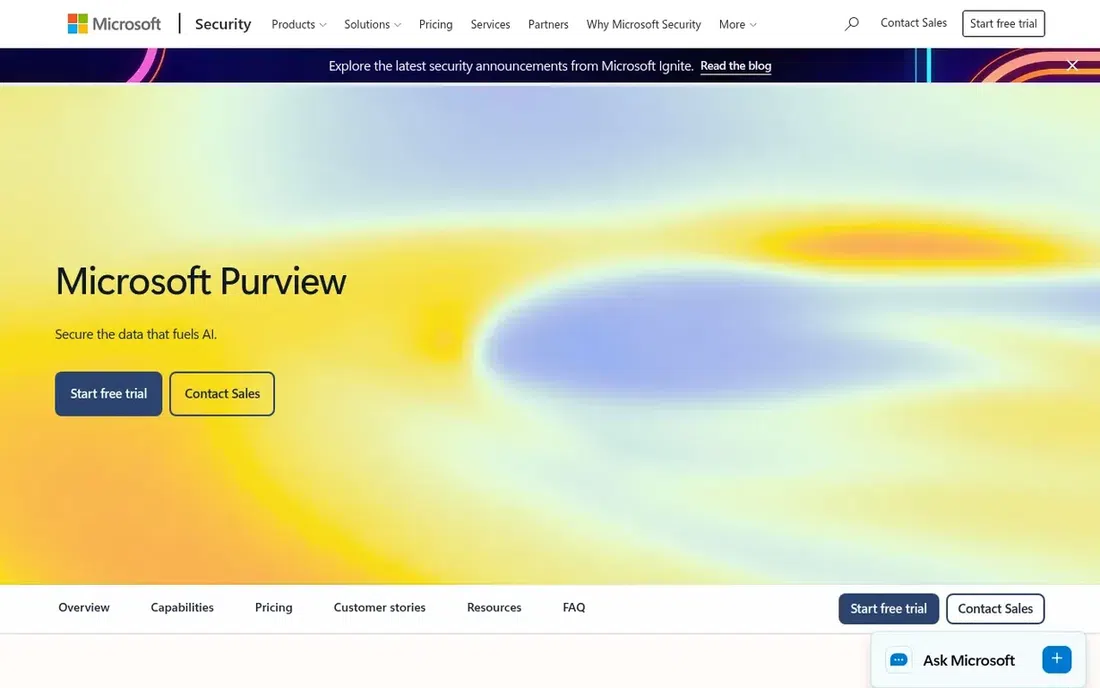
Microsoft Purview Insider Risk Management is a good fit for organizations standardized on Microsoft 365 and Azure. The tool is most effective when your data and identity signals live in Microsoft services; mixed or non-Microsoft estates may need additional connectors or a different system.
More specifically, compliance and legal teams may appreciate the governance framing. This comparison lists no price for Microsoft Purview Insider Risk Management; ask the vendor. Free options: Not stated.
Trade-offs to know: Best value inside the Microsoft ecosystem.
- Full visibility and control across data
- Plugs into the Microsoft data estate
- Configuration can be complicated across workloads
Proofpoint Insider Threat Management
Best for: Wide coverage across endpoints, cloud, email, and web

Proofpoint Insider Threat Management makes the most sense for wide coverage across endpoints, cloud, email, and web. Proofpoint Insider Threat Management is an option for detecting risky users, investigating incidents, and preventing data loss across endpoints, cloud, email, web, and GenAI. The product can produce a high volume of alerts, so plan for tuning and staff to triage investigations.
From a buyer's view, consider alternatives if you chiefly need user activity monitoring or DLP instead of a wide insider program. For everyday use, teams without Proofpoint elsewhere may prefer a narrower tool. Also, security teams that already use Proofpoint email or data protection tools may find the overlap handy for correlating signals. Proofpoint Insider Threat Management does not show a starting price in this comparison, so check the vendor site for current pricing. Trial and free access: Not stated.
Trade-offs to know: May need tuning to cut noise.
- Helps prevent data loss
- Spots risky users and investigates incidents
- Full value relies on using several Proofpoint modules
Code42 Incydr
Best for: Insider risk detection centred on data movement
Code42 Incydr is aimed squarely at Insider risk detection centred on data movement. Consider a different tool if you need deep email security or network detection as part of the same system.
Where it is weaker: Effectiveness depends on endpoint coverage.
Code42 Incydr does not show a starting price in this comparison, so check the vendor site for current pricing. Free plan details: Not stated.
- Centred on insider risk and data exposure
- Supports investigation workflows
- May need integration for full context
Exabeam serves SIEM and user behavior analytics for threat detection. Exabeam offers a cloud-native security operations system with security log management and SIEM, powered by AI for threat detection, investigation, and response. Pick a focused insider risk platform if your primary goal is monitoring remote employee data movement instead of general SIEM.
Deployment and tuning need skilled analysts. More specifically, Exabeam is not a dedicated insider threat management product, so data loss prevention and user activity monitoring may need other tools. Exabeam shows no starting price here, so confirm the cost on the vendor site. As for free access: Not stated.
The main drawbacks: Insider threat is one use case among numerous.
- Contains log management and SIEM
- AI-powered threat detection and response
- Needs security operations maturity
How the list was put together
We compared the tools on published pricing, free plan or trial availability, feature coverage for insider threat management software for remote teams, and the limits each vendor documents. Prices and plan limits come from vendor pages and can change, so confirm them on the vendor site before you buy. The order reflects how well each tool fits the most common buying scenario for insider threat management software for remote teams, then price clarity, then free plan access. It is a starting point, not a verdict.
Questions to settle before buying
- Request quotes from Forcepoint Insider Threat, Exabeam and the others; the list shows no fixed prices.
- Read the limits listed for Forcepoint Insider Threat first: policy design needs careful planning.
- See whether Exabeam offers onboarding or training, and whether it is included in the price.
- Work out what Code42 Incydr costs with your real seat count, add-ons and usage, not just the entry price.
- Ask whether Proofpoint Insider Threat Management integrates with your current software, and whether that comes standard or as an add-on.
FAQ
Is Forcepoint Insider Threat the right pick for everyone comparing insider threat management software for remote teams?
No single tool suits every team. Forcepoint Insider Threat comes first because it fits Risk-adaptive policies that adjust in real time, while Microsoft Purview Insider Risk Management suits organizations standardized on Microsoft 365 and Azure and Proofpoint Insider Threat Management suits broad coverage across endpoints, cloud, email, and web. Match the tool to your own size, budget and workflow before deciding.
Does any tool for insider threat management software for remote teams here have a free plan?
No tool in this list, Forcepoint Insider Threat and Exabeam included, has a permanent free plan. Trials and quotes are the usual route, so plan a short evaluation period.
Can Microsoft Purview Insider Risk Management work for non-Microsoft environments?
Microsoft Purview is designed around the Microsoft data estate. So it provides the most value when your data and identity signals live in Microsoft services. Mixed environments may need extra connectors or complementary tools. Confirm integration support for your specific workloads before standardizing.
How are the tools for insider threat management software for remote teams ordered?
Forcepoint Insider Threat sits first and Exabeam last because the order follows typical fit for insider threat management software for remote teams, then price clarity and free access. It is a judgement call, so read each profile for fit and limits.
Can I try these tools before paying?
Not by default. None of the tools, from Forcepoint Insider Threat to Exabeam, lists a free plan or a free trial here, so ask each vendor for a demo before committing.
Sources
- https://www.forcepoint.com/product/insider-threat
- https://www.microsoft.com/en-us/security/business/microsoft-purview
- https://www.proofpoint.com/us/products/insider-threat-management
- https://www.code42.com
- https://www.exabeam.com