The 5 Best Image Based Backup Software in 2026, Ranked
Compare 5 picks for the best image based backup software, with prices, free plans and who each fits. Caveats come with every verdict. Read the profiles.
- Editor's choiceVeeam Backup & Replication
Virtual and cloud workload protection
Starts atPricing on requestVisit veeam.comFull review - Great alternative
 Hasleo Backup Suite
Free Windows image backup
Starts atPricing on requestVisit easyuefi.comFull review - Also consider
 Macrium Reflect
Feature-rich scheduled image backups
Starts atPricing on requestVisit macrium.comFull review
Direct answer
For virtual and cloud workload protection, Veeam Backup & Replication is where this list starts. Alternatives: Hasleo Backup Suite for free Windows image backup, and Macrium Reflect for capable scheduled image backups. All 5 tools are compared below on fit, free plan and limits. None of these vendors publish plan prices, so pricing is on request for every option.
TL;DR:
- The list opens with Veeam Backup & Replication, aimed at virtual and cloud workload protection.
- Veeam Backup & Replication comes with a trade-off: aimed at virtualized environments.
- Paragon Hard Disk Manager fits Disk management with data protection.
- No starting price is shown for any of the 5 tools, Veeam Backup & Replication and Paragon Hard Disk Manager included, so plan time for sales calls.
Last checked November 2026. Pricing on request: vendors did not publish plan prices when this guide was last checked (November 2026), so ask each vendor for a written quote.
Quick comparison
| Tool | Best for | Starts at | Free plan? | |
|---|---|---|---|---|
| Veeam Backup & Replication | Virtual and cloud workload protection | Pricing on request | Free trial | Visit |
| Hasleo Backup Suite | Free Windows image backup | Pricing on request | Not stated | Visit |
| Macrium Reflect | Feature-rich scheduled image backups | Pricing on request | Not stated | Visit |
 EaseUS Todo Backup | Personal and enterprise backup | Pricing on request | Not stated | Visit |
 Paragon Hard Disk Manager | Disk management with data protection | Pricing on request | Not stated | Visit |
Image Based Backup Software profiles
LinkVetted compared 5 tools for image based backup software. The goal is a practical shortlist: published prices, free plan facts, best-fit use cases and honest limits for every entry.
Veeam Backup & Replication
Best for: Virtual and cloud workload protection
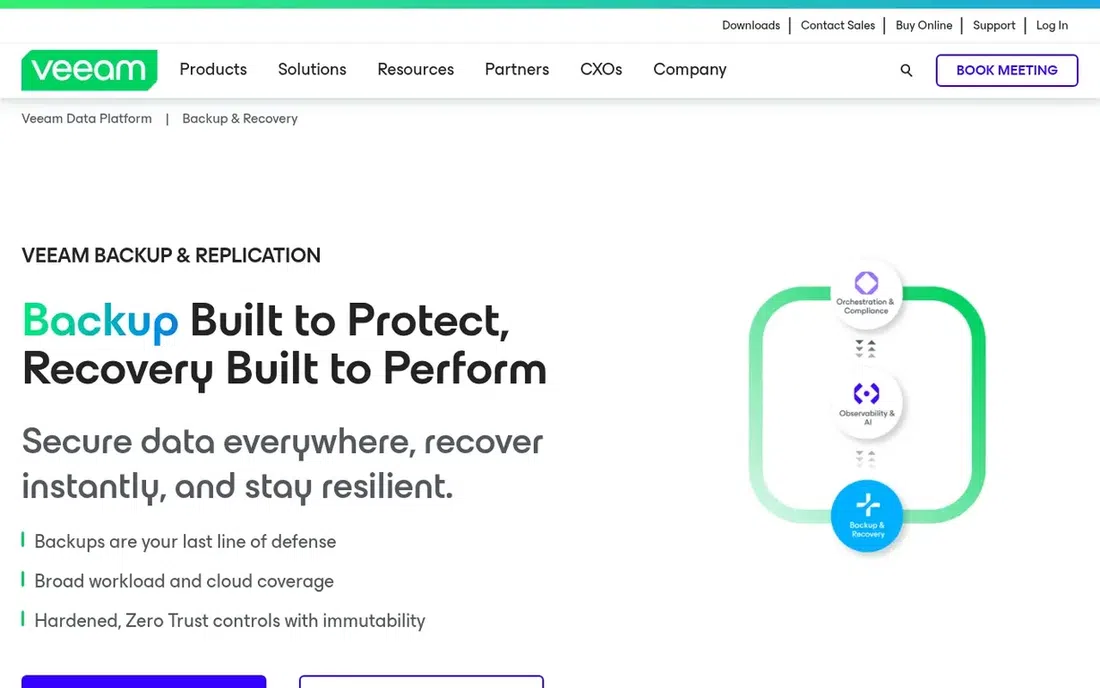
Veeam Backup & Replication targets virtual and cloud workload protection. It is built around virtualized and cloud infrastructure, so it suits organizations that run several workloads and need quick recovery. Also, if you only have to image one desktop, a lighter tool is simpler to handle.
IT teams managing servers and virtual machines are the natural audience. Pick Veeam when virtual and cloud workload protection with instant recovery is the requirement. Check the vendor site for Veeam Backup & Replication pricing; none is listed in this comparison. As for free access: Free trial.
Downsides: May be complicated for straightforward home use.
- Instant recovery capabilities
- Secure data protection focus
- Targeted at virtualized environments
Hasleo Backup Suite makes the most sense for free Windows image backup. Hasleo Backup Suite is described as free Windows backup software to back up, restore and clone Windows OS, disks, partitions and files, with full, incremental and differential backups and a WinPE emergency disk. It is concentrated on Windows, so Mac or mixed environments need another tool, and it does not target large virtualized estates.
Drawbacks to consider: Windows-only focus.
If you need advanced enterprise workload coverage, look to a product aimed at that. As for the details, choose Hasleo Backup Suite for straightforward, free Windows imaging and cloning. Pricing for Hasleo Backup Suite is not stated here, so ask the vendor for current figures. Free plan details: Not stated.
- WinPE emergency disk included
- Free Windows backup software
- Fewer enterprise workload features
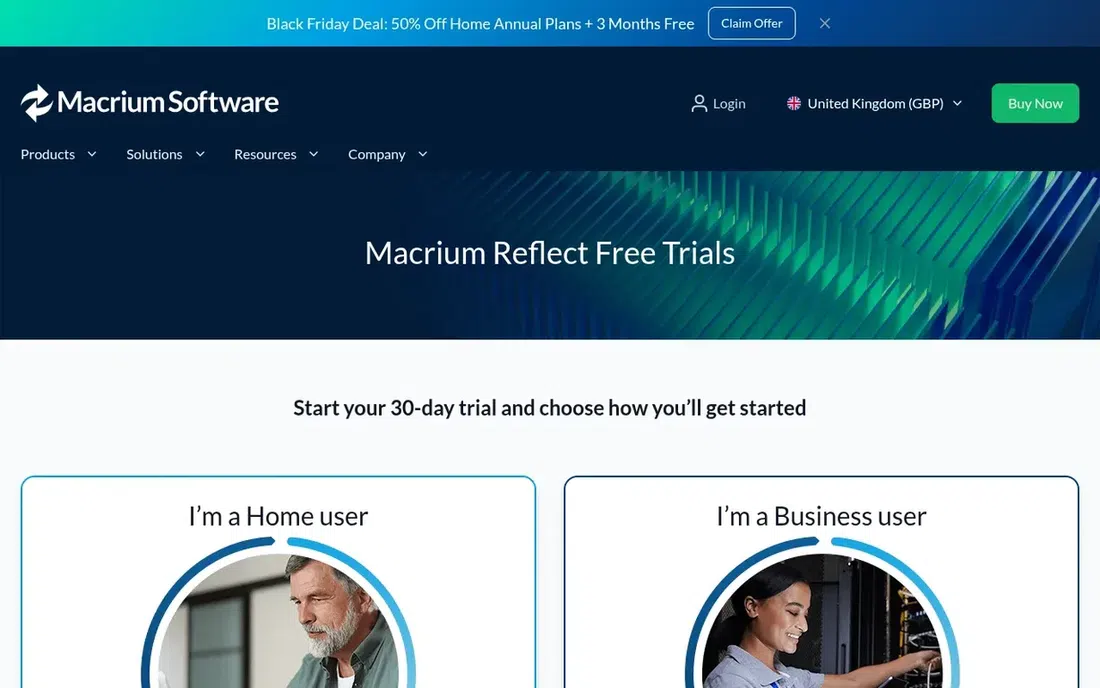
Macrium Reflect targets capable scheduled image backups. It fits home users with some technical comfort along with small IT environments that require consistent image-based backups.
Where it falls short: Advanced features may overwhelm beginners.
For everyday use, the emphasis on power and scheduling means new users may need time to learn the interface and choices. No starting price is listed for Macrium Reflect here; confirm pricing on the vendor site. Free plan details: Not stated.
- Feature-rich imaging and scheduling
- Clear backup and restore workflow
- Some capabilities are pitched at technical users
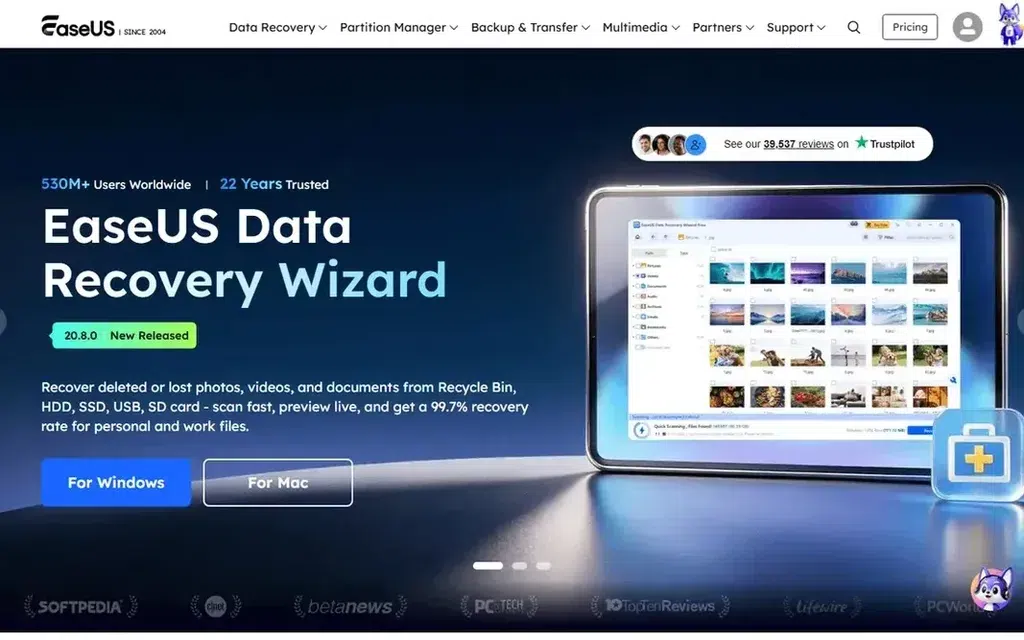
In short, EaseUS Todo Backup is for personal and enterprise backup. EaseUS Todo Backup is described as a guardian of cyber security offering secure data backup and disaster recovery for personal, home office and enterprise users. Its vendor positions it across Windows PC, server and Mac.
Trade-offs to know: Some advanced choices are pitched at firms.
So it can serve a single user or a small business that needs consistent backup and recovery. In practice, for very large virtualized estates, a system aimed at virtualization may be a better fit. In daily use, the breadth of editions means the exact features you get can differ, so check the edition that matches your environment. EaseUS Todo Backup does not show a starting price in this comparison, so check the vendor site for current pricing. Free access: Not stated.
- Windows PC
- Disaster recovery focus
- Feature set varies by edition
Paragon Hard Disk Manager is designed for Disk management with data protection. From a buyer's view, pick Paragon Hard Disk Manager when disk management and data protection have to live in one place.
The main drawbacks: Not a dedicated backup-only tool.
Worth adding: since it spans disk management and protection, the interface can feel broader than a single-purpose backup tool. If you only need scheduled image backups, a more straightforward product may be quicker to learn. Paragon Hard Disk Manager shows no starting price here, so confirm the cost on the vendor site. Free access: Not stated.
- Merges disk management and protection
- Focus on system operability
- Wide feature set can be complex
How we built this list
For each of the 5 tools we noted price, free plan or trial, fit for image based backup software and the main limit, using vendor pages and documentation. Prices and plan limits come from vendor pages and can change, so confirm them on the vendor site before you buy. The order reflects how well each tool fits the most common buying scenario for image based backup software, then price clarity, then free plan access. It is a starting point, not a verdict.
Things to verify first
- Confirm the entry price with every vendor: no tool from Veeam Backup & Replication to Paragon Hard Disk Manager shows a fixed starting price.
- Use real work to test the free trial from Veeam Backup & Replication, rather than a demo project.
- Read the limits listed for Veeam Backup & Replication first: pitched at virtualized environments.
- Test the integrations you rely on with Veeam Backup & Replication before committing; some connectors sit on upper tiers.
- Pick one real project and run it in Hasleo Backup Suite first; a small pilot shows fit faster than a checklist.
FAQ
How do I choose between these backup tools?
Start with your environment: a single Windows PC, a small business with servers, or virtual and cloud workloads. Then match backup types, recovery media and scheduling to your needs.
How are the tools for image based backup software ordered?
The order follows typical fit for image based backup software, with Veeam Backup & Replication first and Paragon Hard Disk Manager last, then price clarity and free access. It is editorial judgement, not a score, so another team could rank the tools differently.
Can I try these options before paying?
Often, yes. Veeam Backup & Replication offers a free trial. Use your own data and a real task during the test, and check what the free tier or trial limits before you rely on it. Each of the 5 options in this image based backup software guide has its own card above with the price, free plan and limits.
Is Veeam Backup & Replication the right pick for everyone comparing image based backup software?
No single tool suits every team. Veeam Backup & Replication comes first because it fits virtual and cloud workload protection, while Hasleo Backup Suite suits free Windows image backup and Macrium Reflect suits powerful scheduled image backups. Match the tool to your own size, budget and workflow before deciding.
Do these tools publish their prices?
No. None of the tools, from Veeam Backup & Replication to Paragon Hard Disk Manager, shows a fixed starting price here, so budget time for quotes.
Sources
- https://www.veeam.com/vm-backup-recovery-replication-software.html
- https://www.easyuefi.com/backup-software/backup-suite-free.html
- https://www.macrium.com/reflectfree
- https://www.easeus.com/backup-software
- https://www.paragon-software.com/home/hdm-windows