The 5 Best HVAC Software for Engineers in 2026, Ranked
Comparing the best HVAC software for engineers? 5 contenders, each with entry cost, free tier and best-fit buyer. Pros and cons for every tool. Clear verdicts.
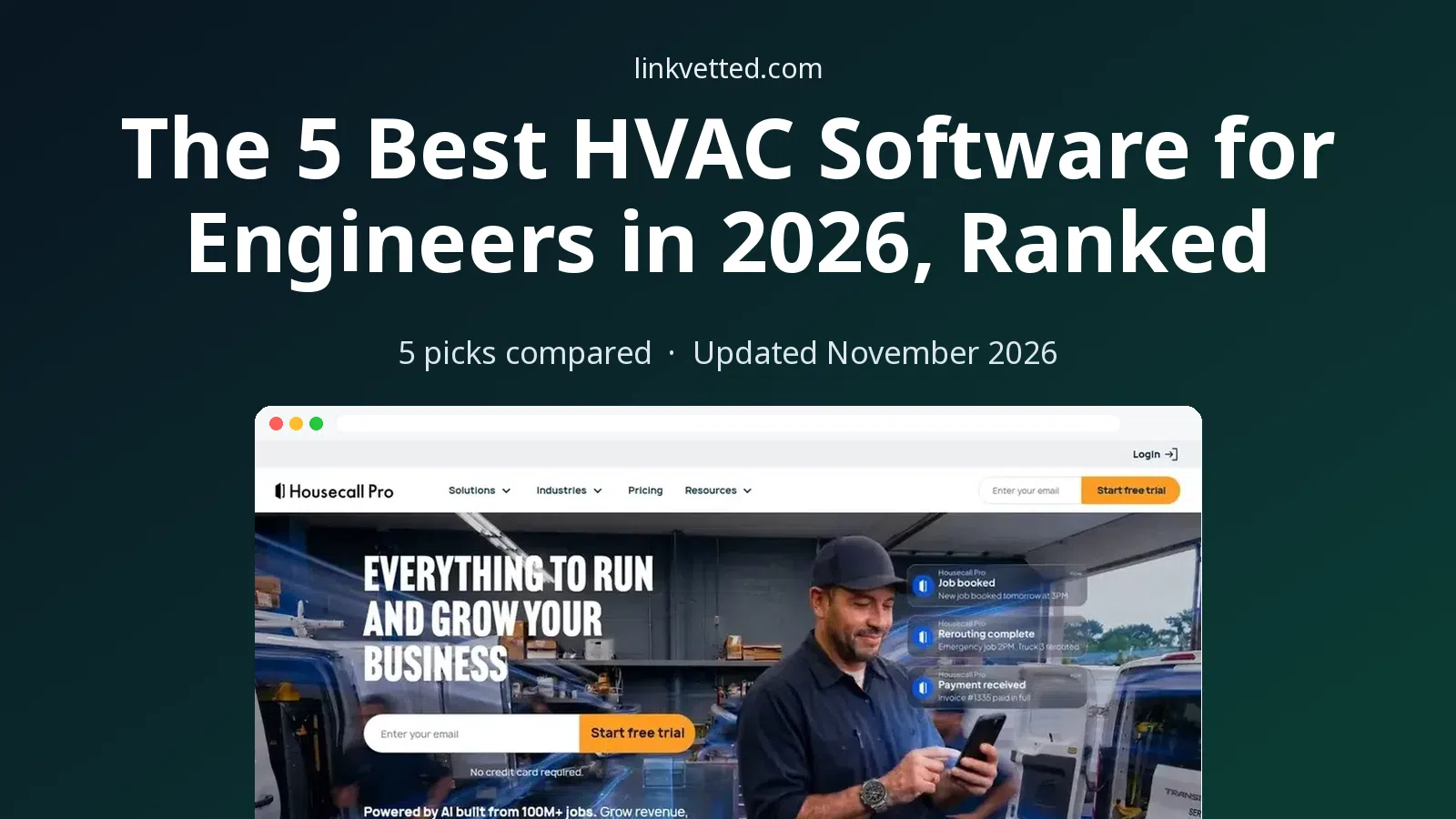
- Editor's choice
 Housecall Pro
Home service business management
Starts at$59 per monthVisit housecallpro.comFull review - Great alternative
 SimPRO
Job costing and asset management
Starts atSee websiteVisit simprogroup.comFull review - Also consider
 FieldEdge
Tracking customers, dispatches and service history
Starts atSee websiteVisit fieldedge.comFull review
Direct answer
If you need home service business management, Housecall Pro is the first tool to look at here. Listed starting prices: Housecall Pro from $59 per month and Service Fusion from $220 per month. SimPRO fits job costing and asset management; FieldEdge fits tracking customers, dispatches and service history. Prices, free plans and limits for all 5 tools follow.
TL;DR:
- Housecall Pro takes the first slot, best suited to home service business management.
- Starting prices begin at $59 per month with Housecall Pro.
- A permanent free plan is missing from all 5 tools, Housecall Pro and ServiceTitan included; plan for a trial or a premium start.
- ServiceTitan fits all-in-one home and commercial contractor operations.
- Before buying Housecall Pro, weigh this: less depth for large commercial projects.
Last checked November 2026. Prices and plan details were read from the vendors' own pages in November 2026; vendors change plans often, so confirm the current price on the vendor site before you buy.
Quick comparison
| Tool | Best for | Starts at | Free plan? | |
|---|---|---|---|---|
| Housecall Pro | Home service business management | $59 per month | Free trial | Visit |
| SimPRO | Job costing and asset management | See website | Not stated | Visit |
| FieldEdge | Tracking customers, dispatches and service history | See website | No | Visit |
 Service Fusion | All-in-one field service productivity | $220 per month | No | Visit |
 ServiceTitan | All-in-one home and commercial contractor operations | See website | Free trial | Visit |
HVAC Software for Engineers, one by one
Short on time? The summary and table above give the quick view of 5 HVAC software for engineers, and the profiles that follow give the detail behind each entry.

Housecall Pro serves home service business management. Since the emphasis is home service management, teams handling complicated commercial projects or in-depth job costing may outgrow it.
Watch-outs: Advanced engineering needs may exceed scope.
In practice, Housecall Pro positions itself as a software option for home service companies, including the management side of field work. Worth adding: check the current feature set on the vendor page before committing. The starting price for Housecall Pro: $59 per month. Free options: Free trial.
- Field service management in one option
- Centred on home service companies
- Less depth for large commercial projects
SimPRO is built with job costing and asset management in mind. Check how job costing maps to your accounting and reporting needs on the vendor site.
That depth includes a ramp-up time, and very small crews may find it more structure than they need. SimPRO shows no starting price here, so confirm the cost on the vendor site. Free options: Not stated.
Trade-offs to know: Feature depth takes time to learn.
- Job management and project management
- Asset management and job costing
- May be heavy for very small teams
Pick FieldEdge if this describes you: tracking customers, dispatches and service history. FieldEdge offers field service management software concentrated on tracking customers, dispatches, service history and more. Confirm integration and reporting needs with the vendor before deciding.
Honest limits: Fewer advanced engineering modules.
For everyday use, the product leans toward service operations instead of large construction project management. So teams with heavy install and project workloads may want broader tools. FieldEdge does not show a starting price in this comparison, so check the vendor site for current pricing. FieldEdge has no free plan.
- Tracks customers and dispatches
- Field service app included
- Narrower project management depth
Choose Service Fusion for all-in-one field service productivity. Service Fusion provides all-in-one field service management software made for service firms and contractors, with a focus on saving time and increasing productivity.
Review how well it manages your reporting and engineering workflows on the vendor site before selecting it. Service Fusion starts at: $220 per month. No free plan comes with Service Fusion.
Limits to weigh: Less emphasis on complicated project costing.
- Aims at time savings and productivity
- Made for service firms and contractors
- May suit smaller operations better

ServiceTitan was built for all-in-one home and commercial contractor operations. ServiceTitan describes itself as all-in-one software made for home and commercial contractors, keeping service visits and construction projects running smoothly.
What to check first: Wide scope may overwhelm small teams.
Confirm module fit for your engineering workflows on the vendor site. ServiceTitan shows no starting price here, so confirm the cost on the vendor site. Free options: Free trial.
- Aimed at both home and commercial trades
- Spans service visits and construction projects
- Setup and training take real effort
Selection criteria
For each of the 5 tools we noted price, free plan or trial, fit for HVAC software for engineers and the main limit, using vendor pages and documentation. Prices and plan limits come from vendor pages and can change, so confirm them on the vendor site before you buy. The sequence is a judgement call: typical use case first, then pricing transparency, then free access. Use the profiles to check fit.
A buyer's checklist
- Ask SimPRO, FieldEdge and ServiceTitan for a written quote, since no starting price is shown.
- Run a trial of Housecall Pro and ServiceTitan with real work before paying for a year; your own workflow is the best test.
- Before choosing Housecall Pro, weigh its main limit: less depth for large commercial projects.
- Test how quickly FieldEdge answers a pre-sales question; it hints at how support will feel later.
- Ask the daily users to test Service Fusion on a live task before you roll it out to everyone.
FAQ
How are the tools for HVAC software for engineers ordered?
Housecall Pro sits first and ServiceTitan last because the order follows typical fit for HVAC software for engineers, then price clarity and free access. It is a judgement call, so read each profile for fit and limits.
Can I try these tools before paying?
Often, yes. Housecall Pro and ServiceTitan offer a free trial. Use your own data and a real task during the test, and check what the free tier or trial limits before you rely on it. Each of the 5 options in this HVAC software for engineers guide has its own card above with the price, free plan and limits.
Does any tool for HVAC software for engineers here have a free plan?
No tool in this list, Housecall Pro and ServiceTitan included, has a permanent free plan. Housecall Pro, ServiceTitan offer a trial. Trials and quotes are the usual route, so plan a short evaluation period. All 5 picks in this HVAC software for engineers comparison list a starting price, free plan details and the main limits on their cards above.
What should HVAC engineers look for in field service software?
Prioritize dispatch, service history and job costing, then add project management if you deal with installs. Asset tracking matters for maintenance contracts. Match the depth of the product to your team size so you do not pay for complexity you will not use.
Which tool fits commercial HVAC contractors best?
The first pick on this list is Housecall Pro, because it suits home service business management. SimPRO is better for job costing and asset management, and FieldEdge for tracking customers, dispatches and service history. Check price and limits against your own needs before choosing.
What is the cheapest option for HVAC software for engineers in this list?
On published monthly entry prices, Housecall Pro is the lowest here at $59 per month. Entry price is only part of the cost, because seats, add-ons and billing terms can change the total. For the full picture, the cards above cover all 5 entries of this HVAC software for engineers list, including price, free plan and limits.
Sources
- https://www.housecallpro.com
- https://www.simprogroup.com
- https://www.fieldedge.com
- https://www.servicefusion.com
- https://www.servicetitan.com