Best HVAC Scheduling Software in 2026: 8 Tools Compared
Compare the best HVAC scheduling software in 2026, with dispatch, booking, routing, invoicing, and customer alerts for HVAC companies of all sizes today.

- Editor's choice
 ServiceTitan
Large HVAC companies
Starts atSee websiteVisit servicetitan.comFull review - Great alternative
 Jobber
Small shops
Starts at$49 per monthVisit getjobber.comFull review - Also consider
 Housecall Pro
Residential service teams
Starts at$59 per monthVisit housecallpro.comFull review
TL;DR:
- Jobber and Housecall Pro suit small to mid-sized HVAC shops that want fast setup and clear pricing, while ServiceTitan suits larger companies with dedicated office staff.
- Dispatch quality matters more than a long feature list, because a missed or double-booked visit costs more than a monthly subscription.
- Check whether pricing is per user, per technician, or flat, since crew size changes which tool is actually cheapest.
- A mobile app that works in low-signal areas is essential for technicians in basements, rooftops, and rural job sites.
Quick comparison
| Tool | Best for | Starts at | Free plan? | |
|---|---|---|---|---|
| ServiceTitan | Large HVAC companies | See website | No | Visit |
| Jobber | Small shops | $49 per month | Free trial | Visit |
| Housecall Pro | Residential service teams | $59 per month | Free trial | Visit |
 FieldEdge | Flat-rate pricing shops | See website | No | Visit |
 Service Fusion | Unlimited-user crews | $208 per month | Free trial | Visit |
 Tradify | Small trade teams | $47 per user per month | Free trial | Visit |
 Workiz | Growing service teams | See website | Free trial | Visit |
 Kickserv | Simple scheduling | See website | Free trial | Visit |
The best HVAC scheduling software
HVAC scheduling software does more than fill a calendar. It assigns jobs to the right technician, balances emergency calls with planned maintenance, sends customers arrival updates, and connects the job to invoicing and payment. The eight tools below cover that work for solo operators through large multi-crew companies.
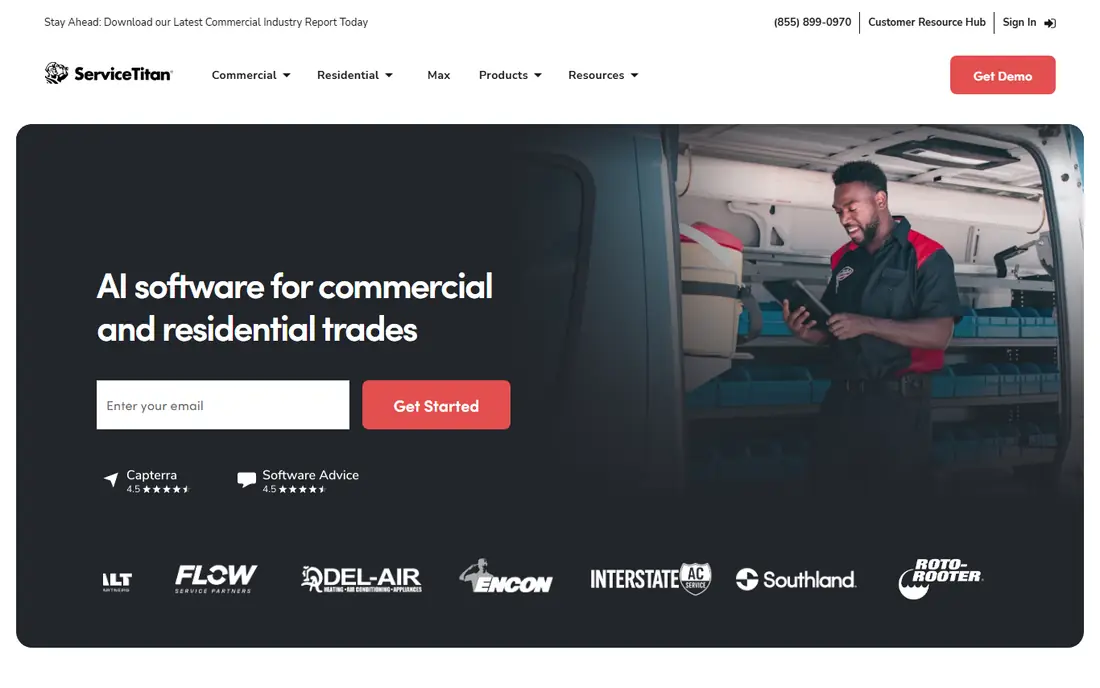
ServiceTitan is the standard choice for larger HVAC companies that run many technicians and want one system for dispatch, scheduling, estimates, invoicing, marketing, and reporting. Its dispatch board shows technician location, skills, and availability, and its pricebook tools help teams present good, better, and best options on site. Marketing attribution and technician scorecards add depth that smaller tools do not attempt, which helps managers spot which campaigns and team members drive profitable jobs.
The trade-off is cost and commitment. Pricing is quote-based and commonly reported per technician per month, with implementation fees and longer contracts for larger accounts. Setup can take weeks or months, and the platform works best with dedicated office staff who own the system. For a company with 20 or more technicians and revenue to support that investment, ServiceTitan often pays back through higher ticket averages and tighter scheduling. For a five-person shop, it is usually more platform than needed.
- Deep dispatch and marketing tools
- Pricebook and reporting
- Strong integrations
- Quote-based pricing
- Long implementation for larger companies
Jobber is our pick for small HVAC shops that want to start quickly without a long implementation project. Scheduling uses drag-and-drop calendars, job details sync to a mobile app for technicians, and customers receive reminders and on-my-way messages. Quoting, invoicing, and online payments sit in the same system, so office staff do not juggle separate tools for each step. Annual pricing starts at a modest level for a single user, with team tiers for larger crews.
Jobber is less deep than ServiceTitan on dispatch optimization and marketing attribution, and larger companies may outgrow its reporting. Route optimization and team management improve in higher tiers, so growing shops should price the tier that matches their crew size. For one to 15 technicians, Jobber offers a strong balance of price, speed, and usability, and most teams can be running jobs within days.
- Fast setup
- Clear pricing
- Strong quoting and invoicing
- Advanced dispatch features are lighter
- Higher tiers add cost
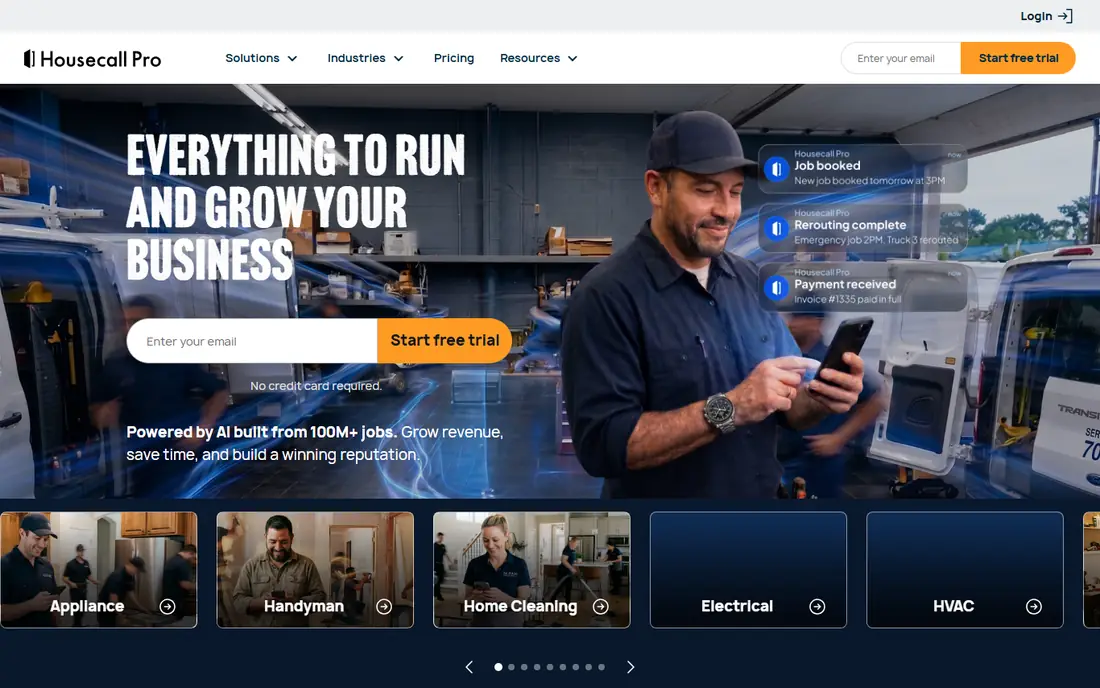
Housecall Pro suits residential HVAC companies that win repeat work through maintenance plans and seasonal tune-ups. Scheduling, dispatch, and invoicing are joined by online booking, automated review requests, and targeted email and text campaigns that bring past customers back for service. Technicians get job details, photos, and payment tools on a mobile app, and customers get arrival notifications that reduce no-shows and phone calls to the office.
Pricing starts at a published monthly level on annual billing, but exact figures vary by trade and tier, so confirm your HVAC price in writing. Higher tiers add sales proposal tools and deeper marketing features, which can raise the bill for larger teams. If repeat residential work drives your revenue, Housecall Pro is a strong contender, especially for shops that want marketing and scheduling in one place.
- Strong customer messaging
- Online booking
- Marketing automation
- Pricing varies by trade and tier
- Some features sit in higher plans
FieldEdge is built for HVAC and other trade companies that sell with a flat-rate pricebook rather than time-and-materials estimates. Technicians can present priced options on site, capture customer approval, and sync job and invoice data to QuickBooks with fewer manual steps. The dispatch board, scheduling, and customer history tools are mature, and the platform has a long record in commercial and residential service work.
Pricing requires a demo and quote, which slows comparison with Jobber and Housecall Pro. Implementation also takes more effort, because pricebook setup and accounting sync need care to get right. Shops that already run a flat-rate model, or plan to adopt one, will get the most from FieldEdge. Shops that just need simple scheduling may find a lighter tool faster to adopt.
- Mature flat-rate pricebook
- Strong QuickBooks sync
- Dispatch board
- Quote-based pricing
- Setup takes more time than simpler tools
Service Fusion stands out for crews where per-user pricing adds up fast, because every tier includes unlimited users. That model suits companies with many office staff, dispatchers, and technicians who all need access, without a bill that grows with every hire. Scheduling and dispatch include drag-and-drop boards, GPS tracking, and customer notifications, while inventory, estimates, and invoicing round out the service workflow.
The starting price is higher than Jobber or Housecall Pro, so very small shops may pay more than they need. The interface also has more depth than a simple calendar tool, which means staff need a short training period. For mid-sized HVAC companies with larger teams, unlimited users can make Service Fusion the cheaper option overall, even if the headline price looks higher.
- Unlimited users on every tier
- Dispatch and GPS tracking
- Inventory tools
- Higher starting price than Jobber
- Interface takes learning
Tradify is a straightforward job management tool for trade businesses, including HVAC teams that want scheduling, quoting, invoicing, and timesheets without a large enterprise platform. Jobs move from quote to schedule to invoice in a clear flow, technicians see job details and site notes on mobile, and office staff can track outstanding invoices and payments. The interface is clean, and new users tend to learn it quickly.
Tradify is less HVAC-specific than ServiceTitan or FieldEdge, so features such as flat-rate pricebooks and deep HVAC dispatch optimization are lighter. Per-user pricing also means larger crews pay more, so compare the total for your team size. For small HVAC teams that value simplicity and a predictable workflow, Tradify is a practical option, especially for companies that also handle general trade work.
- Simple job tracking
- Quotes and invoices
- Good mobile app
- US-specific HVAC features are lighter
- Per-user pricing grows with crew
Workiz combines scheduling and dispatch with communication tools that help HVAC companies handle phone calls, texts, and online bookings in one system. Automated reminders, job tracking, and invoicing reduce office busywork, and the platform includes features for managing leads and repeat jobs. Its automation tools can assign jobs, send follow-ups, and trigger messages based on job status, which saves dispatcher time during busy seasons.
Pricing is not always published in full, so growing teams should request a quote that includes any add-ons they plan to use. Some advanced features sit in higher tiers, and phone system costs can add to the total. For HVAC companies that take many calls and want scheduling tied closely to customer communication, Workiz is worth a demo, particularly if phone handling is a current bottleneck.
- Online booking and dispatch
- Phone and messaging tools
- Automation
- Pricing requires a quote for some tiers
- Add-ons increase cost
Kickserv is a simple field service tool for HVAC and other service companies that want scheduling, dispatch, invoicing, and customer records without a steep learning curve. Technicians can view jobs, update status, and record notes from the field, while office staff manage the calendar and billing from a web dashboard. Customer history keeps past jobs, equipment notes, and invoices in one place, which helps technicians prepare before they arrive.
The platform is less deep than ServiceTitan or FieldEdge on dispatch optimization, pricebooks, and marketing, and its integration list is smaller. That simplicity is the appeal for small shops that do not want to pay for features they will not use. If your main needs are reliable scheduling, clear job records, and straightforward invoicing, Kickserv is a low-friction option to test.
- Easy to learn
- Scheduling and invoicing
- Customer history
- Fewer advanced dispatch tools
- Smaller integration set
How we picked these
We compared official product pages, pricing information, and public documentation for field service and HVAC scheduling tools, and we favored products with a current scheduling and dispatch system, a technician mobile app, customer notifications, and invoicing or payment features. We excluded general calendar tools without field service workflows. Prices shown are vendor-published starting prices where available, and we used See website where pricing is quote-based or varies by trade.
How to choose HVAC scheduling software for your shop
Start with crew size and job mix. A solo technician needs fast booking and invoicing, while a 30-technician company needs dispatch optimization, pricebooks, and reporting. Next, map your daily workflow: how emergency calls enter the system, who assigns them, how technicians receive job details, and how customers are notified. A tool that fits that flow will be adopted, while a tool that forces a new flow will face resistance.
Test the mobile app in real conditions, including low signal, because technicians work in basements and on rooftops. Check offline behavior, photo capture, and payment collection on site. Also confirm accounting integration, since a scheduling tool that does not sync cleanly with QuickBooks or your accounting system creates double entry and errors at month end.
Dispatch features that matter most
Look for drag-and-drop scheduling, technician skills and availability filters, route views, and conflict warnings for double bookings. Recurring maintenance scheduling matters for HVAC, since seasonal tune-ups and service agreements drive repeat revenue. Customer messaging, including reminders and on-my-way alerts, reduces no-shows and calls to the office.
Pricing questions to ask
Ask whether pricing is per user, per technician, or flat, and whether office staff count toward the bill. Confirm contract length, implementation fees, and costs for add-ons such as marketing, texting, and multi-location support. Get the total for your crew size in writing, and compare annual totals rather than monthly headlines.
FAQ
What is the best scheduling software for HVAC companies?
For small shops, Jobber and Housecall Pro are strong picks for price and speed, while ServiceTitan suits larger companies with dedicated office staff and complex dispatch needs. The best choice depends on crew size, job mix, and whether you need pricebook and marketing depth.
What is the best HVAC scheduling software for a small team?
Jobber is a good starting point for small teams, because setup is fast, pricing is clear, and scheduling, quoting, and invoicing sit in one system. Housecall Pro is a close alternative for residential teams that want stronger marketing and repeat-customer tools.
How much does HVAC scheduling software cost?
Published starting prices range from about $49 to $59 per month for Jobber and Housecall Pro on annual billing, to higher flat tiers for Service Fusion, while ServiceTitan and FieldEdge are quote-based. Per-technician and per-user models change the total, so price your actual crew.
Does HVAC scheduling software include invoicing and payments?
Most tools on this list include invoicing, and many support online payments, deposits, and customer approval of estimates on site. Check whether payment processing fees are separate, and whether invoice data syncs with your accounting software without manual entry.
Can customers book HVAC appointments online?
Yes, Jobber, Housecall Pro, Workiz, and several others offer online booking that lets customers pick a service and time without calling. Online booking works best when paired with dispatcher review, so emergency jobs and complex installs still get human triage.
What should I test during a free trial?
Test scheduling a job, dispatching it to a technician, sending customer notifications, and completing invoicing and payment. Also test the mobile app on a real job site, check offline behavior, and confirm that job data syncs back to the office dashboard without errors.